 The Cognitive
Find the people search walks past
Some of the best people have a three-line profile: a title, a company, some dates. Keyword search can't match words that aren't there. This skill starts from the work each company does and reads the person from that. Below is the method, the rules for reading a thin profile, the full SKILL.md, and the point where Claude stops.
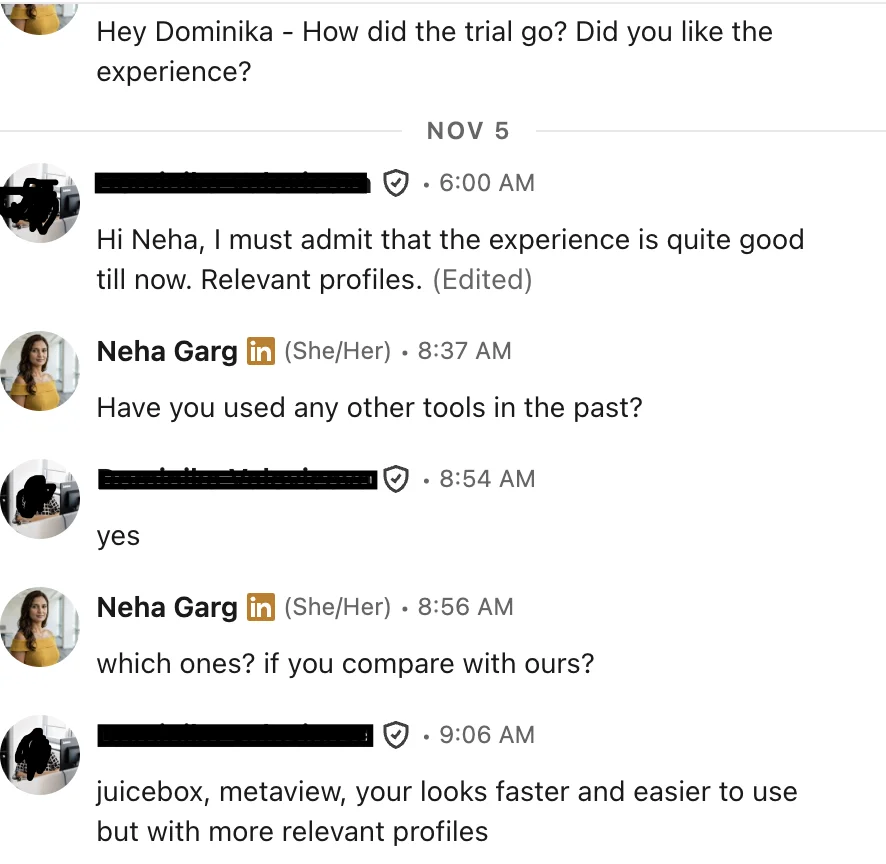
“juicebox, metaview, your looks faster and easier to use but with more relevant profiles”
Why thin profiles stay dark
A keyword search matches words people wrote about themselves. A busy payroll supervisor who never wrote a summary has three facts on show: a title, a company and dates. None of them say "multi-state". So the search starts from the company. If the company can't run without the work, someone there does it, whatever their title says.
The method, step by step
Six steps. Steps 1 to 3 take a while the first time for each role family. After that you reuse the company list.
Write the work, not the keywords
Describe what the person does in a normal week, with verbs and objects. Skills lists and adjectives go. If a line could sit on anyone's profile ("detail-oriented", "strong Excel"), delete it.
The hard condition is the part that matters. "Runs payroll" fits a thousand people. "Weekly, hourly, several states" points at a handful of company types.
Ask which companies can't exist without that work
Claude is good at this part. It knows how kinds of businesses run. Ask for three bands and make it say why.
Band A · the work is the product
The company sells this work to others. Almost everyone in operations there does it.
Band B · the work is heavy and constant
The company can't operate a week without it, at volume, with the hard condition built in.
Band C · the work is small
It exists, but as a slice of someone's job. Skip this band. It fills the list with people who did it once a month.
Turn company types into a real list for your place
Now ask for named companies in the metro. This is where Claude is weakest. It knows big, well-known firms. It may miss small ones, mix up names, or name a company that closed or moved. Treat every name as a lead to check, never a fact.
Then check each one yourself: open the company's own website and careers page. Keep it only if it still exists, still does the work in this metro, and is big enough to need a person for it. Save the survivors in companies.md, one line each:
Search by company, with a wide title net and no skill words
Thin-profile people use their company's in-house title, so the title part stays wide. The skill words stay out, because thin profiles don't have them. Run one search per company or per small group of companies.
- If a company returns hundreds of people, it's a big employer. Add one work word to the title part ("payroll", "pay") for that company only.
- If it returns nobody, try the company's older or parent name. Profiles often keep the name from the year the person joined.
- Run the past-company version too: people who left a band A company in the last few years carry the same work to their next job.
Read the thin profile with these rules
You have title, company, dates and maybe one older job. Each rule below turns those facts into a reading. Write every reading as a guess to check, never as a fact about the person.
Write the first line from the company
The profile gives you nothing to quote, so don't pretend it does. Open with the company's work, and put your one guess as a question. People with quiet profiles reply when the message shows you understand their job without flattering them.
- One guess only. Two guesses read like a script.
- If the guess comes from a rule marked Ask above, the question is the guess. Don't state it.
- Never name another employee or a client of their company.
The skill file
Save this as SKILL.md in a folder called thin-profile-finder, and add it to Claude as a skill. Keep companies.md next to it so the list grows with each role.
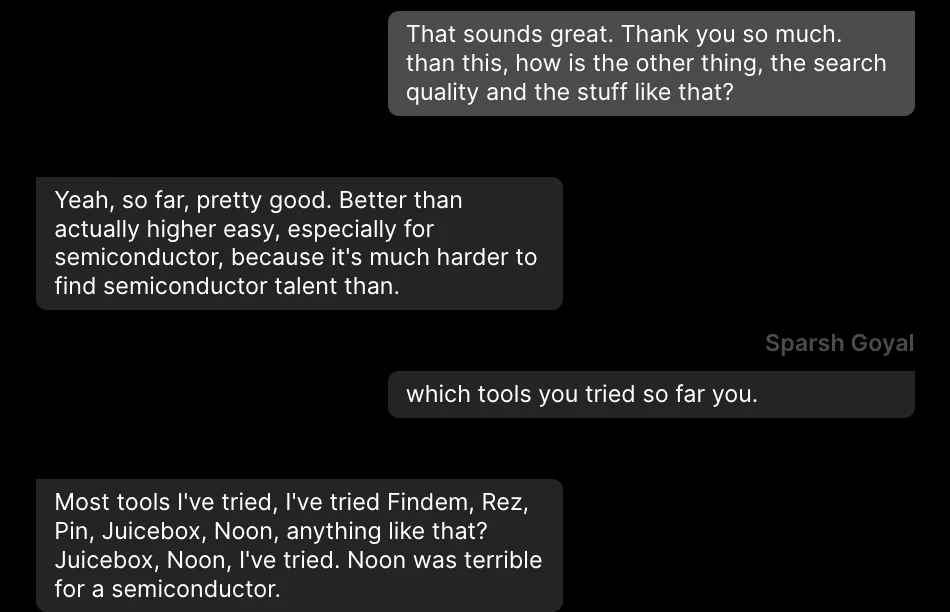
“pretty good … especially for semiconductor, because it's much harder to find semiconductor talent”
The wall
Claude can think, but it can't see people. Plain Claude has no profiles. It can write the work line, the company types and the search. Then you run every search yourself, open each profile, and paste it back in.
And this skill has its own wall. Claude's company knowledge is old and patchy, and thinnest on small local firms, which is where many quiet people work. Every company it names has to be checked by hand, and it can't tell you whether a three-line profile is current.
The same search, two ways
Plain Claude, by hand
- Write the work line and get the company types from Claude.
- Get named companies, then check each one on its own website.
- Build one search per company group and run each yourself.
- Run the past-employee version for band A companies.
- Open every thin profile and paste it into Claude to read.
- Sort Keep, Ask and Skip by hand, and keep companies.md current.
- Find each email and write each first line yourself.
Same job in The Cognitive
- Add The Cognitive as a connector in Claude:
https://app.thecognitive.io/mcp. Make a free account, sign in on the Connect page and allow it. - Keep this skill. Claude writes the work line, then runs the search in The Cognitive as one or two plain sentences: the role, the place, and what they must have done.
- People come back ranked by fit, including people with other titles. Every card says why the person fits, with a quote from their profile.
- Claude asks before anything that spends credits or contacts someone.
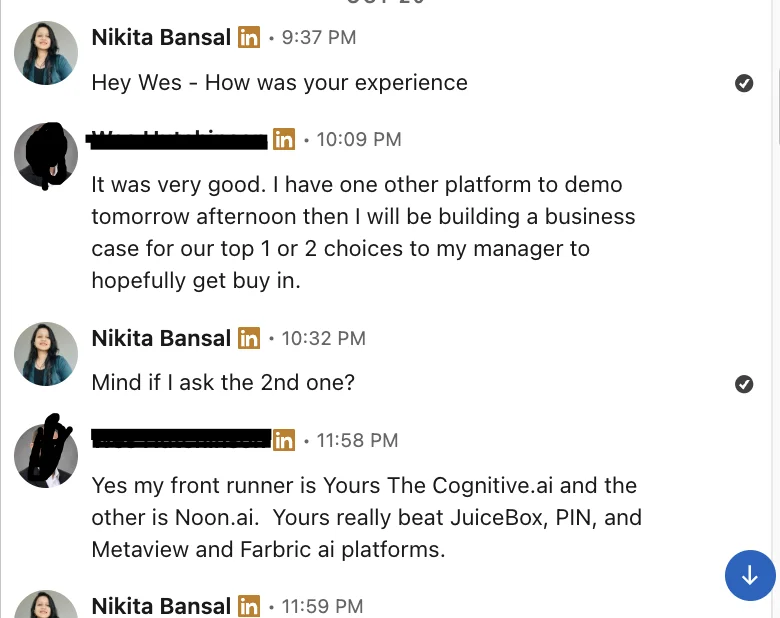
“My front runner is … The Cognitive … Yours really beat JuiceBox, PIN, and Metaview”
Run the torch on the whole market
Make a free account and add the connector. Claude keeps the skill and writes the work line. The Cognitive runs the search and brings back people with other titles, each with the reason they fit.