The person you want rarely has the title you searched. Here are the title lists for twelve common roles, sorted into same job, check the work, and throw back. Plus the rules for levels and abbreviations, and a Claude skill that writes the list for any title.
Why one job has twenty titles
Titles split along six lines. Your list has to cover each one, or a whole group of people never shows up.
Level
The ladder is in the title
Engineer II, Senior, Staff, Principal, Associate. Some companies put the level in the title and drop the job name.
Size
Small firms use big titles
"Head of Marketing" with no team. "Founding Engineer". "Engineer" with nothing else. Big firms use ladder codes.
Industry
Banks and labs have their own words
Programmer Analyst at an insurer. Member of Technical Staff at a lab. Vice President at a bank, held by many mid-level people.
Era
Old names stick
ETL Developer, Webmaster, Systems Analyst. People who stayed in one company often keep the title they joined with.
Short forms
Abbreviations
Sr., SWE, SDE, SRE, AE, BDR, CSM, FP&A, EA. Search treats "Sr." and "Senior" as different words.
Place
Countries name jobs differently
Recruitment Consultant in the UK, Recruiter in the US. Finance Business Partner in Europe, FP&A Analyst in the US.
Cast the net
Pick a role. Every way it's written drops into the net. Tap any title to see why it belongs, or why it gets thrown back.
The net · 12 roles
Thrown back
Same job: search itCheck the work: search it, then readFalse friend: same word, other job
This role’s list, ready to paste
100+ recruiters have shared their feedback
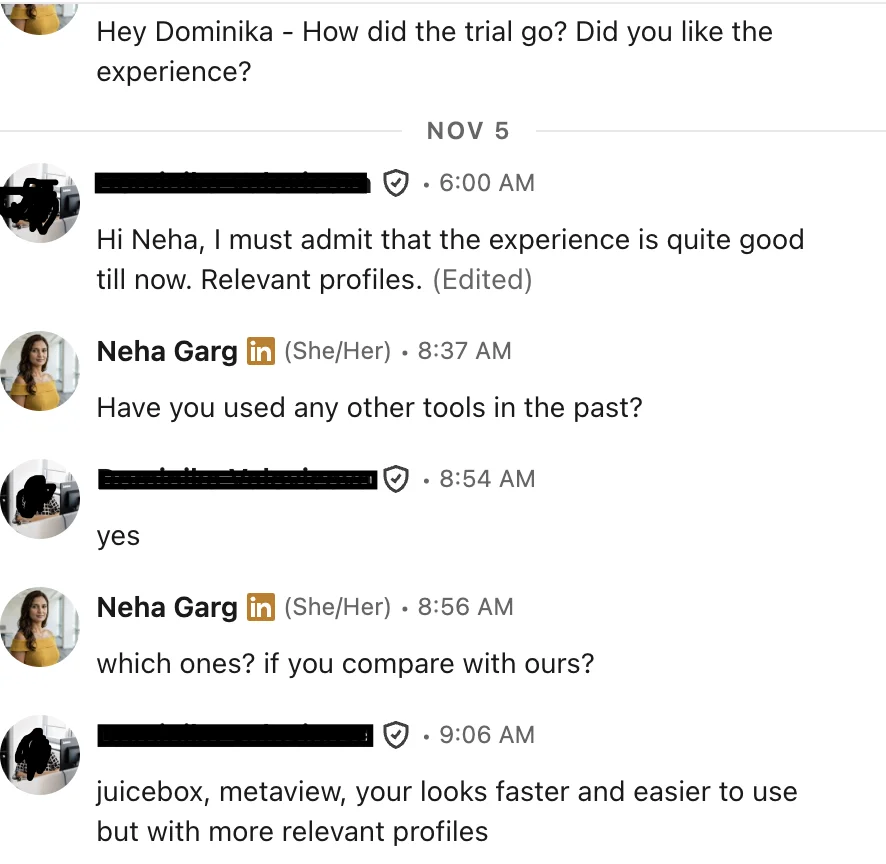
“juicebox, metaview, your looks faster and easier to use but with more relevant profiles”
All twelve title lists
One block, every role, with a reason next to each title. Paste it into your notes or into a Claude Project so the skill below can use it as a starting point.
Level words and short forms
Keep level words out of your title list and add them as their own line. Otherwise one title becomes six and you still miss the seventh.
Most companies
EntryJunior, Associate, Graduate, I, Entry-level
MidII, Intermediate, or no level word at all
SeniorSenior, Sr., III
LeadStaff, Lead, IV, Principal
Top ICPrincipal, Distinguished, Fellow
"Lead" can mean a senior individual or a team manager. Read the work line to tell which.
Many banks
EntryAnalyst
NextAssociate
MidVice President (AVP at some banks first)
SeniorDirector, Senior Vice President, Executive Director
TopManaging Director
A bank "Vice President" is often a mid-level individual. Don't filter them out of a senior engineer or analyst search, and don't pitch them a VP role.
Sr.SeniorJr.JuniorSWESoftware EngineerSDESoftware Development EngineerMTSMember of Technical StaffSRESite Reliability EngineerPMProduct or Project ManagerTPMTechnical Program or Product ManagerAEAccount ExecutiveSDR / BDRSales / Business Development RepCSMCustomer Success ManagerTAMTechnical Account ManagerFP&AFinancial Planning and AnalysisEA / PAExecutive / Personal AssistantTATalent Acquisition
The title-expander skill
Give Claude one title and the brief. It writes the work in one line, then sorts every title against that line, with a reason for each.
Save the text below as SKILL.md in a folder named title-expander.
In the Claude app: zip the folder and upload it under Settings, Capabilities, Skills. In Claude Code: put the folder in ~/.claude/skills/. If skills aren't open on your plan, paste the text into a Project's instructions.
Then say: "Expand this title," and paste the job title with one or two sentences about the work.
---
name: title-expander
description: Turns one job title and a short role brief into every way that job is written on profiles, sorted into same job, check the work, and throw back, with a reason for each. Use when I give a title and ask who else to search for, or before any people search.
---
# Title expander
## Inputs
- TITLE: the title on the job post.
- BRIEF: one or two sentences: the work, the level, the place, and the industry if it matters.
If the title could mean two different jobs (the same words used for different work in different industries), ask me one question before you start, with the two meanings as the answers. Ask only that one question.
## Step 1. Write the work, not the word
In one line, write what this person does all day, taken from the brief. Every title you list must fit this line. A title that only shares a word with it does not count.
## Step 2. Fill three groups
SAME JOB: titles where the work is the same. Cover each of these:
- plain variants and synonyms
- names split by part of the work (for example by the part of the system, the segment or the channel), keeping only the parts the brief asks for
- the titles small companies use (founding, first, "Head of" with no team) and large ones use (ladder titles with a number)
- industry names for the same seat (banks, insurers, government, healthcare, agencies, research labs)
- older names that people who stayed in one company still carry
- the local name if the role is outside the US
CHECK THE WORK: titles where some people do this job and some don't. For each, write what to look for on the profile to tell them apart.
THROW BACK: titles that share a word with the role but not the work. One line on why.
## Step 3. Rules
- Every title gets a reason of 15 words or fewer.
- At most 20 titles in SAME JOB. If there are more, keep the ones most often used.
- If you can't say how the work is the same, the title goes in CHECK THE WORK, not SAME JOB.
- Mark any title you are not sure is used in this market with (unsure). Never pad the list.
- Level words go on their own line. Don't repeat each title with every level.
- Write abbreviations as their own titles when people use them in titles (Sr., SWE, AE and so on).
## Output
WORK: [one line]
SAME JOB:
- [title]: [reason]
CHECK THE WORK:
- [title]: [what to look for on the profile]
THROW BACK:
- [title]: [why]
LEVEL WORDS: include [words] / exclude [words]
SEARCH SENTENCE: one plain sentence for a people search that names the work, the place and the most used titles.
When to widen, when to stop
If this, then that.
Too few people for the roleAdd the CHECK THE WORK group first. Widen the place second. Drop a must-have last.
Too many peopleCut level words before titles. A wrong level is easier to spot and remove than a wrong job.
Title is new or trendyAdd the older name it replaced. People who have done the job longest still use it.
Hiring manager says "only this title"Show them two people from the SAME JOB group whose work matches. Ask if those two would get an interview.
Same title, two jobsProduct Manager, Account Executive, Systems Engineer, Production Engineer. Decide which job first. Then the other meaning goes in THROW BACK.
The person has no titleFounders, owners, contractors. Search the work and the company, then read. Titles won't find them.
Non-English marketAdd the local-language title next to the English one. Many profiles use both, many use only one.
100+ recruiters have shared their feedback
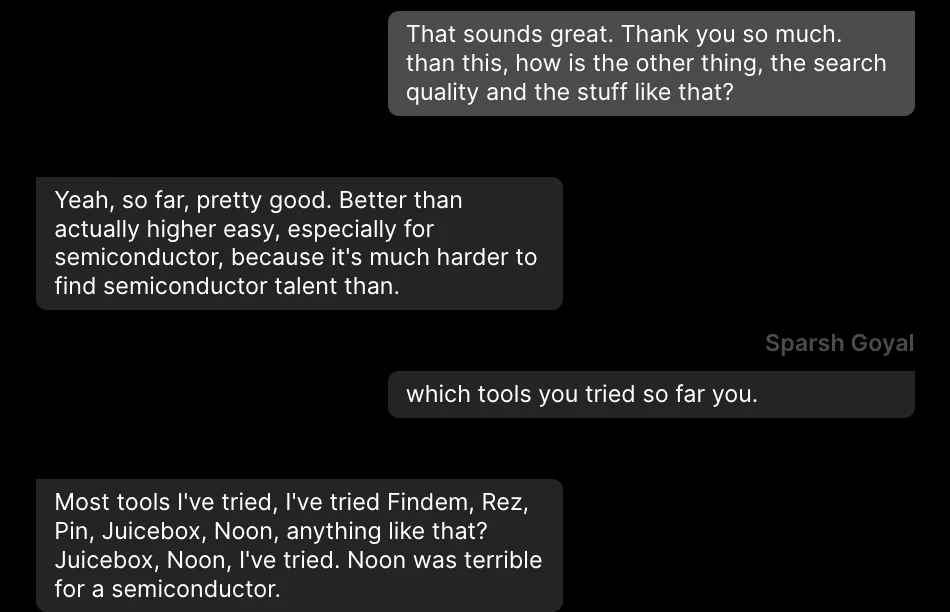
“pretty good … especially for semiconductor, because it's much harder to find semiconductor talent”
The wall
Claude can think, but it can't see people. Plain Claude has no profiles. The skill writes a great list of titles, and then the list sits in the chat. You still run every title as its own search somewhere else.
The CHECK THE WORK group is the hard part: every one of those people has to be opened and read to see if they do the job. Plain Claude can't open a single one.
The same net, two ways
Plain Claude, for every role
Run the skill and check the list it writes.
Search each title, one at a time, somewhere else.
Add level words and the place to each search.
Remove the people who came back twice.
Open every CHECK THE WORK profile and read it.
Throw back the false friends who slipped in.
Rank who's left by hand.
Same job in The Cognitive
Describe who you want in a sentence or two: the work, the place, what they must have done. No title list needed.
It brings back people ranked by fit, including people with other titles who do the same work.
Every card says why the person fits, with a quote from their profile, so the "check the work" read is already done.
Prefer Claude? Add The Cognitive as a connector in Claude: https://app.thecognitive.io/mcp Make a free account, sign in on the Connect page and allow it.
100+ recruiters have shared their feedback
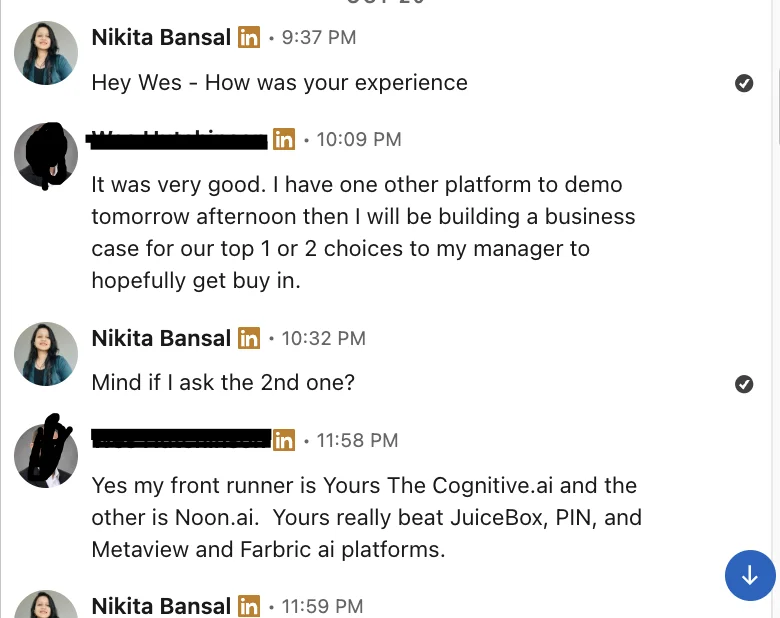
“My front runner is … The Cognitive … Yours really beat JuiceBox, PIN, and Metaview”
Search the work, not the title
Describe the job in a sentence. The Cognitive brings back people ranked by fit, including the ones with other titles, and every card quotes the line from their profile that shows they do the work.
 The Cognitive