 The Cognitive
Search three rings, not one city
How to draw the city, the commute towns and the remote ring for any office, the questions that set each ring's size, and a Claude skill that draws all three and writes a search for each.
The three rings
Everyone searches ring one, so ring one is where every recruiter's message lands. Rings two and three hold the same kind of people with far fewer messages in their inbox.
The city
People whose profile says the city or its metro label. The obvious pool. Search it, but don't stop there.
The commute towns
Suburbs and nearby towns within the drive you'd accept, measured from the office at rush hour. Same drive, far fewer recruiters calling. Many people list their town, not the city, so a city search never finds them.
The remote ring
People who already work remotely, in the time zone or within a day trip, who could come in on the days the role needs. Also people who used to live in the metro and moved away.
Light the radar
Pick a metro. Each ring lights with real towns around it, placed by compass direction (not to scale). Turn rings on and off and watch the search sentences change. Drive times depend on where the office is: check them on a map at rush hour.
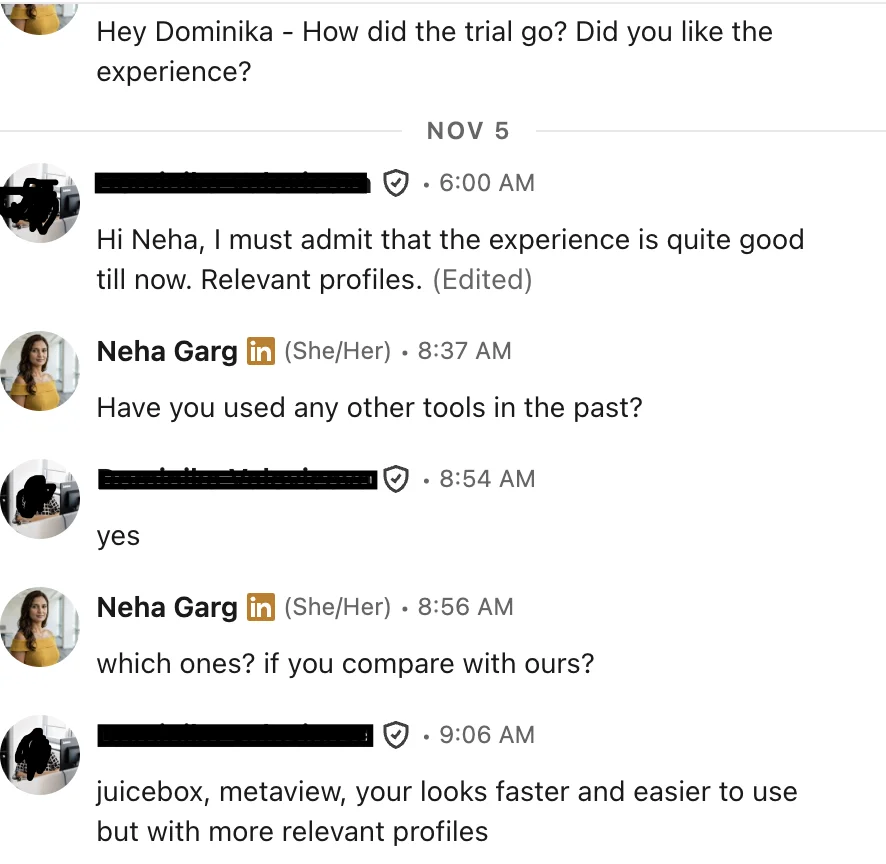
“juicebox, metaview, your looks faster and easier to use but with more relevant profiles”
Draw the rings for any city
Five steps. The first one is a conversation with the hiring manager; the rest you can hand to Claude.
Ask the five questions that size the rings
The rings are drawn from the office and the schedule, not from the city name. Ask these before you search anything.
Answer 2 sets ring two. Answer 4 decides whether ring three exists. Answer 5 adds a fourth ring you can search later: people in other metros who'd move.
Size ring two by days on site
Measure one-way drive time from the office at the hour people arrive, not miles from downtown. These are rules of thumb. Change them with the hiring manager, then write them down.
| Days on site | Ring two reaches | Why |
|---|---|---|
| 5 days | About 45 minutes | A long drive every day wears on a job. Keep the daily one short. |
| 3 to 4 days | About 60 minutes | People accept a longer drive on fewer days. |
| 1 to 2 days | About 90 minutes | A long drive twice a week is a trade many make for a better job. |
| A few days a month | A day trip, 2 to 3 hours | This is ring three territory. Search it as remote. |
| Early or night shift | Add 15 to 20 minutes | No rush hour at 6 AM. The same miles take less time. |
- Draw from the office address. An office in Plano and an office in Fort Worth are in the same metro and have different rings.
- Commutes aren't circles. Rivers, bridges, lakes, mountains and toll roads stretch some directions and cut others.
- Reverse commutes count double. A suburban office pulls easily from the city, because that drive runs against traffic.
- For licensed roles (nurses, pharmacists, engineers who stamp drawings), a town across a state line may need a second license. Check before you put it in the ring.
Know how places are written on profiles
A person's location field is free text or a picked label. One metro is written many ways, and a city-only search misses most of them.
- Metro labels: “Greater [City] Area”, “[City] Metropolitan Area”, “Dallas-Fort Worth Metroplex”.
- The suburb they live in: “Round Rock, Texas”.
- Only the state, only the country, or “Remote”.
- An old location they never updated. Their current job's city is often a better clue.
- Their employer's city instead of their home.
Rule: search each ring by every way it is written, then read the person's current job location to settle doubtful ones.
Add the ring-drawer skill to Claude
Save this as SKILL.md in a folder called three-rings, zip the folder, and add it in Claude's settings under Skills. If skills aren't open on your plan, paste the text into a Project's instructions.
Run it, then search ring by ring
One role per run. Paste the answers from step 1.
- Search ring 1 first. If it's small, you already know where to go next.
- Search ring 2 town by town if your search can't take a list. Drop any town where the people are all the wrong kind.
- Read each person's current job location, not just their profile location.
- Use the ring's message angle in the first message. A ring 2 person wants to hear about the drive.
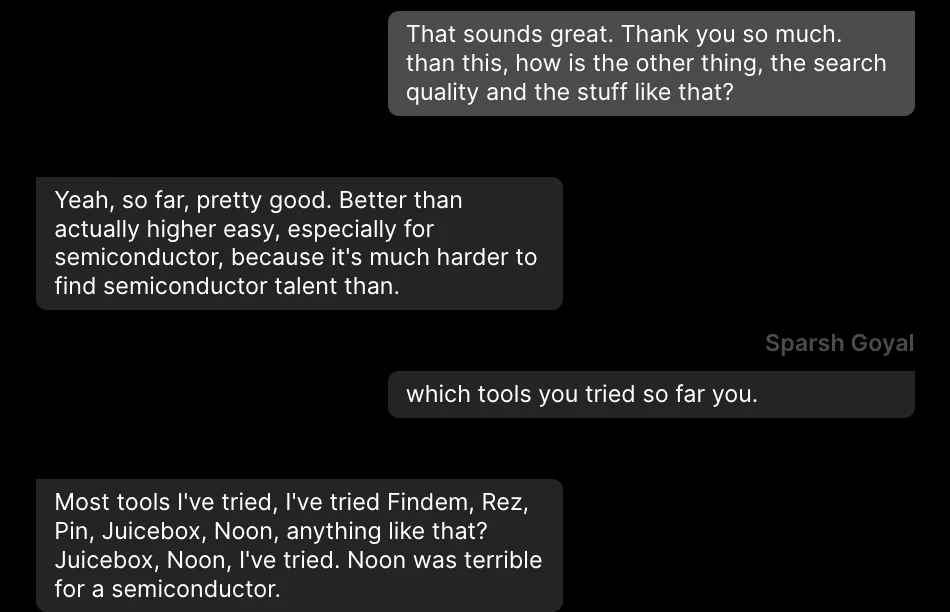
“pretty good … especially for semiconductor, because it's much harder to find semiconductor talent”
The wall
Claude can think, but it can't see people. Plain Claude can draw the rings and write a sentence for each, but it has no profiles, so it can't tell you who lives in Round Rock.
Its drive times are estimates, and its town list is only as good as what it knows. Then each ring becomes another search you run by hand, with every way the place is written, and another pile of profiles whose locations you read one by one.
The same rings, two ways
Plain Claude
- Ask the hiring manager the five questions.
- Run the skill and check the doubtful drive times on a map.
- Search ring 1 with every metro label.
- Search ring 2 town by town.
- Search ring 3 for remote people in the time zone.
- Open every profile and read the current job location.
- Merge the lists, remove repeats, and check each person's proof.
Same job in The Cognitive
- Describe who you want in a sentence or two, with the place: the city and the commute towns by name.
- People appear in under a minute, ranked by fit. Every card says why, with a quote from their profile.
- If a small town limits the list, it offers to widen: “Only N people fit in [town]. Widen the search?”
- Or have Claude draw the rings and run one search per ring: add The Cognitive as a custom connector with
https://app.thecognitive.io/mcp, sign in on the Connect page and allow it.
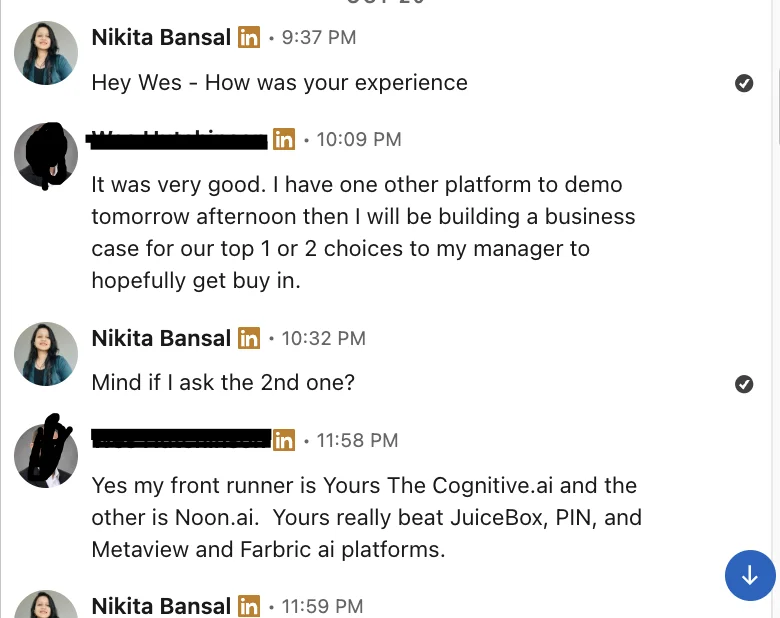
“My front runner is … The Cognitive … Yours really beat JuiceBox, PIN, and Metaview”
Search all three rings today
Make a free account and run one search per ring. If a small town has too few people, it offers to widen, and every person comes with the line from their profile that shows why they fit.