12 Best Recruiting Chrome Extensions in 2026, Ranked by Stage
By Sparsh Goyal, Founder at The Cognitive. Published · Last updated
- The Cognitive ranks first for sourcing-led hiring, and it is not a Chrome extension: you search in plain English in the web app or from Claude.
- hireEZ and SeekOut are the strongest sourcing extensions, SignalHire, Lusha and Kaspr find contact details, and Gem, Greenhouse and Recruit CRM save profiles to your ATS or CRM.
- Check how any LinkedIn extension gets its data first, because LinkedIn's User Agreement bans browser plugins that scrape or copy its pages.
The best recruiting Chrome extensions in 2026 are hireEZ and SeekOut for sourcing, SignalHire, Lusha and Kaspr for contact details, and Gem, Greenhouse and Recruit CRM for saving profiles to an ATS or CRM. Calendly handles scheduling and Grammarly handles writing. Chrome holds about two in three desktop browser page views worldwide (66.98% in StatCounter's October 2026 figures), so most recruiting tools meet recruiters there.
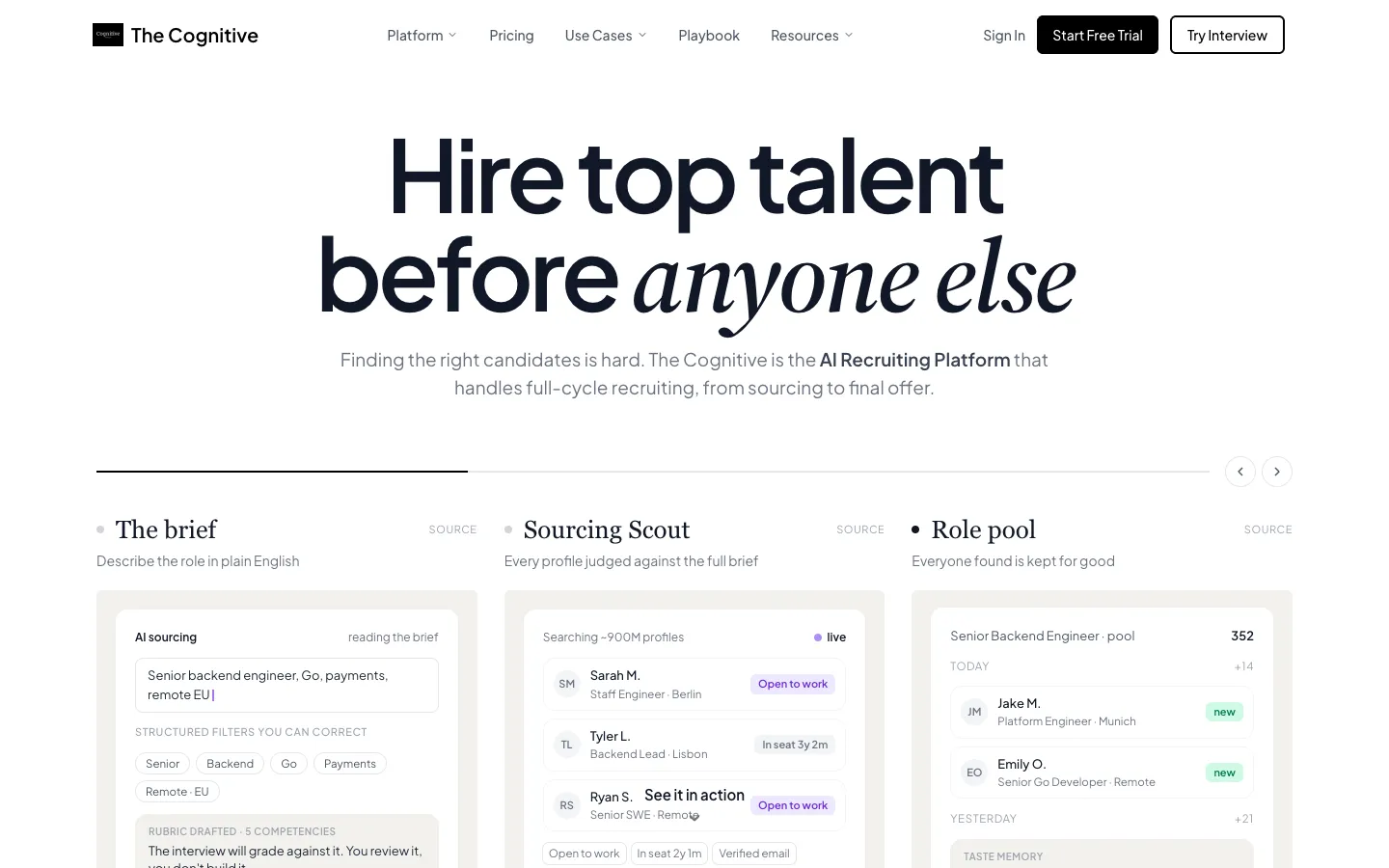
The Cognitive ranks first, and it is not a Chrome extension. You type the role in plain English in the web app or ask from Claude. It searches about 900M public profiles, emails people from your own mailbox, runs a live AI video interview and syncs to 100+ ATS. Outreach and ATS sync come on higher plans. The ranking counts how many of five hiring stages each tool covers, then whether its prices are on its website.
Disclosure: The Cognitive is our product.
The best recruiting Chrome extensions in 2026
- The Cognitive: best for typing a brief instead of clipping profiles (no extension needed).
- hireEZ: best for sourcing, CRM and ATS data from one vendor on LinkedIn pages.
- SeekOut: best for enterprise teams already paying for SeekOut.
- SignalHire: best for low-cost contact lookups on almost any profile.
- Metaview: best for interview notes and scorecards plus outbound.
- Gem: best for Gem customers adding people from LinkedIn.
- Greenhouse: best for Greenhouse customers adding prospects.
- Lusha: best for recruiters who also do business development.
- Recruit CRM: best for agencies tracking candidates and clients.
- Kaspr: best for sourcing European candidates on LinkedIn.
- Calendly: best for booking human interviews.
- Grammarly: best for cleaner outreach copy.
What is a recruiting Chrome extension?
A recruiting Chrome extension is a browser add-on that works on the page a recruiter already has open. That can be a LinkedIn profile, an inbox or a company website, so you do not switch tools. There are five types:
- Sourcing overlays show a platform's data beside the profile you are viewing (hireEZ, SeekOut).
- Contact finders reveal an email or phone number (SignalHire, Lusha, Kaspr); the recruiter contact finder tools list covers their data in depth.
- ATS and CRM clippers save the profile to your system in one click (Gem, Greenhouse, Recruit CRM).
- Schedulers drop booking links into messages (Calendly).
- Writing helpers fix tone and grammar as you type (Grammarly).
Most recruiters stack several, and AI is joining in. In LinkedIn's Future of Recruiting 2025 report, 37% of organizations were "actively integrating" or "experimenting" with generative AI tools, up from 27% a year earlier.
Do you need a Chrome extension at all?
An extension works one page at a time: open a profile, click, reveal, save, open the next. That suits a recruiter who already knows where the right people are. For "40 senior data engineers in Austin who have worked at fintechs", clipping profiles one by one is slow.
The Cognitive does that step without an extension. You describe the role in plain English and each result comes with a short reason for the match. From Claude, with The Cognitive added as a connector, you can search, shortlist, reveal contacts and email people from the chat (see the Claude setup guide).
Searching without an extension is not unique to The Cognitive. SeekOut and Lusha also work from AI assistants, and LinkedIn X-ray search finds profiles from Google with no add-on.
How do the 12 compare?
"Stages" is how many of five hiring stages the vendor says the tool covers; "Missing" lets you recount. "AI" means an AI screen or interview.
| Tool | Stages | Missing | Price listed? | Start | Extension |
|---|---|---|---|---|---|
| The Cognitive | 5 | None | Yes | Trial | No (web app) |
| hireEZ | 5 | None | Some | Trial | Yes |
| SeekOut | 5 | None | Some | Trial | Paid only |
| SignalHire | 4 | AI | Yes | Free | Yes |
| Metaview | 4 | ATS | Some | Free | Yes |
| Gem | 4 | AI | Some | Startup plan | Paid only |
| Greenhouse | 4 | Contact | No | Demo | Paid only |
| Lusha | 3 | AI, ATS | Yes | Free | Yes |
| Recruit CRM | 3 | Find, AI | Yes | Trial | Yes |
| Kaspr | 1 | All but contact | Yes | Free | Yes |
| Calendly | 0 | All five | Yes | Free | Yes |
| Grammarly | 0 | All five | Yes | Free | Yes |
How the 12 were ranked
The five stages are: find people by searching a profile database, reveal contact details, send email outreach sequences, run an AI screen or interview, and send people to an ATS by sync or export. A stage counts only when the vendor's own site or Chrome Web Store listing says the product does it. "Not stated" counts as no.
Ties go to the tool that publishes its prices on its website (yes, then some, then no). Next comes the easier start: a free plan or trial, then a self-serve paid plan, then a demo. Last is alphabetical order. That is why The Cognitive sits above hireEZ and SeekOut, which also cover all five stages but list only some prices.
These tools are ranked using feedback from recruiters the founder talks with on LinkedIn, plus each vendor's own site, pricing page and Chrome Web Store listing.
How to choose a recruiting Chrome extension
Where does the extension get its data?
Check this before you install anything that reads LinkedIn. Section 8.2 of the LinkedIn User Agreement says members agree not to use "software, devices, scripts, robots or any other means or processes (such as crawlers, browser plugins and add-ons or any other technology) to scrape or copy the Services". Ask each vendor how its extension gets its data.
Does it work without the main platform?
Several extensions are front doors to a paid product. SeekOut's is "only available to customers with active SeekOut platform subscriptions", and the Gem and Greenhouse extensions need a Gem or Greenhouse account. SignalHire, Lusha and Kaspr work on their own with a free plan.
Where do the people you find end up?
A profile saved to a sales CRM is not in your ATS. Lusha and Kaspr name Salesforce and HubSpot, not an ATS. hireEZ lists "40+ native ATS integrations"; The Cognitive syncs with 100+ ATS.
Will it write and send the outreach?
Ashby's candidate sourcing study of more than 500,000 sequences found a 19.6% average response rate, and about a 46% lift in replies for campaigns using AI personalization (35.3% against 24.1%). An extension that only reveals a contact leaves the sequence to you.
How is it priced?
Expect credits per contact (SignalHire, Lusha), per user per month with credits (Kaspr, Recruit CRM) or per seat (Calendly). Gem above its startup plan and Greenhouse quote by company size, and SeekOut and hireEZ bundle the extension with a platform subscription. If the extension is free but the platform behind it is quoted, it is not really free.
The 12 best recruiting Chrome extensions, reviewed
1. The Cognitive: best for recruiters who would rather type a brief than clip profiles one at a time
Verdict: The Cognitive covers five of five stages, lists its prices and needs no extension.
The Cognitive is AI sourcing and live AI interviews in one account, used in the web app or from Claude. It searches about 900M public profiles from a plain-English brief. You reveal a personal email or phone only for the people you want, then email them from your own Gmail or Outlook mailbox; follow-ups stop when someone replies.
Instead of clipping a profile, you send shortlisted people a link to a live two-way AI video interview of 10 or 20 minutes, in 9 languages. The rubric is fixed for the role and the questions follow each answer. You get a scored report, and the person can go to an open job in your ATS.
hireEZ and SeekOut also score five. hireEZ screens by phone, SeekOut's AI screening sits on a custom plan, and both quote their larger plans. The Cognitive runs a live two-way AI video interview and lists its plan prices.
Best for: recruiters who fill hard roles by sourcing and want search, outreach and the first interview in one place.
Watch out for: it is not a Chrome extension, so it does not overlay LinkedIn profiles or save the page you are reading. There is no LinkedIn InMail and no scheduler for human interviews. Email outreach starts on Sourcing Pro, and ATS sync sits on higher plans.
Pricing model: AI Sourcing and AI Interviews are separate monthly plans, each from $99 a month. Credits: 1 for each person a search shows (once), 4 for a personal email and 12 for a phone number on Pro and above. A 20-minute interview uses 100 credits. Price on website: yes.
2. hireEZ: best for TA teams that want sourcing, CRM and ATS data from one vendor on LinkedIn pages

Verdict: hireEZ covers five of five stages in the most complete extension here, with enterprise pricing by quote.
hireEZ calls itself "the AI-first, people-centric platform that unifies sourcing, CRM, ATS, analytics, and internal mobility". Its extension works on "popular professional networking sites and other platforms such as Indeed, Gmail and Applicant Tracking systems". It finds "emails, phone numbers and social network links", writes outreach with GPT and resurfaces people already in your ATS. Screening is an AI phone call with pre-screen questions.
Best for: in-house TA teams that live on LinkedIn pages and want one vendor behind the extension.
Watch out for: the enterprise price is "configured to the stack hireEZ replaces", so it needs a sales call.
Pricing model: a solo plan with a published monthly price and a 7-day free trial; enterprise by quote. Price on website: some.
3. SeekOut: best for enterprise sourcing teams already paying for SeekOut

Verdict: SeekOut covers five of five stages, two of them on custom plans.
SeekOut sells "the agentic AI recruiting platform that runs on your terms". Its extension works on "LinkedIn, GitHub, and more" and promises "verified email addresses". The self-serve Sourcing Core plan has a published price and a 14-day free trial with no card. ATS integration and AI screening come with the custom plans.
Best for: enterprise sourcing teams, including cleared and healthcare hiring.
Watch out for: the extension is "only available to customers with active SeekOut platform subscriptions."
Pricing model: one self-serve plan with a published price; team and full-funnel plans are custom. Price on website: some.
4. SignalHire: best for low-cost contact lookups on almost any profile

Verdict: SignalHire covers four of five stages and is the best standalone contact finder for recruiters here.
SignalHire promises "real-time verified personal and work contacts for recruiters, sales professionals, and marketers." It lets you "Search 900M+ profiles", and its extension reveals "contacts on social media platforms and most websites in one click" and exports to ATS and CRMs.
It has grown past lookups: it sends "multi-step cold email outreach from your own mailbox" that pauses on reply. One credit "returns every available contact for a profile and is only charged on success."
Best for: agency and solo recruiters who want contacts on any profile at a low cost.
Watch out for: no screening or interview step, and email and phone credits are sold on separate plans.
Pricing model: credits, on email, phone and combined plans; a free plan with no card. Price on website: yes.
5. Metaview: best for AI interview notes and scorecards plus outbound sequences

Verdict: Metaview covers four of five stages and is strongest on what happens after the interview.
Metaview's extension lets you "add candidates to outreach sequences from LinkedIn and complete candidate scorecards faster with AI-generated suggestions." The platform sources from "over 800M profiles" and says "We provide verified emails and phone numbers." It takes interview notes, fills scorecards that sync to your ATS and screens by voice.
Best for: teams that want interview notes, scorecards and outbound in one tool.
Watch out for: its site syncs notes and scorecards but does not say sourced candidates go to your ATS. Screening is voice rather than video, and the full platform is by quote.
Pricing model: per user per month for sourcing, with a free tier; enterprise and the full platform are custom. Price on website: some.
6. Gem: best for Gem customers adding people from LinkedIn to their CRM
Verdict: Gem covers four of five stages, with a self-serve plan only for small companies.
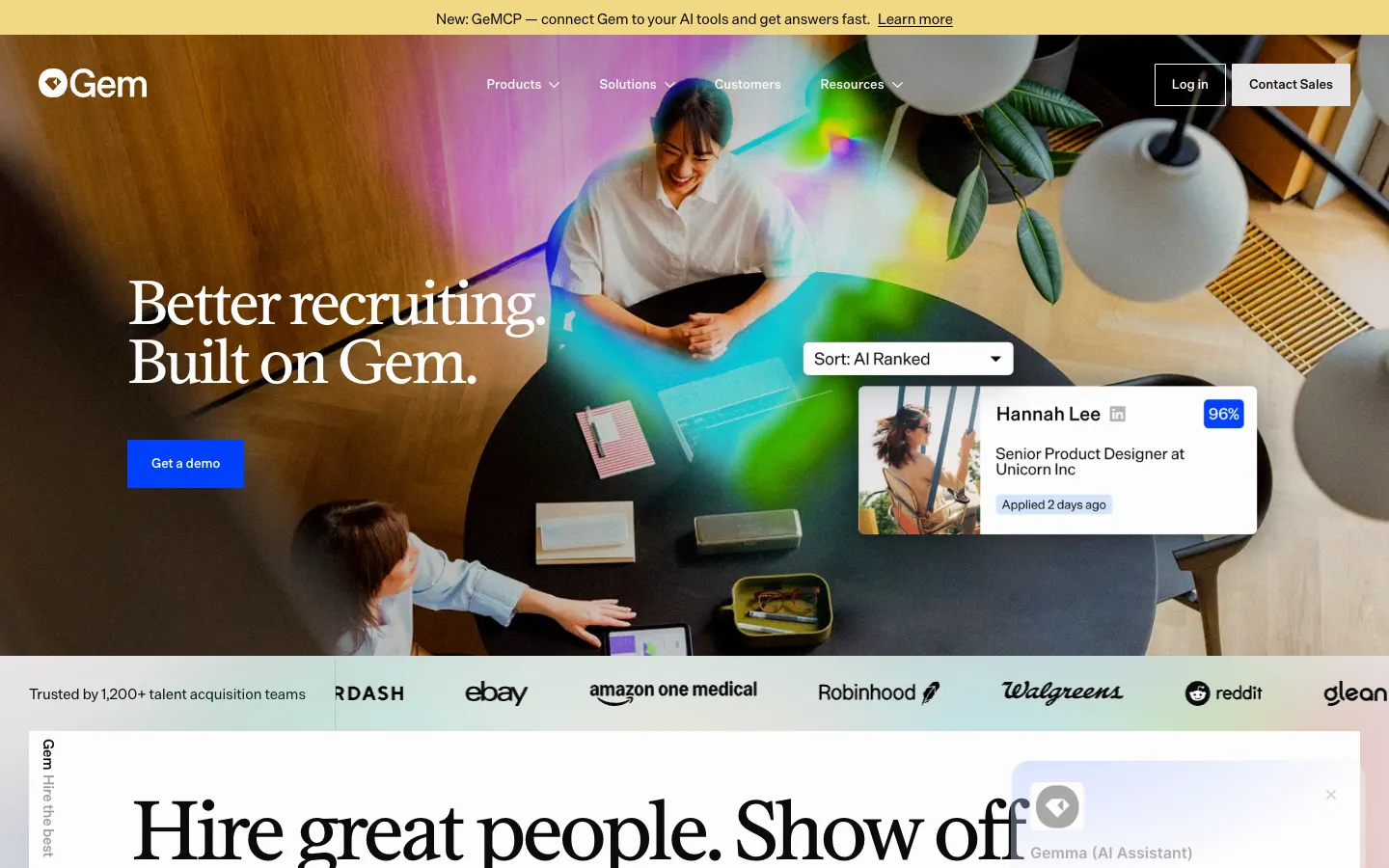
Gem sells "Source, review, hire, and report. All in one place." Its AI Sourcing Agent searches "800M+ profiles". The extension adds "talent profiles to Gem from LinkedIn, Indeed, or other social networks", finds email addresses, uploads candidate details to your ATS and sends sequences with follow-ups.
Best for: in-house TA teams that run their pipeline in Gem's CRM.
Watch out for: the extension needs a Gem account, above the startup plan pricing starts with sales, and Gem does not run an AI interview.
Pricing model: custom, "based on your company's FTE count"; a startup plan for the smallest companies shows a price and can be bought online. Price on website: some.
7. Greenhouse: best for Greenhouse customers adding prospects from any website

Verdict: Greenhouse covers four of five stages across the platform; the extension itself is a simple clipper.
Greenhouse describes "Sourcing, interviewing and ATS solutions in one place". Its newer "Voice AI gives every candidate a real first conversation." Its sourcing searches job seekers "from millions already in MyGreenhouse" when a role opens, and its outreach sends "personalized email campaigns and follow ups". The extension lets you "add prospects to your Greenhouse CRM from a website, resume, or manually".
Best for: companies already on Greenhouse that want prospects in their ATS from day one.
Watch out for: it does not find contact details for a profile, and it only helps with a Greenhouse account.
Pricing model: custom quote after a demo. Price on website: no.
8. Lusha: best for recruiters who also do business development
Verdict: Lusha covers three of five stages; it is a sales tool that recruiters borrow.
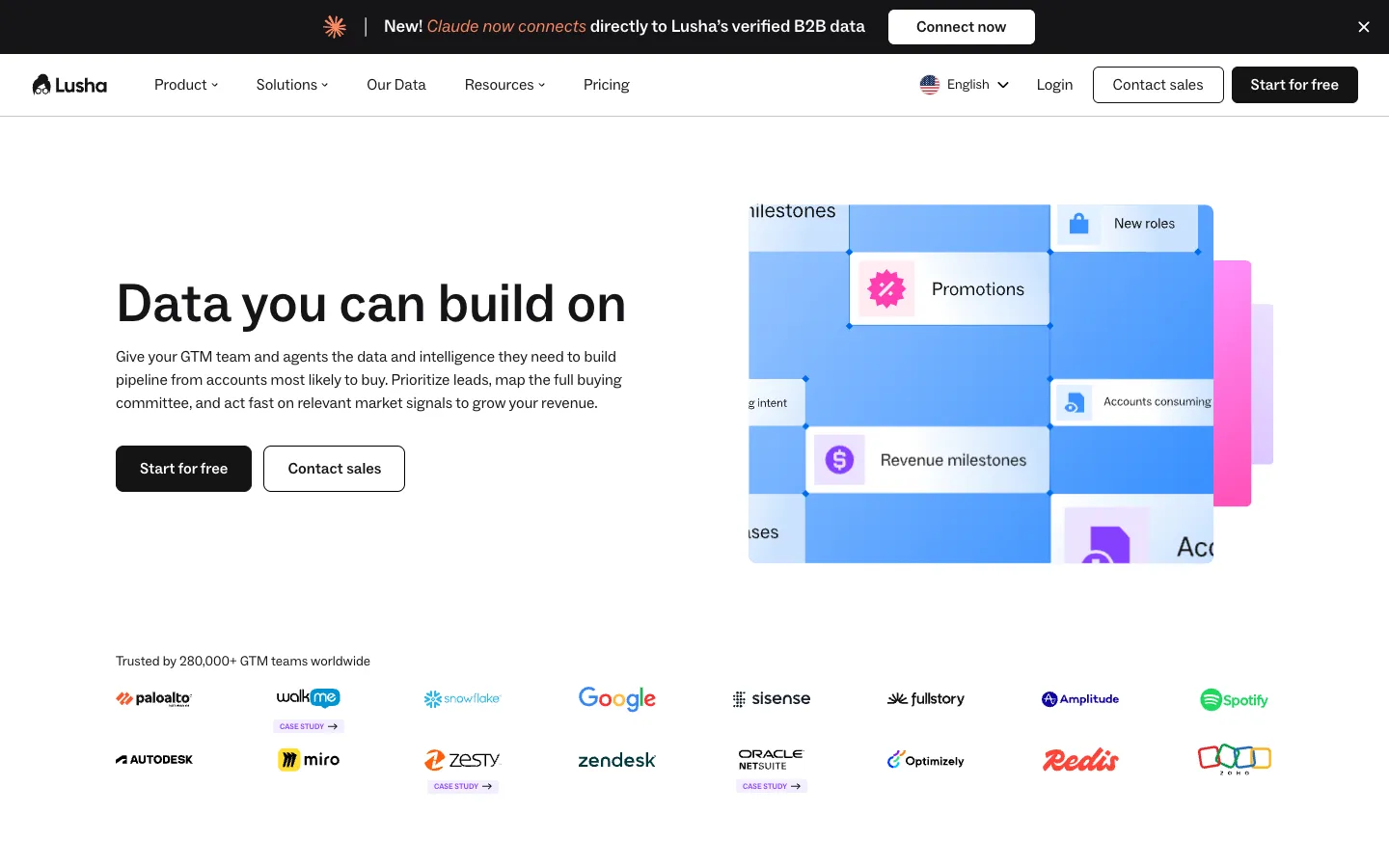
Lusha calls itself "the B2B contact finder for sales, marketing, recruiting, and ops teams." Lusha Search "covers 515M+ verified contacts". The extension reveals emails and direct-dial numbers "on social networks, Gmail, and any company website" and adds contacts to a sequence "without leaving the page". Its FAQ says recruiting teams use it "to re-verify past candidate pools and source new ones".
Best for: agency recruiters who pitch clients and source candidates from the same list.
Watch out for: its named integrations are Salesforce, HubSpot and monday CRM, with no ATS named.
Pricing model: credits, with a free plan of 40 credits a month and no card; paid tiers are published. Price on website: yes.
9. Recruit CRM: best for agencies capturing candidates and clients in one ATS

Verdict: Recruit CRM covers three of five stages, with a clean clipper for an agency ATS.
Recruit CRM calls itself "the AI-first ATS + CRM" for recruitment agencies. Its Sourcing Extension saves "candidates, contacts, and companies from hiring platforms with just a single click". Its Data Enrichment fills in missing emails or phone numbers on credits. Outreach runs as email, LinkedIn and SMS sequences inside the ATS.
Best for: staffing and recruitment agencies that track candidates and clients in the same place.
Watch out for: the extension saves the profile you are viewing; it does not search a people database. Its screening agent is listed as "Coming soon".
Pricing model: per user per month, monthly or annual, with a free trial. Price on website: yes.
10. Kaspr: best for LinkedIn and Recruiter Lite users sourcing in Europe
Verdict: Kaspr covers one of five stages and does it well for European profiles.
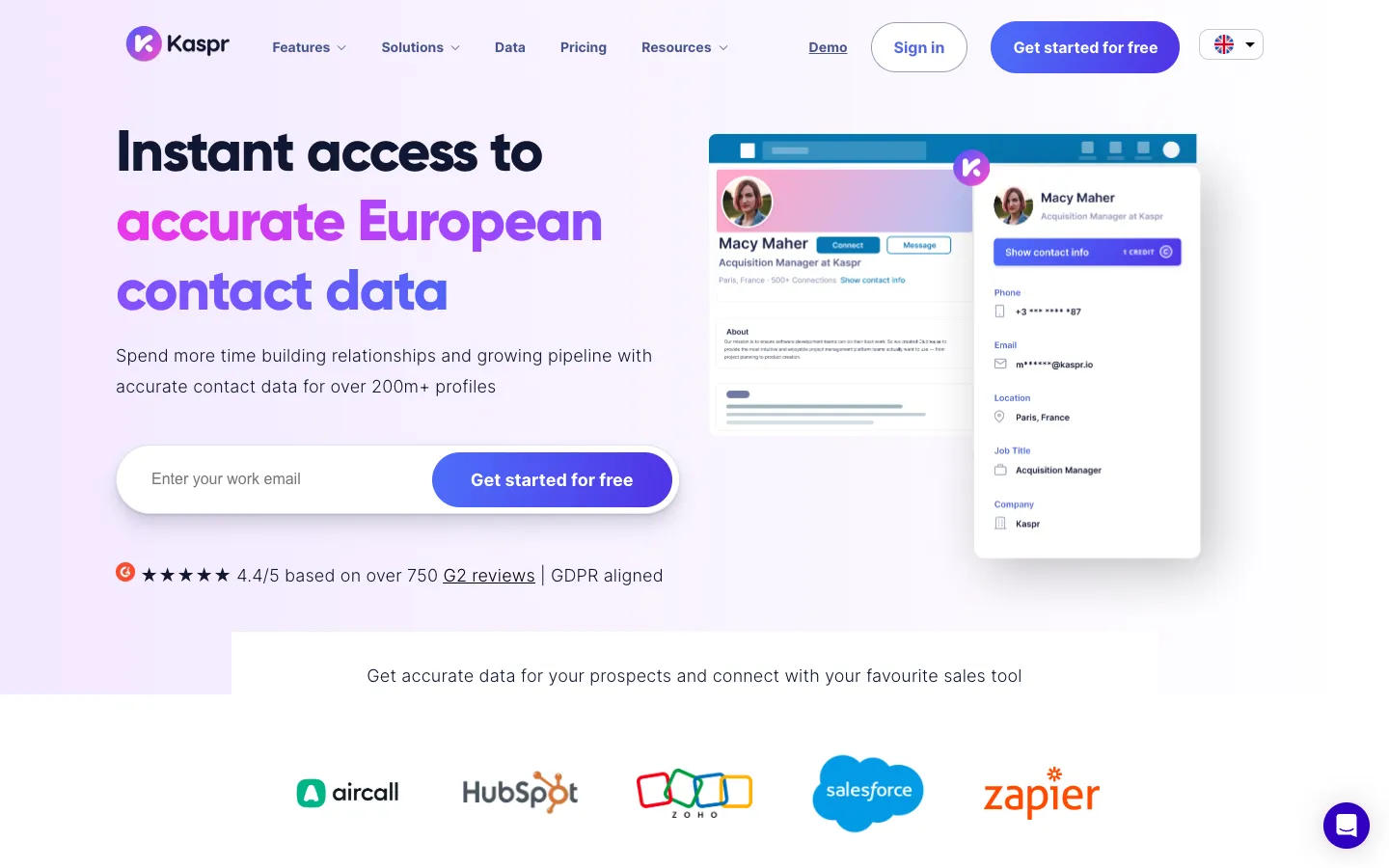
Kaspr sells "accurate European contact data" through its LinkedIn extension and calls itself "GDPR aligned". The extension opens a database "of over 500 million phone numbers and emails through LinkedIn and Sales Navigator".
Best for: recruiters who source European candidates on LinkedIn, Sales Navigator or Recruiter Lite.
Watch out for: it is built for sales, names CRMs rather than an ATS, and Recruiter Lite support needs the Business tier.
Pricing model: per user per month with credits, published in euros, pounds or dollars, with a free plan. Price on website: yes.
11. Calendly: best for booking human interviews without leaving the tab
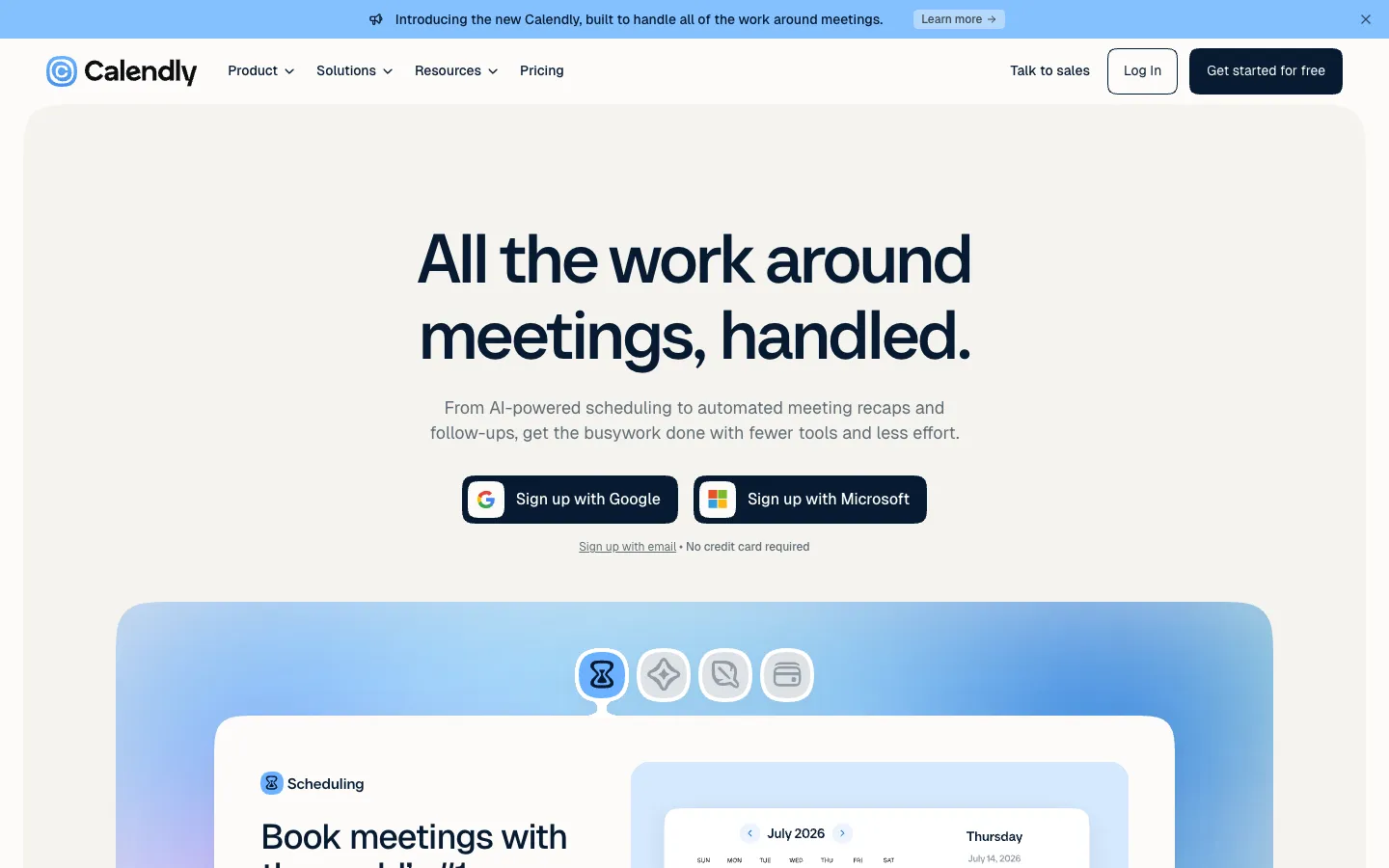
Verdict: Calendly covers zero recruiting stages and is still on most recruiters' toolbars.
Calendly's extension lets you "share scheduling links, offer available time slots, manage meetings and contacts, and book follow-ups" without switching tabs. It works "with any Calendly account (free or paid)".
Best for: anyone booking phone screens and hiring manager interviews.
Watch out for: it schedules only; there are no candidate records and no ATS link.
Pricing model: a free plan, then per seat per month tiers and Enterprise. Price on website: yes.
12. Grammarly: best for cleaner outreach copy wherever you type
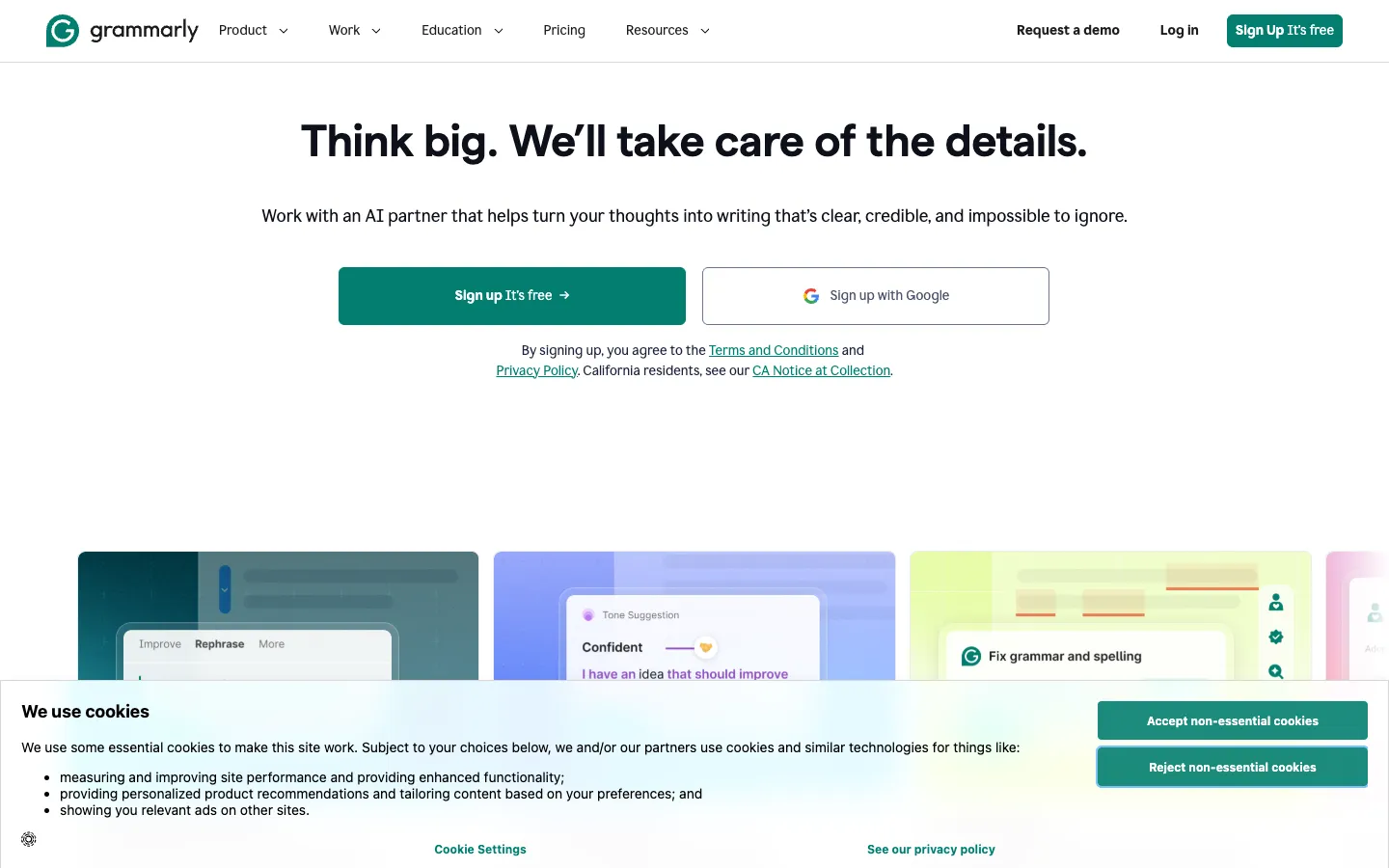
Verdict: Grammarly covers zero recruiting stages; it is a writing layer for every message you send.
Grammarly gives "real-time suggestions as you type in Gmail, Google Docs, LinkedIn, and across 500,000+ other sites" and can "adjust tone and word choice for any audience".
Best for: recruiters who write a lot of outreach and want a second pair of eyes on tone.
Watch out for: it holds no candidate data and does not know who you are writing to.
Pricing model: Free and Pro with published prices; Enterprise through sales. Price on website: yes.
Which tool does it all, end to end?
Three tools here cover all five stages: The Cognitive, hireEZ and SeekOut. hireEZ and SeekOut put their platform inside an extension; The Cognitive needs none. None of the three posts jobs or takes applications, so keep an ATS beside whichever you pick. The best AI sourcing tools list compares the sourcing side in more depth.
When not to pick The Cognitive
- You source inside LinkedIn all day. If you act on each profile in LinkedIn Recruiter, an overlay like hireEZ or a contact finder like SignalHire fits better. The Cognitive has no extension and no InMail.
- You only need an email address. A contact finder with a free plan is cheaper for occasional lookups.
- You want to save profiles straight into Gem or Greenhouse. Their own clippers put the person in your system in one click.
- Your candidates screen on their phones. The live AI interview needs a laptop or desktop browser.
To try The Cognitive, describe one role you usually fill by sourcing and shortlist the people who fit. The 7-day trial needs no card and shows your first 100 people free. Start free with The Cognitive.
Sources
- StatCounter, Desktop Browser Market Share Worldwide, October 2026. gs.statcounter.com
- LinkedIn Talent Solutions, The Future of Recruiting 2025 (1,271 recruiting professionals in 23 countries, surveyed September 2024). business.linkedin.com
- Ashby, Talent Trends Report: Candidate Sourcing (500K+ sequences), March 2024. ashbyhq.com
- LinkedIn User Agreement, section 8.2, effective 3 November 2025. linkedin.com
- Each vendor's homepage, pricing page and Chrome Web Store listing: thecognitive.io, hireez.com, seekout.com, signalhire.com, metaview.ai, gem.com, greenhouse.com, lusha.com, recruitcrm.io, kaspr.io, calendly.com, grammarly.com.
Frequently Asked Questions
What are the best Chrome extensions for recruiters in 2026?
The best are hireEZ and SeekOut for sourcing, SignalHire, Lusha and Kaspr for contact details, and Gem, Greenhouse and Recruit CRM for saving profiles. The Cognitive ranks first overall but needs no extension.
Does The Cognitive have a Chrome extension?
No. The Cognitive works in its web app and from Claude, so there is nothing to install. With it added to Claude as a connector, you can search about 900M public profiles, shortlist, reveal contact details and email candidates from the chat.
Is it safe to use Chrome extensions on LinkedIn?
Only if the extension does not scrape LinkedIn. Section 8.2 of LinkedIn's User Agreement bans browser plugins used to scrape or copy its pages, so ask each vendor how its extension gets its data before installing it.
Which Chrome extensions work with LinkedIn Recruiter or Sales Navigator?
Kaspr is the clearest: it works on LinkedIn and Sales Navigator, and on Recruiter Lite from its Business plan. SeekOut's extension works on LinkedIn and GitHub, and hireEZ's works on professional networking sites, Indeed, Gmail and ATS pages.
How many Chrome extensions does a recruiter need?
Most recruiters need three or four: a sourcing or contact tool, a clipper for their ATS or CRM, a scheduler and a writing helper. Pick the clipper that matches your ATS first, because a profile saved to a sales CRM is not in your ATS.
What are the best free Chrome extensions for recruiters?
SignalHire, Lusha and Kaspr have free plans for contact lookups, and Calendly and Grammarly have free plans for scheduling and writing.
What is the best all-in-one recruitment software?
For sourcing-led hiring, The Cognitive is the best all-in-one choice: it finds people, emails them from your own mailbox, runs a live AI video interview and syncs with 100+ ATS, with outreach and ATS sync on higher plans. It does not post jobs or take applications, so keep an ATS for those.
Related reading
- Contact Finder Tools for Recruiters: The 10 Best for Emails and Phone Numbers in 2026
- LinkedIn X-Ray Search in 2026: How It Works, 15 Strings, and the Tools That Replace It
- AI Sourcing Tools Compared: The 10 Best for Finding Candidates in 2026
- Best Retail Hiring Software in 2026: 9 Tools for Store Teams and Store Leaders
- 10 Best CRMs for Staffing Agencies in 2026, Scored
- Best EOR Companies in 2026: 11 Employer of Record Providers Ranked, Plus the Step Before