 The Cognitive
Get the reply after “Seen”
The three rules every follow-up has to pass, a Claude skill that writes touches 2, 3 and 4 from your first message, and what to send back for every kind of reply. Built for the candidate who read your message and said nothing.
The three rules
Every follow-up passes all three, or it doesn't go out. “Bump” fails all three.
New info
One fact they didn't have yesterday. It goes in the first sentence. If you have nothing new, you have no reason to write.
Shorter
About half the words of the last one, down to a floor of about 15 words. Each touch asks less of their time than the one before.
An easy out
End on a question where “no” or “not now” takes one line to say. It lets them answer without feeling cornered.
Play the rally
Pick what happened after message one. Step through touches 2, 3 and 4 and watch each one pass the rules, or switch to “bump” follow-ups and watch them fail. People, companies and pay are made up.
The three rules
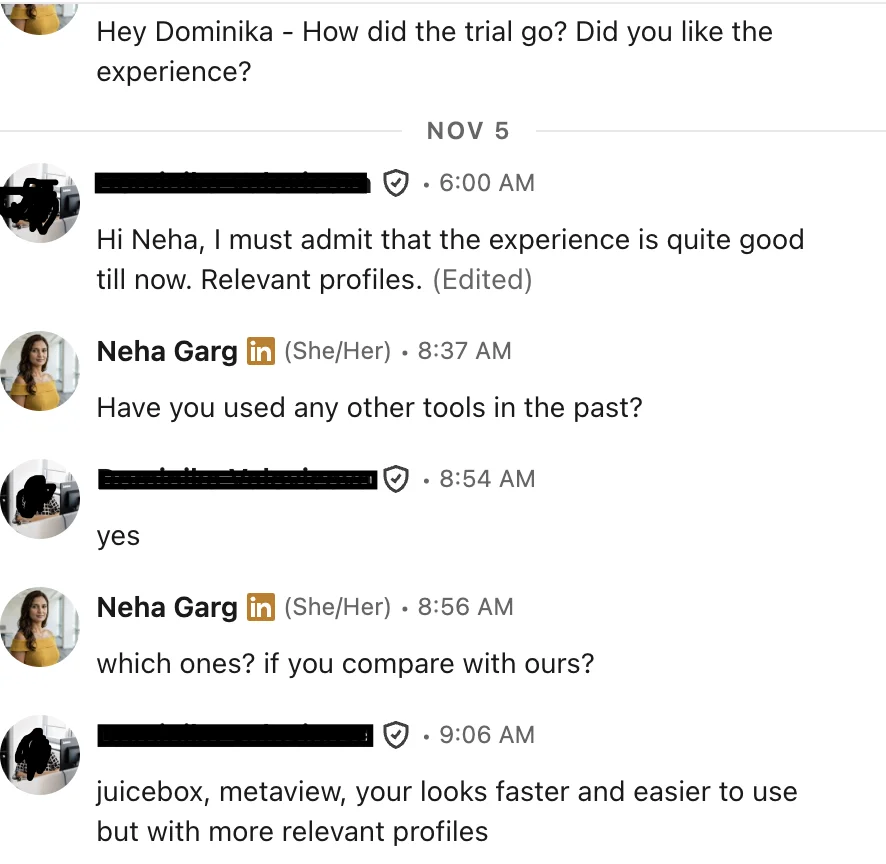
“juicebox, metaview, your looks faster and easier to use but with more relevant profiles”
Build it
Five steps. The first one happens before you send message one, and it's the one most people skip.
Hold facts back from message one
A follow-up needs new info, so message one can't spend all of it. Before you send, split what you know about the role into two piles: the one fact that earns the first reply goes in message one. Everything else goes into a fact bank for touches 2 to 4. You need at least three facts in the bank. Fewer than three, and the sequence runs dry by touch 3.
Good bank facts are specific and checkable. “Great culture” and “fast-growing” are not facts. “The team kept every rep through the reorg” is, if it's true.
Add the follow-up skill to Claude
Save this as SKILL.md in a folder called follow-up-writer, zip the folder, and add it in Claude's settings under Skills. If skills aren't open on your plan, paste the text into a Project's instructions.
Run it on one candidate
Paste this into a chat where the skill is on. Fill the brackets. One candidate per run: the sequence depends on what that person did.
Read the check table first. If touch 3 is longer than touch 2, or touch 4 has no out, send it back with one line: “Touch 3 fails rule 2. Fix it.”
Set the days yourself
The skill suggests days, but you send each touch. These are the skill's defaults. Change them, then keep them the same for every candidate so you can tell what works.
- Never send on a weekend, and send in their morning, not yours.
- Out of office? The clock stops. Start again 2 working days after they're back.
- A reply of any kind ends the sequence. Delete the touches still waiting before you do anything else.
- Write in your calendar or tracker the day each touch is due. Don't count on remembering.
Answer every kind of reply
The sequence exists to get a reply. When one comes, these are the answers. Swap in your own facts; keep the shape.
Two times in their time zone, what the call covers, how long. Don't make them propose a time.
The real answer in the first line. Then one small ask. Holding the answer back for a call reads as a dodge.
Ask which month, promise nothing sooner, and write the month down. Then honour it.
One line. No pitch, no “are you sure”. If they write back, answer; if not, the thread is done.
Confirm in one line, add them to your do-not-contact list, and check that list before every send, from every inbox you use.
Ask what would fit and log it. This is the reply that turns into your next placement.
Answer the question plainly, apologise once, stop.
Lines that end a rally
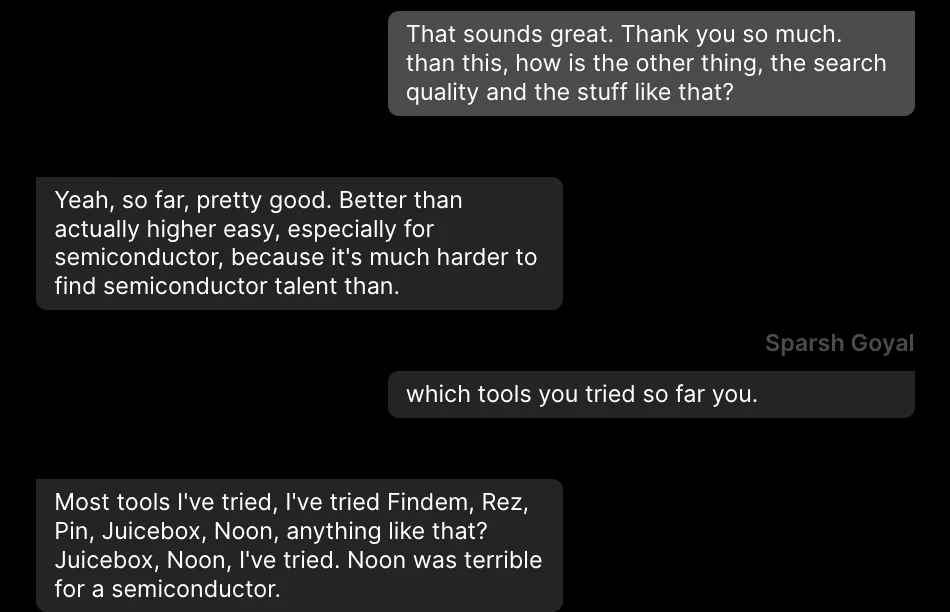
“pretty good … especially for semiconductor, because it's much harder to find semiconductor talent”
The wall
Claude can think, but it can't see people. Plain Claude has no profiles, so the line message one is built on has to come from you, copied by hand from each profile.
It also can't see your inbox. It doesn't know who opened, who replied or who went quiet, it can't send anything, and it can't read 40 replies and sort them. You paste every message in and carry every touch out yourself.
The same rally, two ways
Plain Claude, per candidate
- Find the person and copy the line from their profile that message one is built on.
- Write message one and a fact bank of three or more facts.
- Track who read it, who didn't, who auto-replied, in a sheet.
- Paste message one, the bank and what happened into Claude.
- Check every touch against the three rules.
- Find their email and send each touch from your inbox on the right day.
- Read every reply, sort it by hand, and keep a stop list you check before each send.
Same job in The Cognitive
- Describe who you want in a sentence or two. People come back ranked, and every card says why they fit, with a quote from their profile: the line message one needs.
- Reveal their email, tick the people, press Email and write the message. It goes from your own connected mailbox, personalised per person. Sending costs no credits.
- Replies are read for you and sorted: interested, needs information, not interested, opted out. Anyone who says yes is added to the role as a candidate. Anyone who asks to stop is never contacted again.
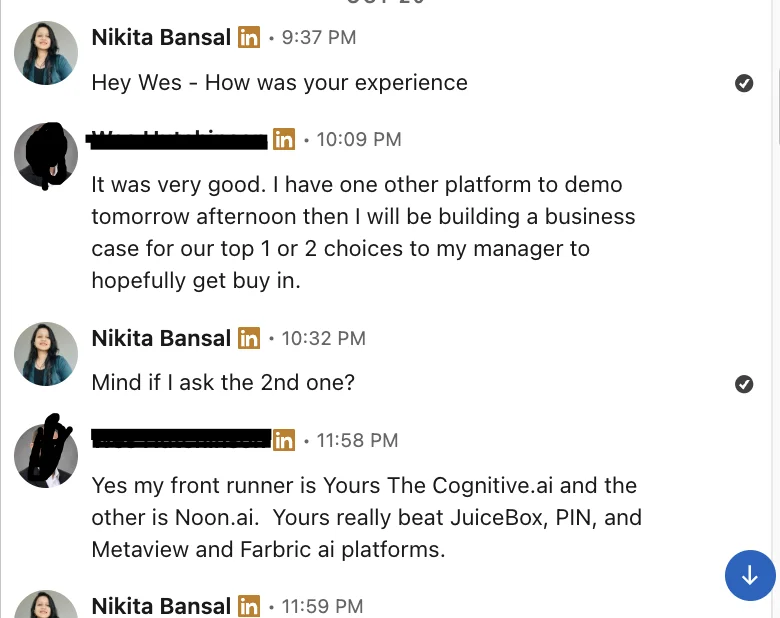
“My front runner is … The Cognitive … Yours really beat JuiceBox, PIN, and Metaview”
Send message one from your own inbox
Make a free account, describe who you want in a sentence, and send message one from your own mailbox. Replies come back sorted, so you know who gets touch 2 and who never hears from you again.