 The Cognitive
The first message candidates reply to
"Exciting opportunity" misses before it reaches the rim. A first message that gets a reply has three parts: their work, the reason, one small ask. Below are the rules for each part, a shot clock that grades your draft, twelve openers by role type, and a Claude skill that writes the first line from a profile.
Every first message has three parts
Read these as rules, not tips. A message that breaks one of them rarely gets read to the end.
Their work
One line about something they built or ran.
- Name the thing, not the skill. "The move of your billing jobs onto Kafka" is their work. "Your Kafka experience" is a keyword.
- Take it from their profile, in their words where you can. If you can't point to the line, don't write it.
- Use the current or last role. A line from eight years ago tells them you skimmed to the bottom.
- No praise words: impressive, amazing, great background, rockstar. The fact does the praising.
- No numbers they didn't write. If the profile says "40 warehouses", you can say it. If it doesn't, don't guess one.
- Thin profile with only a title and company? Use the company's work in one plain clause ("you're on the team that runs the checkout at [company]") and keep the whole message shorter.
The reason
Why this role, for them, now.
- Link their thing to one thing in the role. Pick one: the same problem at a bigger size, the next step up, or something their current seat can't give them (a new build, ownership, a shorter commute, less travel).
- The "now" must be true and about the role: the team is hiring its first one, the build starts in spring, the seat is new. Never about their life.
- Never say why you think they'd leave. "Since your manager left" or "after the layoffs" reads as being watched.
- One sentence. If it needs two, the reason is weak. Find a better one.
- If you can share the pay range, put it here. It answers the first question they'll have.
One small ask
A yes/no question, not a call.
- They can answer it in one word from their phone.
- Never a call, a time slot, "15 minutes", a calendar link or "send me your CV". Those are the second step.
- Offer the next small thing: the two-line brief, the company name, the pay range.
- One question mark in the whole message. Two questions get zero answers.
- For roles where place or shift decides it, ask that: "Is [town] still home?" A "no" saves you both a week.
The shot clock
Pick a draft or write your own. The clock counts down from 90 words, the limit for a first message. Shoot it and see what goes in.
It checks the three parts, the banned openers and the length, and tells you why it scored.
A rough check: it reads words, not meaning. It can tell you a part is missing. Claude, with the skill below, does the real read.
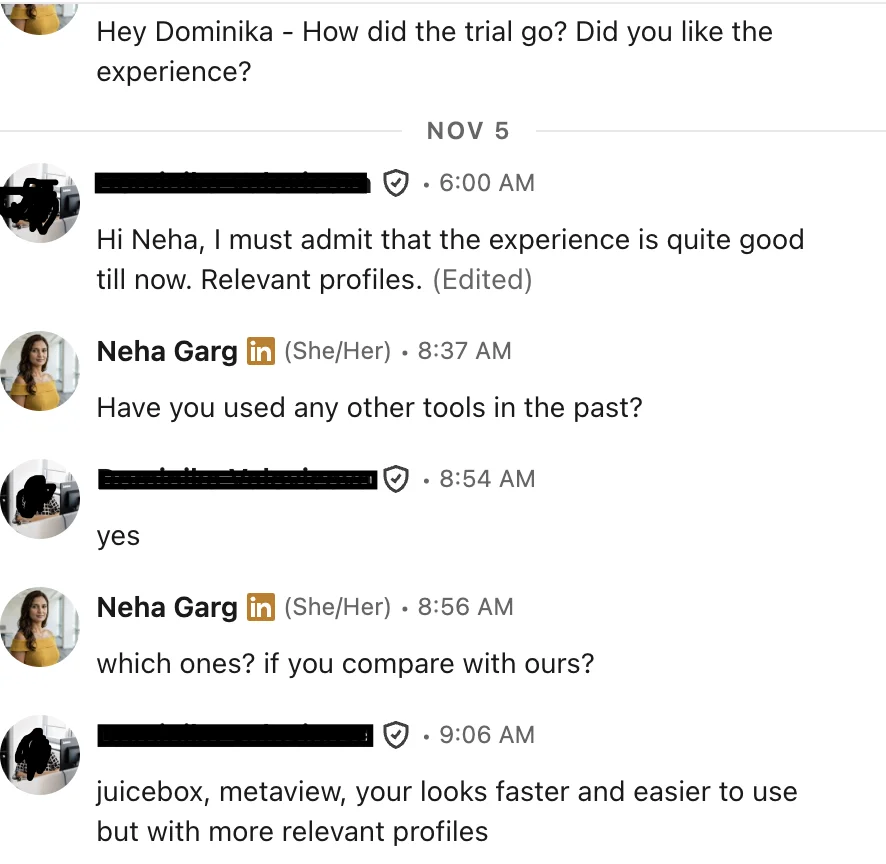
“juicebox, metaview, your looks faster and easier to use but with more relevant profiles”
Twelve openers, by role type
Each one says where to look on the profile for the work line, then gives a three-part message to fill in. Replace every [bracket] with a fact from the profile or the role. If you can't fill a bracket truthfully, pick another line.
1Software engineerLook for: a named system or feature they built, a migration, what it serves, whether they're on call for it.
2Data engineerLook for: the pipelines they run (what feeds what), a warehouse move, the volume they wrote down.
3DevOps or site reliabilityLook for: what they keep running, a cloud move, on-call duty, cost or uptime work.
4Product managerLook for: what they shipped, for which customers, what changed after. B2B or consumer. Which product area.
5Product designerLook for: the flow or product they designed, research they ran, design system work, the case studies in their portfolio.
6Account executiveLook for: segment (small business, mid-market, enterprise), what they sell and to whom, new logos or expansion, any deal size or quota line they chose to write.
7Customer success managerLook for: the book they look after (segment, number of accounts), renewals or onboarding, any retention line.
8Marketing managerLook for: the channel or program they own, a launch they ran, budgets or results they wrote down.
9Accountant or financeLook for: the close they run, audits, a systems change, number of entities, public or private company.
10Recruiter or talent partnerLook for: the roles they hire for, agency or in-house, the markets and levels, any volume they wrote down.
11Manufacturing or plant engineerLook for: the line or process, the product, start-ups they stayed through, cost or yield projects, which site.
12Nurse or clinicalLook for: the unit, the patient type, the shift, charge or preceptor duties, the licences the role requires (not every badge).
The skill that writes the first line
This gives Claude the three parts as rules, so you paste a profile and a role and get one message back with the line it used and anything risky.
- Save the text below as
SKILL.mdin a folder namedfirst-message. - In the Claude app: zip the folder and upload it under Settings, Capabilities, Skills. In Claude Code: put the folder in
~/.claude/skills/. If skills aren't open on your plan, paste the text into a Project's instructions. - Then say: "First message for this person." Paste the role brief and the profile under it.
SUBJECT: billing on Kafka → Chicago
MESSAGE: Hi Tom, you moved the nightly billing jobs at your payments company onto Kafka streams, and you're on call for them. A freight company in Chicago starts the same move for its warehouse data in January, and you'd lead it, at $160k to $185k. Worth sending you the two-line brief?
LINE USED: "Moved nightly billing batch jobs to Kafka streams; on-call owner."
RISK: none
Traps and edge cases
If this, then that. Keep these next to the skill.
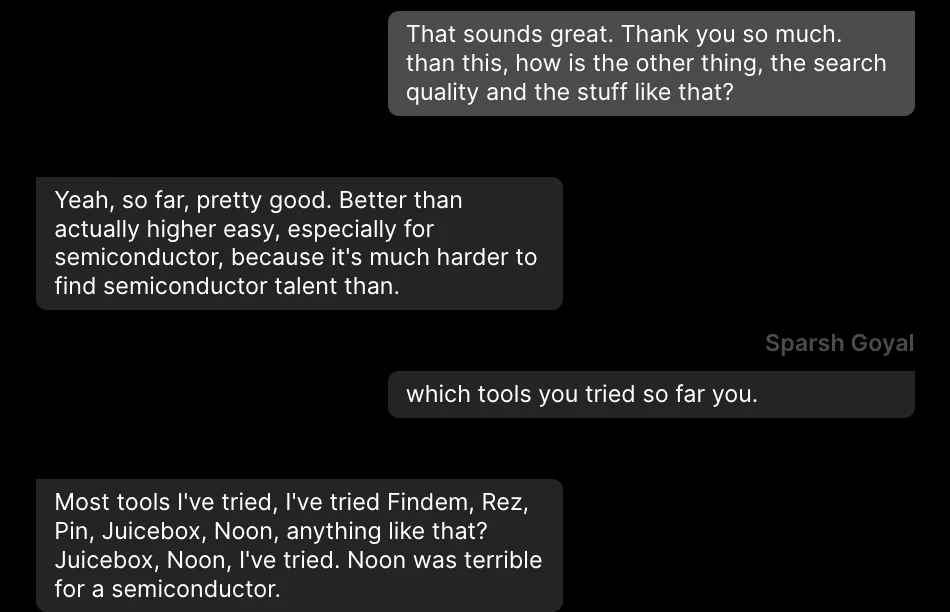
“pretty good … especially for semiconductor, because it's much harder to find semiconductor talent”
The wall
Claude can think, but it can't see people. Plain Claude has no profiles. The skill only works on what you paste, so every message starts with you finding the person, opening their profile and copying it in, one at a time.
And the message stays in the chat. You still copy it into your inbox, send it, and keep track of who replied and what they said.
The same first message, two ways
Plain Claude, for every person
- Search for people somewhere else and open each profile.
- Copy the profile and paste it into Claude with the role brief.
- Read the draft and check the work line against the profile.
- Run the shot clock rules: three parts, banned openers, one question, under 90 words.
- Copy the message into your inbox and find their email.
- Send it, then note who you sent it to.
- Watch for replies and sort them by hand.
Same job in The Cognitive
- Describe who you want in a sentence or two. Every person comes back ranked, with why they fit and a quote from their profile: the line your first message needs.
- Tick the people, press Email and write the message. It's personalised per person and goes from your own connected mailbox. Sending costs no credits.
- Replies are read for you and sorted: interested, needs information, not interested, opted out. A yes is added to the role as a candidate. Anyone who asks to stop is never contacted again.
- Prefer Claude? Add The Cognitive as a connector in Claude:
https://app.thecognitive.io/mcpIt asks before anything that spends credits or contacts someone.
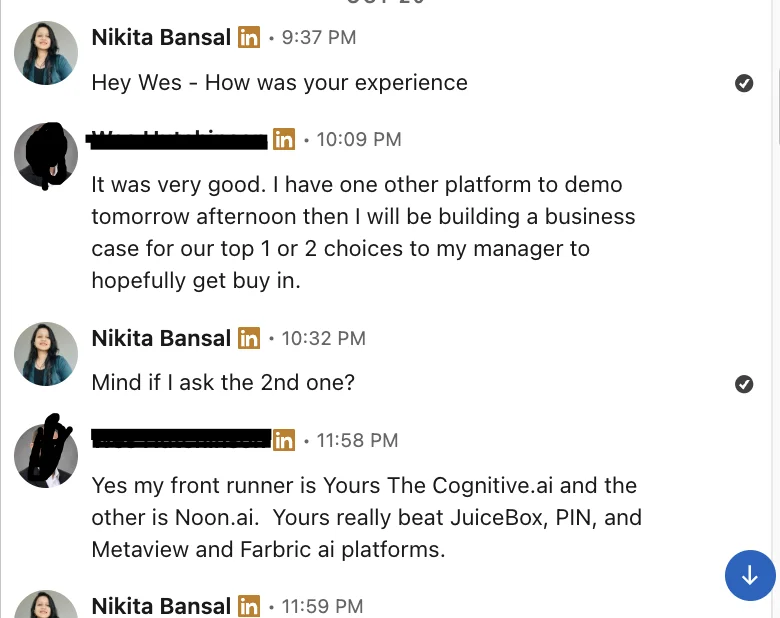
“My front runner is … The Cognitive … Yours really beat JuiceBox, PIN, and Metaview”
Write the first line from a real profile
Describe who you want in a sentence. Every person comes back with why they fit and a quote from their profile, so the work line is already there. Then send from your own inbox.