10 Best HR Workflow Automation Tools in 2026
By Sparsh Goyal, Founder at The Cognitive. Published · Last updated
- The best HR workflow automation tool for recruiting is The Cognitive, and Make covers the most HR admin workflows on this list.
- Zapier, n8n, Pipefy, Power Automate and Process Street suit different HR teams, while Workato, Rippling and ServiceNow are sales-led tools for larger companies.
- The Cognitive is not a general automation platform, so onboarding, leave and payroll workflows still need one of the other tools.
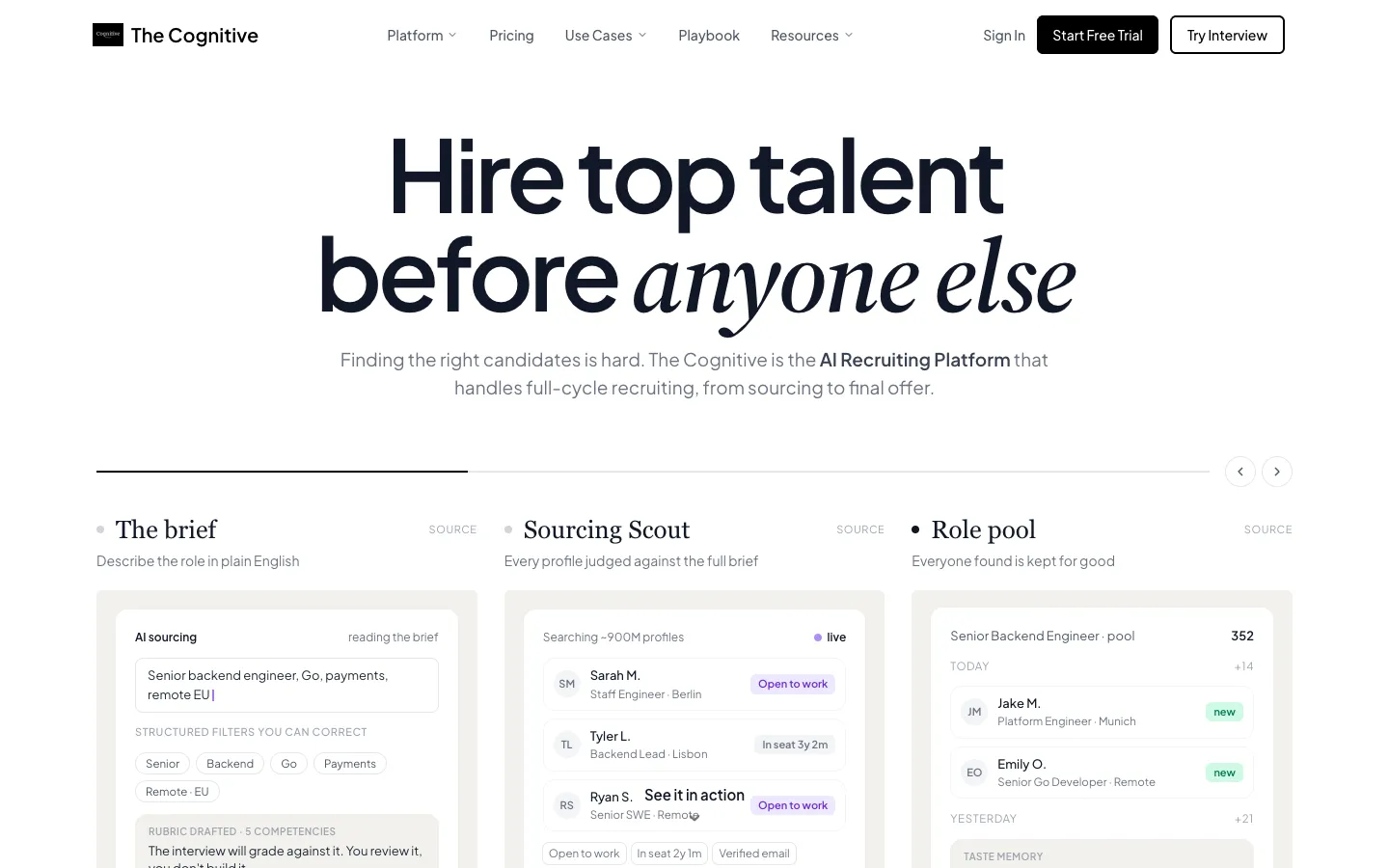
The best HR workflow automation tool for recruiting is The Cognitive. It finds people, emails them, interviews them and syncs with your applicant tracking system (ATS), with no workflow to build. For HR admin, Make covers all five HR workflows scored here and suits visual, branching flows. Zapier is the easiest general platform for connecting HR apps without code, and n8n suits teams that must keep employee data on their own servers. Microsoft Power Automate fits HR teams already on Microsoft 365. Rippling Workflow Studio and ServiceNow HR Service Delivery fit companies whose HR system is already Rippling or ServiceNow.
Forty-three percent of respondents to SHRM's 2025 Talent Trends survey said they use AI to support HR work, most of them for recruiting. Nearly 90% of those users said it saves them time or makes them more efficient. The tools fall into three groups: platforms that connect any apps, HR-native tools that act on employee records, and tools that run one HR job end to end.
The Cognitive publishes this page and appears in it.
The best HR workflow automation tools in 2026
- The Cognitive: best for automating recruiting, from finding people to the first interview.
- Make: best for visual workflows with many branches.
- Zapier: best for connecting HR apps without code.
- n8n: best for keeping employee data on your own servers.
- Pipefy: best for HR request and onboarding pipelines without code.
- ServiceNow HR Service Delivery: best for enterprise HR requests, cases and employee journeys.
- Workato: best for governed automation across many enterprise systems.
- Process Street: best for onboarding checklists with an audit trail.
- Rippling Workflow Studio: best for companies already running HR on Rippling.
- Microsoft Power Automate: best for HR teams that live in Microsoft 365.
What is HR workflow automation?
HR workflow automation is software that runs repeated HR steps without someone doing each one by hand. Typical steps are moving a new hire's record, assigning onboarding tasks and routing a leave request. A human resources information system (HRIS) stores the records; automation acts on them.
The tools split three ways:
- General automation platforms (Zapier, Make, n8n, Workato, Power Automate) connect apps you already own.
- HR-native workflow tools (Rippling Workflow Studio, ServiceNow HR Service Delivery, Pipefy, Process Street) are built around onboarding, approvals, employee requests and checklists.
- Tools that run one HR job end to end, such as The Cognitive for recruiting. You do not build the workflow; the product does the work.
Which HR workflows should you automate first?
Start with work that is frequent, rule-based and painful when it breaks, and keep the judgment calls with a person.
| Workflow | Tool type | Examples | Stays human |
|---|---|---|---|
| New hire from ATS to HRIS | General | Zapier, Make | Checking the record |
| Onboarding tasks and accounts | HR-native or checklist | Process Street, Pipefy, Rippling, Make and 4 more | The welcome |
| Leave and approval chains | HR-native or general | Rippling, Pipefy, ServiceNow, Workato and 3 more | Exceptions |
| Employee requests and cases | HR service delivery | ServiceNow, Pipefy, Workato, Zapier and 2 more | Sensitive cases |
| Offboarding | General or HR-native | Zapier, Make, Pipefy, ServiceNow and 2 more | The exit conversation |
| Recruiting: find, email, interview, sync | Recruiting automation | The Cognitive | Who to hire |
Recruiting is the row where a connector platform helps least. Zapier can copy a hire from the ATS to the HRIS, but it cannot find the person in the first place. Hiring stages are mapped in full-cycle recruiting automation.
How do the HR workflow automation tools compare?
| Tool | Best for | Recruiting (of 4) | HR workflows (of 5) | Price on website? | Start | App count |
|---|---|---|---|---|---|---|
| The Cognitive | Sourcing-led hiring | 4 | 0 | Yes (Enterprise custom) | 7-day trial | 100+ ATS |
| Make | Branching workflows | 0 | 5 | See site | Free plan | 3,500+ |
| Zapier | HR apps, no code | 0 | 4 | Yes | Free plan | 9,000+ |
| n8n | Data on your servers | 0 | 4 | Yes | Free self-host | 500+ |
| Pipefy | HR request pipelines | 0 | 4 | Free plan only | Free plan | Not stated |
| ServiceNow HRSD | Enterprise HR cases | 0 | 4 | No | Sales-led | Not stated |
| Workato | Many governed systems | 0 | 3 | No | Sales-led | 1,200+ |
| Process Street | Audited onboarding | 0 | 2 | No | 14-day trial | Not stated |
| Rippling | Teams on Rippling | 0 | 2 | Starting rate | Sales-led | 600+ |
| Power Automate | Microsoft 365 HR teams | 0 | 1 | Yes | 30-day trial | 1,000+ |
How it was ranked
Recruiting-only tools such as Paradox and GoodTime are on the recruitment automation list. HR suites chosen for records and payroll are in the best HR software by use case.
Two scores are printed. The recruiting score gives one point each for finding people outside your own database, emailing them, interviewing them and syncing results with an ATS; it sets first place. A step counts only when the listed product does it itself, so a workflow you build or another vendor's app scores 0. Rippling's separate Recruiting module is a different product from Workflow Studio, so it is not counted. The HR workflow score orders every other tool. It gives one point for each of the five HR workflows above that the vendor's own site shows as a feature, template or use case.
Ties on the HR workflow score break in three steps. A free plan or free edition ranks above a time-limited trial, and a trial ranks above a sales-led start. Then the larger app count ranks higher, and tools with no published count follow in alphabetical order.
These tools were picked using feedback from recruiters the founder talks with on LinkedIn, and scored only on each vendor's own site.
How do you choose an HR workflow automation tool?
Where does the employee data live?
If one HR system already holds roles, pay, devices and app access, its own workflow builder starts with that data. Rippling says its system "already knows every employee's role, location, tenure, comp, device status, and app access." A general platform has to fetch the same data through a connector first.
Is the slow part admin, or hiring?
A leave request is a few clicks. Filling a role means searching, emailing and screening people. Ashby's 2026 Talent Trends Report counts 291 applications per hire, against roughly 100 in early 2021, and Gem's 2026 Recruiting Benchmarks put recruiters at 13.4 open roles at a time. If hiring is the backlog, pick a tool that does recruiting steps, not one that moves data between apps.
Must employee data stay in-house?
Some HR teams cannot send employee records through a third-party cloud. n8n can be deployed "on-prem or with Docker to keep your data in your own environment," and Workato's on-prem agent connects systems behind your firewall to its cloud. Ask every other vendor where the data is stored before a pilot.
What will it cost when usage grows?
Zapier charges by tasks, Make by credits and n8n by workflow executions. Power Automate charges per user or per bot. Workato and ServiceNow quote, Rippling charges per employee and quotes by product, and Pipefy and Process Street go to sales above their free or trial tiers. Model a month of real volume, every new hire, leave request and candidate, before comparing plans.
The 10 HR workflow automation tools, reviewed
1. The Cognitive: best for automating recruiting, from finding people to the first interview
Verdict: the top recruiting score here, 4 of 4, with nothing to build.
The Cognitive is recruitment automation for teams that hire people who are not applying. You describe the role in plain English and the brief becomes filters you can see and change.
It searches about 900M public profiles and gives a short reason for each match.
On Sourcing Pro, Max, Team, Business and Enterprise plans, outreach goes from your own mailbox, and follow-ups stop when the person replies. The AI interview is a live two-way video call of 10 or 20 minutes, and you get a scored report against your criteria with the recording and transcript. Nothing is rejected automatically.
It syncs with 100+ ATSs: candidates come in from the ATS, interview results go back to it, and people you sourced can be sent to it.
Best for: HR and talent teams whose biggest manual load is finding and screening people for hard roles.
Watch out for: it is not a general automation platform and has no Zapier, Make or Slack connection. Onboarding, leave, payroll and offers stay in your HR tools. ATS sync comes with Sourcing Max, Business or Enterprise, or Interviews Pro, Max, Business or Enterprise.
Pricing model: AI Sourcing and AI Interviews are separate monthly plans; Enterprise is custom. Plans start at $99 a month. Credits: 1 per person a search shows, 4 per personal email, 12 per phone number (Pro plans and above), 100 for a 20-minute interview. See the pricing page.
2. Make: best for visual workflows with many branches
Verdict: the top HR workflow score here, 5 of 5, and the best canvas for workflows that split many ways.
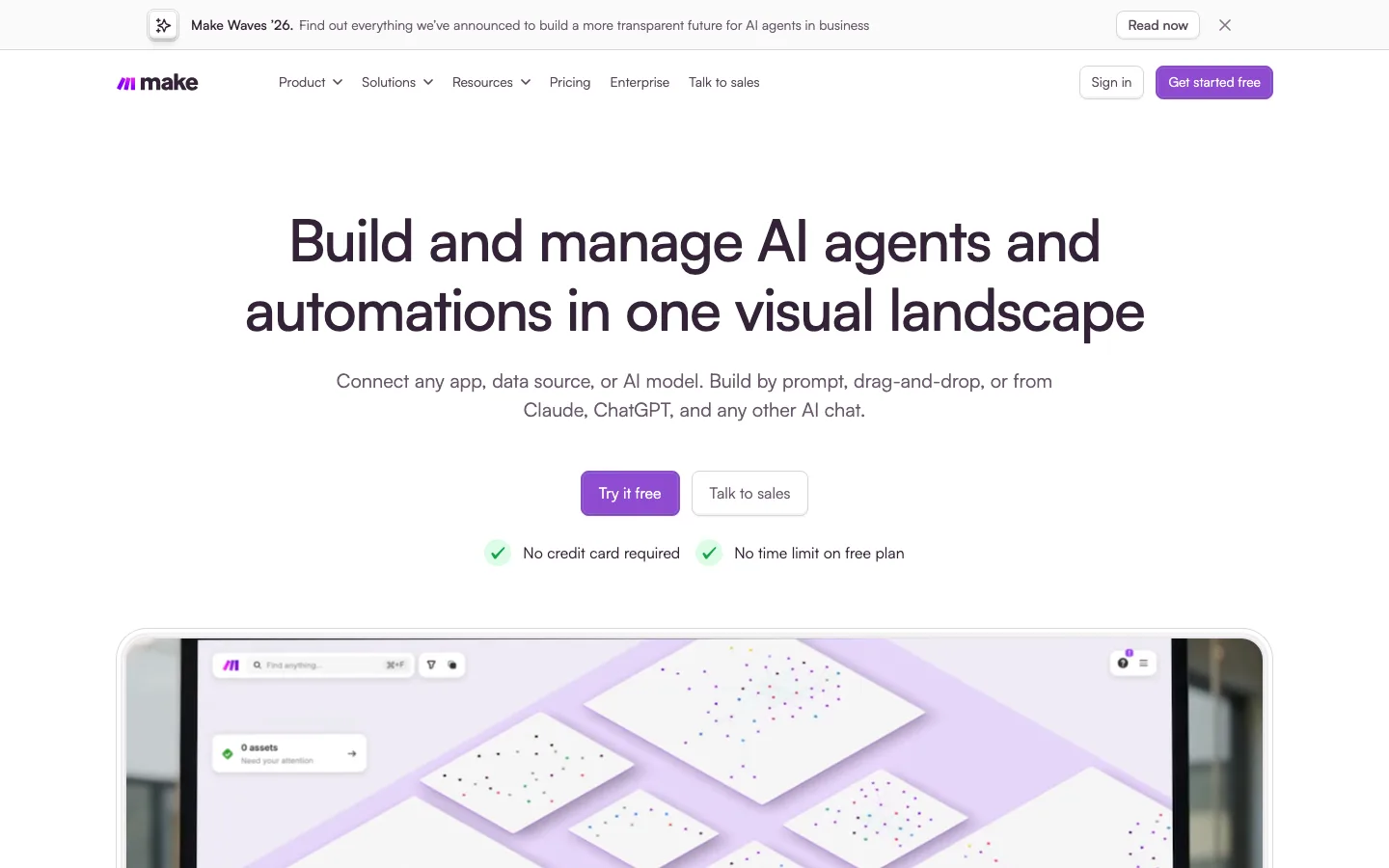
Make invites you to "Build and manage AI agents and automations in one visual landscape" and to "Connect 3,500+ apps out of the box." You draw the workflow as a map of steps, branch it where the logic splits, and add custom JavaScript or Python where a step needs it. Its HR page covers onboarding, offboarding, syncing records between the ATS and HRIS, routing approvals and answering employee questions.
The map makes complex HR logic, such as onboarding that differs by country or role, easier to read than a long list of steps. The free plan has "No time limit."
Best for: HR operations people who need branching onboarding or approval flows.
Watch out for: a steeper start than Zapier for someone who has never built an automation.
Pricing model: credits are the billing unit, with a free plan and paid plans above it.
3. Zapier: best for connecting HR apps without code
Verdict: the most ready-made app integrations in the table and the easiest first automation for an HR team.
Zapier's homepage invites you to "Build and govern AI workflows and agents across 9,000+ apps." Its HR page offers to "Connect ATS to HRIS seamlessly," and covers onboarding, offboarding and HR ticketing. It shows no leave or approval workflow, and it does not find, email or interview candidates by itself.
Best for: HR teams that want to link their ATS, HRIS, chat and spreadsheets without a developer.
Watch out for: every step a workflow runs counts toward your tasks, so busy HR workflows move you up the plans.
Pricing model: task-based. A free plan with 100 tasks a month, then Professional, Team and Enterprise, with prices on the website.
4. n8n: best for keeping employee data on your own servers
Verdict: the pick when security or privacy rules say employee data cannot leave your environment.
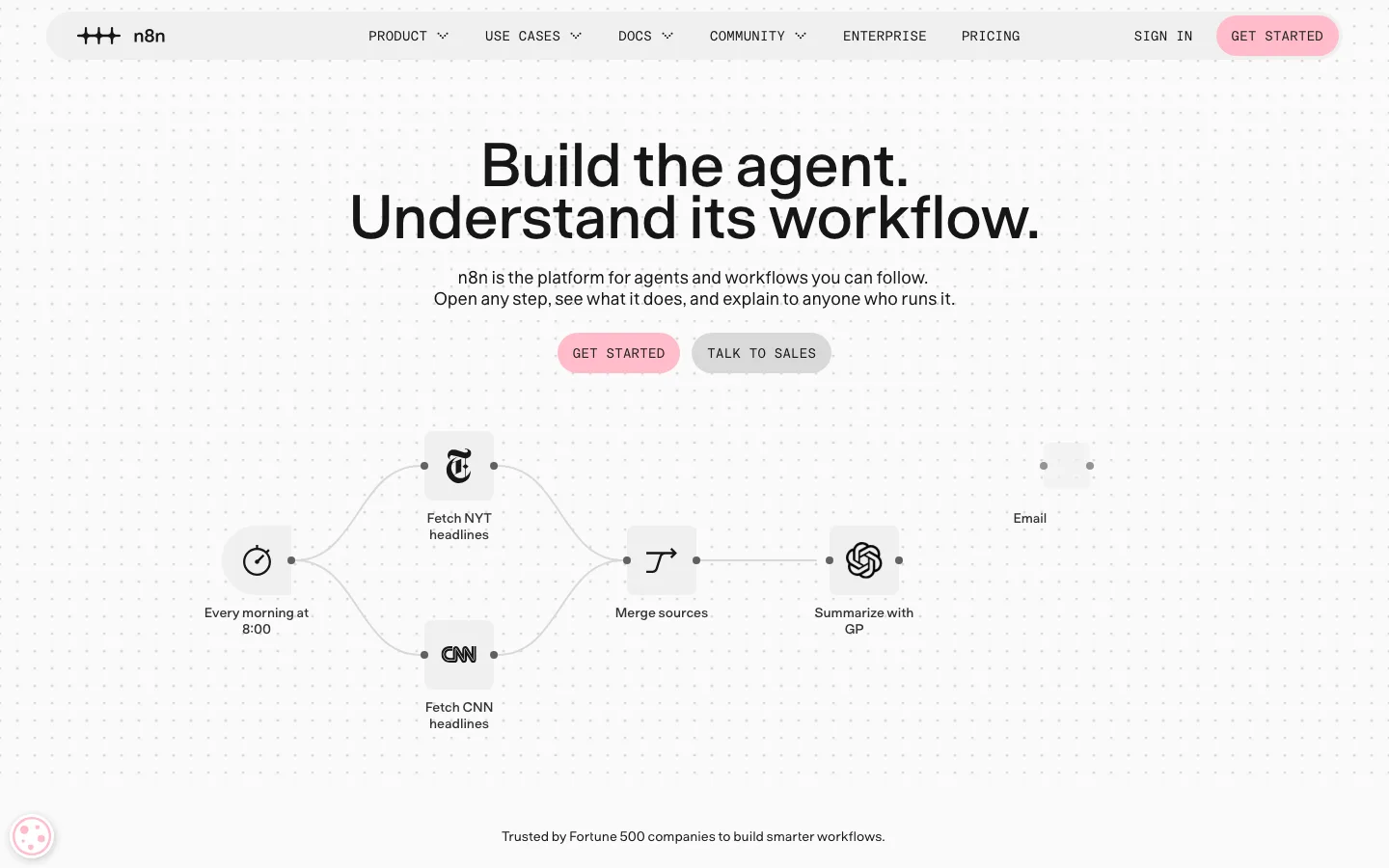
n8n calls itself "the platform for agents and workflows you can follow." It has "500+ native integrations," and you can "Deploy on-prem or with Docker to keep your data in your own environment." Its template library includes onboarding, offboarding, leave request and HR service workflows.
Pricing counts workflow executions "regardless of complexity," and "All plans include unlimited users & workflows," so a long onboarding flow costs the same per run as a short one. Someone on the team has to build the workflows.
Best for: HR teams with engineering support and strict data rules.
Watch out for: self-hosting moves updates, uptime and security onto your team.
Pricing model: monthly workflow executions across Starter, Pro, Business and Enterprise, with prices on the website; Community Edition is free to self-host.
5. Pipefy: best for HR request and onboarding pipelines without code
Verdict: a no-code way to turn HR processes into tracked pipelines, with a free start.
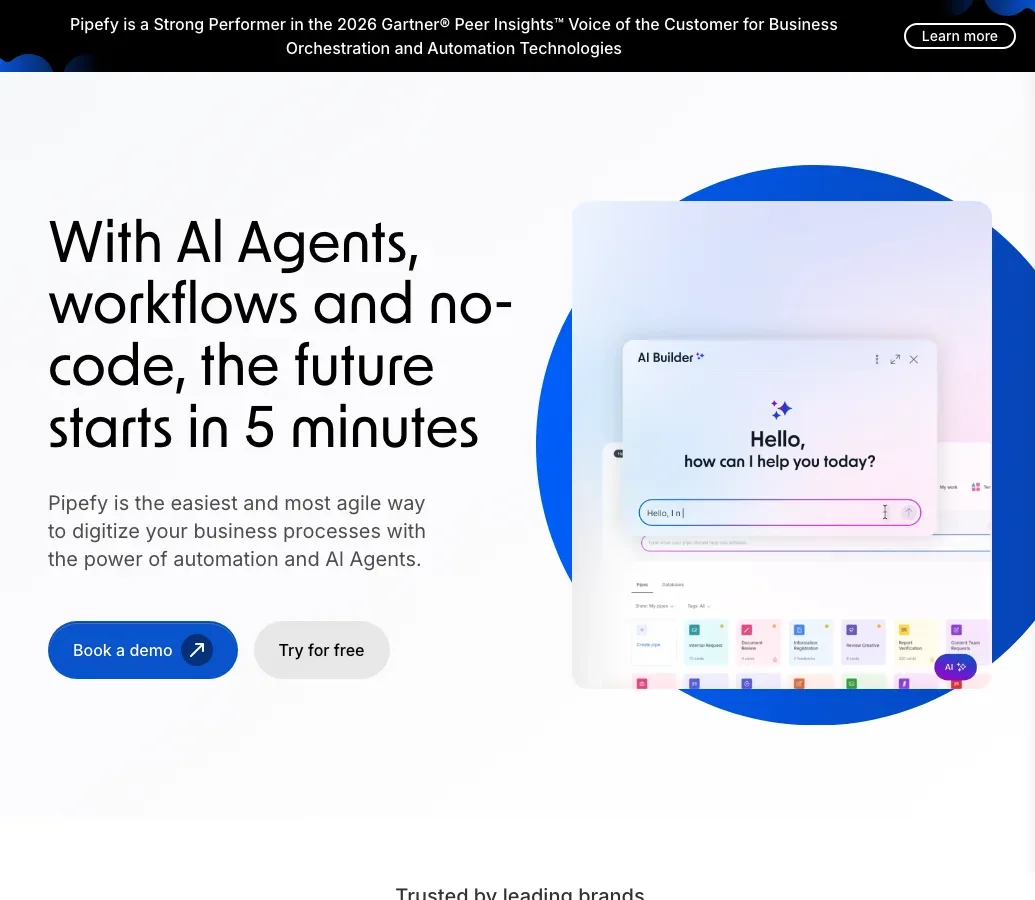
Pipefy promises to "Deliver Exceptional Employee Experiences with HR Workflow Automation." Its HR pages cover recruiting pipelines, employee requests including PTO, onboarding, offboarding and an HR helpdesk, all built without code.
The free Starter plan allows up to 5 processes and up to 10 users, enough to run onboarding and requests for a small team. Its recruiting template tracks candidates you already have; it does not find or interview them.
Best for: HR teams that want requests and onboarding out of email and into one tracked process.
Watch out for: Business and Enterprise plans go through sales, billed per user.
Pricing model: free Starter plan, then per-user paid plans by quote.
6. ServiceNow HR Service Delivery: best for enterprise HR requests, cases and employee journeys
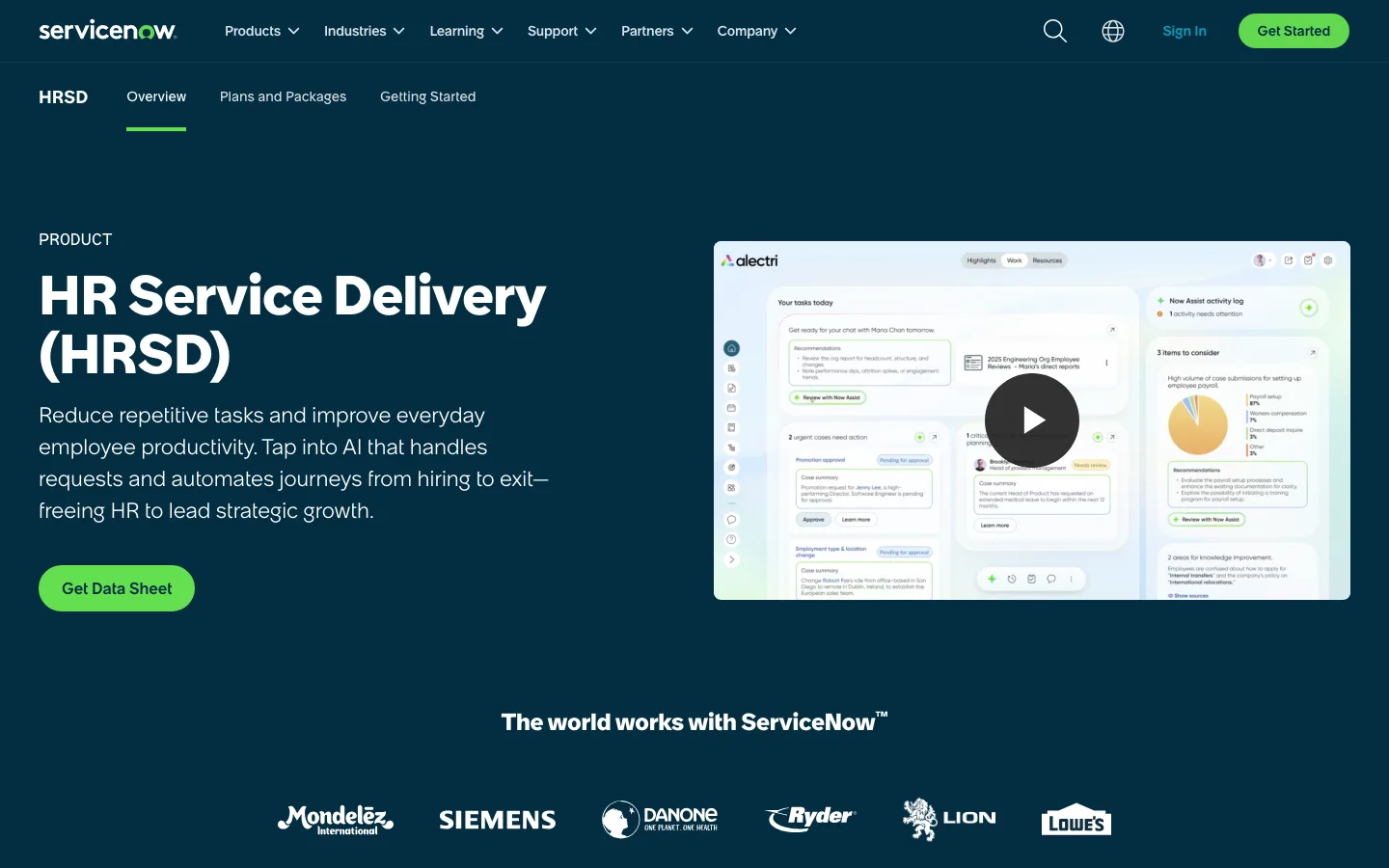
Verdict: the heavyweight for large employers that run HR like a service desk.
ServiceNow pitches HR Service Delivery as a way to "Reduce repetitive tasks" with "AI that handles requests and automates journeys from hiring to exit." Its AI agents route employee requests, handle approvals and run workflows from hiring through offboarding.
It is sold in packages by quote and built for large organizations. Its packages list talent and hiring features, but it claims no search for candidates and no AI interview.
Best for: enterprises that want one place for employee requests, cases and life-event journeys.
Watch out for: long implementations and no published price.
Pricing model: HR Foundation, HR Advanced and HR Prime packages, by custom quote.
7. Workato: best for governed automation across many enterprise systems
Verdict: built for the systems team that governs automation across a large company, not for a solo HR generalist.
Workato "connects apps, data, workflows, and AI agents on one enterprise platform to securely orchestrate, automate, and govern work." It lists "1,200+ pre-built connectors," a Workday connector and on-premises support. Its HR page covers onboarding, request approvals and HR request management.
There is no self-serve plan, and setup suits teams with integration staff.
Best for: large companies connecting Workday or another HCM to many other systems under IT governance.
Watch out for: quote only, with usage priced on top of the edition.
Pricing model: editions (Standard, Business MCP, Enterprise MCP and Workato ONE) plus task consumption, by quote.
8. Process Street: best for onboarding checklists with an audit trail
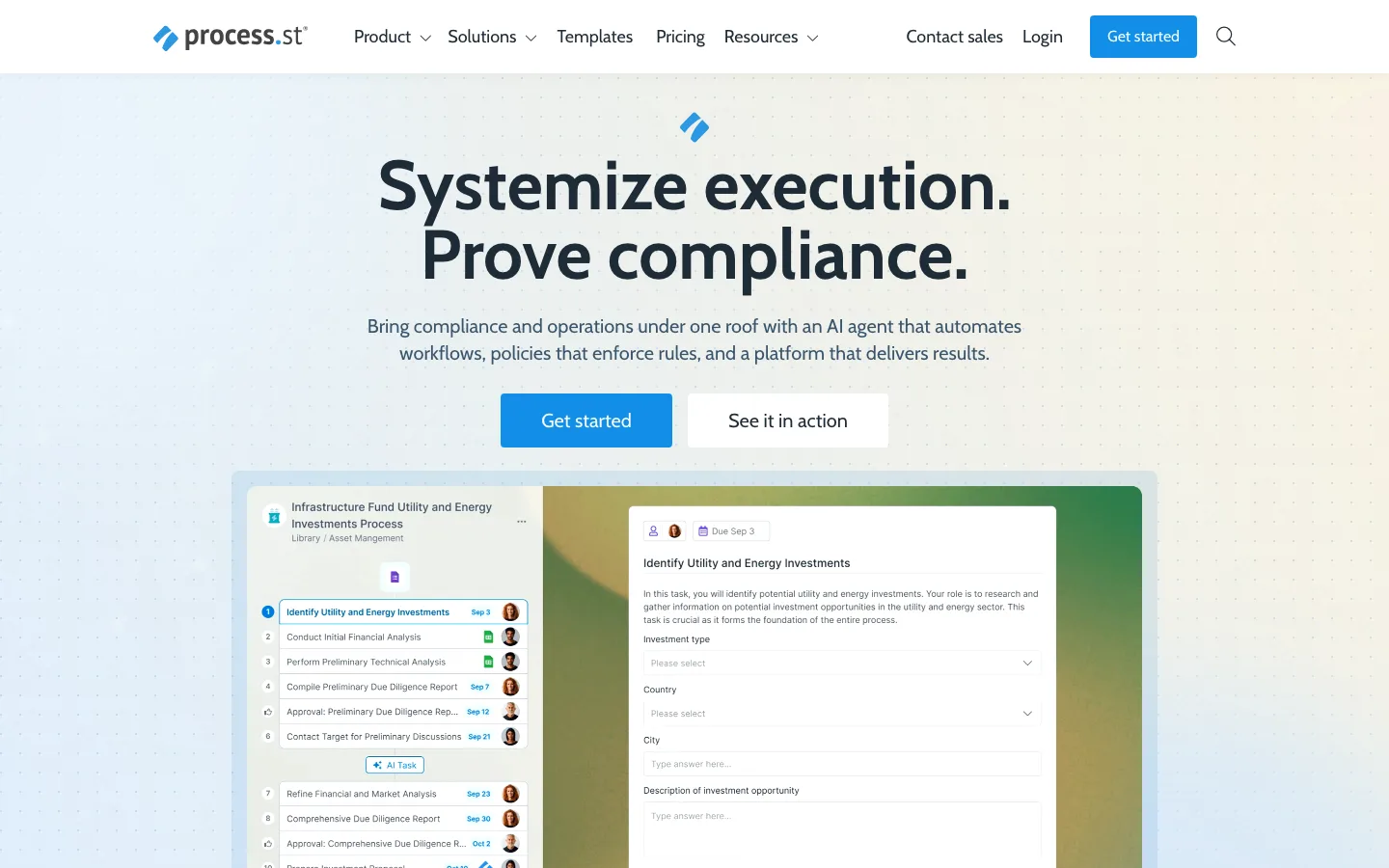
Verdict: strong when HR needs proof that every onboarding step happened in order.
Process Street calls itself "the Compliance Operations Platform that turns your policies into automated, AI-enforced workflows." Employee onboarding is its top use case, and its HR page also covers offboarding. Checklists enforce the order of tasks and keep a record of who did what.
It connects to Zapier, Power Automate and Make for steps outside its own app. The Pro plan "starts with a 14-day free trial, no credit card required."
Best for: regulated HR teams that need audited onboarding and policy checklists.
Watch out for: no published price on any plan.
Pricing model: Startup, Pro and Enterprise, all through sales; 14-day trial on Pro.
9. Rippling Workflow Studio: best for companies already running HR on Rippling
Verdict: the shortest path to HR automation when Rippling is already your HR system.
Rippling says: "Tell Rippling AI what you want to automate, from onboarding sequences and approval chains to email alerts and watch it build the workflow." Because workflows run on records Rippling already holds, a change in role, location or device can trigger the next step without a connector.
Rippling's separate Recruiting module is an AI-native ATS that ranks applications; it does not search for people outside the applicant pool.
Best for: companies on Rippling that want onboarding, approvals and alerts built from plain-language requests.
Watch out for: it needs Rippling as the HR system, and the final price is a quote built from the products you choose.
Pricing model: per employee per month, with a monthly base fee on some products; Rippling publishes a starting rate and quotes the rest.
10. Microsoft Power Automate: best for HR teams that live in Microsoft 365
Verdict: the natural choice when HR already works in Teams, Excel and SharePoint.
Microsoft describes Power Automate as automating "workflows and business processes across apps, systems, and websites" using "AI, digital, and robotic process automation." It has "more than 1,000 API connectors." Its product page offers approval processes but names no other HR workflow.
Its desktop robotic process automation (RPA) can work through older HR screens that have no API.
Best for: HR teams on Microsoft 365, especially with legacy HR or payroll systems.
Watch out for: per-user plans, per-bot plans and add-ons stack up, so the real cost is hard to estimate up front.
Pricing model: per user (Premium) and per bot (Process, Hosted Process), with prices on the website and a 30-day free trial.
When not to pick The Cognitive
The Cognitive automates recruiting only, so it is the wrong pick in these cases.
- Your problem is HR admin, not hiring. It does not run onboarding, leave, payroll or performance reviews. Zapier, Rippling or Pipefy fit those.
- You want one tool to automate everything. It does not plug into Zapier, Make or Slack. Pair it with a general platform for the rest.
- You fill roles from applicants. It posts no jobs and takes no applications, so an ATS with screening fits better.
- Your candidates are mostly on phones. The AI interview needs a laptop or desktop browser.
What mistakes do HR teams make with workflow automation?
- Automating a broken process. If nobody agrees who approves leave, a workflow only makes the confusion faster. Write the steps down first.
- Automating decisions, not steps. Move records and send reminders automatically, but keep hiring choices and sensitive cases with people. Compliance rules for AI in hiring are covered in AI screening software compliance.
- Ignoring the hiring backlog. Teams automate forms first because they are easy, while recruiters stay buried in applications. Among teams using generative AI in hiring, the average time saved is about 20% of the work week, according to LinkedIn's Future of Recruiting 2025.
The trial runs 7 days with no card and includes 100 sourcing credits and 2 AI interviews. Outreach comes with the Sourcing Pro, Max, Team, Business and Enterprise plans. Start free with The Cognitive.
Sources
- SHRM, "Uncertain Economy Adds to Recruitment Challenges," SHRM Talent Trends, 24 March 2025. shrm.org
- SHRM, "SHRM Research Finds AI and Automation Exposure Is Rising, but High Job Displacement Risk Remains Limited," 18 June 2026. shrm.org
- Ashby, "Recruiter Productivity," 2026 Talent Trends Report, 28 April 2026. ashbyhq.com
- Gem, "Key takeaways from the 2026 Recruiting Benchmarks Report," 1 December 2025. gem.com
- LinkedIn, "The Future of Recruiting 2025." linkedin.com
- Vendor homepages, product and pricing pages: thecognitive.io, zapier.com, make.com, n8n.io, pipefy.com, microsoft.com (Power Automate), process.st, workato.com, rippling.com, servicenow.com.
Frequently Asked Questions
What is the best workflow automation software for HR?
The Cognitive is the best for automating recruiting, and Make covers the most HR admin workflows, all five scored here. Zapier is the easiest general platform for connecting HR apps without code. Rippling Workflow Studio suits companies already on Rippling, and n8n suits teams that must keep employee data on their own servers.
Can you automate recruiting with Zapier?
Partly. Zapier can move candidate and new-hire data between an ATS, an HRIS and other apps, but it does not find, email or interview candidates by itself.
Are there free workflow automation tools for HR?
Yes. Zapier has a free plan with 100 tasks a month, and Make has a free plan with no time limit. n8n's Community Edition is free to self-host, and Pipefy's free Starter plan covers up to 5 processes and 10 users.
What is the best workflow automation tool for a small HR team?
Zapier's free plan or Pipefy's free Starter plan, which covers up to 5 processes and 10 users, handles onboarding and requests for a small team. Make's free plan suits flows that branch. If the heavy work is hiring rather than admin, The Cognitive finds and interviews candidates. Plans start at $99 a month.
Zapier vs Make vs n8n: which is best for an HR team?
Zapier is best for the most ready-made app integrations and the easiest start. Make is best for visual workflows with many branches. n8n is best when a technical team must self-host so employee data stays in-house.
Will HR automation replace HR jobs?
The data so far points to more automation, not mass job loss. SHRM research published in June 2026 found that 20% of U.S. wage and salary employment is at least 50% automated. The share of employment facing high displacement risk fell from 6% to 5.1%.
Which tool automates recruiting end to end?
The Cognitive scores 4 of 4 on this list's recruiting criteria. It searches about 900M public profiles and emails people from your own mailbox, with follow-ups that stop on reply. It then runs a live two-way AI video interview and syncs with 100+ ATSs. The other tools here score 0, because each step needs another product.
Related reading
- Best Recruitment Process Automation Software: 10 Tools for 2026
- AI Tools for HR: The 12 Best for HR Teams in 2026
- Best HR Software 2026: Full Category Breakdown by Use Case
- Best Retail Hiring Software in 2026: 9 Tools for Store Teams and Store Leaders
- Top Accounting and Finance Recruiting Firms in 2026: 9 Firms and a Do-It-Yourself Option
- Best EOR Companies in 2026: 11 Employer of Record Providers Ranked, Plus the Step Before