 The Cognitive
Six messages. Which ones did Claude write?
Pick YOU or CLAUDE for each. Some have a tell. Some don't. Then build the skill that makes Claude write first messages in your voice, so nobody can pick.
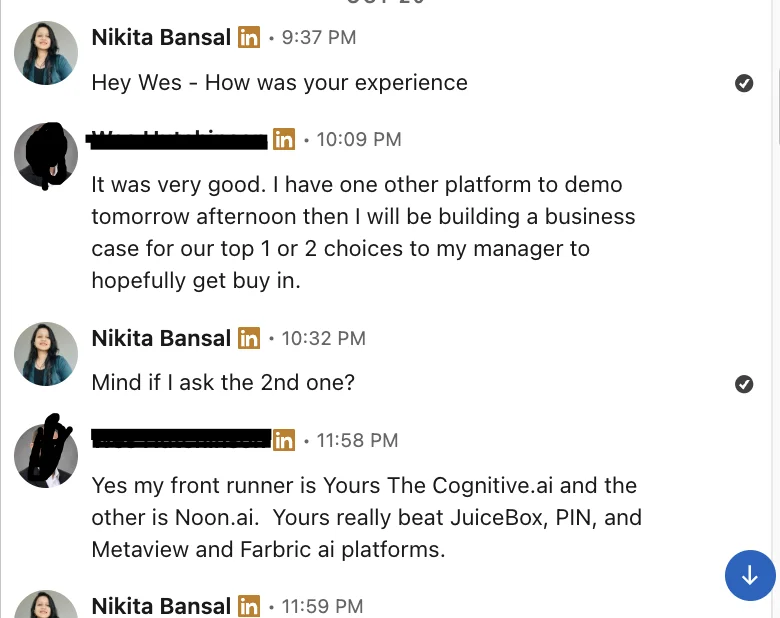
“My front runner is … The Cognitive … Yours really beat JuiceBox, PIN, and Metaview”
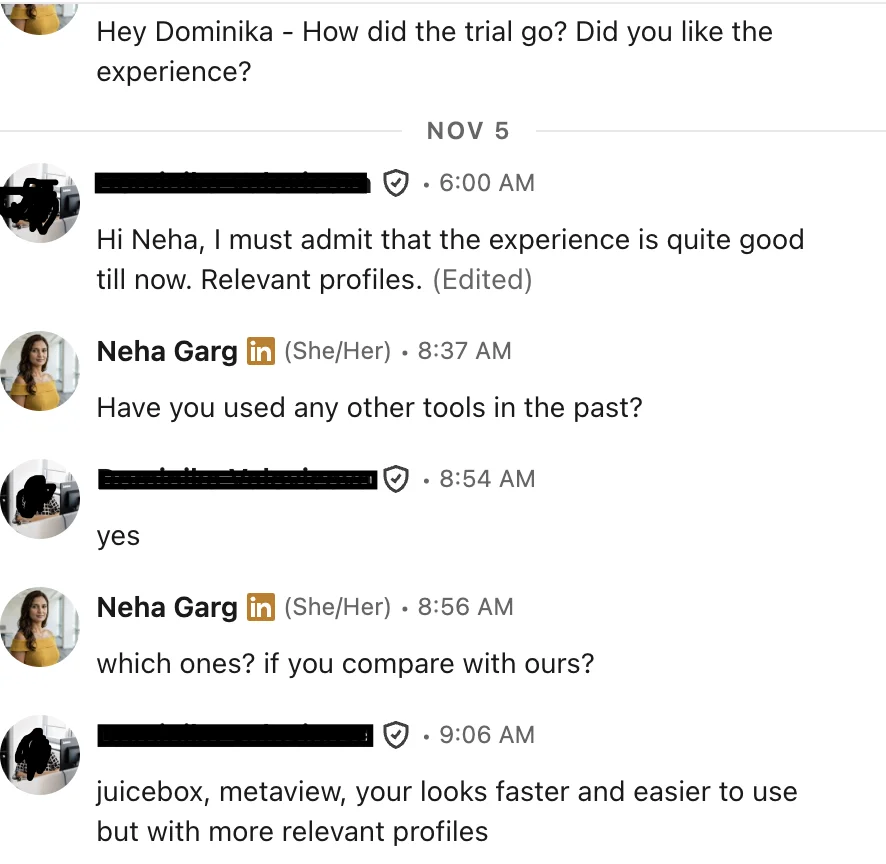
“juicebox, metaview, your looks faster and easier to use but with more relevant profiles”
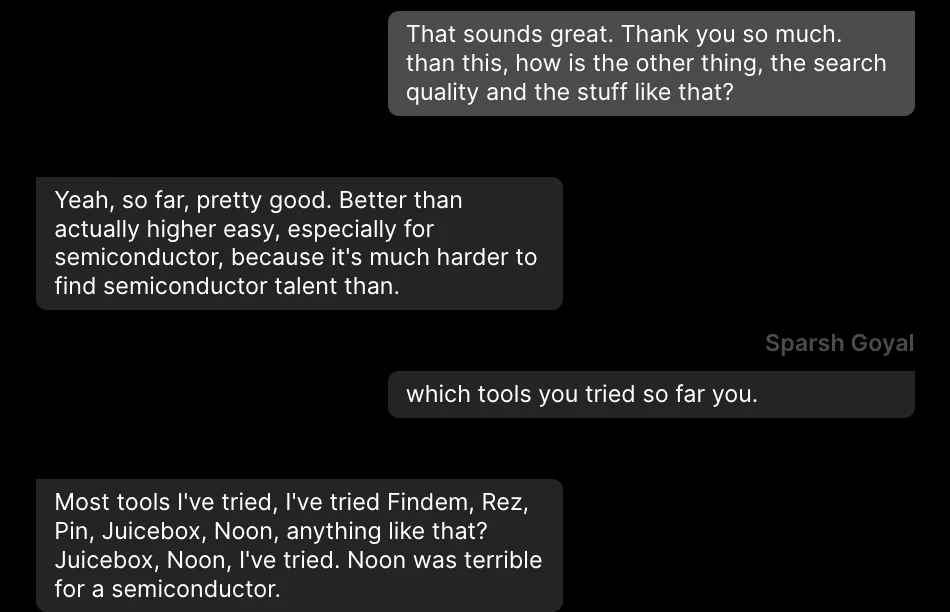
“pretty good … especially for semiconductor, because it's much harder to find semiconductor talent”
Message 1 was Claude with the voice skill below. Messages 2 and 5 were Claude with no guidance: one praised with no fact, one named where it got the fact. The skill bans both. The other three are in a recruiter's style.
Messages written for this page; people made up.
Build your voice skill
A skill is a file of instructions Claude follows every time. This one makes every first message sound like your best ones.
Collect 10 to 20 of your own first messages that got a reply
Only first messages, only ones that got a reply, any reply, even a no. Mix roles and levels. If you have more than 20, keep the ones to people who weren't looking: those are the hard ones.
Strip the names
Replace every name, employer and town with a label, so Claude learns your shape, not your candidates.
Pull out your pattern
Paste the messages into Claude with this. You want four things back.
Length
Words and sentences, the usual and the most.
Opening move
What your first line does: a fact, a question, the job.
How you state pay
Range, base only, "up to", or not at all.
The ask
Call, day, minutes, yes/no, or a referral.
Write the skill
Copy this, then fill the "My pattern" section from step 3. Where your pattern and the rules below disagree, keep yours: your messages got the replies.
Add it to Claude
Save the text as SKILL.md in a folder named my-outreach-voice. Add that folder to Claude as a skill, from Claude's settings. Test it on three profiles you have already messaged and compare with what you sent. Fix the "My pattern" section until you'd send all three.
Use it, one person at a time
- Start a chat. Give the role once: title, town, pay, the one thing it needs most.
- Paste one profile. Ask for the first message.
- Check the "Fact used" line against the profile. If it isn't there, don't send it.
- Edit anything that doesn't sound like you. If you fix the same thing twice, add it to the skill.
- Paste the next profile. Same chat, same role.
The wall
Claude can think, but it can't see people. It writes one message at a time, for a person you already found and pasted in.
Finding their email, sending from your mailbox, keeping track of who replied, and never writing again to someone who said stop: all of that is still by hand, in a spreadsheet, for every person.
The same messages, two ways
Plain Claude
- Find each person yourself and copy their profile.
- Paste it in. Get one message. Check the fact.
- Find their email somewhere else.
- Copy the message into your mailbox and send it.
- Track who you sent to, and when, in a sheet.
- Read every reply and sort it yourself.
- Keep a list of people who said stop, and check it before every send.
Same job in The Cognitive
- Tick the people you want on your results. Press Email and write the message.
- It goes from your own connected mailbox, personalised for each person. It works on the free trial, and sending costs no credits.
- Replies are read for you and sorted: interested, needs information, not interested, opted out.
- Anyone who says yes is added to the role. Anyone who asks you to stop is never contacted again.
Send it from your own mailbox
Find the people, write to each one, and let the replies sort themselves. Messages go from your own connected mailbox, and anyone who says stop is never contacted again.