10 Best Free Candidate Search Tools in 2026, by What They Return
By Sparsh Goyal, Founder at The Cognitive. Published · Last updated
- The Cognitive is the best free candidate search tool for one live role: a 7-day trial with no card shows 100 people ranked against a plain-English brief, and its free tool returns 2 people with no account.
- Pin has the best free plan with no end date, Wellfound suits startups, Juicebox is a quick test of AI search and SeekOut's 14-day trial includes email campaigns.
- Google X-ray, LinkedIn's free account and GitHub cost nothing but return profiles and links, not a shortlist with contact details.
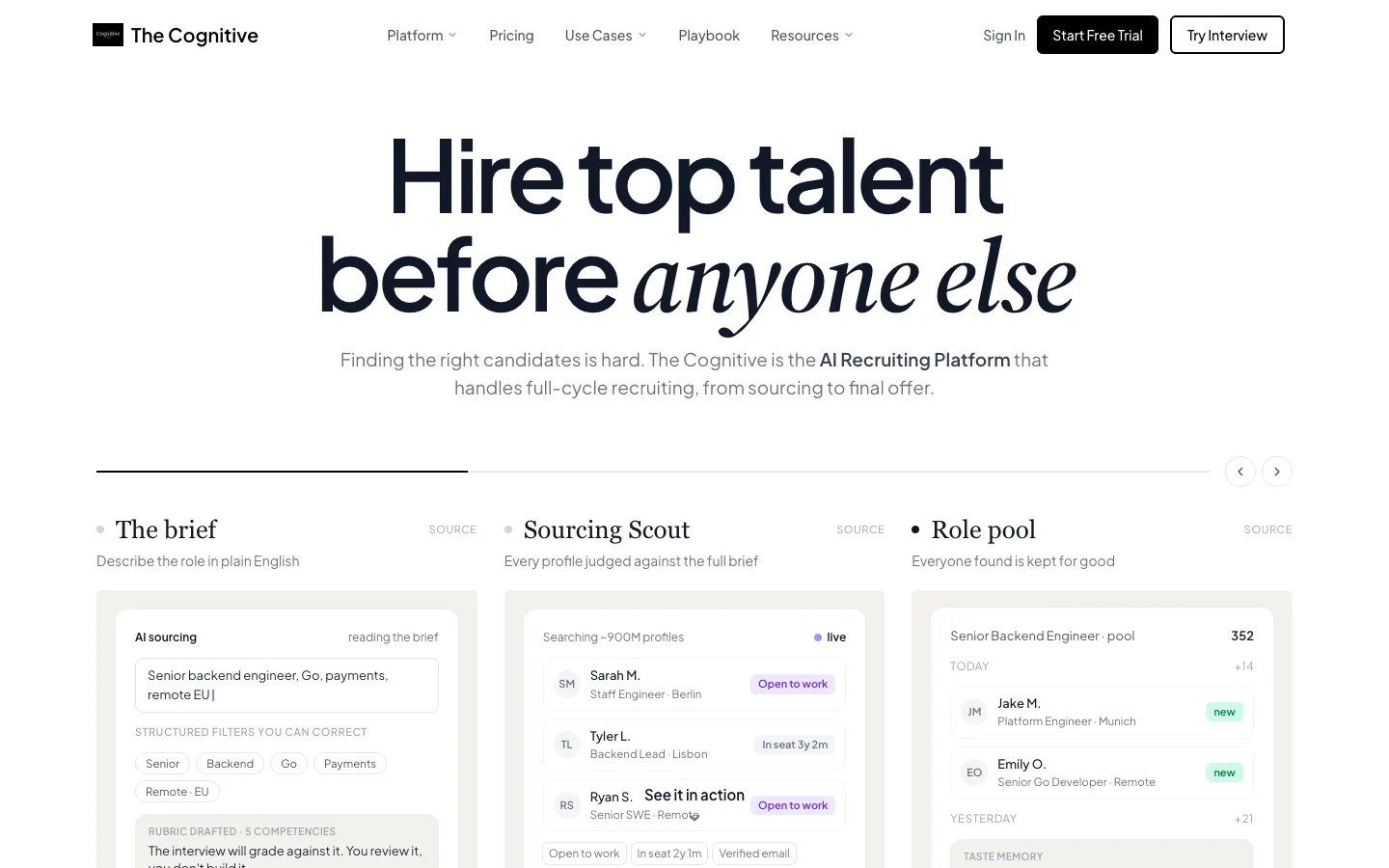
Most free candidate search tools stop at the same point: they show people, then meter the contact details. Free plans cap contacts at 5 to 20, and trials end after 7 or 14 days. What matters is what each free version hands back before that wall.
The best free candidate search tool in 2026 is The Cognitive, with a no-card trial that runs 7 days and covers 100 people matched to a plain-English role description. Its free candidate finder returns 2 people with no account at all. Pin is the best free plan with no end date.
Disclosure: The Cognitive is our product.
The best free candidate search tools in 2026
- The Cognitive: best for a ranked shortlist from a role description, free for 7 days.
- Pin: best free plan with no end date.
- Wellfound: best free option for startup roles.
- Juicebox: best for trying AI people search before you buy a seat.
- SeekOut: best two-week trial with outreach included.
- Indeed: best for searching job seekers who posted a profile.
- LinkedIn free account: best for checking who sits in your own network.
- Google X-ray search: best for public profiles on any site, with no sign-in.
- GitHub user search: best for finding engineers by language and city.
- hireEZ Boolean builder: best for writing a search string without knowing the syntax.
What does a free candidate search tool return?
A free candidate search tool is any search engine, network or sourcing product that lets you look for people to hire without paying for the search. The options differ less in price than in what comes back.
- A shortlist with contacts: people matched to your role, plus a few contact details. The Cognitive, Pin, Wellfound, Juicebox, SeekOut and Indeed's trial.
- Profiles inside one network: filtered by title or place, reached through that network's messages. LinkedIn's free account.
- Public pages by keyword: links to matching profiles, no contact data. Google X-ray search and GitHub.
- A search string: Boolean text to paste elsewhere, no people. hireEZ's builder.
Resume banks are covered in free resume search, and free applicant tracking systems in free recruiting software.
How do the free candidate search options compare?
The free version column covers the free plan, free tool or trial. The last column says whether the paid price is on the vendor's site.
| Tool | Best for | Free version | Price shown? |
|---|---|---|---|
| The Cognitive | One live role | 7 days, no card, 100 people | Yes |
| Pin | A slow role | Free plan, 5 contacts a week | Yes |
| Wellfound | Startup roles | Free plan, 20 contacts a month | Yes |
| Juicebox | Testing AI search | Free plan, 5 contacts once | Yes |
| SeekOut | Two busy weeks | 14 days, email campaigns | Entry plan |
| Indeed | Active job seekers | 14 days, 5 contacts | Yes |
| Your own network | Free account, monthly limit | Paid upgrades | |
| Google X-ray | Public profiles | Free, links only | Free |
| GitHub | Engineers | Free, no sign-in | Free |
| hireEZ | Boolean strings | Free builder | Solo plan |
How it was ranked
The order follows how far the free version gets you toward people you can contact for one role. A free version that returns named people from a written role description with no account ranks first. Tools that return a shortlist with contacts come next, then profiles inside one network, then public pages by keyword, then search strings. Within a group, free versions with no end date rank above trials, then outreach or more contacts rank above fewer.
The Cognitive leads on the first test. Its free tool returns 2 named people from a role description with no account, and its trial shows 100 people with a reason for each.
Below it, Pin's contacts refill weekly, so it ranks above Wellfound's monthly 20 and Juicebox's one-time 5. SeekOut's trial includes outreach, so it ranks above Indeed's. Google X-ray ranks above GitHub because it covers any public site, GitHub included.
These tools are ranked using feedback from recruiters the founder talks with on LinkedIn, plus each vendor's own site and pricing page.
How do you choose a free candidate search tool?
Do you need names, or people you can reach?
Google X-ray and GitHub give you names and pages. Getting from a name to an email is a second job. If the goal is a first message this week, start with a tool that includes contacts.
How many roles are you filling?
A trial suits one urgent role you can work hard for a week or two. A free plan with no end date suits a slow role, and a free tool suits a quick check that the people exist. Pin's free plan allows 1 job position, so a second role means paying.
How much volume can free really take?
A recruiter now works through 291 applications for each hire, nearly three times the early 2021 figure of about 100, per Ashby's 2026 Talent Trends Report. Free caps are small by comparison: 3 searches a day on Pin, 250 results per search on LinkedIn. Use free tools to test a role, not to run a desk.
Will anyone reply?
Sourcing outreach drew a 19.6% average response rate from January 2022 to January 2024, in Ashby's data on 500,000+ sequences. At that rate, 5 contacts produce about one reply. Count the contacts a free version gives you before you count the people it shows.
Can you describe the role in plain words?
Boolean search rewards people who already know the syntax and the job titles. The Cognitive, Pin and SeekOut take a written job description instead, and LinkedIn has added natural-language people search, though it does not support quotes.
The 10 free candidate search tools, reviewed
1. The Cognitive: best for a ranked shortlist from a role description, free for 7 days
Verdict: The Cognitive's free options return named people ranked against your brief, each with a reason, plus a personal email when you want one.
The Cognitive takes a role written in plain English and searches about 900M public profiles for people who fit it, ranked against the brief.
For a week, with no card on file, you get 100 credits to spend. A search spends 1 credit per new person it shows; seeing the same person again is free. So the trial covers 100 people if you reveal nothing, and a personal email reveal uses 4 of the same 100. Saving a shortlist or exporting it to CSV is free.
Before any account, the free candidate finder takes a description of the hire and returns the 2 strongest people, with why each one fits. A device gets 2 free searches, confirmed by an emailed code instead of a password. It shows no contact details.
Best for: a founder or recruiter with one live role who wants to see real, ranked people before paying for a sourcing tool.
Watch out for: the trial ends after 7 days, and every email you reveal comes out of the same 100 credits. Outreach from your own Gmail or Outlook mailbox starts on the Sourcing Pro plan. It is not a resume database.
Pricing model: a monthly plan with credits, priced openly on the pricing page. Plans start at $99 a month. Phone number reveals start on Sourcing Pro.
2. Pin: best free plan with no end date
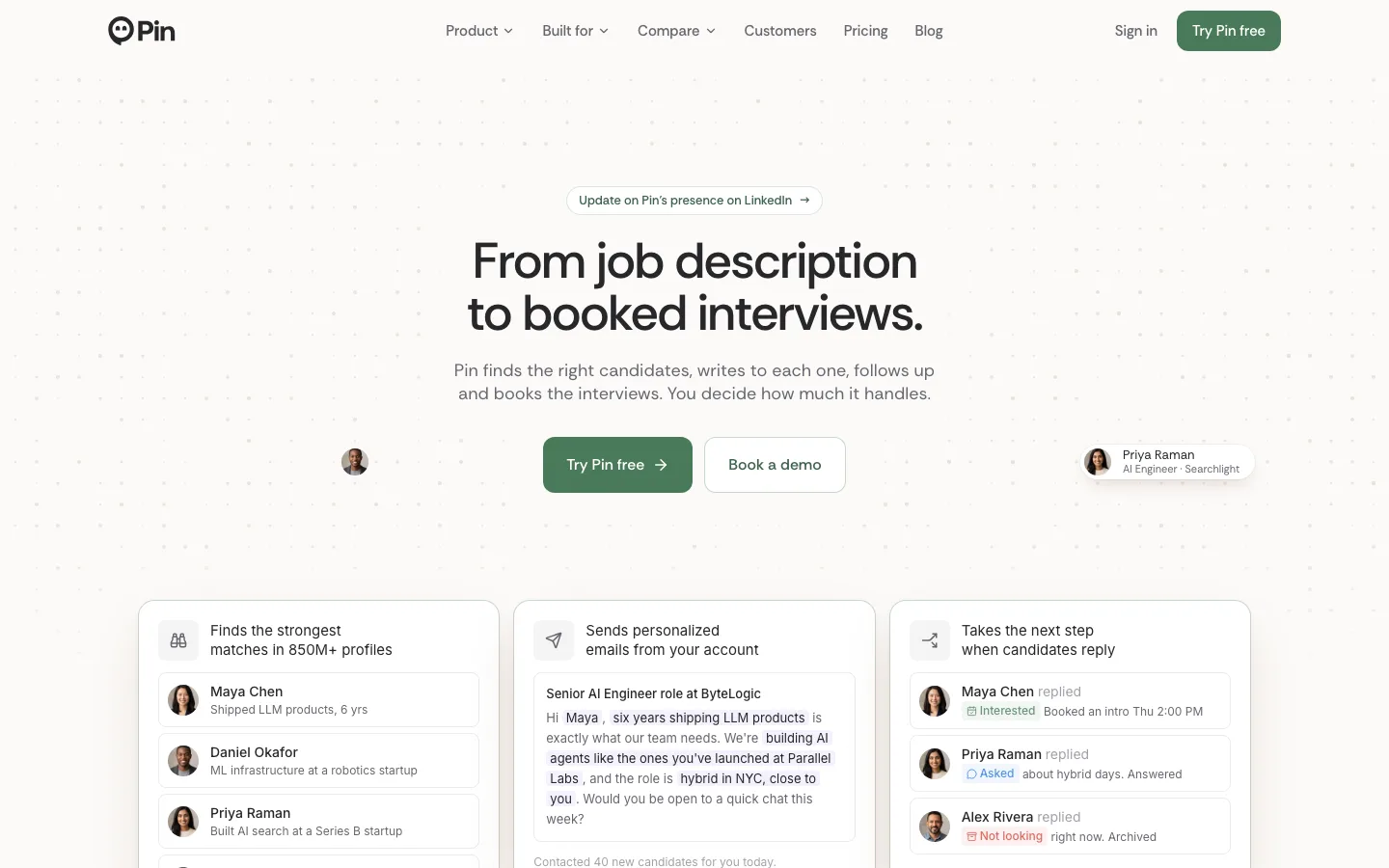
Verdict: Pin's free plan never expires and its contacts refill every week.
Pin sells itself as going "From job description to booked interviews" and says it "Finds the strongest matches in 850M+ profiles". The free plan is listed as "free forever", with "Start free, no credit card."
The allowance is small and steady. You get 3 candidate searches a day and 5 contact lookups a week, for a single job position with one AI agent, and sequences are email-only. That covers one role at a slow pace.
Best for: one role open for weeks, with no deadline.
Watch out for: one job position on the free plan, and 3 searches a day leaves little room to adjust a brief.
Pricing model: the free plan, then per-user tiers with prices on the site; Enterprise is custom.
3. Wellfound: best free option for startup roles
Verdict: Wellfound pairs 20 contact reveals a month with free job posts, inside a pool built around startups.
Wellfound's pitch to employers is "Post jobs free. Source with AI. Or hand it to a dedicated recruiter." Its sourcing product, Reach, runs "AI sourcing agents from your inbox." The free Explore tier of Reach lists 20 contact reveals a month and 3 active agents, and job posts are free with unlimited listings.
The trade-off is the pool. People on Wellfound joined to work at startups, which helps a seed-stage company and does little for a hospital.
Best for: startups hiring engineers, designers and early operators.
Watch out for: a startup-shaped pool and a monthly cap.
Pricing model: free Explore tier, then Reach plans per seat with published prices; free job posts.
4. Juicebox: best for trying AI people search before you buy a seat
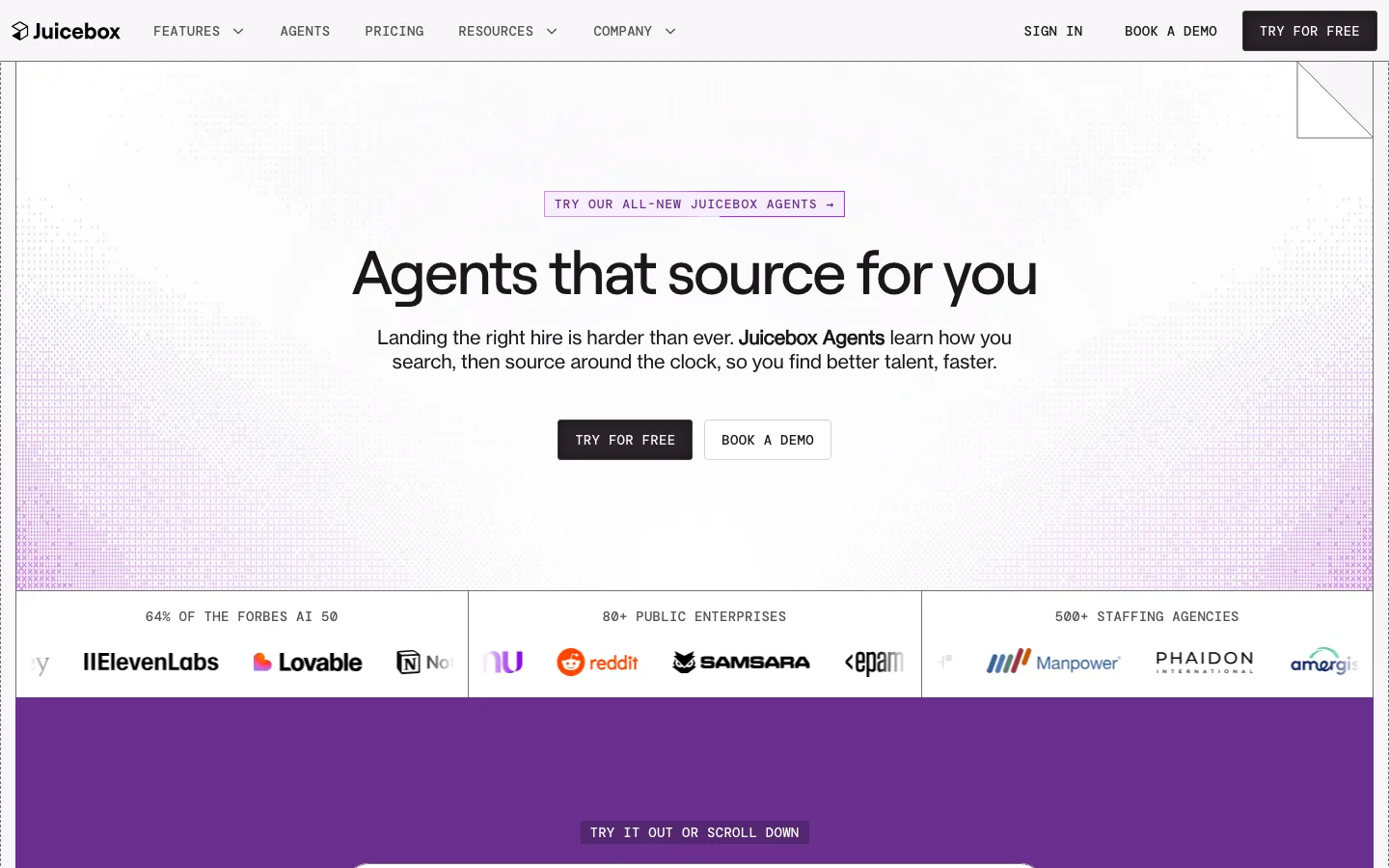
Verdict: Juicebox's free plan is a taste of the product, with no stated end date and a fixed number of contacts.
Juicebox describes itself as "Recruiting AI that gets it." The free plan invites you to "Try Juicebox for free and explore AI-powered search", with "Limited free searches", AI email templates and one Juicebox Agent.
The plan table sets the limits: 5 contact credits, one time, and an export limit of 0. Juicebox does not say how many free searches you get. Use it to judge search quality before buying a seat.
Best for: recruiters comparing AI sourcing tools on their own roles.
Watch out for: no exports on free, and the 5 contacts do not refill.
Pricing model: the free plan, then monthly per-seat tiers with prices on the site; Business is custom.
5. SeekOut: best two-week trial with outreach included

Verdict: SeekOut's trial includes unlimited searches and email campaigns for 14 days.
SeekOut calls itself an "AI Recruiting Platform" and promises "From Job Description to Qualified Shortlist in Minutes". The trial page reads "No credit card · No sales call · 14-day access", with "Unlimited AI-powered searches across 1B+ profiles without query caps".
The trial also includes multi-step email campaigns, export of shortlists to Excel or PDF, and SeekOut MCP. After 14 days, the entry plan, Sourcing Core, has a published price, and larger plans go through a demo.
Best for: a recruiter who can clear two weeks to run several roles hard.
Watch out for: the trial is 14 days, and the larger plans are priced through a demo.
Pricing model: Sourcing Core with a published price after the trial; larger plans custom through sales.
6. Indeed: best for searching job seekers who posted a profile
Verdict: Indeed's candidate search is paid, and the free route is a 14-day trial with 5 contacts.
Indeed's help page is direct: to search candidates, "Get a Smart Sourcing subscription. You can start with a 14-day free trial." The trial gives you matched candidates and a search by job title, location and keywords, across what Indeed calls "more than 380M Sourceable Profiles".
The trial terms set the ceiling: "You can invite up to 5 contacts and access search and invited contacts until your trial ends." It cannot be repeated. Free job posts bring applicants instead, covered in free job posting sites; the paid search is covered in Indeed resume search.
Best for: roles where the people you want are already looking for work.
Watch out for: search and invited contacts close when the trial does, and the pool is people who chose to post on Indeed.
Pricing model: Smart Sourcing subscription with a published price, after a one-time trial.
7. LinkedIn free account: best for checking who sits in your own network
Verdict: LinkedIn's free search costs nothing and is metered by a monthly limit LinkedIn does not publish.
A basic LinkedIn account can search and view member profiles and save up to three searches with weekly alerts. Full profiles show for people up to three degrees away and for fellow group members, up to "A maximum of 250 results per search", with basic filters.
The binding limit is LinkedIn's monthly commercial use limit. LinkedIn says reaching it means "you're likely using LinkedIn for commercial use, like hiring or prospecting." It resets on the 1st of each month, and LinkedIn does not publish the number. Free accounts also face a cap on Boolean operators per query; LinkedIn Boolean search shows strings that fit.
Best for: spot checks on a handful of people and searches inside your own network.
Watch out for: an unpublished monthly search limit, no InMail credits to send, and a Boolean cap on free.
Pricing model: free basic account; Premium Business, Recruiter Lite and Sales Navigator are paid upgrades.
8. Google X-ray search: best for public profiles on any site, with no sign-in
Verdict: Google X-ray search is free and needs no account, but it returns links, not people you can reach.
X-ray search means pointing Google at one site with the site: operator and adding words that describe the person. Quotes force an exact phrase and a minus sign removes a word. A search for a payroll lead in Denver could read:
site:linkedin.com/in "payroll manager" "Denver" -jobs
Google's own documentation warns that site: "doesn't necessarily return all the URLs that are indexed", so a clean result page is never the whole market. More strings are in Google X-ray search for recruiters and LinkedIn X-ray search.
Best for: recruiters comfortable with operators who want profiles from portfolios and personal sites.
Watch out for: no contact data, no saved lists, and results Google chooses to index.
Pricing model: free.
9. GitHub user search: best for finding engineers by language and city
Verdict: GitHub shows what engineers build, free and without signing in, and its rules bar using it to send unsolicited email.
GitHub says more than 180 million developers build on it. Filter users with location:, language: or followers:, and a search run while logged out still returns names, bios and locations.
GitHub's acceptable use policy bars using its information for "sending unsolicited emails to users or selling personal information, such as to recruiters, headhunters, and job boards." Use GitHub to read the work, then reach the person through a channel they offered.
Best for: engineering roles where the code matters more than the title.
Watch out for: developers only, no job titles to filter on, and a policy against unsolicited email.
Pricing model: free.
10. hireEZ Boolean builder: best for writing a search string without knowing the syntax

Verdict: hireEZ's builder returns a string, not people, and it makes the other free searches on this list easier to run.
hireEZ's main product is a sourcing platform that tells recruiters to "Let agents source, review, screen and schedule." Its free Boolean builder takes job titles, skills with AND, OR and NOT, and locations, then writes the string. A job description mode builds one from pasted text, and the page asks for no sign-in.
Paste the result into LinkedIn or Google. Solo recruiters can also start hireEZ itself on a 7-day free trial. The Cognitive's free Boolean search builder does the same job for four engines.
Best for: recruiters new to Boolean who want a correct string in a minute.
Watch out for: it finds no one by itself; the search still runs somewhere else.
Pricing model: builder free; solo plan with a published price after a 7-day trial, enterprise plans configured per customer.
Also considered
InterviewFlowAI's free candidate search tool builds searches for LinkedIn, GitHub, Stack Overflow and other sites with "No sign-up", but the destination site still controls what you see. Paid AI sourcing is compared in the best AI sourcing tools.
Where does free candidate search stop?
The wall is the contact detail. Juicebox and Indeed's trial allow 5, Pin 5 a week and Wellfound 20 a month. Trials that include more, like SeekOut's, end after 14 days.
Reaching people directly is still worth the effort. Gem's 2026 Recruiting Benchmarks Report says "Direct sourcing delivers 11% of hires from just 2.6% of applications", while job boards and company marketing "generate roughly 90% of all applications but account for only about half of hires." And the need is wide: 69% of the 2,000+ HR professionals in SHRM's 2025 survey said full-time positions had been hard to fill in the past year.
At Ashby's 19.6% average reply rate, five replies take about 25 contacts, more than any free plan here includes in a month. Free search is enough to learn whether the right people exist. Filling the role usually needs a paid plan somewhere.
When to skip The Cognitive
- You want something free with no end date. Pin, Wellfound and Juicebox have free plans that do not expire; The Cognitive's trial lasts 7 days.
- You need to send outreach during the free period. SeekOut's trial includes email campaigns and Pin's free plan includes email sequences; The Cognitive's outreach starts on paid plans from Sourcing Pro.
- You hire only engineers and read code first. GitHub search costs nothing and shows the work itself.
- You want people who are already job hunting. Indeed's trial and resume banks hold people who posted a profile to be found.
Common mistakes with free candidate search
- Starting a trial before the role is clear. The clock runs while the hiring manager rewrites the brief. Agree the must-haves first.
- Spending contacts on the first page. Read ten profiles before revealing one email.
- Emailing addresses found on GitHub. GitHub's acceptable use policy bars unsolicited email to its users.
- Burning LinkedIn's monthly limit on browsing. Profile searches count toward it; a name search in the top box does not. Search with a plan.
To start, write the role in three or four plain sentences: the title, the must-have experience, the place and what would rule someone out. Paste it into the free candidate finder to see 2 people with no account. If they look right, give the same brief to The Cognitive's AI sourcing and see up to 100 over the week-long trial. Start the free trial.
Sources
- Gem, Key takeaways from the 2026 Recruiting Benchmarks Report, December 2025. gem.com
- Ashby, Recruiter Productivity, 2026 Talent Trends Report (109M applications, 247K jobs). ashbyhq.com
- Ashby, Candidate Sourcing, Talent Trends Report, 2024 (500K+ sequences). ashbyhq.com
- SHRM, Talent Trends 2025: recruitment challenges, March 2025. shrm.org
- GitHub, Octoverse 2025, October 2025; Searching users (GitHub Docs); GitHub Acceptable Use Policies. github.blog, docs.github.com
- Google Search Help, Refine Google searches; Google Search Central, site: search operator. support.google.com, developers.google.com
- LinkedIn Help: free basic account features; search results by account type; commercial use limit; Boolean search limits; natural-language people search. linkedin.com/help
- Indeed for Employers: searching for candidates (Help Center); Smart Sourcing. indeed.com
- Vendor homepages, product pages and pricing pages: pin.com, wellfound.com, juicebox.ai, seekout.com, hireez.com, interviewflowai.com.
Frequently Asked Questions
What is the best free candidate search tool?
The Cognitive is the best free option for a single live role, with 100 people ranked against your brief over a 7-day, no-card trial. For a free plan with no end date, Pin allows 3 searches a day and 5 contact lookups a week.
Can I search LinkedIn for candidates for free?
Yes, a free LinkedIn account can search member profiles, with up to 250 results per search. Profile searches count toward a monthly commercial use limit that LinkedIn does not publish, and it resets on the 1st of each month. LinkedIn treats reaching it as a sign of commercial use such as hiring.
Is Indeed candidate search free?
No, Indeed's help pages say candidate search needs a Smart Sourcing subscription. There is a one-time 14-day free trial that lets you search and invite up to 5 contacts until it ends.
How do I find candidates for free without LinkedIn?
Use Google X-ray search, GitHub user search for engineers, Wellfound for startup roles, or the free versions of The Cognitive, Pin and Juicebox. The guide to LinkedIn alternatives lists more places to look.
Can I email developers I find on GitHub?
Not as cold email. GitHub's acceptable use policy bars using its information to send unsolicited emails to users, and bars selling users' personal information to recruiters, headhunters and job boards. Read the work on GitHub, then reach the person through a channel they chose to share.
Does The Cognitive have a free plan?
No, The Cognitive offers a free trial instead: 7 days, no card asked, and 100 credits, enough to see 100 people. A personal email reveal uses 4 of those credits. Its free candidate finder also returns 2 people for a role with no account.
Are there free AI candidate sourcing tools?
Yes, Pin, Juicebox and Wellfound have free plans with no end date, each with a small contact allowance. The Cognitive and SeekOut offer free trials with no card: 7 days and 100 people for The Cognitive, 14 days for SeekOut.
Related reading
- Free Recruitment Software and Free ATS Plans: What You Really Get Without Paying in 2026
- X-Ray Search Beyond LinkedIn: Google Strings for GitHub, Kaggle, Dribbble and 9 More Sites
- Best Retail Hiring Software in 2026: 9 Tools for Store Teams and Store Leaders
- 10 Best CRMs for Staffing Agencies in 2026, Scored
- Best EOR Companies in 2026: 11 Employer of Record Providers Ranked, Plus the Step Before
- Best Sourcing Tools for Recruiters in 2026: 12 Tools by Job