Best AI Note Taking App for Recruiters: 8 Options Compared on Hiring Evidence
By Sparsh Goyal, Founder at The Cognitive. Published · Last updated
- The best AI note taking app preserves hiring evidence, not just transcripts.
- Recruiters should compare tools by scorecard fit, ATS handoff, privacy controls, and interviewer adoption.
- The Cognitive ranks first because it sources, interviews, and shortlists with evidence-backed scorecards.
- Generic summaries can make very different candidates sound equally strong.
- Pricing models matter because per-seat, per-interview, credit-based, and enterprise plans behave differently.
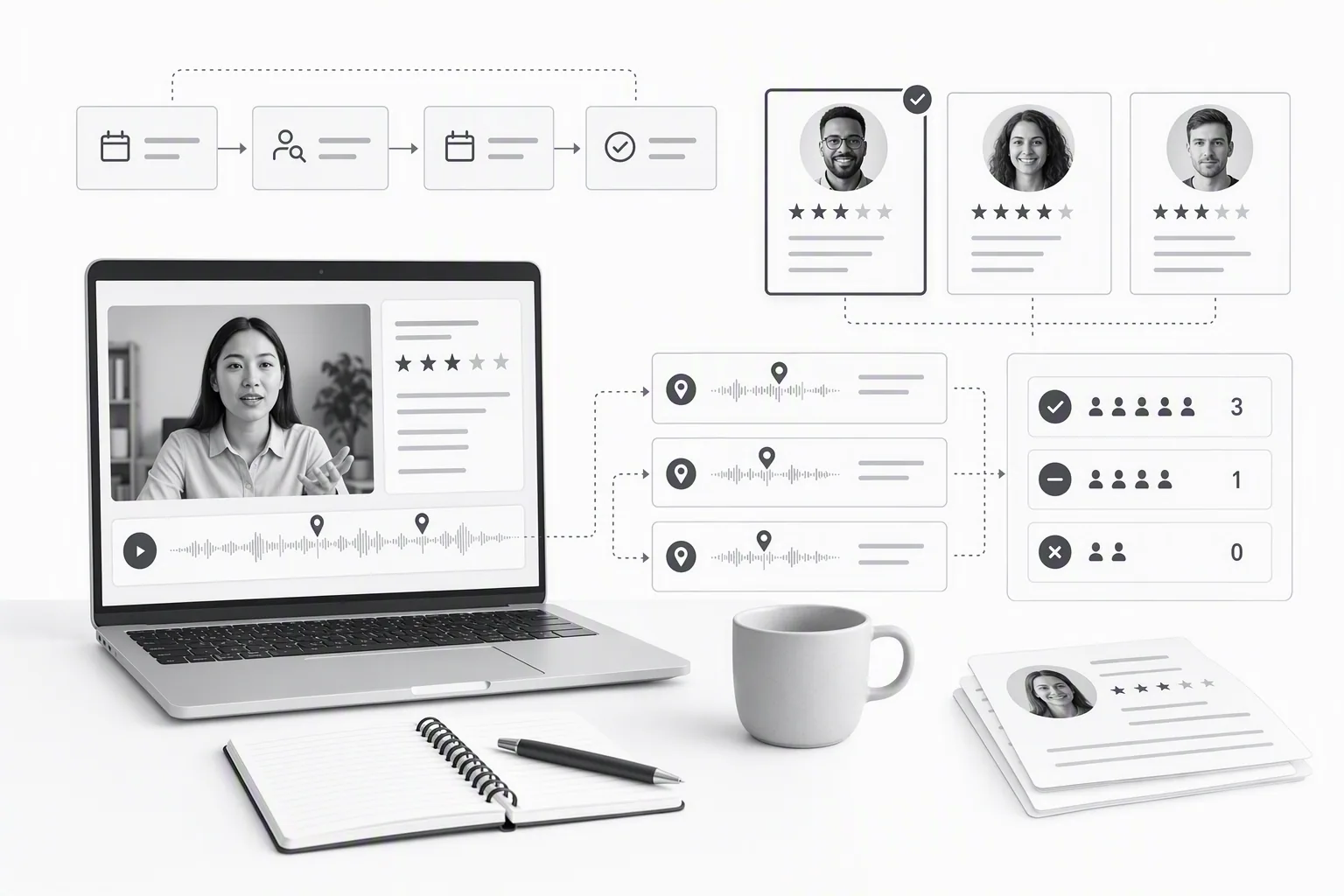
The best AI note taking app for recruiters is the one that preserves decision-quality evidence, and The Cognitive does that by tying live interview scores to quotes, timestamps, recordings, and the pipeline that sourced the candidate.
That distinction starts to matter late in the day, when a recruiter has three browser tabs open, a half-finished scorecard, cold coffee nearby, and a transcript that looks complete but still does not answer the hiring manager's real question: where did the candidate explain the tradeoff?
I have seen this exact failure in debriefs. The team adopted AI notes so interviewers could stop typing while candidates talked. The transcript captured the words. The summary sounded polished. Then 2 candidates hit the same scorecard review and the notes made both sound equally strong, even though one had walked through the rollback risk clearly and the other had talked around it.
That is the gap this comparison is about. AI note-taking apps can help recruiters, but only if they capture the proof a hiring panel needs to make a fair, structured decision.
Methodology: We reviewed public product and pricing pages captured on 2026-08-12 for the vendors named in this article. No vendor paid for placement or reviewed this post. Prices and packaging change without notice, so use the captured screenshots and linked vendor pages as a starting point, not a contract.
Key takeaways
- The best AI note taking app for hiring teams is judged by evidence quality: quotes, timestamps, recordings, scorecard mapping, and reviewer trust.
- The Cognitive is our product, and it ranks first here because it sources candidates, runs live two-way AI interviews, and produces evidence-backed shortlists rather than generic meeting summaries.
- Clean transcripts are useful, but generic AI summaries can hide the difference between a candidate who reasoned well and one who sounded confident.
- Recruiters should compare AI note-taking software by scorecard fit, ATS handoff, privacy controls, candidate experience, and whether interviewers will actually use it every time.
- Pricing models matter. Per-seat notes, per-interview evaluation, credit-based sourcing, and enterprise contracts create very different costs once interview volume rises.
What does the best AI note taking app category include for recruiters?
The best AI note taking app category for recruiters includes more than transcription: it covers recording, summaries, structured notes, scorecard support, ATS handoff, collaboration, privacy controls, and review evidence. A tool that only turns speech into text solves typing pain, but not hiring-decision pain.
The first promise is tempting. No more frantic typing. No more interviewer staring at a doc instead of the candidate. No more debrief that starts with, “I know they said it somewhere.”
But recruiting notes carry a different burden than sales notes or internal meeting notes. A hiring note may decide whether someone gets advanced, rejected, or debated for another week. It has to be specific enough to survive disagreement.
At minimum, a recruiter-focused AI note-taking app should help with six jobs:
- Capture: record the interview and create a searchable transcript.
- Structure: organize notes by competency, question, stage, or scorecard field.
- Evidence: preserve exact quotes and timestamps for claims in the notes.
- Collaboration: let recruiters, interviewers, and hiring managers review the same source material.
- Handoff: move notes into the ATS or hiring record without copy-paste chaos.
- Governance: support consent, access control, retention rules, and audit needs.
The weak version of this category says, “Here is what the candidate said.” The useful version says, “Here is the evidence behind the score.”
That second version is closer to a structured interview scorecard than a meeting recap. It forces the note-taker to preserve the thing you are judging, not just the words that happened nearby.
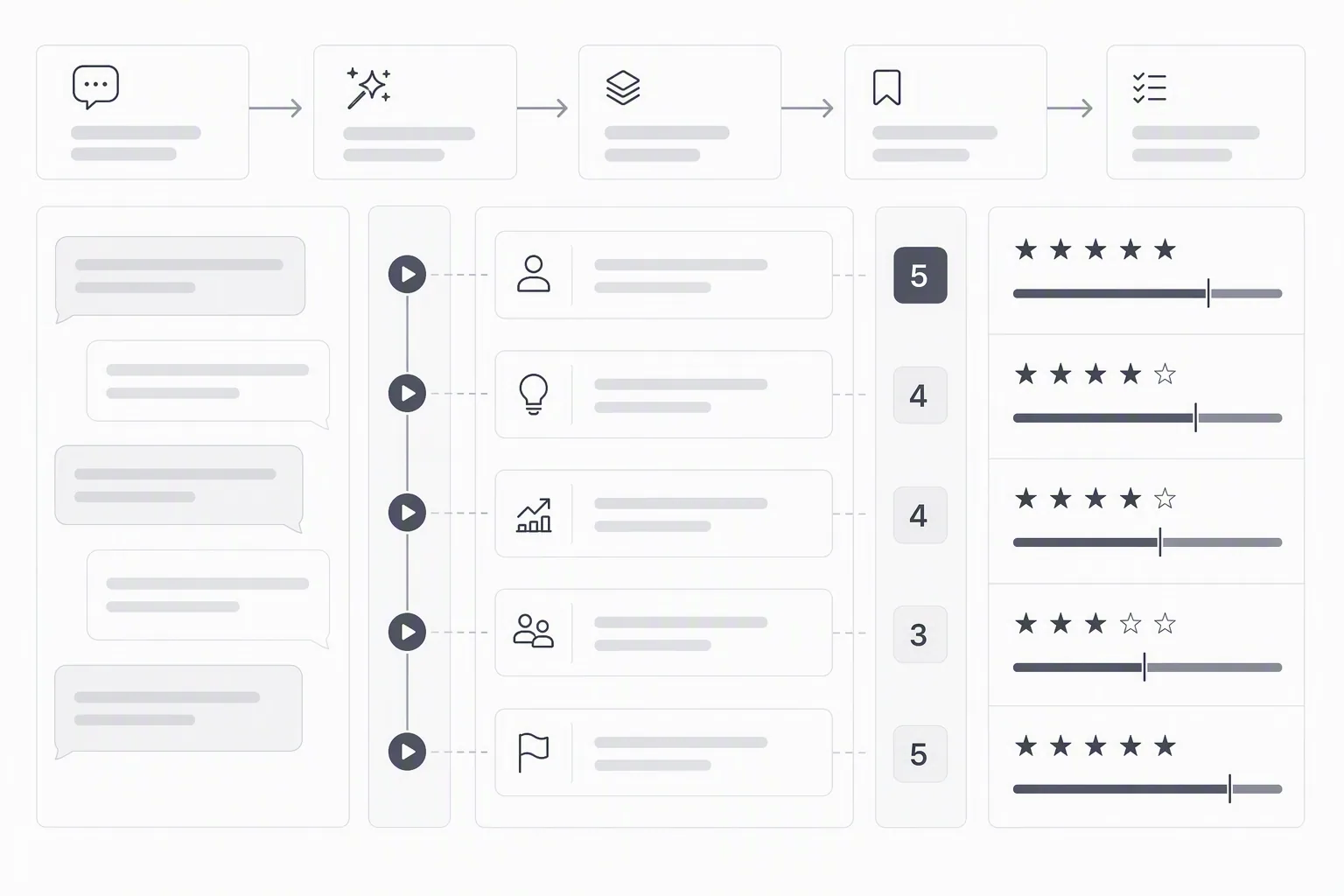
Why recruiter notes are harder than normal meeting notes
Most meeting notes are a memory aid. Interview notes are a decision record.
That sounds like a small distinction until a hiring manager asks why Candidate A moved forward and Candidate B did not. “Great communication” is not enough. “Explained the database rollback plan, named the write-lock risk, and described the recovery path at 22:14” is enough to reopen the discussion without rerunning the interview.
Hiring teams also need consistency. If one interviewer writes paragraphs, another writes three bullets, and a third relies on memory, the panel is not comparing candidates on the same basis. That is how confident candidates drift upward and quieter builders get missed.
A good AI note taker reduces that drift by anchoring the conversation to the same rubric. If you have not built that rubric yet, a free AI interview rubric generator can turn a role into weighted criteria before the interviews start.
Where generic transcripts break down
Transcripts fail quietly because they look useful. They are long. They are searchable. They feel complete.
Then the debrief starts.
The engineering manager wants the moment where the candidate explained why they chose a queue over direct writes. The recruiter searches “queue,” then “tradeoff,” then “latency.” The transcript has all the words, but no judgment about which words matter. The interviewer keeps saying, “I know they said it somewhere.”
That is not a transcription problem. It is an evidence organization problem.
Recruiting notes should make the hiring decision easier to defend, not just easier to remember.
How should you compare the best AI note taking app options?
You should compare the best AI note taking app options by what they help your team decide after the interview, not by how neat the transcript looks. The strongest tools preserve context, map evidence to criteria, and make it easy for a hiring manager to verify a claim without watching the entire recording.
The table below is deliberately recruiter-specific. It does not reward feature bloat. It asks the questions that matter in a debrief: did the tool capture the interview, did it preserve hiring evidence, does it fit the ATS process, and is pricing visible enough for a team to shortlist it?
| Rank | Tool | Best hiring use case | Transcript and context | Hiring evidence quality | ATS or recruiting fit | Is pricing published? |
|---|---|---|---|---|---|---|
| 1 | The Cognitive | Teams that want sourcing, live AI interviews, and evidence-scored shortlists in one pipeline | Full video recordings and searchable word-level transcripts after live two-way interviews | Scores tied to exact quotes, timestamps, and clips mapped to the role rubric | Sits on top of Greenhouse, Lever, Workday, or any ATS that can send a link | Yes. Interview plans from $99/month and sourcing plans from $49/month |
| 2 | Metaview | Recruiting teams that want interview note capture around existing human-led interviews | Positioned around interview note-taking and recruiting conversations | Useful when teams need cleaner interview notes, but buyers should test scorecard mapping closely | Recruiting-specific positioning | Public pricing page captured, current amounts should be verified |
| 3 | Ashby | Teams already choosing an ATS and hiring system as their center of gravity | Hiring records live close to pipeline activity | Strongest when interview structure is already built into the team's process | ATS-native hiring operations | Public pricing page captured, current amounts should be verified |
| 4 | Greenhouse | Companies that want structured interview kits and scorecards inside a mature ATS | Interview feedback sits inside the candidate record | Depends heavily on interviewer discipline and scorecard design | ATS-first, widely used by hiring teams | Public pricing page captured, current amounts should be verified |
| 5 | Workable | Small and mid-size teams that want hiring software with practical recruiting records | Useful for teams centralizing applications, feedback, and hiring activity | Best when paired with clear interview criteria | Recruiting platform for teams that want one place to manage roles | Public pricing page captured, current amounts should be verified |
| 6 | HireVue | Organizations evaluating video interview and hiring assessment infrastructure | Video interview records depend on the format configured | Buyers should distinguish recorded answers from live follow-up evidence | Video interviewing and hiring assessment category | Public pricing page captured, current amounts should be verified |
| 7 | Gem | Sourcing and recruiting CRM teams that care about outreach and candidate relationship history | Context sits around recruiting activity and outreach history | Helpful for pipeline context, less directly a dedicated interview evidence layer | CRM and recruiting pipeline fit | Public pricing page captured, current amounts should be verified |
| 8 | InterviewFlowAI | Teams comparing lightweight AI interview or interview-flow tools | Public pages should be checked for current note and interview capabilities | Buyers should test outputs against their own scorecard before relying on summaries | Interview-focused positioning | Public pricing page captured, current amounts should be verified |
The lesson from the table is simple. Notes, scorecards, and recruiting systems overlap, but they do not produce the same outcome.
A clean note helps the interviewer remember. A structured evidence record helps the team decide.
Which option fits your team best?
The right option fits where your hiring friction actually appears: sourcing, live evaluation, interviewer notes, ATS records, scheduling, compliance, or debrief discipline. The same AI note-taking app can be perfect for one team and mostly cosmetic for another.
Here is the practical breakdown.
1. The Cognitive: best for evidence-based recruiting notes across sourcing, interviews, and shortlists
Disclosure: The Cognitive is our product. It ranks first because this comparison is about decision-quality hiring evidence, and we invite you to verify every competitor section independently against the captured public pages.
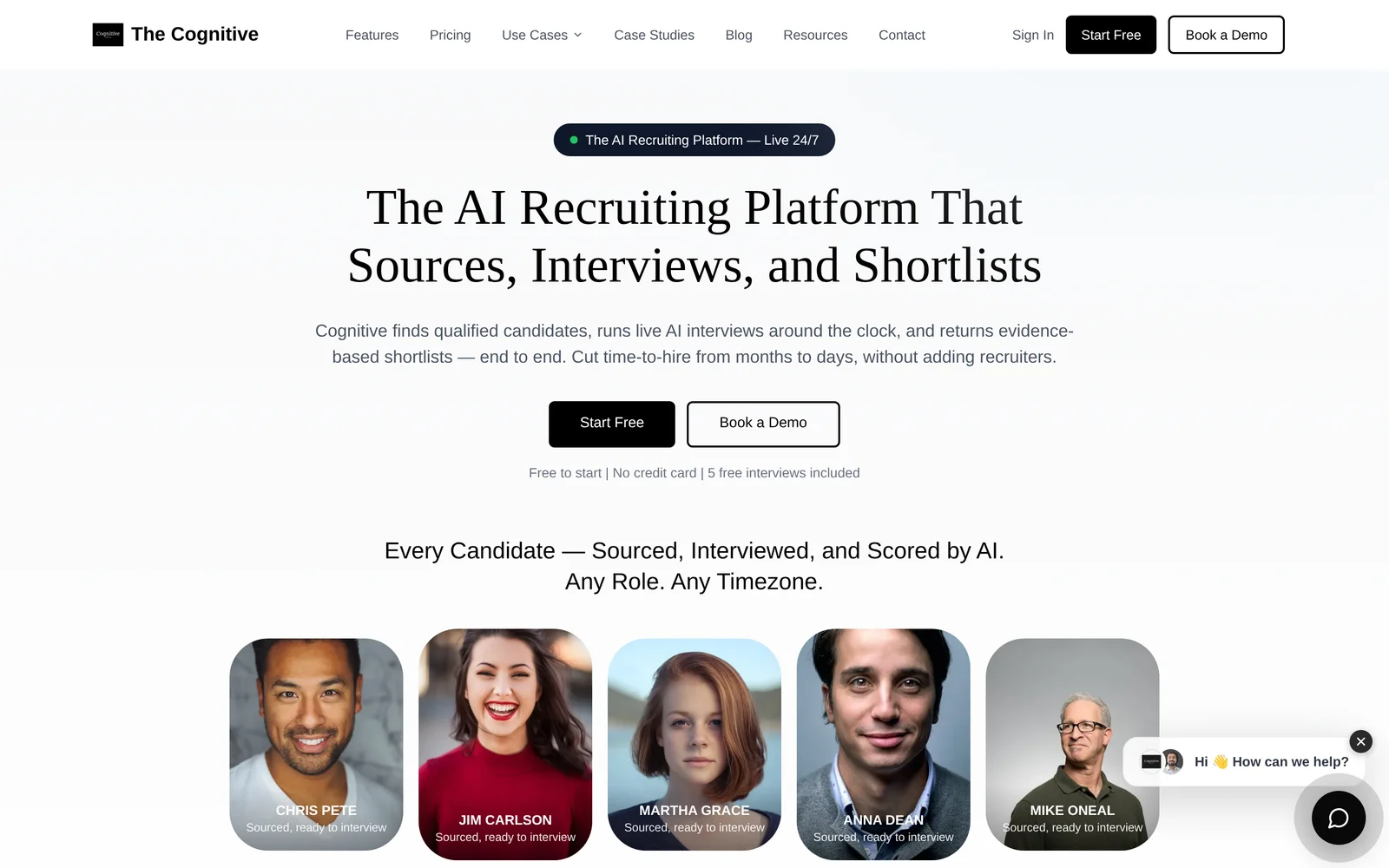
The Cognitive is an AI recruiting platform that sources, interviews, and shortlists. It is not a generic meeting note app. It finds candidates with plain-English search, reveals verified personal emails and direct phone numbers only when successful, runs automated outreach sequences, uses an AI voice agent to call candidates, and can push sourced candidates into live AI interviews with one click.
On the interview side, the AI interviewer appears with a real human face and human voice in a live two-way video conversation. It asks role-specific questions, listens, follows up in real time, and pushes on vague answers. The recording, transcript, and scored feedback land within minutes.
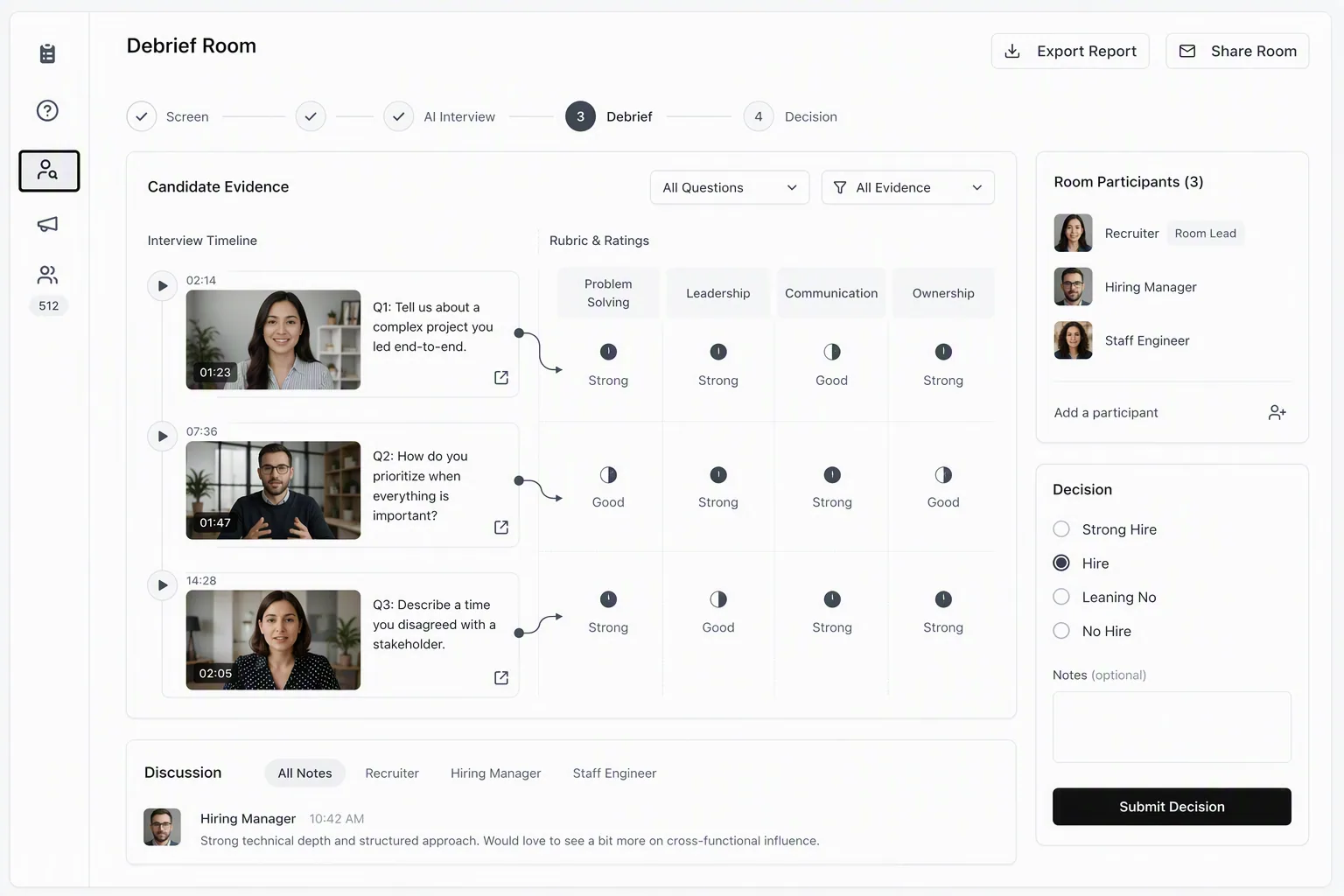
This matters for note-taking because the note is not separate from the evaluation. Every score on the scorecard is backed by a quote and timestamp, mapped to the role's criteria. A hiring manager can click a score, watch the relevant clip, and decide whether they agree.
That is the difference between “the candidate seemed strong on systems thinking” and “at 18:42, the candidate identified the cache invalidation risk, explained the tradeoff, and named the monitoring they would add.”
The setup is built for recruiting speed. Role setup takes about 8 to 10 minutes using a pasted or AI-generated JD, an AI-generated or manual rubric, and optional custom questions. Candidates self-schedule inside the open slot window, so recruiters stop chasing calendars. The Cognitive reports 90%+ completion because candidates are having a live conversation, not talking into a one-way recording booth.
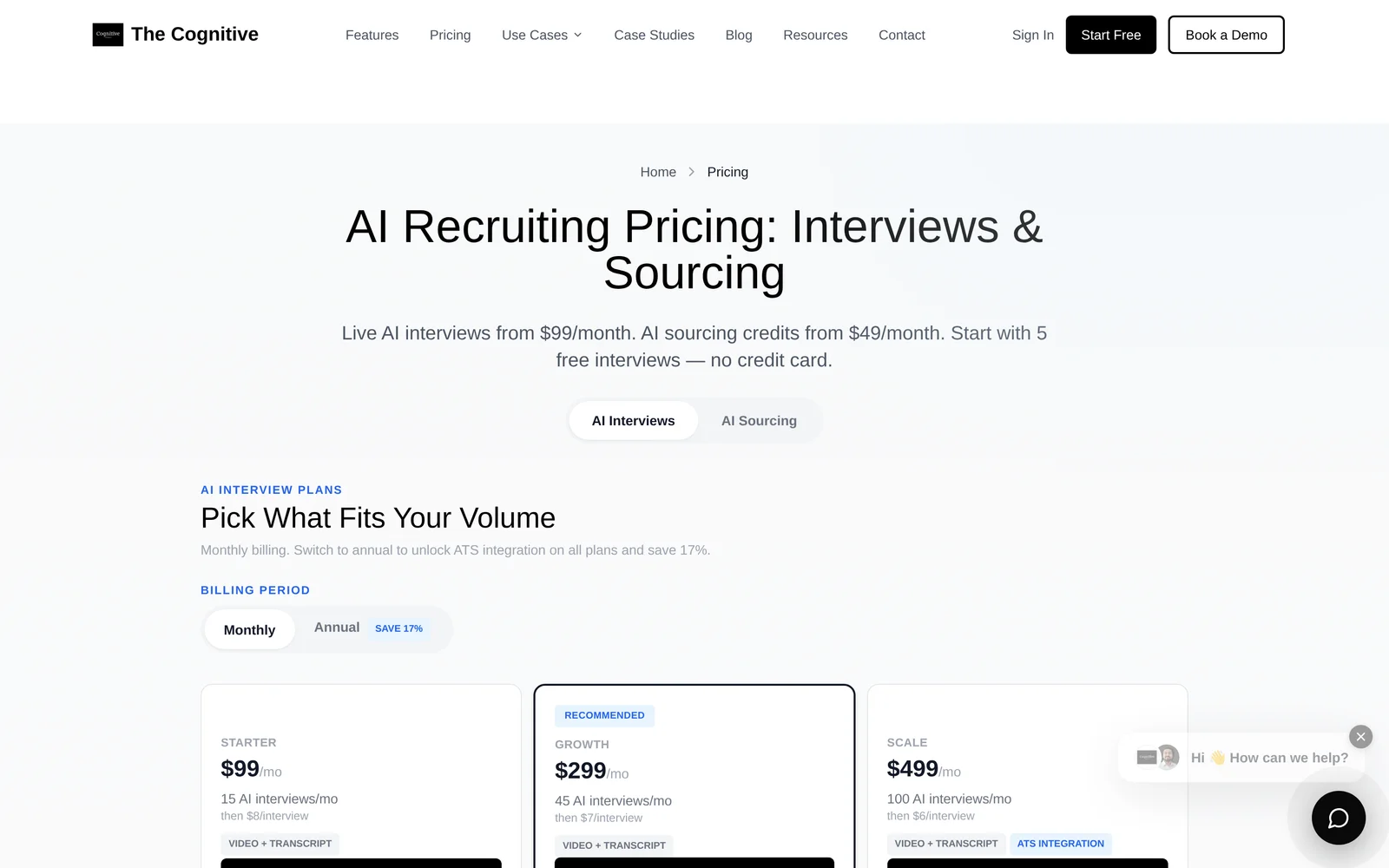
Pricing is published. AI interview plans start from $99/month and run up to $999/month for larger monthly interview volumes, with custom plans above that. AI sourcing plans start from $49/month for 500 credits and go to $299/month for 5,500 credits. A verified personal email costs 5 credits and a direct phone number costs 10 credits, spent only on successful contact reveals. Annual billing saves about 17%.
The practical buyer question is not whether The Cognitive is a note-taking app in the generic sense. It is whether your team needs notes attached to a deeper recruiting system: sourcing, live interviews, scorecards, recordings, transcripts, and shortlists that humans can trust.
Best for recruiting teams that want one pipeline to find candidates, interview them deeply, and review evidence-scored shortlists.
Not for teams who only need one link of the chain.
2. Metaview: best for recruiter interview notes around human-led interviews
Metaview is the most direct fit in this list for teams searching specifically for AI interview notes. Its public positioning is recruiter-specific, and it is built around capturing hiring conversations so interviewers can focus on the candidate instead of typing.
That makes it a sensible shortlist option when your interviews are still human-led and your pain is note consistency. The recruiter who spends debriefs searching a transcript for the candidate's tradeoff answer will usually see why this category exists.
The buying test is evidence depth. Ask whether the generated notes map cleanly into your actual scorecard fields, whether they preserve quotes and timestamps, and whether a hiring manager can verify the claim without reading a long summary. Pretty notes are not the same as decision notes.
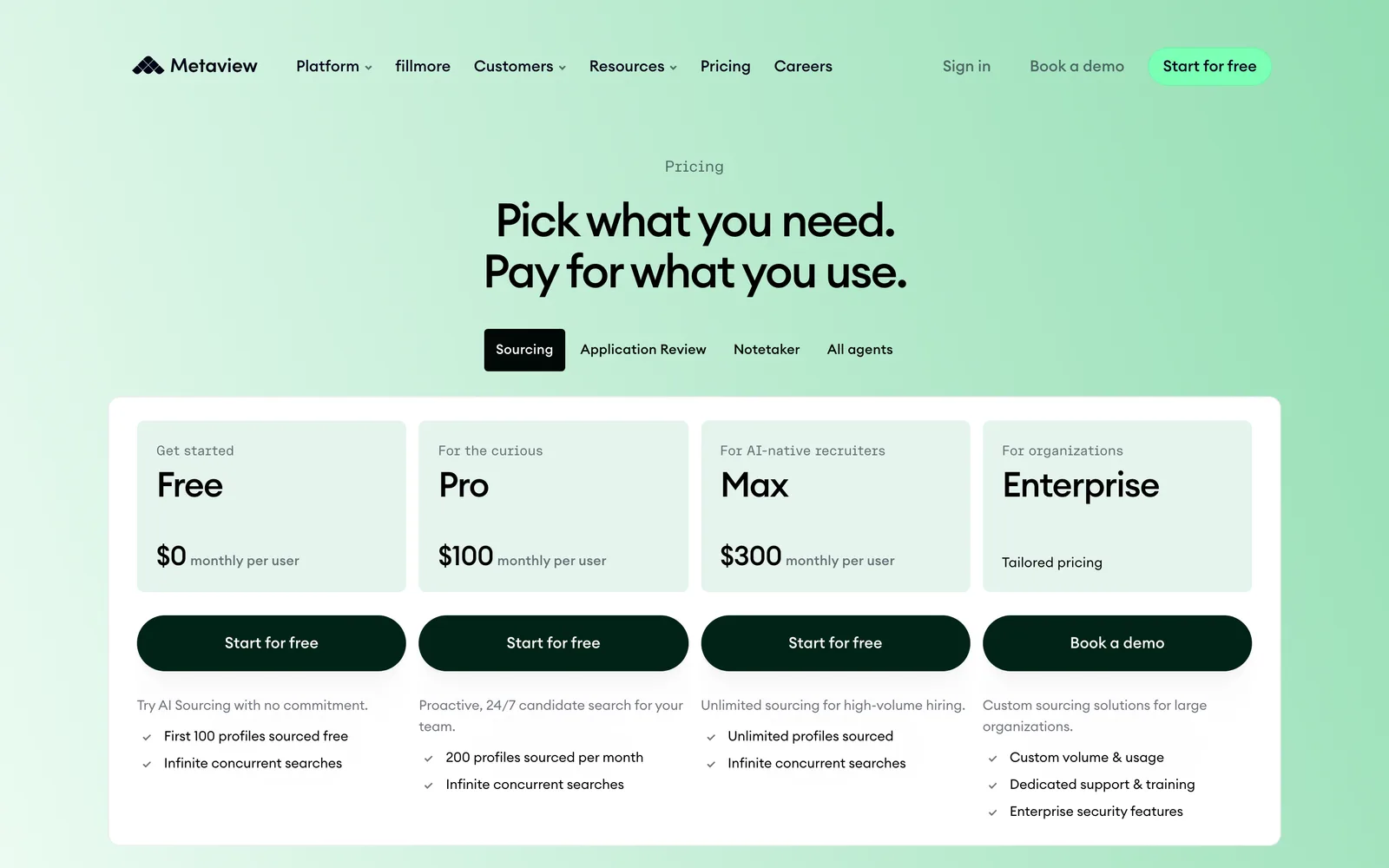
Metaview has a public pricing page captured on 2026-08-12 at Metaview's pricing page. Because pricing pages change and the captured source is the vendor's page, buyers should verify current packaging directly before comparing it against other tools.
Best for recruiting teams that already run human interviews and mainly need better AI notes around those conversations.
Not for teams trying to remove the manual interview bottleneck rather than document it better.
3. Ashby: best for teams that want interview records close to the ATS
Ashby belongs in the comparison because some hiring teams do not want a separate note-taking layer. They want interview feedback, scorecards, hiring stages, and reporting to live close together in the system recruiters already use.
That is a valid choice when your main problem is scattered hiring records. If candidates, interviews, scorecards, approvals, and reports are split across tabs, putting more of the hiring process inside one ATS can reduce confusion.
The tradeoff is that ATS-native notes are only as good as the structure you put into them. If the scorecard says “communication” and “technical ability” with no behavioral anchors, AI notes will not magically create a fair evaluation system. You still need clear criteria, strong questions, and a review habit.
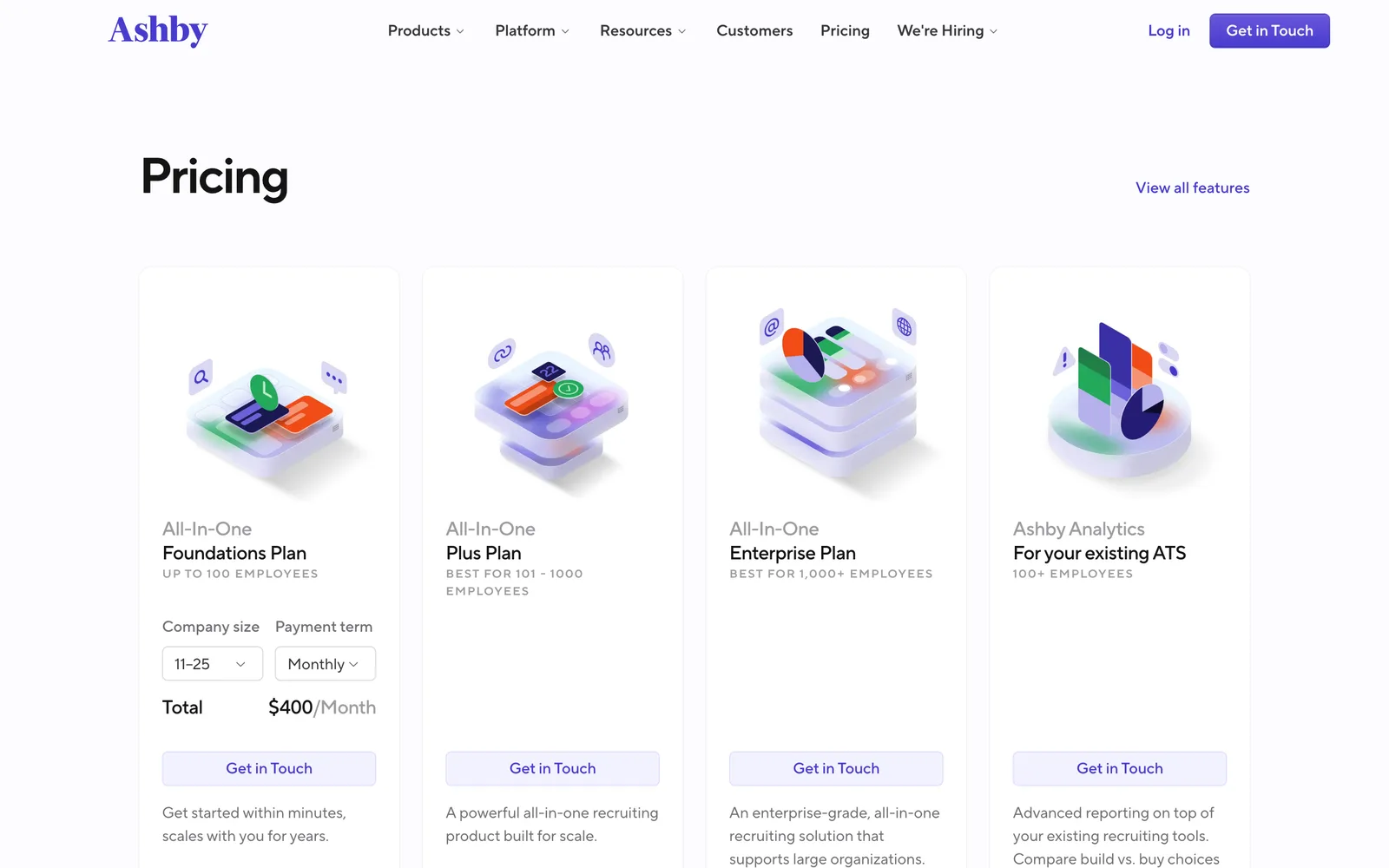
Ashby's pricing page was captured on 2026-08-12 at Ashby's pricing page. Use the current vendor page for plan detail, especially if you are comparing ATS cost against a dedicated AI note taker or AI recruiting software.
Best for teams that want notes and scorecards close to their ATS records.
Not for teams whose biggest pain is sourcing volume or deep live candidate evaluation.
4. Greenhouse: best for structured hiring teams that already use interview kits
Greenhouse is not a generic AI note-taking app. It is an ATS that many teams use to organize structured interviews, interview kits, scorecards, and hiring feedback.
For a mature hiring team, that structure is valuable. If every interviewer knows the competency they own, asks the right question, and fills the scorecard promptly, Greenhouse can keep the hiring record clean. The problem is that many teams skip the discipline and hope the system will fill the gaps.
It will not. A blank scorecard field still needs evidence. If the interviewer writes from memory 3 hours later, the ATS stores the note, but it does not improve the note.
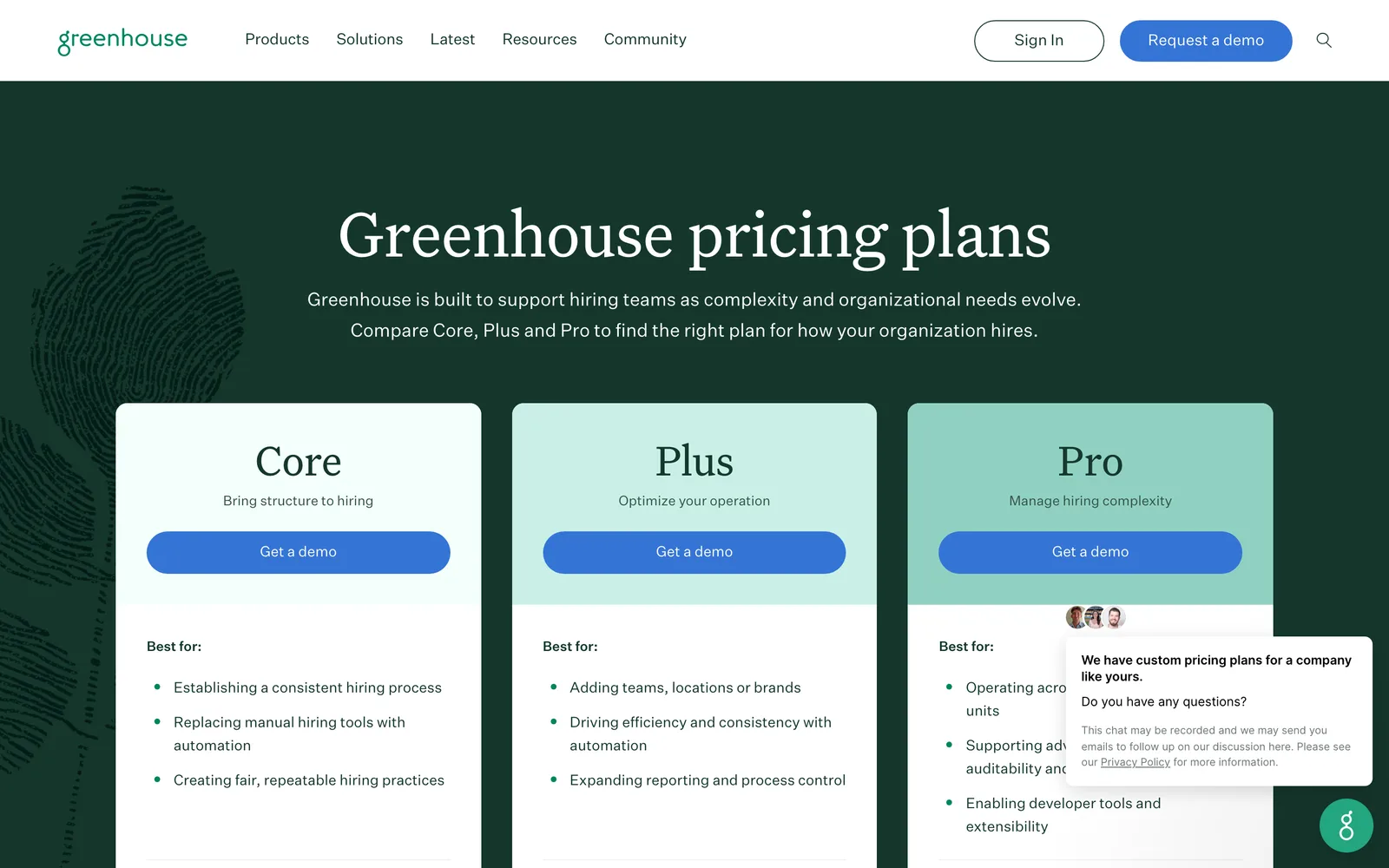
Greenhouse has a public pricing page captured on 2026-08-12 at Greenhouse's pricing page. For teams comparing note-taking apps, the key question is whether you need an ATS record, an AI note layer, or a live evaluation layer on top of the ATS. Our deeper comparison of AI recruitment software and a regular ATS covers that split.
Best for organizations that already run structured interviews and need the ATS to hold the official hiring record.
Not for teams expecting an ATS alone to produce richer interview evidence.
5. Workable: best for small teams centralizing hiring activity
Workable is a practical option for teams that want hiring software to collect applications, manage roles, and keep recruiting activity in one place. For small and mid-size teams, that central record can be more important than a specialized note-taking feature.
Where Workable can fit the AI note-taking discussion is around process discipline. If your team is still managing interviews across calendar invites, docs, spreadsheets, and Slack threads, moving into a recruiting platform may be the first fix. Notes are easier to trust when the candidate record is not scattered.
The caution is familiar. Centralization is not the same as evidence. If you do not define what good looks like, any note-taking tool will preserve noise.
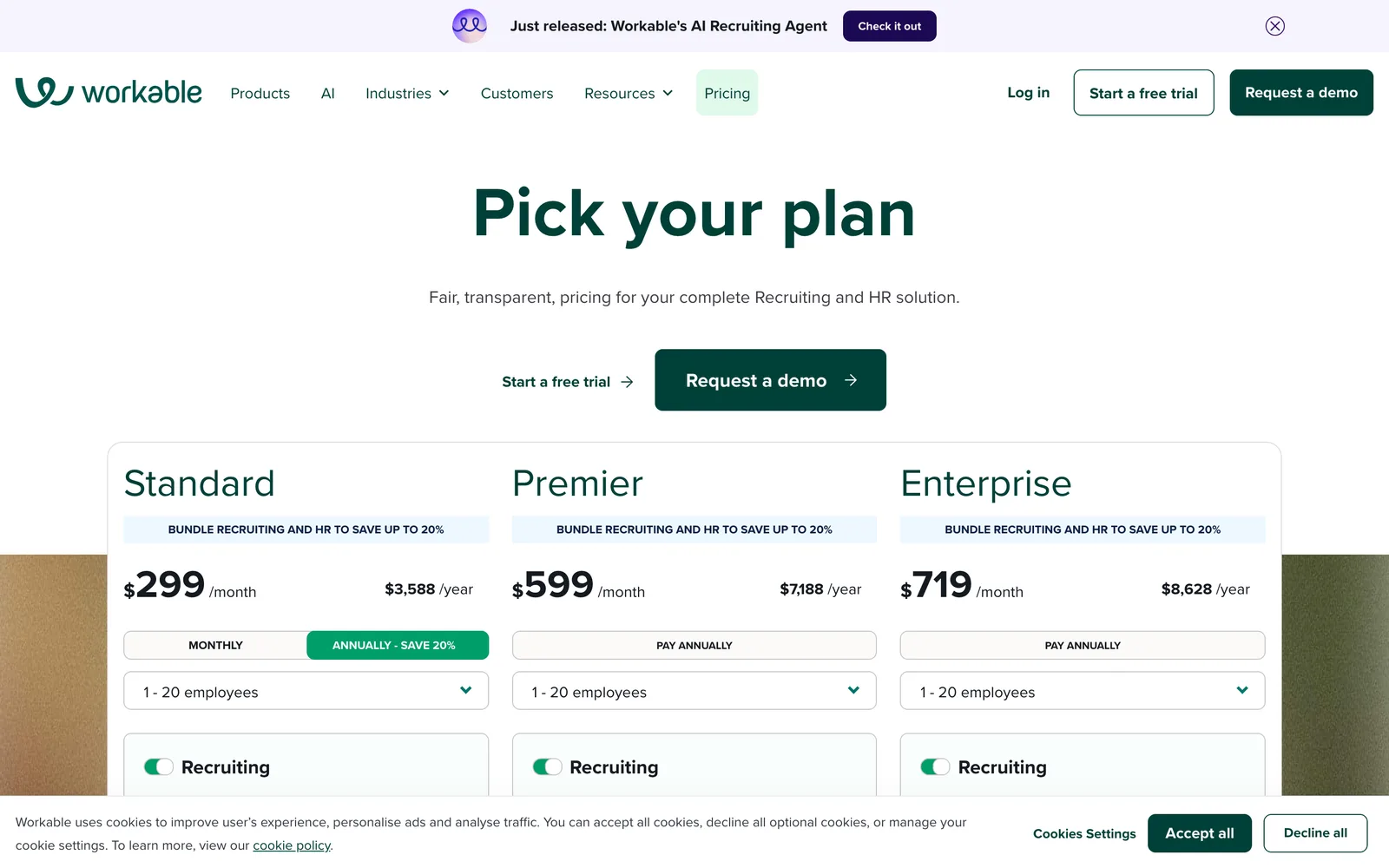
Workable's pricing page was captured on 2026-08-12 at Workable's pricing page. Buyers should compare current package limits, user access, and integrations against how many interviewers actually need to take or review notes.
Best for small and mid-size teams that need a cleaner hiring system before they optimize interview notes.
Not for teams that already have a strong ATS and mainly need evidence-rich interview evaluation.
6. HireVue: best for organizations comparing video interview infrastructure
HireVue sits in the video interview and hiring assessment category. It is relevant here because buyers often compare “AI notes,” “AI video interviews,” and “interview intelligence” in the same search, even though the interview format can be very different.
The key distinction is whether a tool records answers or holds a live, adaptive conversation. One-way formats can capture responses, but they cannot ask the follow-up question that reveals whether the candidate understands the claim they just made. That difference matters for technical hiring panels, senior roles, and any job where reasoning matters more than rehearsed answers.
If you are comparing video tools specifically, read the broader breakdown of video interview software platforms. The note-taking question should always be tied to the interview format.
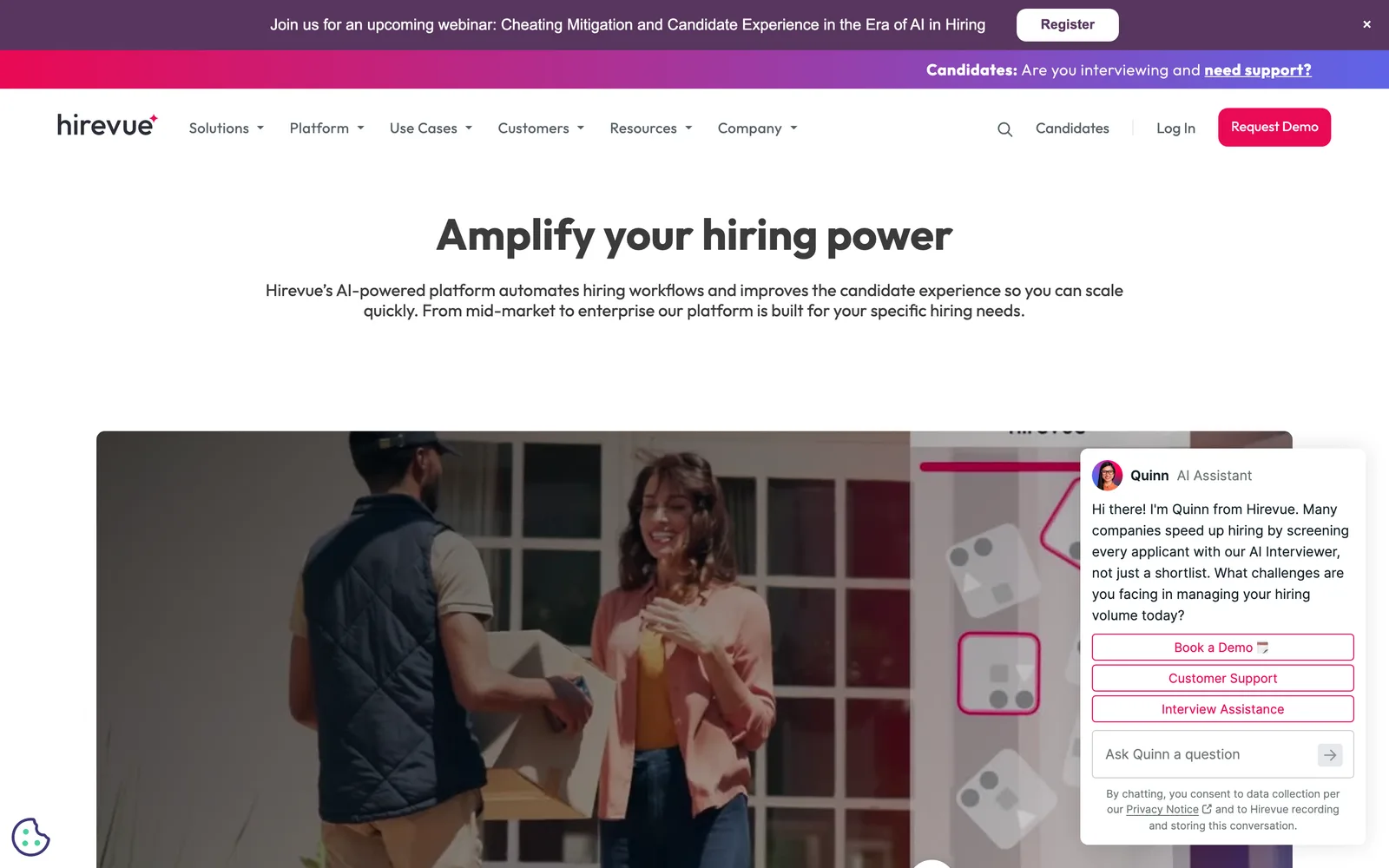
HireVue has a public pricing page captured on 2026-08-12 at HireVue's pricing page. Buyers should verify current packaging directly and compare the interview format, scoring evidence, and completion experience before treating any two tools as equivalent.
Best for organizations evaluating established video interview and hiring assessment infrastructure.
Not for teams that only need lightweight notes from live human interviews.
7. Gem: best for recruiting teams that need candidate context before the interview
Gem is better understood as a recruiting CRM and candidate relationship layer than as an interview note-taking app. It earns a place here because context before the interview often shapes the notes after it.
If a recruiter has outreach history, candidate replies, role interest, and pipeline context in one place, interviewers go in less blind. That does not replace interview evidence, but it can stop debriefs from losing important background.
For teams doing outbound hiring, this is where a broader recruiting stack matters. The Cognitive also has an AI sourcing tool in this lane: plain-English search, verified emails and phone numbers, automated outreach sequences, and an AI calling agent. The difference is that sourced candidates can move straight into live AI interviews and evidence-scored shortlists.
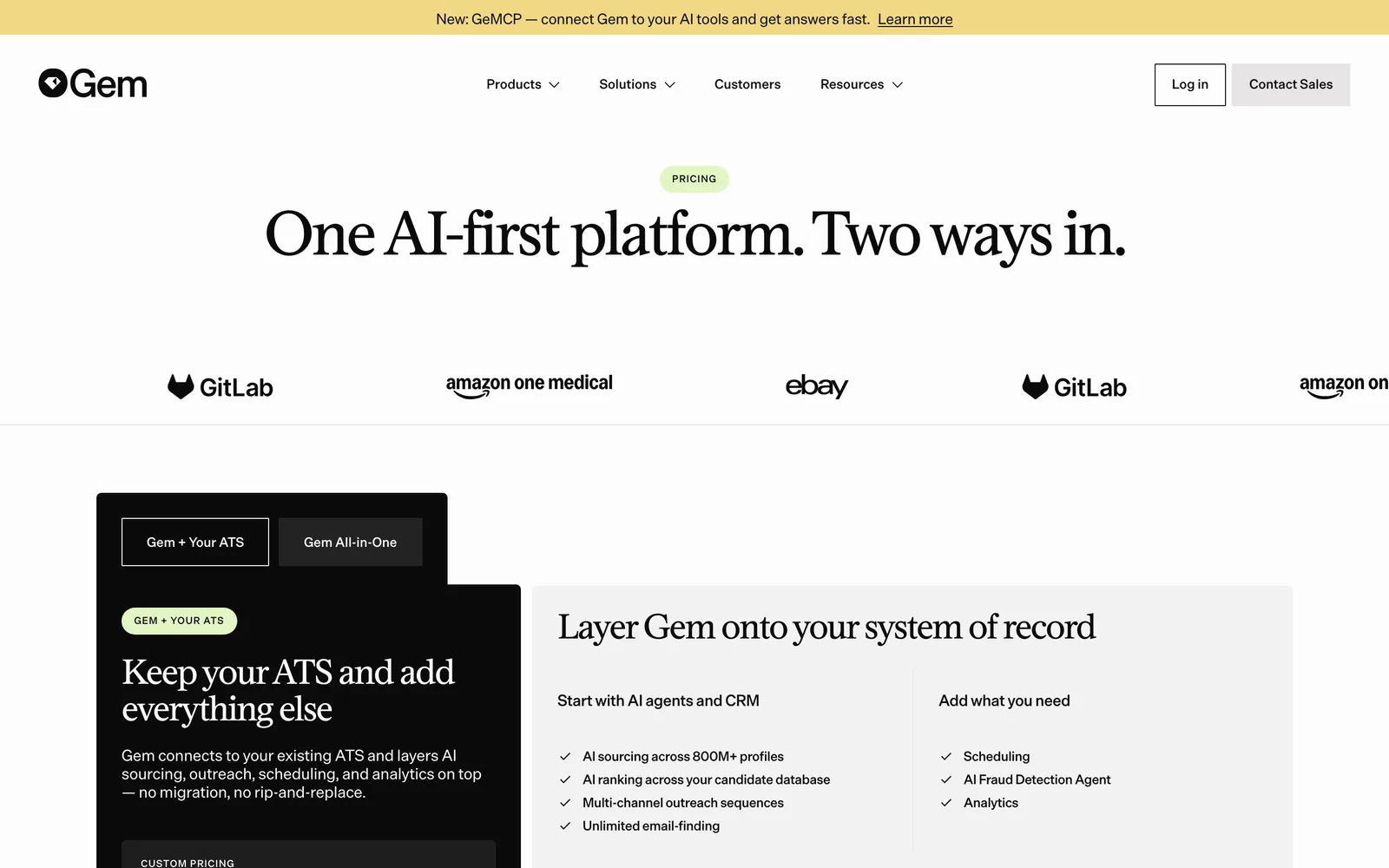
Gem's pricing page was captured on 2026-08-12 at Gem's pricing page. When comparing cost, separate CRM value from interview note value. They solve adjacent problems, not identical ones.
Best for sourcing-heavy teams that need candidate relationship context around interviews.
Not for teams looking for the interview itself to produce scorecard evidence.
8. InterviewFlowAI: best for teams testing lightweight interview AI
InterviewFlowAI is included because buyers searching for the best AI note taker often test smaller interview-focused products alongside recruiting platforms. That can be a reasonable path if you want a narrow tool and a quick trial.
The test should be concrete. Run the same candidate conversation or sample transcript through the tool and your existing scorecard. If the output cannot show which quote supports which score, it may help with memory but not with hiring decisions.
One practical check: ask a hiring manager to review only the AI output, then ask whether they would be comfortable advancing or rejecting the candidate from that record. If they still need to watch the whole interview, the notes are not doing enough work.
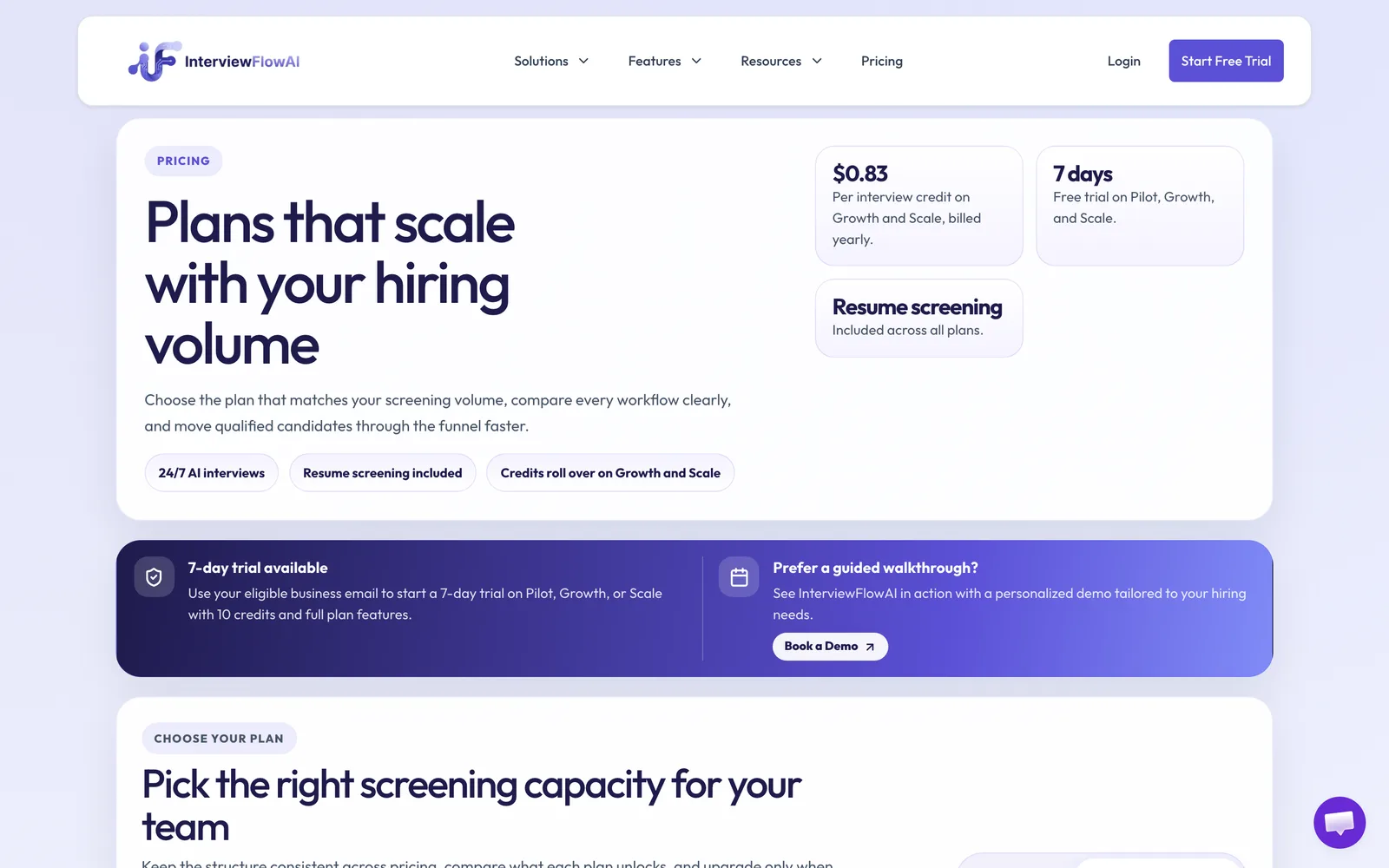
InterviewFlowAI's pricing page was captured on 2026-08-12 at InterviewFlowAI's pricing page. Verify current pricing, recording limits, integrations, and data controls before using it for real hiring decisions.
Best for teams that want to experiment with a focused AI interview or note-taking layer.
Not for teams that need sourcing, evaluation, and shortlisting tied together.
Also worth knowing about
A few adjacent vendors may show up in your research even if they are not direct AI note-taking apps for recruiters.
- hireEZ and SeekOut sit closer to sourcing and talent search. They can matter upstream, before interview notes exist.
- Paradox is built around high-volume recruiting automation, especially where scheduling and candidate communication are the pain.
- Maki appears in assessment-led hiring comparisons, where the evaluation format may differ from interview note capture.
- Eightfold AI is more of a talent intelligence platform than a recruiter note-taking app.
The boring but useful advice: do not buy an upstream tool to fix a debrief problem, and do not buy a note-taking app to fix a sourcing problem. Name the bottleneck first.
What should hiring teams expect to pay for the best AI note taker?
Hiring teams should expect the best AI note taker pricing to vary by model: per seat, per interview, per recording, credits, or enterprise contract. The cheapest-looking model is not always cheapest once every interviewer, role, recording limit, integration, and review seat is counted.
This is where teams get surprised. A recruiter buys a tool for a handful of interviews, then realizes the hiring manager needs access, the interview panel needs access, recordings have limits, or the ATS handoff only appears on a higher plan.
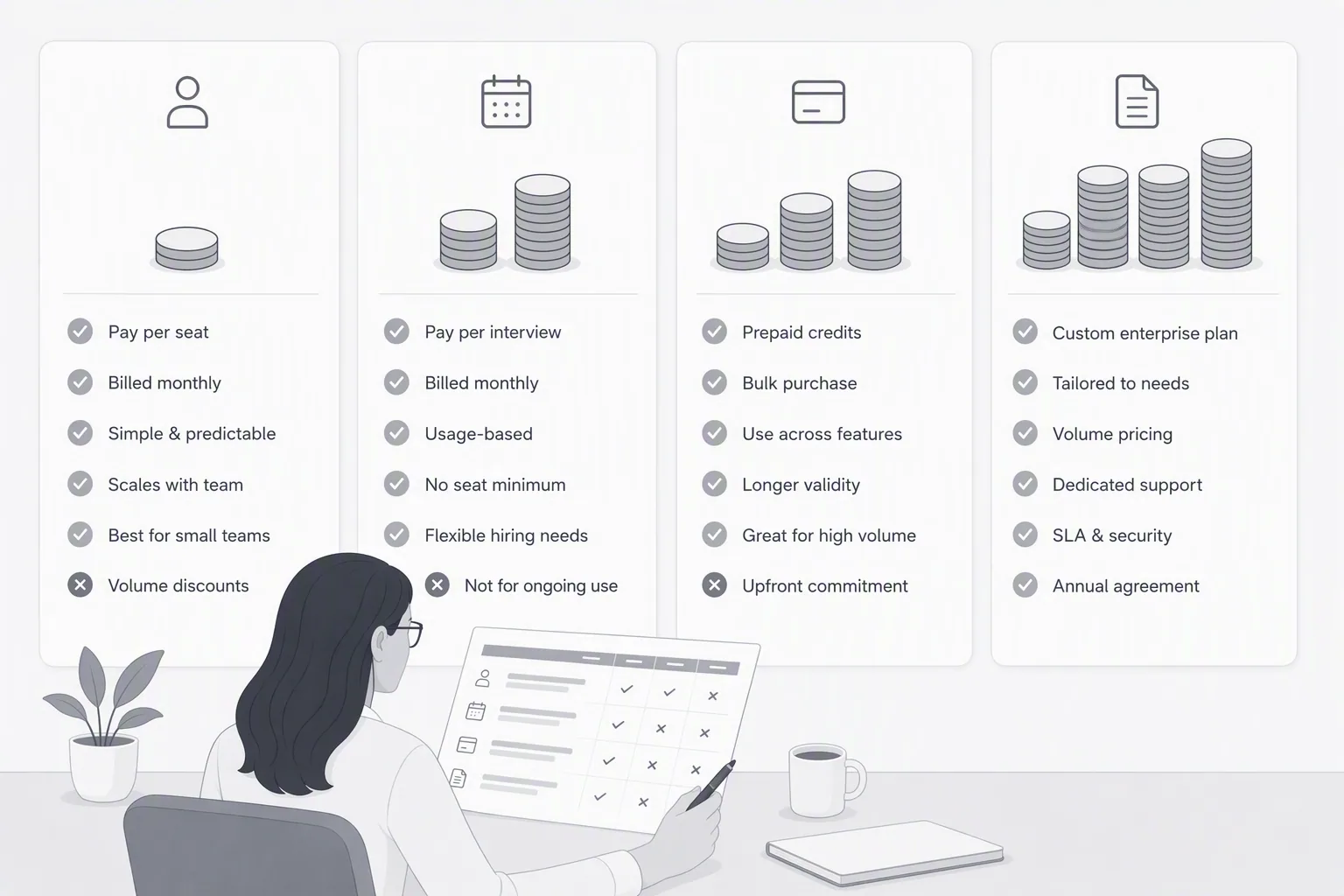
Per-seat pricing
Per-seat pricing is common in meeting note tools, ATS platforms, and recruiting systems. It is easy to budget when the same people use the product every week.
The risk is under-adoption. If only the recruiter has a seat, interviewers may keep using their own docs. If every interviewer needs a paid seat, the cost grows with the panel, not with hiring volume.
Per-seat can work for stable teams with predictable interviewers. It fits poorly when hiring managers rotate in and out by role.
Per-interview or usage-based pricing
Usage-based pricing tracks closer to hiring activity. Busy month, more cost. Quiet month, less cost.
But be careful with units. A per-interview rate for a recorded questionnaire is not the same thing as a subscription that includes live two-way interviews, adaptive follow-ups, scorecards, recordings, transcripts, and sourcing. Different products produce different evidence.
The Cognitive avoids derived per-interview pricing in its own plans because the product is a live interview and evidence system, not a transcript commodity. Interview plans are published as monthly plans from $99/month, and paid interviews are full live interviews with scored feedback, not a one-way form.
Credit-based pricing
Credit pricing usually appears in sourcing, contact data, or enrichment. It fits the part of recruiting where you reveal candidate emails, phone numbers, or other contact details.
For example, The Cognitive's AI sourcing plans start from $49/month., and searches cost 1 credit per candidate returned, credits are spent only on successful contact reveals, verified personal emails cost 5 credits, and direct phone numbers cost 10 credits. Credits refresh each billing cycle and unused credits expire.
Credit pricing is fair when you pay for successful reveal, not failed search attempts. The detail to check is what burns credits and what does not.
Enterprise pricing
Enterprise pricing usually means custom packaging, annual contracts, security review, procurement, and implementation planning. That can be fine for large teams. It can be overkill for a recruiter trying to fix six to 8 interviews a week.
The hidden cost is time. If the tool takes 3 months to approve and your role needs candidates now, the purchase process may cost more than the software.
| Pricing model | Best fit | Watch for | Recruiter question to ask |
|---|---|---|---|
| Per seat | Stable teams with repeat users | Reviewer and interviewer access costs | Who needs a paid login to review evidence? |
| Per interview or usage | Teams with variable hiring volume | Different vendors define an interview differently | Does this buy a recording, a note, or a live evaluation? |
| Credit-based | Sourcing and contact reveal | Failed reveals, expiry, and refresh rules | Do credits burn only when contact data is found? |
| Enterprise contract | Large companies with procurement needs | Annual lock-in and slow rollout | Can we test it on one role before committing? |
Costs that never show up on the pricing page
The line item is rarely the whole cost. AI note-taking tools create or remove hidden work depending on how well they fit the recruiting process.
- Integration depth: If notes do not land where hiring managers already review candidates, recruiters become copy-paste operators.
- Interviewer adoption: A tool nobody turns on for the hard interviews is not a system. It is decoration.
- Candidate consent and comfort: Recording rules, notices, and retention policies need to be clear before the first invite goes out.
- Summary cleanup: If recruiters spend 15 minutes rewriting every AI note, the tool saved typing and moved the work elsewhere.
- Debrief delay: Notes that arrive too late or in the wrong place still slow the decision.
- Annual lock-in: A cheap annual plan can become expensive if the team stops trusting the output after month two.
One practical way to test cost is to run a live pilot on a real role. Track how many minutes the recruiter spends before and after each interview, how often the hiring manager clicks into the evidence, and whether the debrief decision gets faster.
If your team tracks hiring cost already, you can model the tradeoff with a hiring ROI calculator. Manual interview time is not free just because it does not hit a software budget. A human interview often costs about $60 to $80 in staff time before you count delay.
Is the best note taking AI enough to improve hiring decisions?
The best note taking AI is not enough by itself to improve hiring decisions; it needs structured criteria, interviewer adoption, and disciplined review. AI notes preserve evidence, but the team still has to decide what evidence matters before the interview starts.
This is the part most teams learn the hard way. They turn on AI transcription, relax for a week, and then find themselves arguing over the same vague notes in debrief. The tool did what it was asked to do. The team asked for the wrong thing.
Ask for a transcript and you get words. Ask for evidence against a rubric and you get a hiring record.
Question 1: does the tool map notes to your scorecard?
If the output does not map to your actual scorecard, the recruiter still has to translate it. That translation is where bias, memory gaps, and polite rewrites creep back in.
For technical roles, scorecard mapping is especially important. A summary may say “strong architecture experience,” but the scorecard needs to know whether the candidate identified failure modes, explained tradeoffs, and handled pushback. A free AI interview question generator can help you build questions and follow-ups around the competencies you plan to score.
Question 2: does the tool preserve exact evidence?
Exact evidence means quotes, timestamps, and ideally video clips. Without that, hiring managers are trusting an AI-written interpretation of the interview.
This is why The Cognitive's scorecards tie every score to the recording. The AI does not make the hiring decision. It organizes the evidence so people can decide faster and with less drift.
Question 3: will interviewers actually use it?
Adoption is the least glamorous buying criterion and one of the most important. If interviewers have to change how they run the conversation, they will use the tool inconsistently.
The best setups reduce behavior change. The interviewer or AI conducts the interview, the recording is captured, the notes land where review happens, and the recruiter does not chase missing feedback for 3 days.
Question 4: does it support fair hiring practices?
Fair hiring depends on comparing candidates against the same criteria. AI notes can help by preserving what was actually said, but only if the team uses the same rubric and review standard.
Do not use AI summaries as a substitute for structured interviews. Use them to make structured interviews easier to review. If you want the broader evaluation angle, the guide to technical interview software is useful for teams that need deeper role-specific evidence.
Question 5: what happens after the note is written?
A note that never changes the next step is just documentation. The value appears when the hiring manager can approve, reject, or request a follow-up from the evidence.
In The Cognitive, approved candidates can receive the hiring manager's templated email with a calendar link for the next human round. Rejected candidates can optionally receive feedback with strengths and weaknesses. That is what good notes should enable: faster decisions, cleaner handoffs, and more respectful candidate communication.
Scenario-based recommendation
- High-volume recruiting team: choose a system that handles sourcing, candidate contact, live interviews, and evidence-scored shortlists without adding recruiter scheduling work.
- Technical hiring panel: choose the tool that captures reasoning, tradeoffs, follow-ups, and clips tied to the scorecard.
- Lean startup: avoid enterprise-heavy setup if you only need to test one role this week. Use a tool you can run on real candidates quickly.
- Enterprise compliance team: prioritize access controls, audit trails, consent language, retention rules, and evidence tied to decisions.
- ATS-centered team: keep the ATS as the official record, but add a note or interview layer if human feedback is still vague or late.
For this article, we checked public vendor pages captured on 2026-08-12 and wrote from those sources plus Cognitive product facts. No vendor paid for placement or reviewed the rankings. Recheck current pricing pages before you buy, because public packaging changes.
The recruiter in that Tuesday debrief did not need a prettier transcript. She needed the moment the candidate explained the tradeoff, connected to the scorecard, visible to the hiring manager, and preserved before memory softened it.
That is the standard to use. Choose AI note-taking software by how reliably it preserves the evidence behind hiring decisions, not by how impressive the transcript looks.
If you want to test that standard on your own backlog, The Cognitive offers 2 free interviews for one role. Run it on real candidates, open the scorecards, and judge the evidence for yourself.
Frequently Asked Questions
What is the best AI note taking app for recruiters?
The best AI note taking app for recruiters is the one that maps interview evidence to hiring criteria, not just the one with the cleanest transcript. Look for recordings, searchable transcripts, quotes, timestamps, scorecard support, ATS handoff, and privacy controls.
Can AI interview notes replace recruiter scorecards?
AI interview notes should not replace recruiter scorecards. They should feed the scorecard with exact evidence, so the hiring team can see which quote or moment supports each score.
How do recruiters compare AI note-taking tools for interviews?
Recruiters should compare AI note-taking tools by evidence quality, scorecard fit, interviewer adoption, integrations, candidate consent, and pricing model. A polished summary is less useful than a timestamped note that answers the hiring manager's actual question.
Is the best note taking AI enough to make hiring fairer?
The best note taking AI can support fairer hiring only when the team uses structured criteria and reviews candidates against the same rubric. AI notes preserve what happened, but humans still need to define the bar and make the final decision.
How much should hiring teams pay for an AI note taker?
Hiring teams should expect AI note taker pricing to vary by per-seat, usage-based, credit-based, or enterprise models. The real cost also includes reviewer access, recording limits, integrations, adoption, and the recruiter time spent cleaning up notes.
Related reading
- Affordable AI Recruiting Tools That Show Their Prices: How 10 Bill You in 2026
- Recruitment Chatbots Compared: 9 Conversational AI Tools, and What to Use When Chat Isn't Enough
- Talent Intelligence Software Compared: 11 Platforms for Market Data and Finding People
- Recruiting Software for Startups: 10 Picks for Founders Hiring Without a Recruiter
- IT Staffing Software Compared: 10 Tools for Sourcing and Screening Engineers in 2026
- Campus Recruiting Software for Intern and Graduate Hiring: The 10 Best in 2026