11 Best Recruiting Apps in 2026, Ranked for Recruiters on the Go
By Sparsh Goyal, Founder at The Cognitive. Published · Last updated
- The Cognitive ranks first for sourcing-led hiring, ahead of Loxo and Workable, and it has no native mobile app: it runs in a browser and from Claude.
- Greenhouse, Bullhorn Mobile and LinkedIn Recruiter have strong phone apps for approvals, agency records and sourcing, and Calendly handles scheduling.
- Most recruiting apps are companions to a desktop system, so judge each one by the paid product behind it.
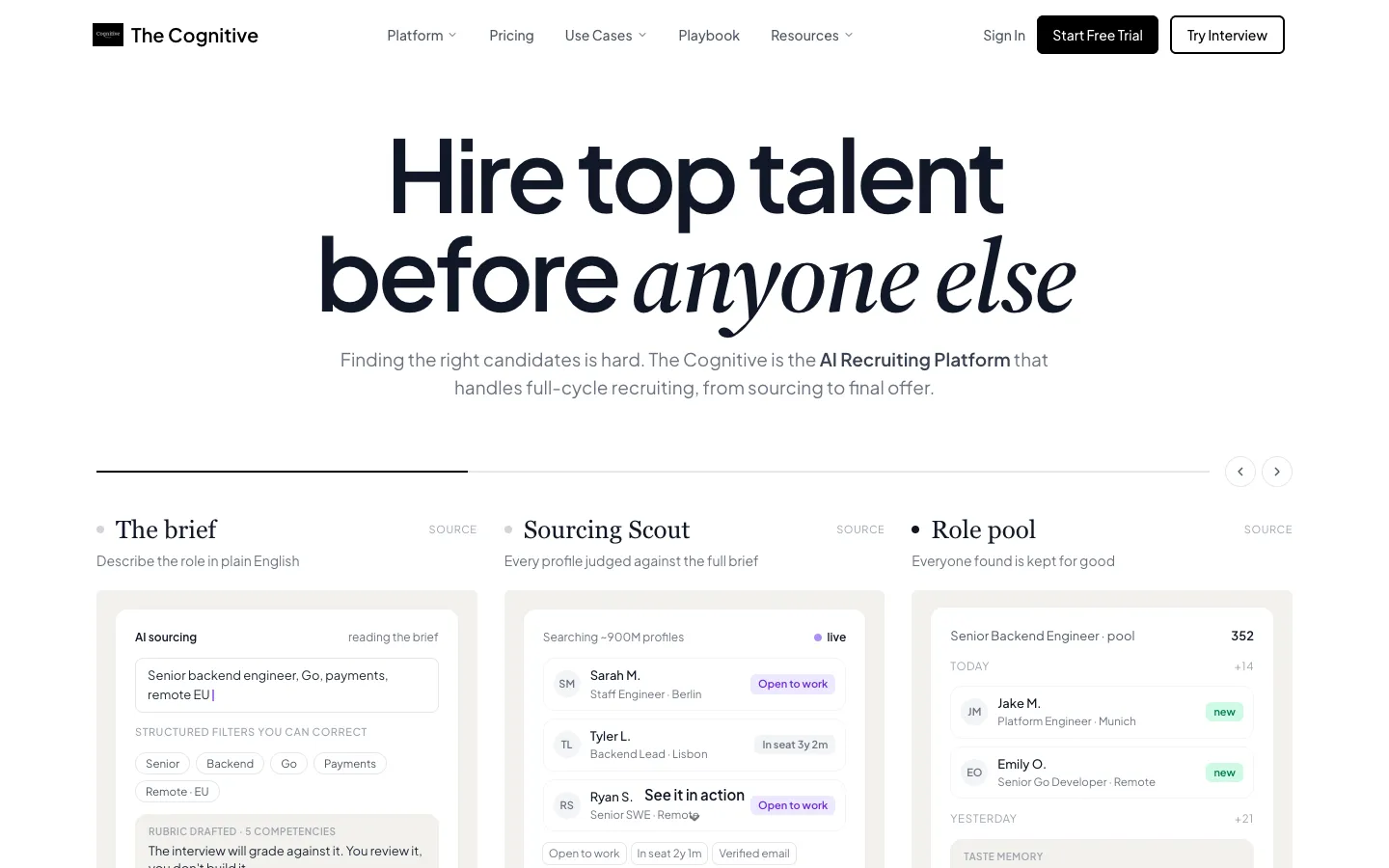
The Cognitive ranks first among recruiting apps in 2026 for sourcing-led hiring, followed by Loxo and Workable. The Cognitive has no phone app: you use it in a web browser or from Claude. For hiring on the move, Greenhouse, Bullhorn Mobile and LinkedIn Recruiter have strong native apps, and Calendly handles scheduling.
Recruiters carry 13.4 open roles at a time, according to Gem's 2026 benchmarks, and 91% of US adults own a smartphone (Pew Research Center, 2026). Each tool here is scored on five hiring stages, and ties go first to a live AI video interview, then to published prices.
Disclosure: The Cognitive is our product.
The best recruiting apps in 2026
- The Cognitive: best for sourcing and screening from a browser or Claude.
- Loxo: best for recruiting firms that want their own people database and an iPhone app.
- Workable: best for an ATS, an AI agent and a phone app from one vendor.
- Bullhorn Mobile: best for staffing agencies on the road.
- Greenhouse: best for hiring manager approvals and feedback.
- LinkedIn Recruiter: best for sourcing and InMail replies on the go.
- Breezy HR: best for small teams with a visual pipeline.
- Recruit CRM: best for agencies tracking candidates and clients.
- Zoho Recruit: best for a free ATS with calls and texts.
- Teamtailor: best for brand-led employers on Teamtailor.
- Calendly: best for booking human interviews.
What is a recruiting app?
A recruiting app is software a recruiter or hiring manager uses to find, contact, assess or move candidates, usually from a phone. Most are companions to a desktop system: they handle quick jobs and leave the heavy work to the laptop. This list is for recruiters and hiring managers, not job seekers. There are five kinds:
- ATS companion apps for reviewing applicants, feedback and stage moves (Workable, Greenhouse, Breezy HR, Zoho Recruit, Teamtailor).
- Agency apps that carry candidate, client and job records, with calls and texts (Bullhorn Mobile, Recruit CRM, Loxo).
- Sourcing apps that search a people network from the phone (LinkedIn Recruiter).
- Scheduling apps for booking links and meetings (Calendly).
- Browser and AI assistant tools with nothing to install, used in a web browser or inside Claude (The Cognitive).
For call notes, see AI note-taking apps for recruiters. For emails and phone numbers, see contact finder tools.
How do the 11 recruiting apps compare?
Stages counts how many of five hiring stages each product covers: find, contact, outreach, AI screen and ATS.
| Tool | Best for | Stages | Phone app |
|---|---|---|---|
| The Cognitive | Sourcing + screening | 5 | None |
| Loxo | Recruiting firms | 5 | iOS |
| Workable | ATS + AI agent | 4 | iOS + Android |
| Bullhorn | Staffing agencies | 4 | iOS + Android |
| Greenhouse | Manager approvals | 4 | iOS + Android |
| LinkedIn Recruiter | LinkedIn sourcing | 4 | iOS + Android |
| Breezy HR | Small teams | 3 | iOS + Android |
| Recruit CRM | Agency CRM | 2 | iOS + Android |
| Zoho Recruit | Free ATS | 2 | iOS + Android |
| Teamtailor | Career-site hiring | 2 | iOS + Android |
| Calendly | Interview booking | 1 | iOS + Android |
What each app does on a phone
| App | From the phone, you can |
|---|---|
| The Cognitive | No phone app; search, shortlist, reveal and email from a browser or Claude |
| Loxo | Search your People database; call, text and email |
| Workable | Review and move candidates; the app is in every plan |
| Bullhorn Mobile | Browse and edit jobs, candidates and contacts; call, text or email |
| Greenhouse | Approve openings and offers, review applications, give interview feedback |
| LinkedIn Recruiter | Search members, review profiles, reply to candidates, manage job posts |
| Breezy HR | Schedule interviews, email and text candidates, drag people between stages |
| Recruit CRM | Reply to candidates, search records, move candidates, send email |
| Zoho Recruit | Create jobs, add candidates, schedule interviews, call and text |
| Teamtailor | Screen and rate candidates, reply to candidates and leads |
| Calendly | Copy booking links, reschedule or cancel, join video calls |
How the 11 were ranked
Each tool earns one point per stage it covers, up to five. The stages are: finding new people in a profile database beyond your own records, revealing contact details, and sending outreach by email, text or in-network message. The last two are running an AI screen or interview, and being or syncing with an ATS. A point counts only when the vendor's own site, pricing page or app store listing says the product does it.
Ties are broken in four steps. First, does the product run a live two-way AI video interview with the candidate, rather than only screening profiles or applications? Second comes price on the website: yes when every plan shows a price, some when some plans are priced and others are quoted, no when every plan is quoted. Third is how you start, with a free plan or free trial ahead of a demo or sales call. Fourth is alphabetical order.
The Cognitive and Loxo both cover five stages. The Cognitive runs a live AI video interview with each candidate, while Loxo's AI screens profiles, so The Cognitive ranks first. On price alone they would tie: both publish some plans and quote others, and both start with a free trial. Workable leads the four-stage group on price, and Bullhorn's published entry tiers put it above Greenhouse and LinkedIn Recruiter. The phone app column comes from each vendor's Apple App Store and Google Play listings and is not scored.
These tools are ranked using feedback from recruiters the founder talks with on LinkedIn, plus each vendor's own site, pricing page and app store listing.
How to choose a recruiting app
Do you need a native app, or is a browser enough?
A native app sends push alerts and lets you act on them in seconds. A browser tool waits until you sit down. In October 2026, 45.43% of US web traffic came from phones and 52.4% from desktops, per StatCounter. That covers all web use, not just recruiters.
Does the app need a paid seat of the desktop product?
Usually, yes. Teamtailor's app asks for a Teamtailor account, and Recruit CRM includes its app in its paid plans. Breezy HR lists its iOS and Android apps in its first paid plan. Calendly is the exception, since its free plan includes the mobile app.
Will it find people, or only manage applicants?
Most ATS apps handle people who already applied, and there are plenty of them. Ashby's 2026 Talent Trends Report puts the load at 291 applications for each hire, close to three times the early 2021 figure. Reaching people who never applied needs a search across a profile database. On this list, that means The Cognitive, Loxo, Workable, Bullhorn, Greenhouse or LinkedIn Recruiter.
Can candidates finish your process on their phone?
Check the candidate side as well as yours. The Cognitive's live AI interview needs a laptop or desktop with a camera and microphone. If your candidates mostly use phones, plan for that step.
How is it priced?
Expect one of five models:
- The app free with a paid seat of the desktop product.
- Per user per month (Loxo, Recruit CRM, Zoho Recruit, Bullhorn's entry tiers).
- Flat monthly plans (Breezy HR, Workable).
- A quote by company size (Greenhouse, Teamtailor, LinkedIn Recruiter).
- Credits for searches, contacts and interviews (The Cognitive).
Agencies can compare more options in the best staffing software list, and tight budgets in the best free recruiting software list.
The 11 best recruiting apps, reviewed
1. The Cognitive: best for sourcing and screening from a browser or Claude
Verdict: The pick for recruiters whose hard part is finding people, not managing applicants, and who do that work at a desk.
The Cognitive has no iPhone or Android app. It runs in a web browser and inside Claude, where you add it as a connector (the Claude setup guide walks through it). In Claude you can ask for candidates, shortlist them, reveal contacts and send emails without opening another tab.
A search starts with the role written the way you would brief a colleague. The Cognitive's AI sourcing looks across about 900M public profiles and says briefly why each person came up. A personal email or phone number is charged only when one is found. Emails go out from your own Gmail or Outlook account and stop once the person replies.
To screen, you send shortlisted people a link to a live AI video interview. It runs on camera for 10 or 20 minutes, in any of 9 languages, from a laptop or desktop. Every candidate is assessed on the role's rubric while follow-up questions track their answers, and you receive a scored report.
The trade-off is the phone. Pair The Cognitive with your ATS's app for replies and approvals on the move.
Best for: teams that fill roles by going out and finding people, and want search, email and a first interview in one account.
Watch out for: nothing to install also means no push alerts. Candidates need a laptop or desktop for the interview. Email outreach is on Sourcing Pro and above, sync with 100+ ATS is on higher plans, and human interviews need a separate scheduler.
Pricing model: two monthly plans, AI Sourcing and AI Interviews. Plans start at $99 a month. Each person a search shows uses 1 credit, once; a personal email uses 4 and a phone number 12 (Pro and above). A 20-minute interview uses 100. Enterprise is priced on request. Price on website: some. Start: 7-day free trial, no card.
2. Loxo: best for recruiting firms that want their own people database and an iPhone app
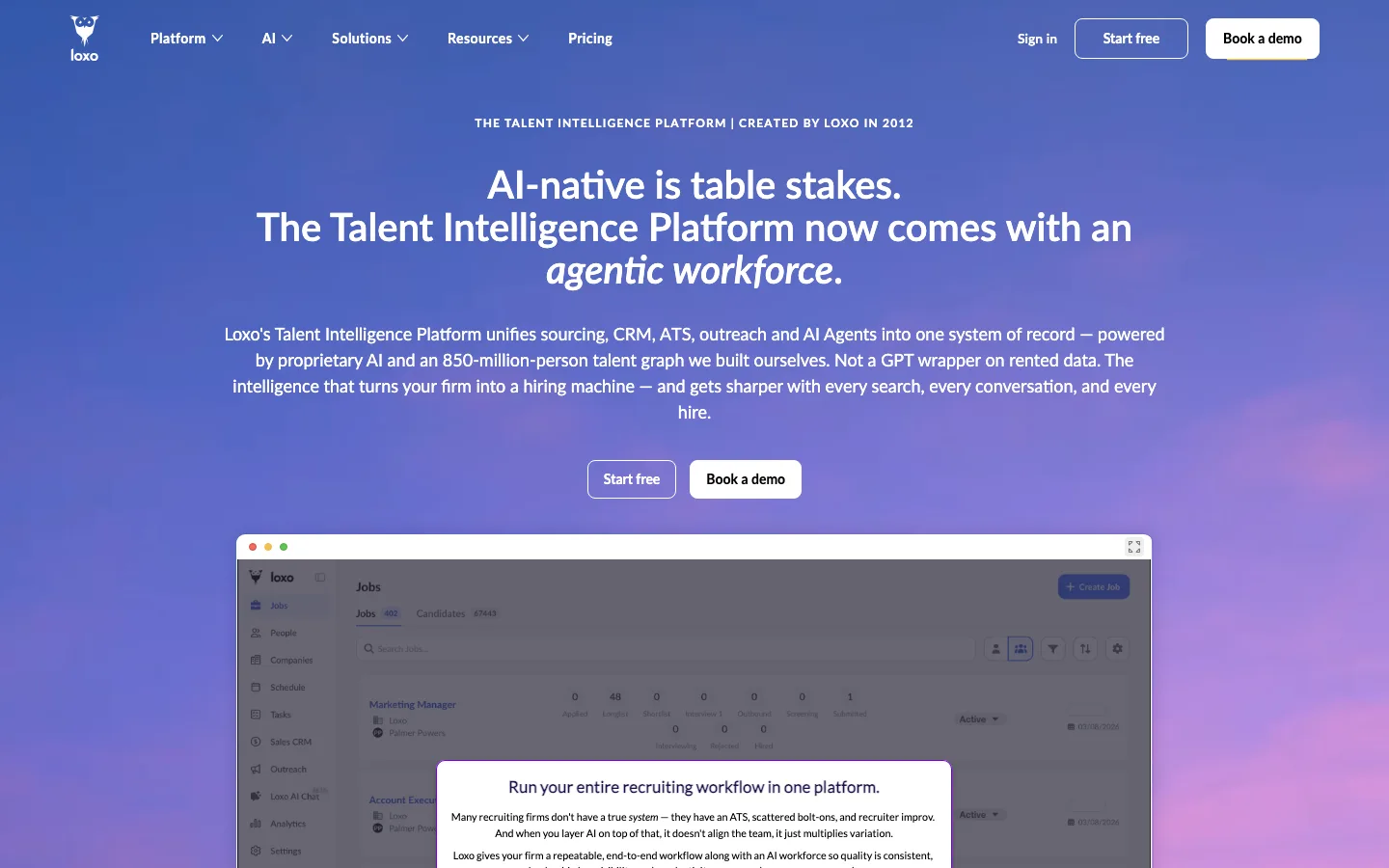
Verdict: A good fit for recruiting firms that want people data, outreach and an ATS in one system, with calls from an iPhone.
Loxo sells "ATS, recruiting CRM, sourcing, outreach, sales CRM and AI agents in one platform". It holds "850 million people, verified mobile, personal and work details built in." Its Longlist agent screens up to 10,000 candidates per search, and a Shortlist agent ranks them across seven dimensions.
The iPhone app lets you "search through your People database" and "send texts, calls, and emails".
Best for: recruiting firms that want sourcing and contact data in the same system as their ATS.
Watch out for: the app is iPhone only and covers search, profiles and messages. Its AI screens profiles rather than interviewing candidates.
Pricing model: per user per month, billed annually, with a published starting price; higher tiers through a demo. Price on website: some. Start: 7-day free trial.
3. Workable: best for an ATS, an AI agent and a phone app from one vendor
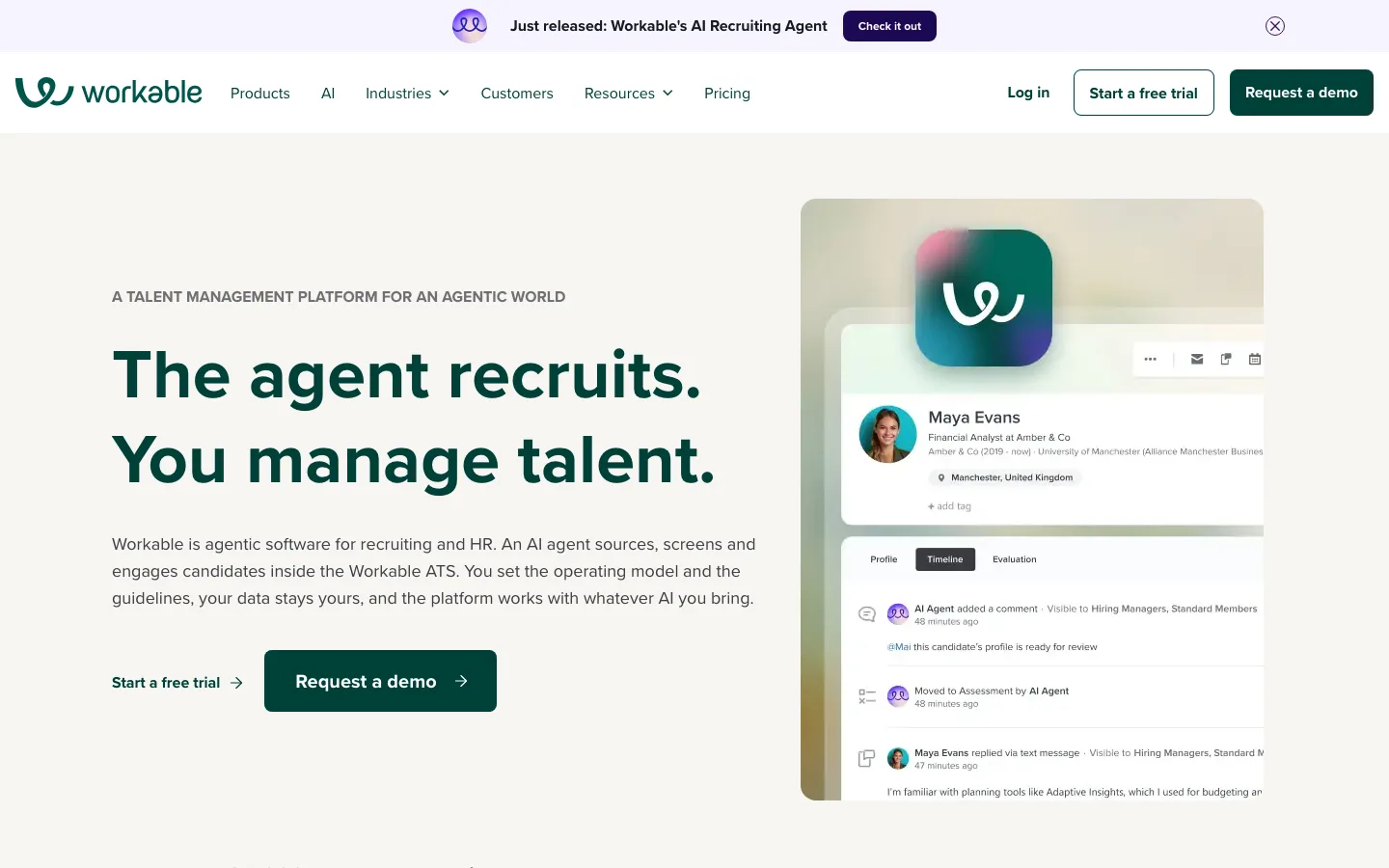
Verdict: An ATS whose AI agent sources and screens, with native apps for iPhone and Android.
Workable calls itself "agentic software for recruiting and HR", where "an AI agent sources, screens and engages candidates inside the Workable ATS". The agent "sources passive candidates and reaches out" and engages people "through integrated emails and SMS texting".
Its pricing page lists a "Top-rated mobile app" in every plan. You can try it during the 15-day free trial, which does not include Workable Agent.
Best for: SMB and mid-market in-house teams that want one vendor for applicants, sourcing and screening.
Watch out for: texting and video interviews are paid add-ons, and there is no contact lookup for sourced people.
Pricing model: monthly plans with published prices and priced add-ons. Price on website: yes. Start: 15-day free trial.
4. Bullhorn Mobile: best for staffing agencies on the road

Verdict: Built for agency recruiters who need every record type on the phone, not just a pipeline.
Bullhorn describes "an AI recruitment platform that runs an entire staffing or recruitment firm in one system". Its pricing page lists external candidate search, and its AI and automation product promises to "automate sourcing, screening, and candidate submissions".
Bullhorn Mobile covers jobs, candidates, companies and contacts. You can add and edit records and internal submissions, then "call, text, or email a candidate or contact".
Best for: staffing agencies whose recruiters spend the day at client sites.
Watch out for: there is no contact lookup for people found in an external search, and the AI features sit on higher tiers.
Pricing model: per user per month for the entry tiers, published; Pro and above by quote. Price on website: some. Start: quote.
5. Greenhouse: best for hiring manager approvals and feedback

Verdict: The app puts approvals, applications and interview feedback in a hiring manager's pocket.
Greenhouse offers "sourcing, interviewing and ATS solutions in one place". Its "Voice AI gives every candidate a real first conversation", and its sourcing brings forward "millions of job seekers" when a role opens.
The Greenhouse Recruiting app runs on iPhone and Android. It lets you "approve new job openings and offers", review applications, use interview kits, give feedback and search candidate profiles.
Best for: Greenhouse customers whose hiring managers hold up approvals.
Watch out for: the app handles approvals and feedback rather than sourcing, and there is no contact lookup.
Pricing model: custom quote. Price on website: no. Start: demo.
6. LinkedIn Recruiter: best for sourcing and InMail replies on the go
Verdict: The largest searchable network on this list, 1B+ members, in an app built for sourcing.
LinkedIn pairs Recruiter with Hiring Assistant, its "agentic AI" that "taps into LinkedIn's network of 1B+ professionals" and can send prescreening questions.
The app lets you search the network "right from your phone" and review profiles. You can reply to candidates and manage your pipeline and job posts. Recruiter System Connect shows ATS data on profiles.
Best for: recruiters whose sourcing and conversations live on LinkedIn.
Watch out for: messages stay inside LinkedIn as InMail, with no email or phone lookup. The LinkedIn Recruiter pricing guide explains the seats.
Pricing model: by company size and number of seats, through sales; Recruiter Lite is priced at checkout after sign-in. Price on website: no. Start: sales.
7. Breezy HR: best for small teams with a visual pipeline
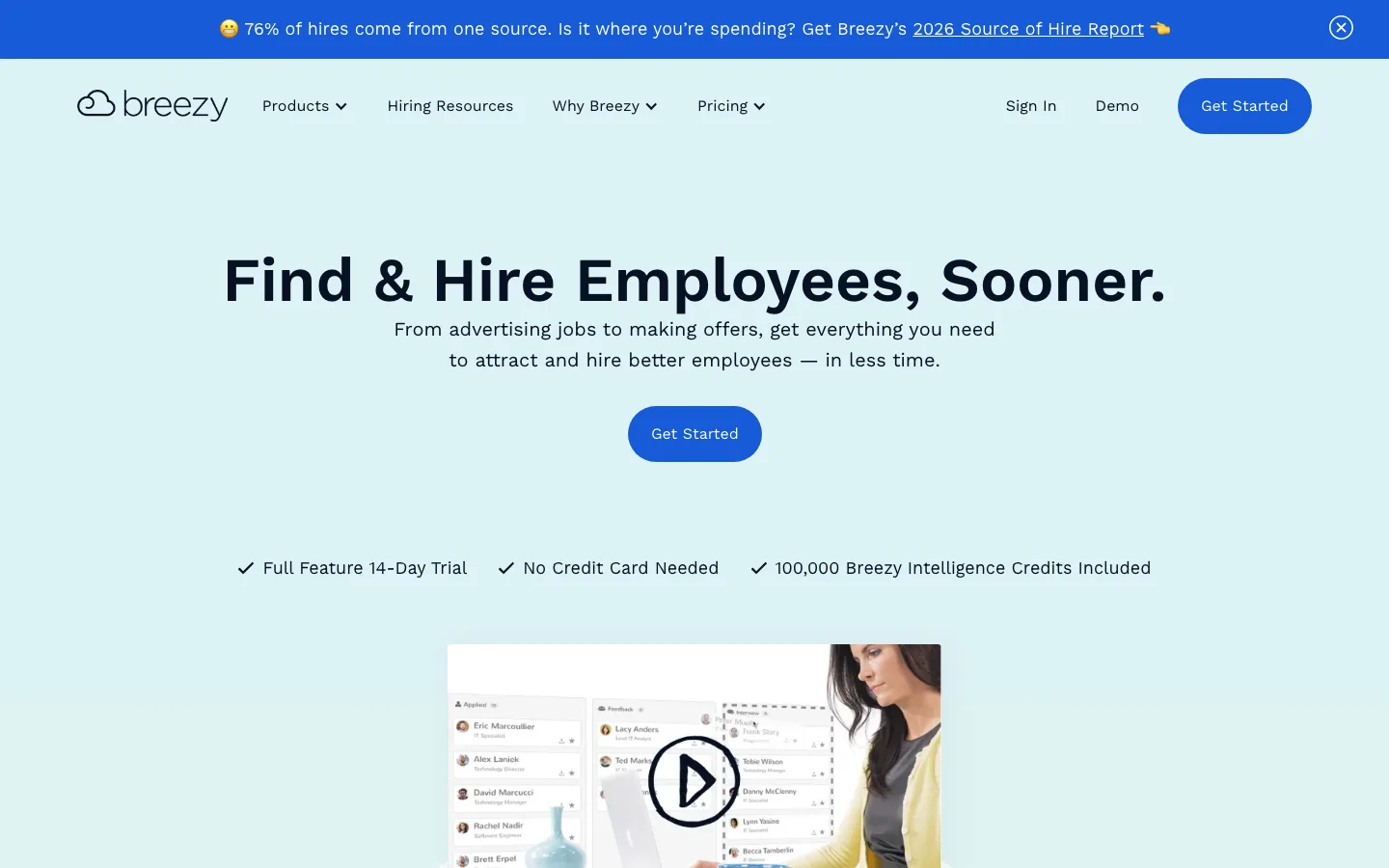
Verdict: A simple pipeline app for small teams, with unlimited users on its plans.
Breezy HR covers hiring from job ads to offers. Its pricing page lists "AI-powered candidate evaluation" and AI scoring of video interviews against your criteria. The app schedules interviews, sends email and texts, and lets you drag candidates between stages.
Best for: small teams that want everyone in the pipeline without paying per seat.
Watch out for: it does not search for new people, and texting is an optional add-on.
Pricing model: flat monthly plans, published, with the apps from the first paid plan. Price on website: yes. Start: 14-day free trial, no card.
8. Recruit CRM: best for agencies tracking candidates and clients

Verdict: An agency ATS and CRM with the app included in its paid plans.
Recruit CRM is an "AI-powered ATS & CRM for recruitment firms" with outreach and timesheets built in. Its Business plan sends sequences across email, LinkedIn and WhatsApp. The app lets you respond to candidates and contacts, search records, move candidates and send email.
Best for: agencies that keep candidates and clients side by side.
Watch out for: it works on your own records, with no outside people search and no AI interview.
Pricing model: per user per month across three published tiers with included credits. Price on website: yes. Start: 30-day free trial.
9. Zoho Recruit: best for a free ATS with calls and texts

Verdict: The only free-forever ATS plan on this list, with an app that calls and texts.
Zoho Recruit sells "all-in-one recruitment software for HR teams and staffing agencies", in a browser or as an app for Android and iOS. From the app you can create job openings, add candidates, schedule interviews, send assessments, capture feedback and submit candidates to clients. You can also "call candidates and send SMS texts instantly through the app".
Best for: small teams that want an ATS app before they pay for anything.
Watch out for: Ask Zia and Zia Search are iOS only, and it works on your own records, with no outside people search.
Pricing model: per recruiter per month, published, plus a Forever Free plan with one active job. Price on website: yes. Start: free plan or 15-day trial.
10. Teamtailor: best for brand-led employers on Teamtailor
Verdict: A clean phone window into Teamtailor's ATS for companies that hire through their career site.
Teamtailor calls itself "the ATS behind great hiring", with AI running through the hiring process. The app lets you screen and rate candidates, reply to candidates and career-site leads, schedule meetings and fill in interview kits.
Best for: employers whose applicants arrive through a strong career site.
Watch out for: you need a Teamtailor account to sign in, and pricing is by quote.
Pricing model: custom quote. Price on website: no. Start: demo.
11. Calendly: best for booking human interviews
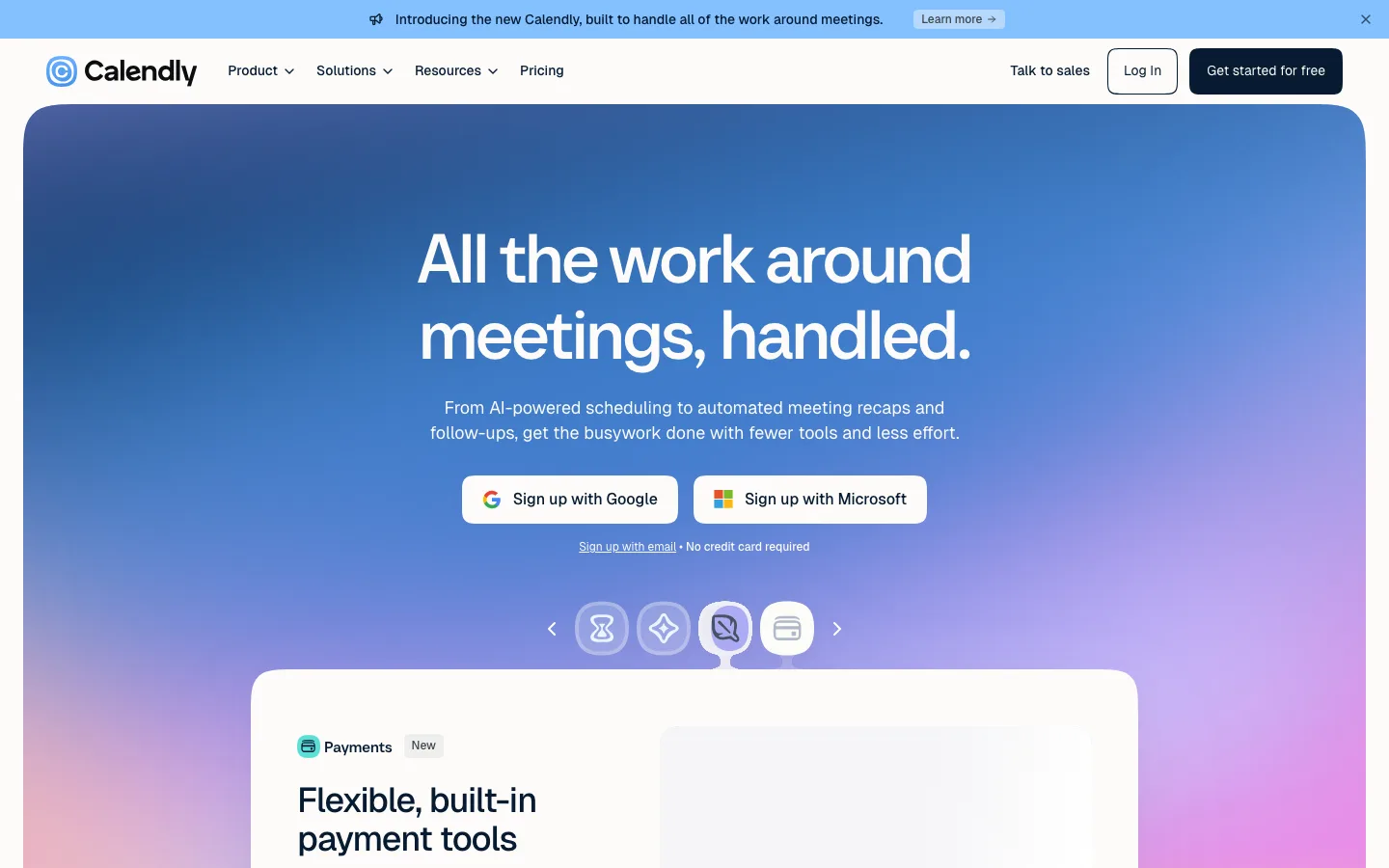
Verdict: The scheduling app recruiters pair with any ATS.
Calendly calls its app "the perfect partner app to our desktop application". You copy scheduling links into an email or text, reschedule or cancel meetings and join video calls. Its recruiting page says it "integrates with your applicant tracking system (ATS)", Greenhouse included. The interview scheduling software guide compares it with recruiting schedulers.
Best for: recruiters booking phone screens and hiring manager interviews.
Watch out for: it schedules only. Candidate records stay in your ATS.
Pricing model: a free plan that includes the mobile app, then per seat per month tiers and Enterprise. Price on website: yes. Start: free plan.
Which tool does it all, end to end?
The Cognitive and Loxo cover all five stages here, yet neither puts a full sourcing desk on a phone: one has no app and the other's is iPhone only. Pair either with an ATS phone app; the best applicant tracking systems list and the recruiting tools stack show how the pieces fit.
When not to pick The Cognitive
- Your hiring happens away from a desk. If the day is replies and approvals between meetings, Workable, Greenhouse or Breezy HR suits you better.
- You rely on push alerts. With no app, nothing pings your phone.
- Your candidates only use phones. The live AI interview needs a laptop or desktop, which rarely suits deskless or hourly roles.
- You want to text candidates. Bullhorn Mobile, Loxo and Zoho Recruit text from the phone; The Cognitive emails from your own mailbox.
To start, pick one role you would normally source by hand and write it out as you would for a colleague. The 7-day trial asks for no card and includes your first 100 people. Start free with The Cognitive.
Sources
- Gem, Key takeaways from the 2026 Recruiting Benchmarks Report, December 2025. gem.com
- Pew Research Center, Mobile Fact Sheet: Americans' Use of Mobile Devices in 2026 (survey conducted January 30 to June 18, 2026). pewresearch.org
- StatCounter, Desktop vs Mobile vs Tablet Market Share, United States, October 2026. gs.statcounter.com
- Ashby, 2026 Talent Trends Report: Recruiter Productivity, April 2026. ashbyhq.com
- Each vendor's homepage, pricing page and Apple App Store or Google Play listing: thecognitive.io, loxo.co, workable.com, bullhorn.com, greenhouse.com, business.linkedin.com, breezy.hr, recruitcrm.io, zoho.com/recruit, teamtailor.com, calendly.com.
Frequently Asked Questions
What are the best recruiting apps in 2026?
The Cognitive, Loxo and Workable top the list for sourcing-led hiring. Greenhouse suits hiring manager approvals, Bullhorn Mobile suits agencies and LinkedIn Recruiter suits sourcing on the go. Calendly is the usual pick for scheduling.
Does The Cognitive have a mobile app?
No. The Cognitive has no iPhone or Android app. It runs in a web browser and inside Claude, where you can search, shortlist, reveal contacts and send emails from the chat.
Can you source candidates from your phone?
Yes, with LinkedIn Recruiter, whose app searches its network of 1B+ members. Loxo's iPhone app searches your own People database. The Cognitive runs in a browser or Claude rather than a phone app.
Can I run recruiting from Claude?
Yes, with The Cognitive added to Claude as a connector. From the chat you can find candidates, shortlist them, reveal contact details and email them from your own mailbox.
Can candidates take an AI interview on their phone?
Not with The Cognitive. Its live AI video interview runs on a laptop or desktop with a camera and microphone. If most of your candidates only use phones, plan for that step before you choose.
What is the best recruiting app for staffing agencies?
Bullhorn Mobile carries jobs, candidates, companies and contacts, with calls, texts and email from the phone. Recruit CRM includes its app in its paid plans. Loxo adds its own people database and contact data, with an iPhone app.
What is the best all-in-one recruitment software?
For sourcing-led hiring, The Cognitive covers the most ground with nothing to install. It finds people, emails them from your own mailbox, interviews them by live AI video and syncs with 100+ ATS. Outreach and ATS sync sit on higher plans, and it does not post jobs, so keep an ATS.
Related reading
- 13 Best Applicant Tracking Systems in 2026, Ranked
- Recruiting Tools Every Talent Team Needs in 2026: 10 Picks Across the Stack
- Best Sourcing Tools for Recruiters in 2026: 12 Tools by Job
- Top Accounting and Finance Recruiting Firms in 2026: 9 Firms and a Do-It-Yourself Option
- Best EOR Companies in 2026: 11 Employer of Record Providers Ranked, Plus the Step Before
- Best Talent Marketplace Platforms in 2026: Internal and Freelance, Ranked