Talent Acquisition Software: The 12 Best Platforms for TA Teams in 2026
By Sparsh Goyal, Founder at The Cognitive. Published · Last updated
- The Cognitive is the best talent acquisition software in 2026 for filling the pipeline: it searches ~900M public profiles and interviews the people you pick in a 20-minute live AI video interview.
- Workday Recruiting, iCIMS, Greenhouse and SmartRecruiters keep the hiring record, Phenom, Eightfold AI, Beamery and Gem add the experience, intelligence and CRM layers, and Ashby and Lever suit mid-market teams.
- Most suites are sold by quote, so compare pricing models against your busiest quarter and test each tool on your hardest open role.
Disclosure: The Cognitive is our product.
The Cognitive is the best talent acquisition software in 2026 for filling the pipeline next to the suite you already run. It searches ~900M public profiles, explains every match, and interviews the people you pick in a 20-minute live AI video interview. For the system of record, Workday Recruiting fits companies whose HR already runs on Workday, and iCIMS fits high-volume enterprise hiring. Greenhouse fits structured hiring, and SmartRecruiters fits SAP SuccessFactors shops. Eightfold AI, Beamery and Gem sell the intelligence and CRM layer. Ashby and Lever suit mid-market teams that want ATS and CRM in one product.
Sourced candidates are nearly eight times more likely to be hired than inbound applicants, according to Gem's 2026 Recruiting Benchmarks Report.
The best talent acquisition software in 2026
- The Cognitive: best for filling the pipeline with sourced, interviewed candidates, next to the suite you already run.
- Workday Recruiting: best if your company already runs HR on Workday.
- iCIMS: best for large employers hiring at high volume.
- Greenhouse: best for structured hiring, with sourcing and a voice AI interviewer from the same vendor.
- SmartRecruiters: best for companies on SAP SuccessFactors.
- Phenom: best for career sites, CRM and AI agents in one enterprise platform.
- Avature: best if your process is unusual and you need to configure everything.
- Eightfold AI: best for talent intelligence across hiring and internal mobility.
- Beamery: best for skills and workforce planning on top of Workday or SAP.
- Gem: best for a recruiting CRM and sourcing, with or without its own ATS.
- Ashby: best for operations-minded teams that want ATS, CRM, scheduling and analytics in one product.
- Lever: best for mid-market teams that want an ATS and a CRM under one quote.
What is talent acquisition software?
Talent acquisition software is the set of systems a TA team uses to attract, find, assess and hire people. Buyers also call it a talent acquisition platform, a talent acquisition system, TA software or a TA suite. Workday's own definition calls it "a technology suite designed to manage the full hiring lifecycle". In practice it is usually an applicant tracking system (ATS) that holds every requisition and applicant. Around it sit a candidate relationship management (CRM) tool, a careers site, scheduling and reporting.
Recruiting software and a talent acquisition suite are not quite the same purchase. Recruiting software usually means an ATS that tracks applicants for open jobs. A suite adds the CRM, careers site, onboarding and reporting, and it is bought through sales as a larger project. Mid-market teams often run an ATS plus one or two specialist tools, then move to a suite when volume and compliance demand it.
So the useful buying question is which layers you need. Most TA stacks in 2026 have 3:
- The suite, or system of record. Workday Recruiting, iCIMS, Greenhouse, SmartRecruiters, Avature, Ashby or Lever holds requisitions, applicants, offers and compliance records. Phenom sits on top with the careers site, CRM and AI agents.
- Talent intelligence and CRM. Eightfold AI, Beamery and Gem add skills data, matching and nurture campaigns.
- The layer that fills the pipeline. The Cognitive finds people outside your database and interviews them.
Split by the work itself, those 3 layers cover 7 jobs:
- Sourcing: finding people outside your applicant pool through search, contact data, outreach and candidate rediscovery of past applicants.
- Applicant tracking: applicants, stages, approvals, feedback forms, compliance records and offers.
- CRM: relationships with passive candidates, alumni, silver medallists and talent communities.
- Interview coordination: scheduling, reminders, calendar links, reschedules and candidate messages.
- Evaluation: structured interviews, technical interviews, assessments, scorecards and the evidence behind them.
- Automation: routing candidates, sending follow-ups and updating statuses so recruiters do less by hand.
- Analytics: time to hire, pass rates, source quality, recruiter activity and how fast hiring managers respond.
Most buying mistakes start when those 7 jobs get flattened into one phrase. A strong ATS can be weak at outbound sourcing. A sourcing tool may not evaluate anyone. A scheduling tool fixes calendar pain and leaves hiring managers in the same low-signal calls.
Before you compare vendors, draw your current process. Mark where a candidate enters, who owns the next touch, where updates stall and which system holds the truth. If the answers change by role or recruiter, part of the fix is how you run hiring, and no software buys that.
Smaller teams choosing an ATS should read our best recruiting software by use case guide. For AI-first platforms that run several hiring stages in one account, see the best AI recruitment platforms.
What is AI talent acquisition software?
AI talent acquisition software uses AI to do recruiting work that used to need a person: finding candidates, reaching them, interviewing them and ranking them against the role. The Cognitive is AI talent acquisition software that sources people across ~900M public profiles, ranks them against your brief and interviews the ones you pick live with AI.
Adoption is no longer early. SHRM's 2025 Talent Trends research found 43% of HR professionals surveyed use AI to support HR work, with the majority using it for recruiting. LinkedIn's Future of Recruiting 2025 found 37% of organizations "actively integrating" or "experimenting" with generative AI tools. A year earlier the figure was 27%.
An AI talent acquisition platform usually means one vendor running several of those jobs in one account. Most products sold under the label do one job well, so buy for the handoff that breaks in your process. In practice, AI lands in one of the 3 layers above: inside the suite, in the intelligence and CRM layer, or in the layer that fills the pipeline.
Start AI where the output is easy to check: a booked interview, a reachable candidate or a scored transcript. Greenhouse says its Voice AI "never rejects or advances a candidate", and The Cognitive rejects nobody automatically. For AI recruiting software beyond the TA suite, see our AI recruiting software page. For how AI tools differ from a regular ATS, read our guide to AI recruitment software versus an ATS.
How do the top talent acquisition platforms compare?
Every cell below comes from the vendor's own website. Where a site does not describe something, the cell says so, so ask the vendor about add-ons.
| Tool | Best for | Price on its site? | Finds people outside your database? | AI interview |
|---|---|---|---|---|
| The Cognitive | Filling the pipeline beside your suite | Yes, from $99/month | Yes, ~900M public profiles | Video, live two-way |
| Workday Recruiting | Companies on Workday HR | No, quote plus Flex Credits | Yes, via Talent Acquisition Agent | None found |
| iCIMS | High-volume enterprise hiring | No, demo only | Partly: new Sourcing Agent | None found |
| Greenhouse | Structured hiring | No, customized pricing | Yes, MyGreenhouse job seekers | Voice, 11 languages |
| SmartRecruiters | SAP SuccessFactors shops | Partly: Essential plan only | Partly: matching (Professional and up) | None found |
| Phenom | Career site, CRM and agents | No, demo only | Yes, the open market | Voice, real-time |
| Avature | Highly configured processes | No, demo only | Not described | None found |
| Eightfold AI | Talent intelligence and internal mobility | No, demo only | Yes, its own data | Yes, 24+ languages |
| Beamery | Skills planning over Workday or SAP | No, demo only | Partly: smart sourcing and matching | None found |
| Gem | Recruiting CRM and sourcing | Partly: startup rates only | Yes, 800M+ profiles | None found |
| Ashby | Ops-minded teams wanting analytics | Partly: Foundations plan | Partly: Chrome extension sourcing | Announced |
| Lever | Mid-market ATS plus CRM | No, customized quote | Not described | None found |
Profile counts are each vendor's own figure, and vendors count differently.
Read the table by the problem you have. If you have no single source of truth, start with the suite. If you can't find enough qualified people, start with sourcing and outreach. If you have candidates but hiring managers can't keep up, start with interview capacity. Then weigh the rollout. The quote-only suites are bought as projects with implementation work, while a self-serve tool can run a real role in the first week.
How did we rank these talent acquisition tools?
The list covers the 12 vendors a TA leader comparing talent acquisition software is most likely to weigh. That means the large suites (Workday Recruiting, iCIMS, Greenhouse, SmartRecruiters, Avature) and the mid-market ATS platforms (Ashby, Lever). It adds the experience and intelligence platforms (Phenom, Eightfold AI, Beamery), the main sourcing CRM (Gem) and The Cognitive. Workable, HireVue and hireEZ were considered and are covered briefly after the reviews.
Each vendor was judged on its own homepage, product pages and pricing page against 4 questions. Does it find people outside your database? Does it interview candidates live, two-way, by AI video? Can you open an account without a sales call? Does it publish a price? The rest are grouped by the layer they own: hiring-record suites, the experience platform, intelligence and CRM, then mid-market ATS.
The Cognitive ranks first on a test you can check yourself. It is the only one of the 12 that fills the pipeline from outside your database and interviews by live AI video, self-serve, at a published price. Greenhouse, Phenom and Eightfold AI come closest, because all three source beyond your database and run an AI interviewer. None of them publishes a price or opens an account without a demo. Gem sources at scale but shows no AI interview. Ashby publishes a price and sources through a Chrome extension, but its AI Interviewer is only announced, with no format described.
After #1 come the suites that hold the hiring record or the candidate experience around it, then the intelligence and CRM layers, then the mid-market ATS platforms. The order within each group is judgment. What could not be tested: implementation time, contract minimums and real quotes, which no quote-only vendor here publishes.
The 12 best talent acquisition software platforms, reviewed
1. The Cognitive: best for filling the pipeline with sourced, interviewed candidates
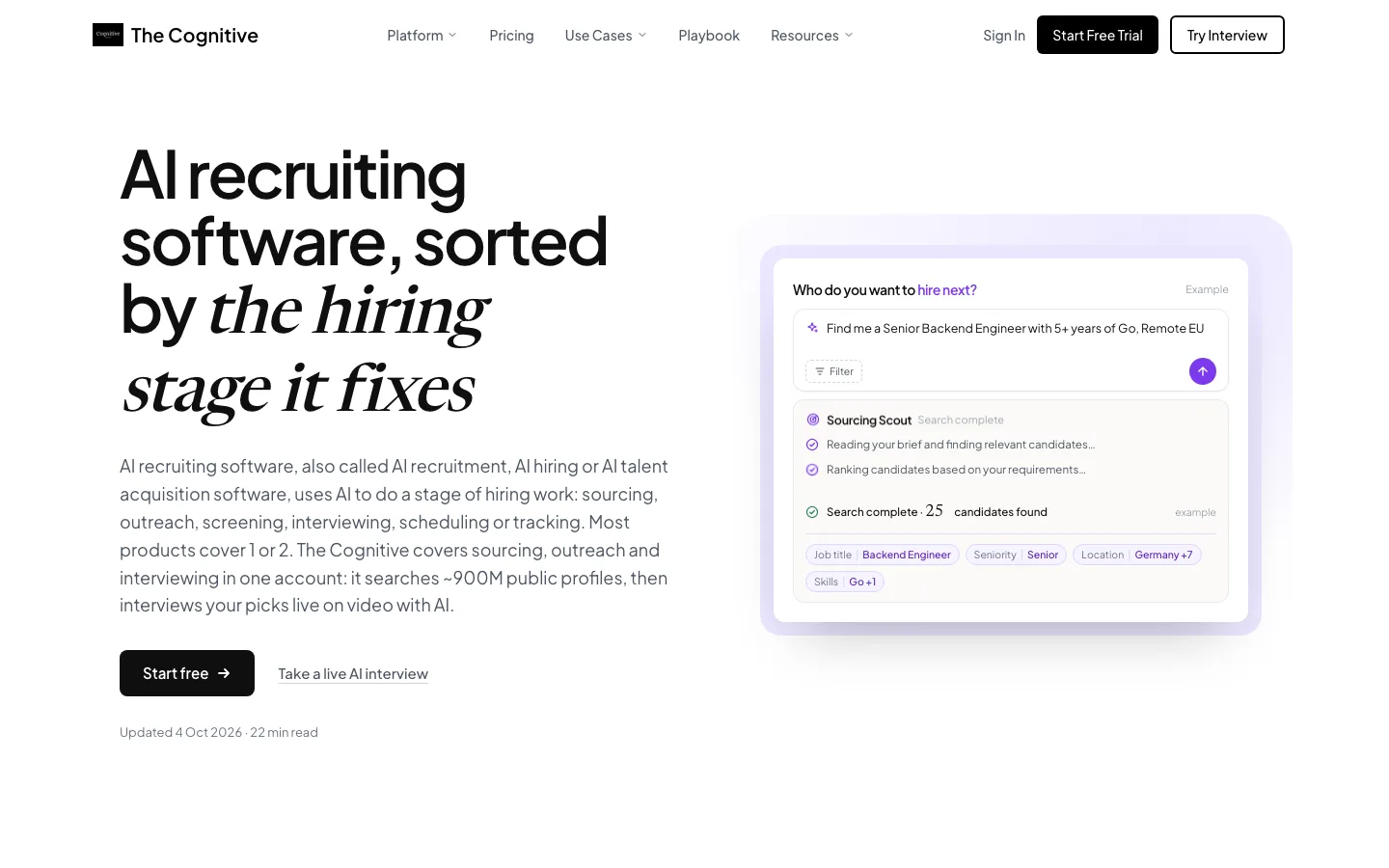
The layer that goes and gets people while your suite keeps the records.
The Cognitive is AI recruiting software that sources candidates across ~900M public profiles and interviews them live with AI. In a TA stack it sits in front of the ATS. It fills the suite rather than replacing it.
Sourcing starts with a brief written the way you'd brief a sourcer. The brief is read into filter chips for place, title and function, and each chip is a hard limit you can edit. If the brief leaves out something that matters, the search asks one clarifying question first, and nothing is charged for it. Results come 10 people a page. Each card opens with a "Why this match" line taken from the profile and a Strong or Possible rating. A recruiter can see the reasoning before opening anyone.
From the shortlist you can reveal a personal email or a phone number and send outreach. The email goes from the recruiter's own connected mailbox, written for each person, and follow-ups stop when the person replies. Replies are sorted by intent, and anyone who asks to stop is never contacted again. Outreach comes with Sourcing Pro and above and the Team plan.
Then you invite the people you pick to a 20-minute live, two-way AI video interview. Candidates book a slot from the invite link without creating an account. At booking they see a consent text that explains how the AI interview works, the camera check, who sees the recording and how long it is kept. Their agreement is recorded. The interview needs a camera and microphone.
The report gives a 1 to 5 score per criterion with quotes from the transcript, plus a weighted overall score out of 100 and a recommendation. The recording and transcript sit behind it. Claims from the CV come back Verified, Unclear or Refuted. Integrity signals are reported as facts, not verdicts, and an uncertain result lands on a person's desk for review.
You can share the report as a link a hiring manager opens without logging in, and revoke it later. More on that side is on our AI interviewer page.
For a TA team, the ATS link matters most. The Cognitive syncs with 100+ ATS and imports people from the jobs you map. When you pass or reject an imported candidate, it writes the mapped stage move back with a note carrying the score, summary and report link. That happens with Auto-sync on, or by hand with Push to ATS.
"Send to ATS" adds shortlisted sourced people to a job in your ATS. ATS sync is included from the $499 plan of either product, not on the entry plans. Teams that work in Claude can also connect it at https://app.thecognitive.io/mcp.
Best for: TA teams whose suite is full of applicants but short on the people they want, and who want recruiters spending time on candidates who have already interviewed.
Watch out for: it is not an ATS. There's no job posting, careers site, offers or onboarding, and ATS sync starts on the $499 plan.
Pricing model: self-serve monthly plans with credits, from $99/month. Search uses 1 credit per person shown, and a page you've already seen is free. An email reveal uses 4 credits and a phone reveal 12, charged only when a value comes back.
Fill the roles your TA suite can't Describe the role, see who matches across ~900M public profiles, then interview the people you pick. Start free
2. Workday Recruiting: best if your company already runs HR on Workday
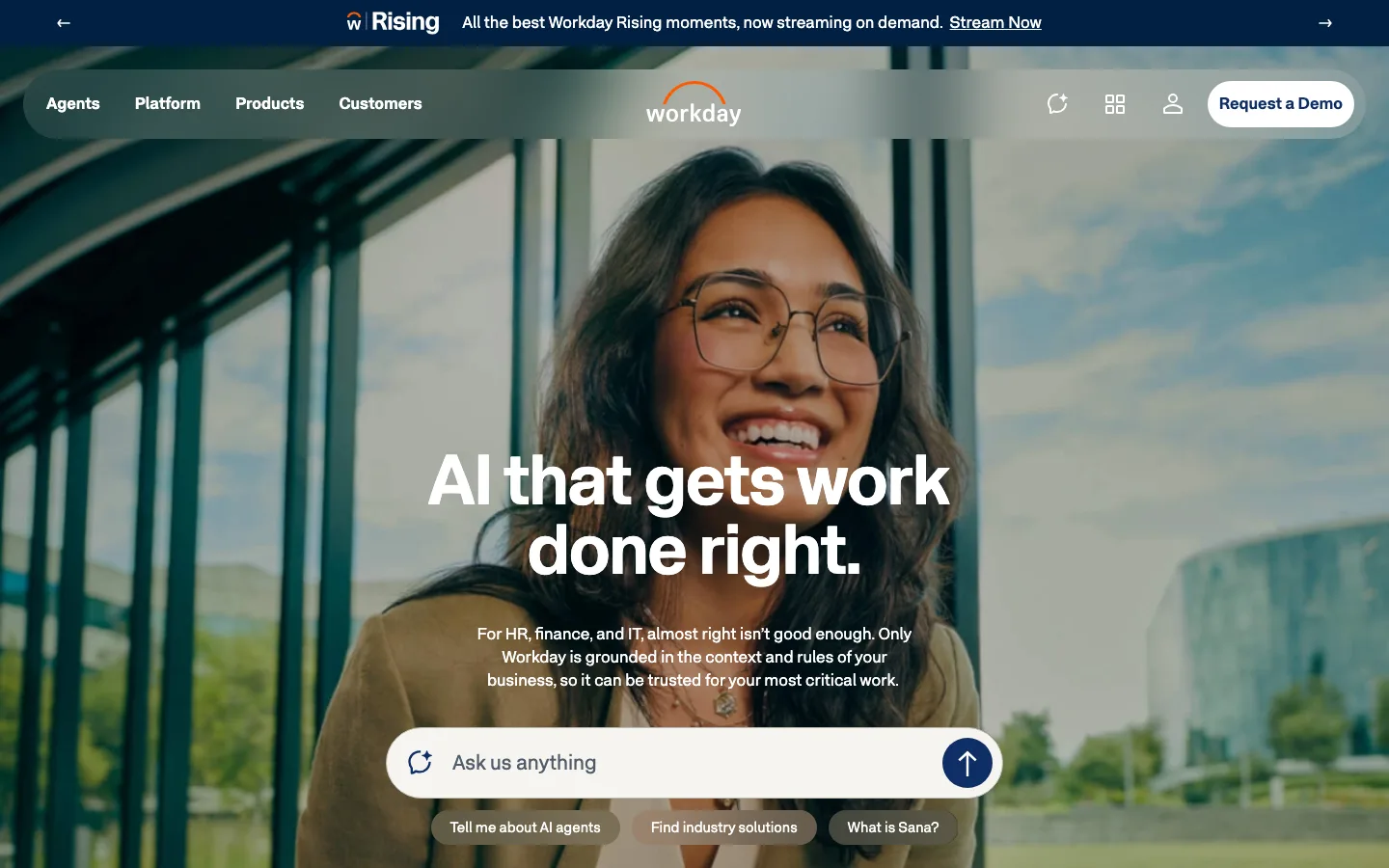
The system of record for companies that already pay people through Workday.
Workday's talent acquisition page promises to "Manage the full talent acquisition lifecycle". It pitches "an AI platform that understands how your organization works." Workday says it is a Leader in the 2026 Gartner Magic Quadrant for Talent Acquisition. It also claims Strategic Leader status in the Fosway 9-Grid for Talent Acquisition. Its homepage counts 11,500+ organizations as customers across the wider platform.
The AI layer is the Talent Acquisition Agent. Workday describes it as "an AI agent that automates sourcing, screening, scheduling, and candidate communication within your secure Workday environment". It says the agent can "Discover and engage talent across internal and external sources at scale". A Pipeline and Sourcing Intelligence feature is marked "Coming Soon". So in stack terms, Workday reaches into the sourcing layer from inside the record, rather than handing it to a separate tool.
The strength is one employee record from application to exit, which saves an integration and keeps reporting in one place. The trade-off is that buying runs through sales. The AI agents are billed on Workday Flex Credits, which Workday calls "a pay-as-you-go pricing model". No AI interviewer appears on the pages Workday publishes for recruiting. If you need a structured first interview at scale, plan for a separate layer.
Best for: companies already running Workday HCM that want hiring in the same system.
Watch out for: quote-only buying, a separate meter for AI agents, and no AI interviewer described.
Pricing model: enterprise quote, with AI agents on pay-as-you-go Flex Credits; no price published.
3. iCIMS: best for large employers hiring at high volume
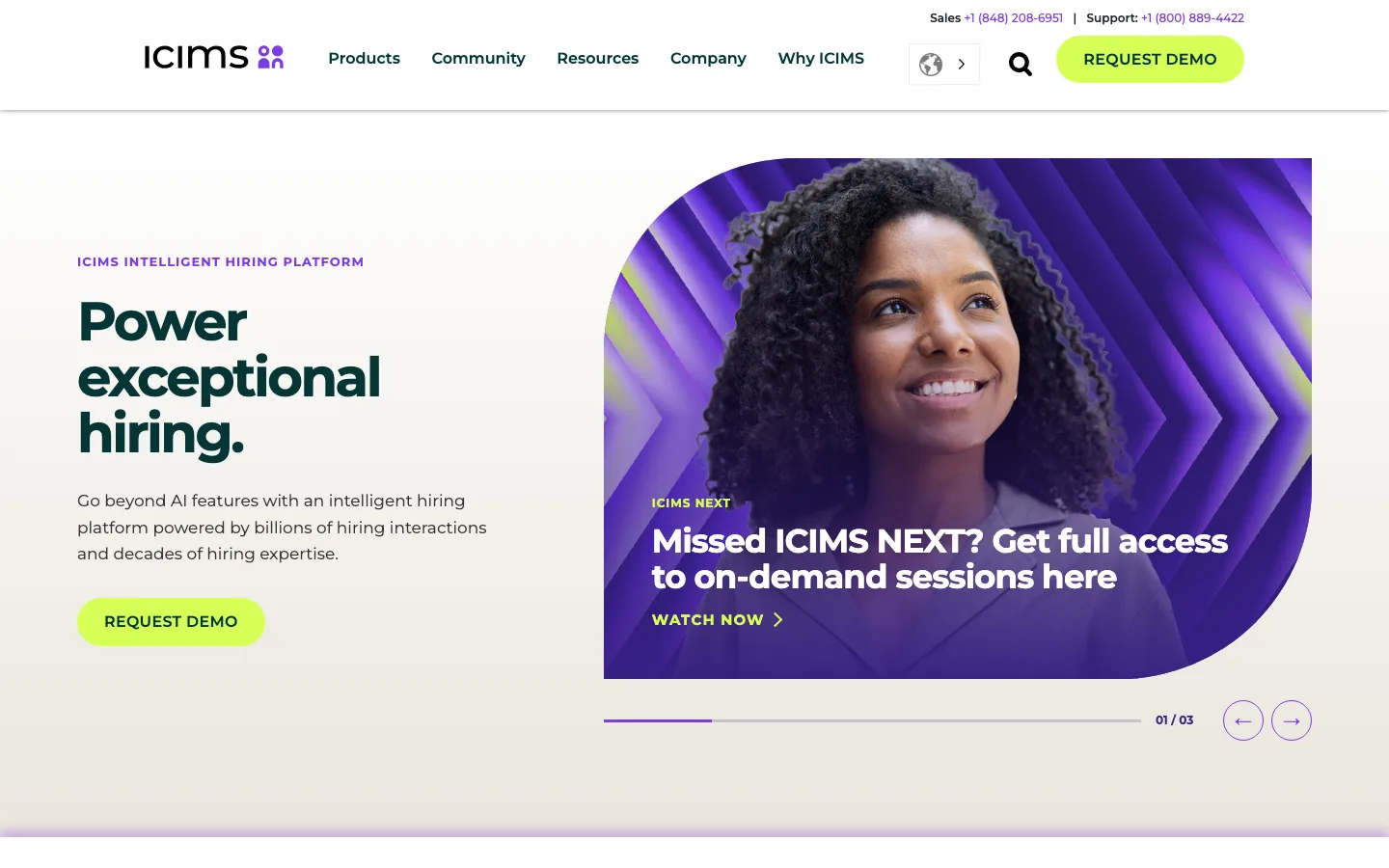
A standalone hiring record built for volume, with AI you can switch off.
iCIMS leads with "Power exceptional hiring." It describes "an intelligent hiring platform powered by billions of hiring interactions and decades of hiring expertise." It says more than 4,400 companies across 200 countries use it, including a quarter of the Fortune 500. Unlike Workday or SmartRecruiters, it is not tied to one HR system, which is why it shows up on shortlists for companies running something else.
Its product list covers most of the stack: the ATS, text recruiting, onboarding, high-volume hiring, offer management, the Engage CRM and career sites. A recruitment chatbot and employee testimonial videos round it out. The newest piece is iCIMS High Volume Hiring, which iCIMS says won a 2026 HR Tech Breakthrough Award.
On the AI side, iCIMS lists a new Sourcing Agent, an AI career site chatbot, candidate ranking and AI-generated interview questions. It lets you "Dial it up or down, on or off". For a legal team that wants AI in sourcing but not in ranking, that switch is the feature.
The trade-off sits in the interview layer. iCIMS generates interview questions with AI, but no AI interviewer appears on its pages, so the first conversation still needs a person or another tool. Pricing runs through a demo request.
Best for: large employers hiring thousands of people a year who need a configurable ATS and CRM outside a single HR suite.
Watch out for: no AI interviewer, and a configuration project before go-live.
Pricing model: enterprise quote through a demo; no price published.
4. Greenhouse: best for structured hiring, with sourcing and a voice AI interviewer from the same vendor
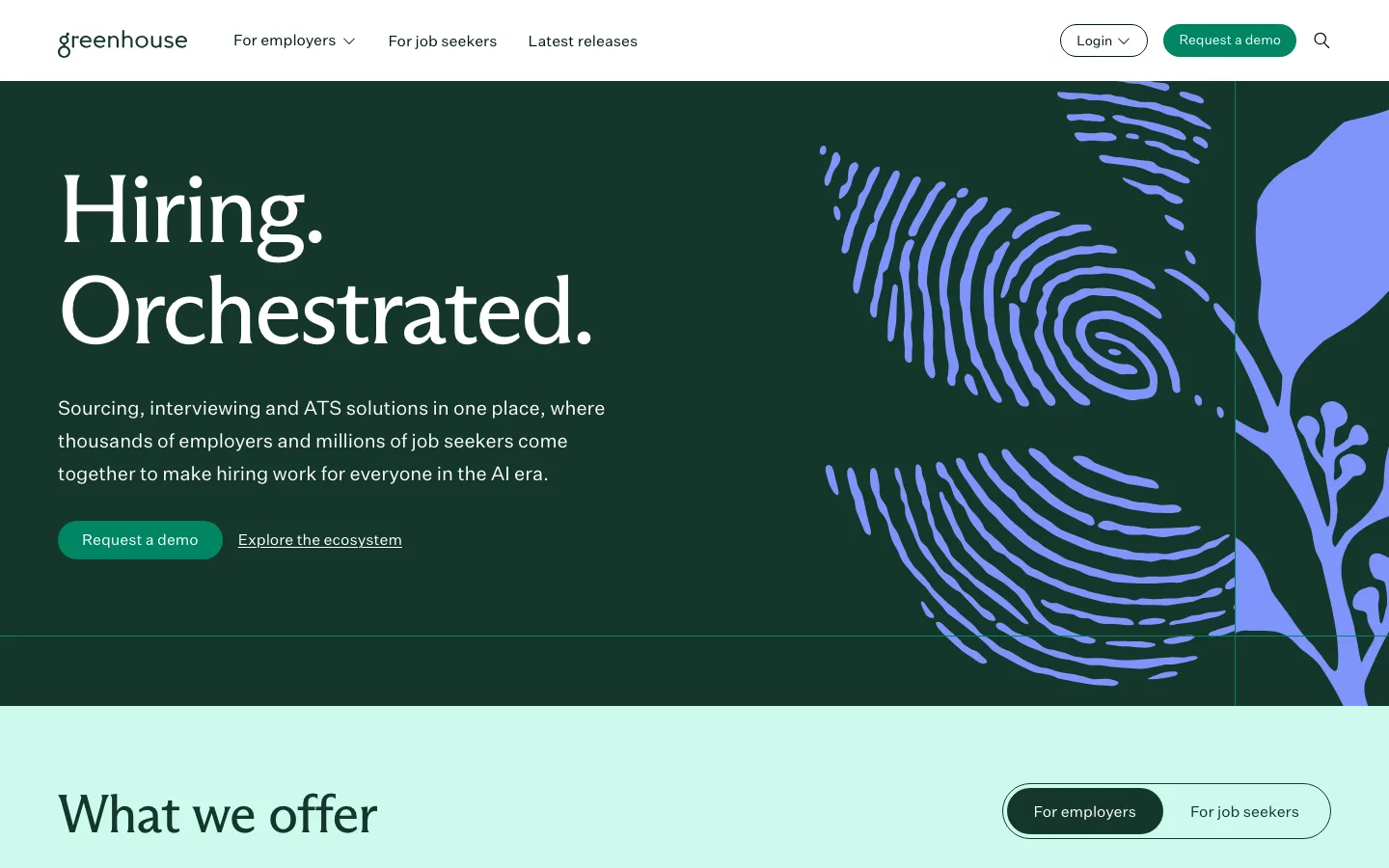
The structured-hiring ATS that has grown sourcing and an interview layer of its own.
Greenhouse's homepage now reads "Hiring. Orchestrated." It describes "Sourcing, interviewing and ATS solutions in one place, where thousands of employers and millions of job seekers come together". It counts 7,500+ companies as customers. It made its name on structured hiring, with interview plans and scorecards that keep hiring managers on the same criteria. That remains the reason teams with many departments pick it.
What changed is the layers around the ATS. Greenhouse now sells talent sourcing with "Qualified jobseekers for each role, from millions already in MyGreenhouse", its job-seeker network. It adds Real Talent fraud detection, a Notetaker, scheduling, and an MCP connection to Claude, ChatGPT or Gemini.
Its Voice AI runs "Structured, two-way voice interviews at the top of your funnel" in 11 languages, and it "Works with or without Greenhouse ATS". Greenhouse says Voice AI "never rejects or advances a candidate". It also says it publishes the results of a monthly independent bias audit.
The trade-offs are format and price visibility. Voice AI interviews by voice, not video. The pricing page lists Core, Plus and Pro and says "Greenhouse pricing is customized based on your company's hiring needs." Our Greenhouse pricing breakdown explains how those quotes are built. Our Greenhouse vs Ashby comparison goes deeper on the ATS choice.
Best for: teams with several departments hiring at once that want a structured-hiring ATS with sourcing and a first interview from one vendor.
Watch out for: the AI interview is voice only, and sourcing draws on Greenhouse's own job-seeker network.
Pricing model: custom quote by plan (Core, Plus, Pro); no price published.
5. SmartRecruiters: best for companies on SAP SuccessFactors
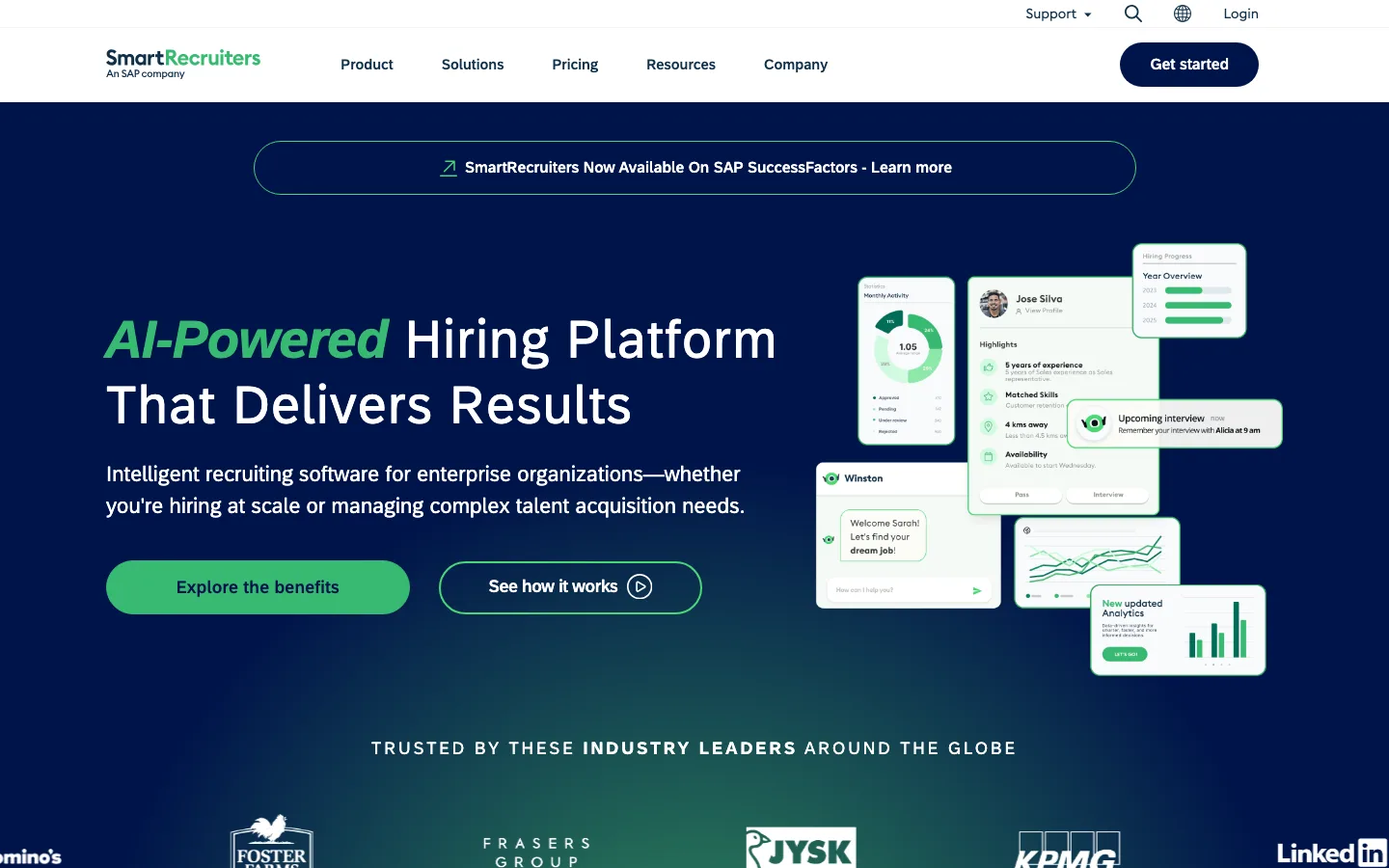
The recruiting record for SAP shops, with a published entry price.
SmartRecruiters calls itself an "AI-Powered Hiring Platform That Delivers Results" and is now "part of SAP SuccessFactors". Its AI is branded Winston, and the homepage claims 4,000 companies as customers. For an SAP estate, that ownership is the point: recruiting sits next to the HR system rather than beside it.
The pricing page lays out 4 plans and shows which AI arrives where. Essential is the entry plan. Professional adds the AI-powered Hiring Agent and the AI Talent Matching Engine. High Volume adds AI-powered Candidate Screening and Conversational AI Chat, and candidates can be messaged by SMS and WhatsApp. Complete adds Advanced Analytics. That makes SmartRecruiters one of the easier suites to map to a budget, because you can see which tier carries the feature you want.
The trade-off is that its site describes matching rather than a search of the open market, and no AI interviewer appears on its pages. Only the Essential plan shows a price; the rest are "Request Pricing" or "Contact Sales".
Best for: companies running SAP SuccessFactors that want a recruiting suite built to sit inside it.
Watch out for: the AI features you want may sit in a higher, quote-only tier.
Pricing model: published starting price for Essential; Professional, High Volume and Complete by quote.
6. Phenom: best for career sites, CRM and AI agents in one enterprise platform
The experience layer: careers site, CRM and a set of agents over your ATS.
Phenom promises "Hire faster. Develop better. Retain longer." It calls itself "humanity's first intelligent system that intertwines people, roles, workflows, and agents". Its product list starts with Talent CRM, an Intelligent Career Site, Onboarding and a Talent Marketplace. It then adds a Voice Screening Agent, a Fraud Detection Agent, an AI Interviewer and Automated Interview Scheduling.
Two parts stand out for a TA team. Phenom's AI candidate sourcing "searches existing candidates and the open market together", and Phenom says it then "sources beyond your CRM". Its AI Interviewer "holds a real-time voice conversation that adapts to the candidate's answers". Candidates can complete it "as soon as they're ready, day or night", and "Language, voice, and avatar are configurable". A recruiter starts it from the candidate's profile.
So Phenom covers the sourcing, CRM and interview layers in one contract, sitting over whichever ATS keeps the record. The trade-off is the buying process. Every path ends at "Book Demo", and no price is published. Phenom is strongest where the candidate experience starts, at the careers site and the CRM behind it. It suits companies whose inbound traffic is already large.
Best for: enterprises whose careers site is a major source of candidates and who want it tied to a CRM and AI agents.
Watch out for: a platform purchase through sales, with no self-serve way to try it.
Pricing model: enterprise quote through a demo; no price published.
7. Avature: best if your process is unusual and you need to configure everything
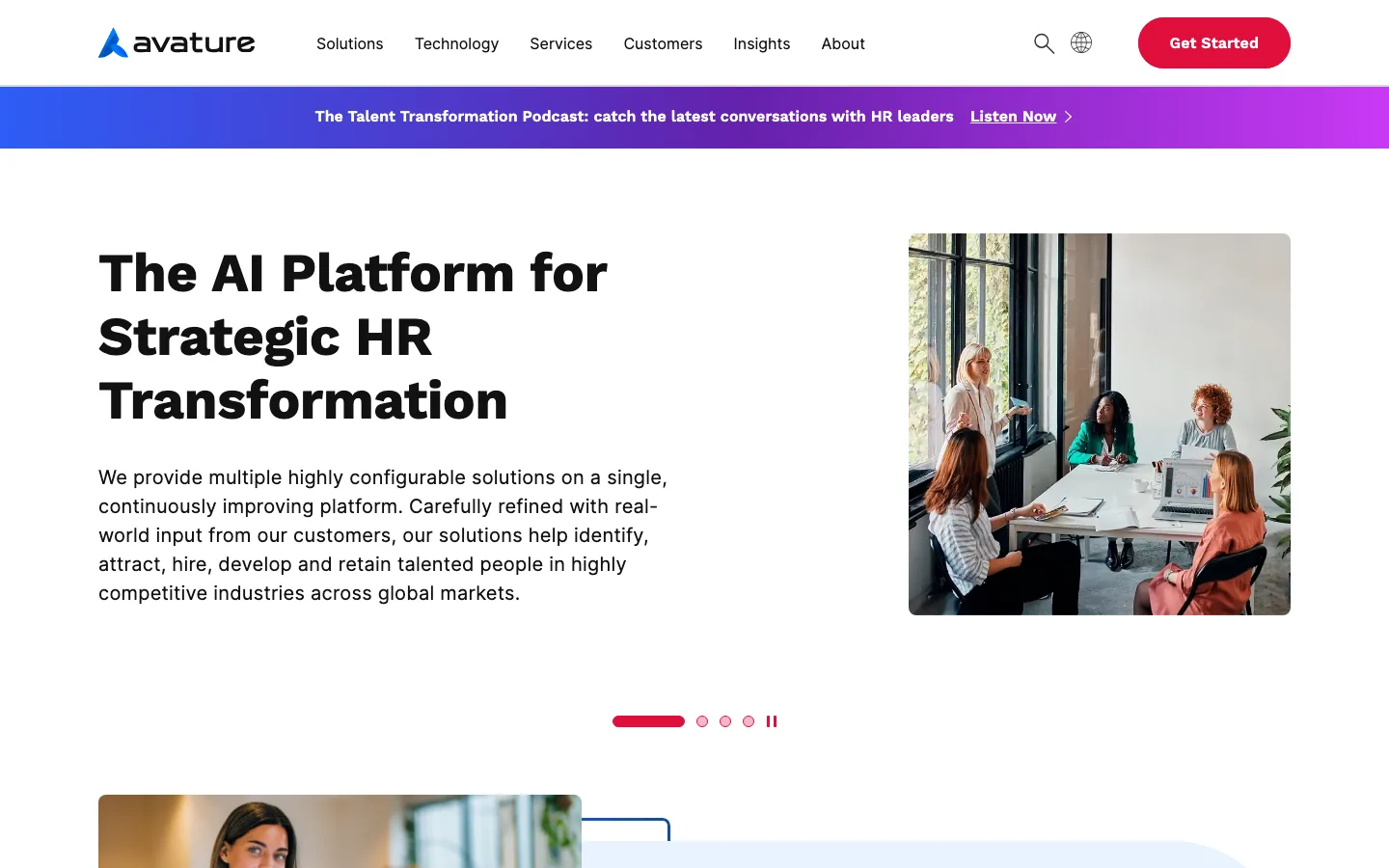
A configurable record for processes that don't fit anyone's default.
Avature sells "The AI Platform for Strategic HR Transformation". It describes "multiple highly configurable solutions on a single, continuously improving platform". Its Enterprise Recruiting Suite bundles CRM, ATS and Onboarding. Avature says it was named a Leader in the 2026 Gartner Magic Quadrant for Talent Acquisition (Recruiting) Suites for the second year running. It is FedRAMP certified for public-sector buyers.
Its AI is "Easily enabled and disabled at the feature level", which matters for teams in regulated sectors that must justify each automated step. Its video interview product runs live interviews with your interviewers and on-demand recorded interviews that hiring managers review later. No AI interviewer is described, so the interview layer stays human or recorded.
The trade-off is effort. Configuration is the product, so you need an operations team that can design and maintain it. Avature's site does not describe open-market sourcing, and pricing starts with "Get Started" and a demo.
Best for: large or public-sector employers with unusual processes and the team to configure them.
Watch out for: heavy setup, no AI interviewer and no external candidate search described.
Pricing model: enterprise quote; no price published.
8. Eightfold AI: best for talent intelligence across hiring and internal mobility
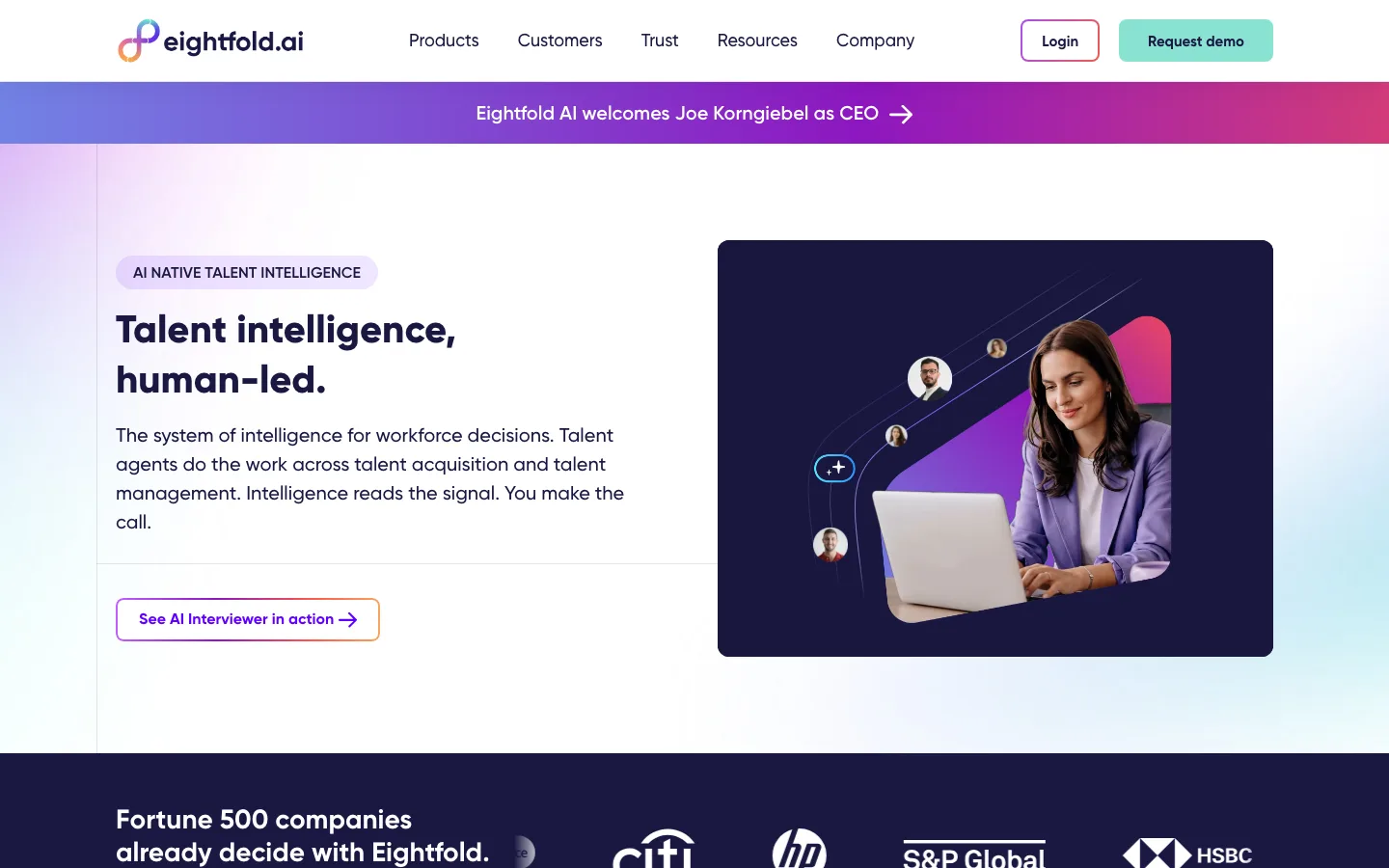
A skills model under the whole workforce, with hiring as one use of it.
Eightfold AI sells "Talent intelligence, human-led." and "The system of intelligence for workforce decisions." Its data claim is "1.6 billion career trajectories. 1.6 million skills." For talent acquisition it describes agents "built into an end-to-end AI-native recruiting suite". Because the same skills model covers current employees, big employers use it for internal mobility as well. Our Eightfold AI review covers the product in depth. The wider category is in our list of talent intelligence platforms.
Its AI Interviewer is billed as "Your first digital recruiter." It supports 24+ languages and runs "at a time convenient for the candidate, day or night". Eightfold says it "doesn't evaluate based on the video, tone, or person's accent". It flags fraud signals such as tab switching, camera manipulation and voice dupes, and it "works directly with your existing ATS".
Talent intelligence at this scale brings heavier change management. The data model, integrations, governance and getting stakeholders to agree matter as much as the software. It can be more platform than a lean TA team needs. Buying starts with "Request demo".
Best for: enterprises that want one skills model for hiring and internal moves, with an AI interviewer included.
Watch out for: a long rollout and a platform sized for large organizations.
Pricing model: enterprise quote; no price published.
9. Beamery: best for skills and workforce planning on top of Workday or SAP
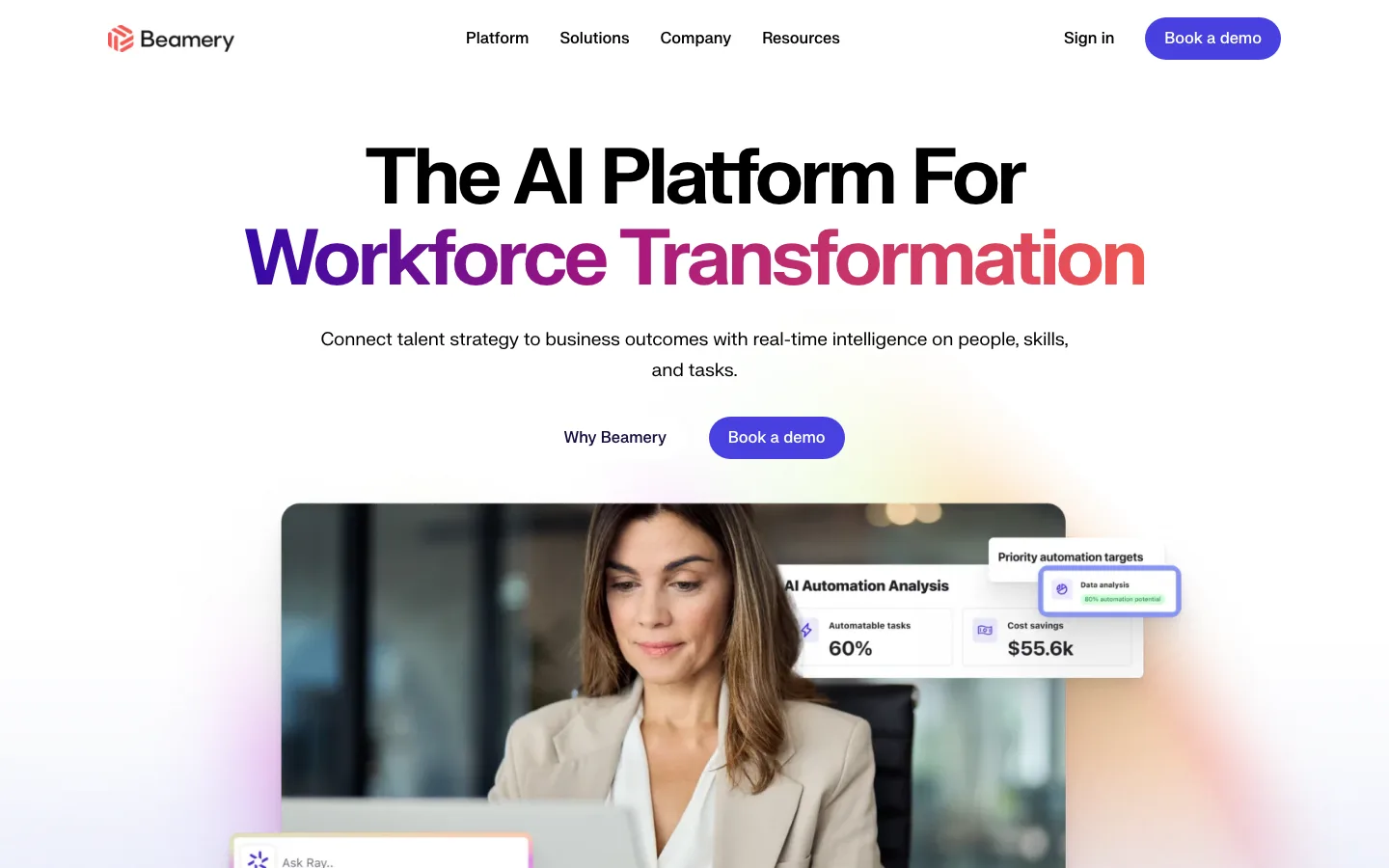
A planning and CRM layer that leaves your HR suite in place.
Beamery calls itself "The AI Platform For Workforce Transformation". It promises to "Connect talent strategy to business outcomes with real-time intelligence on people, skills, and tasks." Its execution suite offers "smart sourcing, precise skills matching, and always-on pipeline nurturing". That splits into Sourcing and Matching, Talent CRM, Talent Marketing, Event and Campus, Career Sites and Chatbot, and Talent Analytics. Its AI advisor is called Ray.
Beamery's pitch to TA leaders is "No rip-and-replace, no silos", with integrations into SAP SuccessFactors and Workday, and a platform "Designed For Enterprises". In stack terms it sits beside the record, holding the talent pools and the skills view, while the suite keeps requisitions and offers.
The trade-off is scope. Beamery is not an ATS, and no interview capability appears on its site, so you still need a record and an evaluation step. Buying starts with "Book a demo".
Best for: TA teams asked to plan for skills and workforce change, not just fill requisitions.
Watch out for: no ATS and no interview layer.
Pricing model: enterprise quote; no price published.
10. Gem: best for a recruiting CRM and sourcing, with or without its own ATS
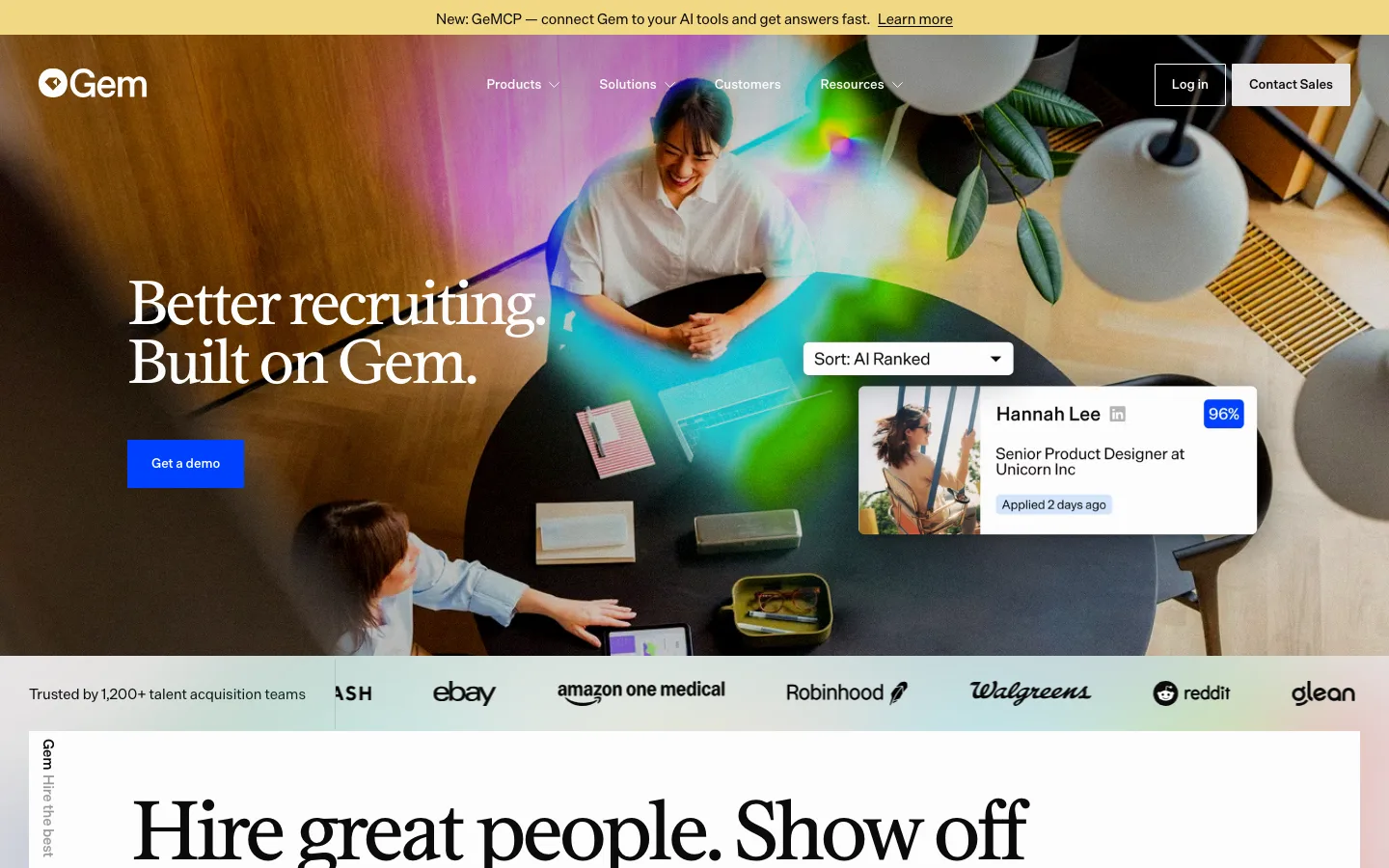
The outbound team's CRM, now with an ATS attached if you want one.
Gem describes itself as "the AI-first recruiting platform built for better outcomes, not more tools" and says 1,200+ talent acquisition teams use it. Its AI Sourcing Agent can "Search 800M+ profiles", an AI App Review Agent works through applicants, and there is an AI Fraud Detection Agent. Around them sit the CRM, scheduling, analytics, an MCP connection it calls GeMCP, and an ATS "built for recruiters, not IT admins".
You can buy it two ways: "Gem + Your ATS", priced on your company's FTE count, or "Gem All-in-One" with its own ATS. Companies under 30 employees get All-in-One free for six months under its startup program, then at a discount. Of the 12 tools here, Gem is the one built first around sourcing and nurture, which fits its own benchmark data on sourced hires.
The trade-off is evaluation. A CRM keeps silver medallists warm and follow-up on track, but no AI interview appears on Gem's site. You still need a way to see whether someone can do the job. Our recruiting CRM guide covers the category, and our Gem review covers the product.
Best for: teams running outbound recruiting that want a CRM to keep past candidates warm.
Watch out for: no AI interview, and pricing that scales with headcount.
Pricing model: custom by FTE count; published rates for its startup program only.
11. Ashby: best for operations-minded teams that want ATS, CRM, scheduling and analytics in one product
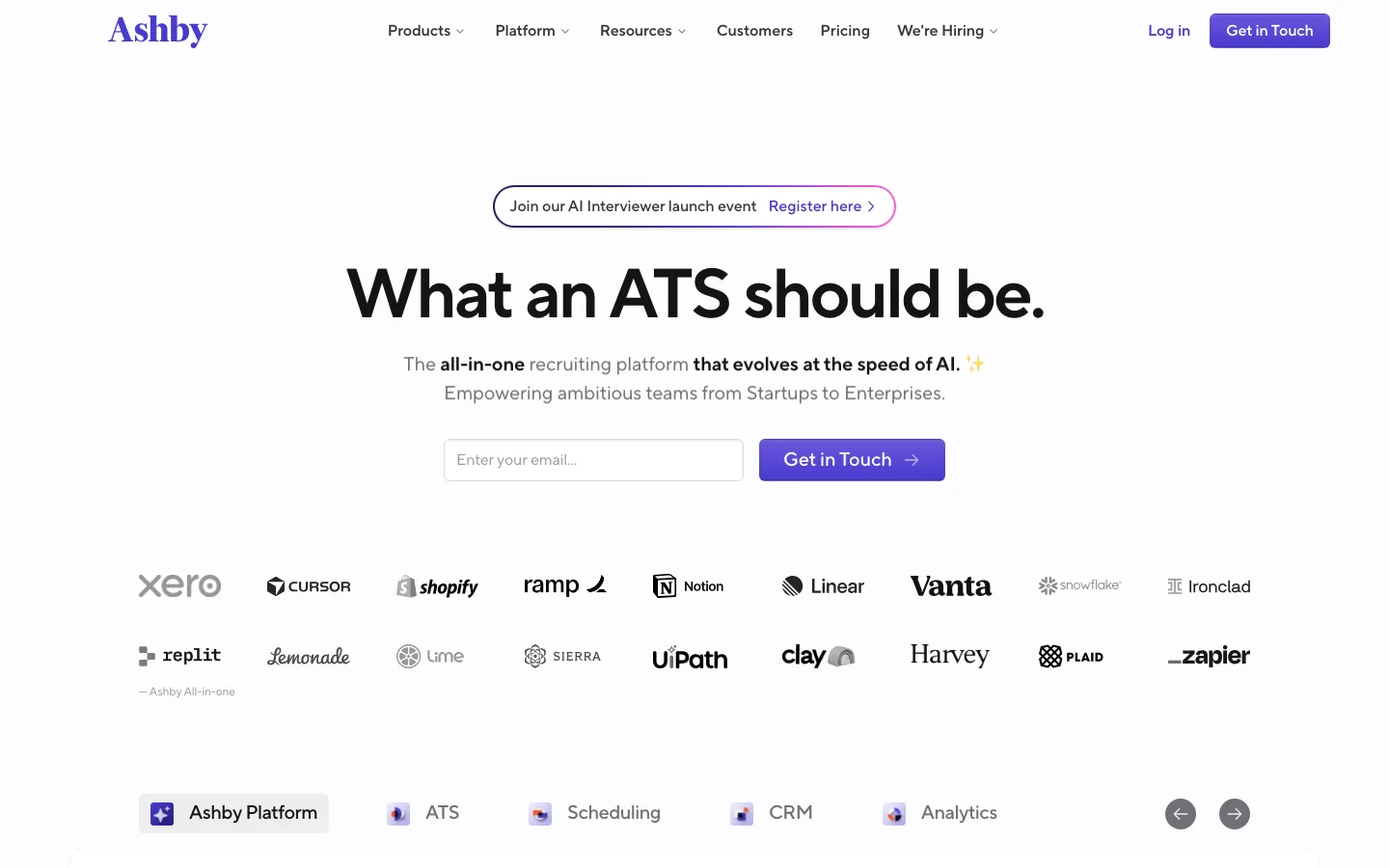
A single record for teams that care about clean data and reporting.
Ashby opens with "What an ATS should be." and calls itself "The all-in-one recruiting platform that evolves at the speed of AI." It bundles the ATS, CRM and sourcing, scheduling and analytics. It also sells Ashby Analytics on its own for teams that keep another ATS. That last option is a useful tell: reporting is where Ashby expects to win.
The AI pieces are practical rather than flashy. Ashby lists an Assistant in Slack, an MCP connection for Claude and ChatGPT, AI feedback summaries, auto-scheduling and an AI Notetaker. Its homepage also invites buyers to an AI Interviewer launch event, so an interview layer is on the way. Ashby has not yet described its format publicly. Ashby's own Talent Trends data on rising application loads explains why scheduling and summaries come first.
Ashby is also one of the few platforms here with a public price. The Foundations plan, for companies up to 100 employees, shows a monthly price on the pricing page. Plus and Enterprise are "Get in Touch", and annual commitments get a 10% discount. The trade-off is that its sourcing is a CRM with a Chrome extension rather than a search of a profile database.
Best for: growing teams with a recruiting operations owner who wants one product and strong analytics.
Watch out for: the AI Interviewer is announced, not described, and open-market search is not on its site.
Pricing model: published monthly price for Foundations; Plus and Enterprise by quote; 10% off annual commitments.
12. Lever: best for mid-market teams that want an ATS and a CRM under one quote
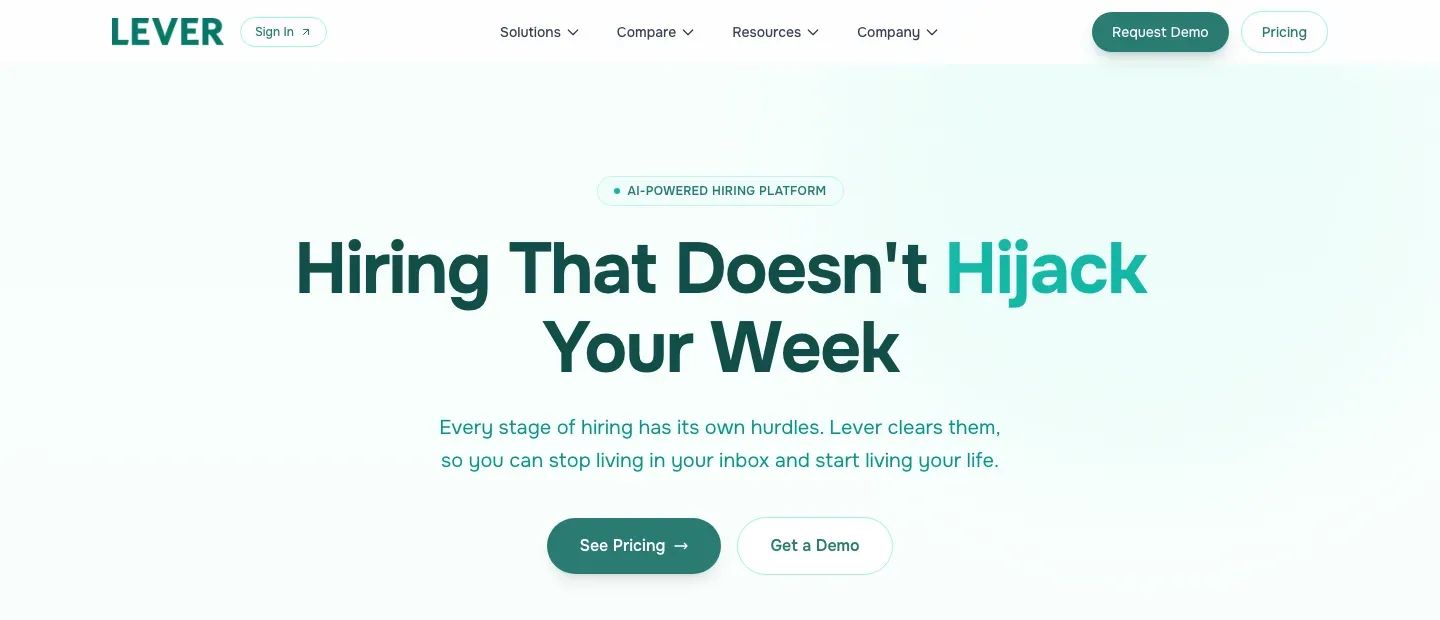
ATS and CRM together, pitched at saving recruiters' time.
Lever calls itself an "AI-POWERED HIRING PLATFORM" and promises "Hiring That Doesn't Hijack Your Week". The product is an ATS with automation, AI insights and fraud prevention, and the CRM is part of the core rather than an add-on.
The pricing page makes that explicit. It reads: "Every plan includes our core applicant tracking system, candidate relationship management, advanced reporting and analytics, and key integrations." For a mid-market team that wants to nurture past candidates without buying a separate CRM, that bundle is the reason to look. Pricing "scales with your team size and hiring needs", and you get there through "Get Your Customized Quote".
The trade-off is the edges of the stack. Lever's site does not describe a search of people outside your database, and no AI interviewer appears on it. Pair it with a sourcing and interview layer if hard roles are the problem. Our Lever review goes further.
Best for: mid-market teams that want ATS, CRM and reporting in one contract.
Watch out for: no open-market sourcing or AI interview described, and no published price.
Pricing model: customized quote scaled by team size and hiring needs.
Also considered: Workable, HireVue and hireEZ
- Workable now says "Workable is agentic software for recruiting and HR". Its AI agent "sources, screens and engages candidates inside the Workable ATS". It suits smaller companies moving off spreadsheets that want job posting, tracking and HR in one tool. It offers a free trial, and its prices are on its pricing page.
- HireVue sells "AI hiring technology to reveal proven skills and capabilities", built on "20+ years of personalized interviews and assessments". It suits enterprises running large, assessment-led programs. We review HireVue on its own.
- hireEZ describes a hiring pipeline run by agents you direct, on top of your ATS, that "source, review, screen and schedule". It adds: "Nothing moves forward without your approval." We review hireEZ on its own.
Workable is also covered in our recruiting software by use case guide. Sourcing platforms such as hireEZ and SeekOut are in the best AI sourcing tools.
Which other talent acquisition software companies should you know about?
The market has more names than any TA team can trial. Give each one a single job on your longlist, such as finding, tracking, engaging, interviewing, assessing or reporting. That keeps the shortlist honest. These come up often in TA buying conversations:
- SeekOut: "The agentic AI recruiting platform that runs on your terms", covering sourcing, applicant evaluation and AI screening across "1B+" profiles (its figure).
- Juicebox: "the AI Recruiting Platform that learns how you search", with 800M global profiles and 30+ data sources (its figures).
- Paradox: conversational hiring software built around its AI assistant, Olivia, covering apply, scheduling and CRM by conversation. It also offers Paradox for Workday.
- Metaview: once known for interview notes, now "The Agentic Recruiting Platform". Its agent "finds candidates, runs personalized outreach, and books screening calls".
- Maki: "One system, from intake to hire decision", with five stages run on top of your existing ATS.
- Truffle: an "AI screening platform for lean teams" built on resume criteria, one-way interview questions and assessments.
- Alex: an AI recruiter that runs personalized first-round interviews and schedules candidates.
- InterviewFlowAI: resume-aware AI interviews by phone, audio or video, around the clock.
- Jack & Jill: a pair of AI agents, Jack for job seekers and Jill for hiring teams.
Treat their pages as a starting point. Run any of them against the same hard role before it earns a place on your shortlist.
How do you choose talent acquisition software?
5 rules hold for every team before the specific questions:
- No single product does sourcing, tracking, CRM, interviews, scheduling, analytics and compliance equally well.
- Workflow fit beats feature count. The better buy usually cuts the number of places a recruiter checks before updating a candidate.
- AI earns its place where it removes a real handoff: finding people, reaching them, interviewing them or scoring the evidence.
- Judge price against hiring volume, who owns the tool, integrations and contract minimums, not seat count alone.
- A safe shortlist holds one suite or ATS, one CRM or sourcing tool, and one interview or assessment tool if your process needs it.
What do you already own?
Start with your HR system. If HR runs on Workday, Workday Recruiting keeps hiring and employee records in one place. If you're on SAP SuccessFactors, SmartRecruiters is now part of it. Buying a separate suite against your HR system means another integration to maintain. Whatever suite you land on, check how each add-on tool connects to it and which plan includes that connection.
What stage is your hiring at?
Match the tool to the part of the workload that hurts most. Gem's 2026 benchmarks found recruiters managing 13.4 open roles at a time, so the pain point differs by stage:
- First real process, still on spreadsheets and inboxes: an ATS first. Our recruiting software by use case guide covers the options at that size.
- Steady quarterly hiring, busy hiring managers: an ATS plus The Cognitive, so the candidates you source arrive already interviewed.
- Outbound push for hard roles: Gem for the CRM, or The Cognitive for search plus the interview.
- Several departments hiring at once: Greenhouse or Ashby, for interview plans and scorecards everyone follows.
- High-volume hourly hiring: iCIMS, with text recruiting, a chatbot and its High Volume Hiring product, or SmartRecruiters on its High Volume plan.
- Enterprise skills planning: Eightfold AI or Beamery.
At any stage, you should be able to run your next 10 hires in the tool with no side spreadsheet.
Where do your hires come from?
If most hires come from applicants, the suite and a good careers site do most of the work. If the roles that hurt are the ones nobody applies to, you need something that goes and finds people. Gem's benchmarks also found that 46% of sourced hires now come from rediscovered candidates already in a company's CRM or ATS. In 2021 that share was 26%. So look at both halves: search beyond your database, and a way to work the people you already have.
Teams often buy a sourcing tool because applicant volume is low, then hit a second bottleneck. The tool fills the top of the funnel, but the recruiter still books the calls. The hiring manager still waits for a free hour, and the ATS still holds an empty feedback form. So follow the question one step further: once a tool finds someone, who contacts them, who evaluates them, and where does that evidence land?
Where does recruiter time actually go?
Count the hours in first-round screens first, because that is where AI interviews are now sold. Ashby's 2026 Talent Trends Report puts the average at 291 applications per hire, against roughly 100 in early 2021. Then check the format each vendor offers. In The Cognitive, candidates book a slot and sit a 20-minute live, two-way AI video interview, and nothing is rejected automatically.
LinkedIn's Future of Recruiting 2025 found that among teams experimenting with or integrating generative AI in hiring, the average time saved is about 20% of the work week. That is the size of prize to test any tool against.
Can you tie hiring criteria to the interview?
Ask every vendor to show how hiring criteria become an interview guide and a shortlist, on a real role. Look for a rubric set per role, a score for each criterion, and evidence quoted from the interview behind each score. A hiring manager should be able to see why someone moved forward without asking the recruiter.
How do you compare global platforms by reach?
Reach means languages and channels, not just country lists. Greenhouse Voice AI runs in 11 languages, Eightfold's AI Interviewer lists 24+, and SmartRecruiters messages candidates by SMS and WhatsApp. Ask each vendor which languages the scoring works in, not only the conversation.
How long until it's live?
Enterprise suites are bought through sales and rolled out as projects, so get the implementation plan and minimum contract in writing. Self-serve tools with nothing to migrate can run a real role in the first week. Either way, agree up front which role you will use to judge the rollout.
Which talent acquisition software option fits your team best?
Your hiring motion decides this more than company size. A 120-person engineering company with specialist roles needs a different stack from a 1,000-person operations team filling hourly roles every week.
High-volume recruiting teams
High-volume teams need fast replies, self-booked interviews, consistent evaluation and clear pass-rate reporting. The bottleneck is arithmetic: people arrive faster than humans can assess them. iCIMS, with text recruiting, a chatbot and its High Volume Hiring product, is built for this. So is SmartRecruiters on its High Volume plan. Workday's Talent Acquisition Agent automates scheduling and candidate communication inside Workday. The Cognitive fits when you also need to find people and interview them at a slot each candidate books. Our high-volume hiring software list compares the tools built for this motion.
Engineering and specialist hiring teams
Specialist hiring breaks when a CV looks polished and ability is unclear. A keyword match on "Kubernetes" says nothing about how someone reasons through a rollback or a production incident. Ashby's data puts the median time to hire for technical roles at 40 days, so every wasted first round is expensive. Prioritise live evaluation against a rubric, transcripts you can read and scorecards a hiring manager can check. Our technical interview software guide separates coding tools from interview platforms.
Lean TA teams
Lean teams need fewer systems to check before they update a candidate. Avoid a specialist tool for every small problem. If your ATS works, keep it and add the missing layer rather than replacing it to fix interviews.
Enterprise teams with heavy compliance
Compliance-heavy teams need audit trails, consistent rubrics, documented decisions, data controls and reporting. Ask every vendor about bias controls, candidate notices, data retention and who can override an automated recommendation. Greenhouse says it publishes a monthly independent bias audit for Voice AI, and Avature is FedRAMP certified. iCIMS and Avature let you switch AI on or off by feature. Our enterprise recruiting software guide and AI screening compliance checklist go further.
The Cognitive can sit beside a suite as the sourcing and interview layer. It rejects nobody automatically and records the candidate's consent at booking. It reports integrity signals as facts rather than verdicts, and keeps the transcript and recording for every interview.
Teams replacing a patchwork stack
Start by counting handoffs, not vendor categories. Count how many tools a recruiter opens before moving a candidate and how many people touch the same status update. Count how often a hiring manager asks for context that already exists somewhere. Then consolidate around the path with the most friction. For many teams that is sourcing to interview to shortlist; for others it is ATS hygiene and reporting.
Who is The Cognitive built for?
The Cognitive is built for the TA team with a suite full of applicants and a list of roles nobody good applies to. It works alongside your stack:
- Keep your suite. Workday, iCIMS, Greenhouse or SmartRecruiters keeps requisitions, offers and compliance. The Cognitive fills the top of the pipeline, and from the $499 plan it syncs with your ATS both ways.
- Pair it with your CRM. Gem or Beamery keeps nurturing past candidates. The Cognitive finds new ones.
- Give hiring managers evidence. Send a link to the interview report instead of a CV.
It is the wrong pick in a few clear cases. If you need job posting, a careers site, offers or onboarding, buy an ATS or suite first, because The Cognitive is not a system of record. If you need ATS sync on a small budget, note that sync starts on the $499 plan, not the $99 one. If your process depends on coordinating panels of human interviewers, a scheduling tool does that better. The Cognitive's scheduling covers its own AI interviews and a manager's calendar link. And if your outreach runs on phone or text, it sends email only. For the interview side, see the best AI interview platforms.
How much does talent acquisition software cost?
Most talent acquisition software is sold by custom quote, a few vendors publish an entry price, and The Cognitive is self-serve from $99/month. The 4 models look like this:
- Custom quote, sized to your company: Workday, iCIMS, Greenhouse, Phenom, Avature, Eightfold AI, Beamery and Lever publish no price. Workday bills its AI agents separately on pay-as-you-go Flex Credits.
- Published entry price, quotes above it: SmartRecruiters shows a starting price for its Essential plan, and Ashby a monthly price for its Foundations plan.
- Startup programs: Gem publishes rates for small startups and prices everyone else by FTE count.
- Self-serve monthly plans: The Cognitive, with credits for sourcing and interviews.
Under those models, the meter is recruiter seats, company headcount, open jobs, modules, or credits for actions such as contact reveals. Headcount pricing keeps billing in a quiet quarter, and seat pricing climbs as hiring managers need logins. For the ATS layer alone, see our guide to applicant tracking system pricing.
Which pricing model fits your hiring pattern?
The most expensive tool is often the one whose meter doesn't match your hiring pattern, not the one with the biggest subscription:
| Pricing model | Common in | Works best for | Watch out for |
|---|---|---|---|
| Per seat | ATS, CRM and collaboration tools | Stable teams with predictable users | Paying for managers who rarely hire |
| Employee count | HR suites, enterprise platforms and Gem's FTE pricing | Companies tying hiring into wider HR | Costs rising while hiring is quiet |
| Job or role volume | Smaller recruiting suites | Teams with a clear number of open roles | A seasonal spike pushing you up a tier |
| Credits | Sourcing, contact data and AI agents (The Cognitive, Workday Flex Credits) | Outbound teams revealing contacts as needed | Unused credits, expiry rules and contact quality |
| Interview volume | AI interview platforms | Teams replacing repeated first-round screens | Treating a live interview and a one-way questionnaire as the same unit |
| Enterprise contract | Large suites, assessment and talent intelligence | Complex global organisations | Long lock-in, implementation cost and slow time to value |
If a vendor quotes per interview, check what an interview is. A one-way questionnaire and a live, two-way interview with follow-up questions and a scored report are different products. Their per-unit prices don't compare. In The Cognitive, a 20-minute live AI interview uses 100 credits. Sourcing and interviews are separate plans, so you can pay for the bottleneck you actually have first. Current plans are on The Cognitive pricing page.
What costs never show up on a pricing page?
The licence is rarely the whole bill. These costs don't appear on a pricing page:
- Migration: moving roles, templates and candidate records takes recruiter time.
- Integration depth: a shallow link can leave notes and scores in the wrong system.
- Add-ons and tiers: AI features often sit in a higher plan or a separate meter, so ask which plan carries the feature you saw in the demo.
- Bad contact data: wrong emails and numbers cost recruiter hours.
- Annual lock-in: a contract can outlast the hiring plan it was bought for.
- Feedback tax: every manual interview creates notes, reminders and status updates, and across 20 candidates the calendar time is only part of it.
A useful exercise is to price the handoff, not the tool. Count the recruiter actions between "candidate found" and "hiring manager has evidence". The list may run search, reveal, export, email, chase, schedule, interview, summarise, remind and update. If so, the platform that removes steps can beat a cheaper licence. Ask each vendor to quote the setup you will actually run.
You can try The Cognitive before paying anything. The 7-day free trial needs no card and includes 100 sourcing credits.
How do you test talent acquisition software before you buy?
Test it on your own roles, against a baseline, with one checklist for every vendor. Don't judge a suite on the vendor's demo data. First count 2 weeks of the old process on one role: hours in first-round screens, days to a first reply, candidates who stall. Write down what would make you stop. A vendor saying "AI" proves nothing, so judge each tool by the handoff, delay or inconsistency it removes. Then work through this list on one of your roles:
- Your hardest requisition. Load a role you've failed to fill. Describe it in plain English and check you get useful matches, not keyword echoes.
- Contact data. Check you can reach the people it finds, and that you are charged only when a value comes back.
- Candidate engagement. Check outreach runs as a sequence and stops when someone replies or opts out.
- Interview scheduling. Candidates should book a slot themselves, without a chain of emails.
- Interview depth. Find out whether the AI holds a live, two-way conversation or only collects recorded answers.
- Criteria to decision. Follow your hiring criteria through to the shortlist. Every candidate should be scored against the same rubric for the role, and you should see why each person moved forward.
- Hiring manager view. Send a candidate to a hiring manager and time how long they take to decide. A summary is weaker than a scorecard with the transcript and recording behind it.
- ATS round trip. Check exactly what writes back into your ATS, which plan includes it, and what stays in the add-on tool.
- Recruiter adoption. Name the handoff that disappears. If none does, the tool is one more tab to check.
- Ownership. Agree who owns the candidate update. If that's still unclear, software won't fix the delay.
- Spike-month pricing. Model your busiest quarter, not the quiet month in the demo.
- Exit terms. Get the minimum contract and the data export process in writing.
After a week, set the result against your baseline. Count how many candidates you'd happily put in front of a hiring manager. If interview coordination is your main pain, our interview scheduling software guide separates calendar tools from interview platforms.
To start with The Cognitive, pick one open role your suite isn't filling and describe it in a sentence or two. Look at who comes back before you decide anything. Then invite the 3 or 4 people you'd most like to hear from and read their reports. Start a 7-day free trial.
Run your hardest open role through The Cognitive Search ~900M public profiles and interview the people you pick, live, with AI. Start free
Sources
- Gem, "Key takeaways from the 2026 Recruiting Benchmarks Report", 1 December 2025.
- Ashby, "Recruiter Productivity", 2026 Talent Trends Report, 28 April 2026.
- SHRM, Uncertain Economy Adds to Recruitment Challenges (Talent Trends 2025), 24 March 2025.
- LinkedIn, The Future of Recruiting 2025, survey of September 2024.
- Workday, Talent Acquisition Software and Talent Acquisition Agent pages.
- iCIMS, homepage, products and AI recruiting pages.
- Greenhouse, homepage, Voice AI and pricing pages.
- SmartRecruiters, homepage and pricing page.
- Phenom, homepage, AI Interviewer and AI candidate sourcing pages.
- Avature, homepage and video interview page.
- Eightfold AI, homepage, Talent Acquisition and AI Interviewer pages.
- Beamery, homepage and platform page.
- Gem, homepage and pricing page.
- Ashby, homepage, AI and pricing pages.
- Lever, homepage and pricing page.
- Workable, HireVue and hireEZ homepages.
- SeekOut, Juicebox, Paradox, Metaview, Maki, Truffle, Alex, InterviewFlowAI and Jack & Jill homepages.
Frequently Asked Questions
What is the best talent acquisition software in 2026?
The Cognitive is the best talent acquisition software in 2026 for filling the pipeline. It searches ~900M public profiles and interviews the people you pick in a 20-minute live, two-way AI video interview. Most TA teams pair it with a suite that runs the hiring record: Workday Recruiting suits companies on Workday HR, iCIMS suits high-volume enterprise hiring, and Greenhouse suits structured hiring.
What is talent acquisition software used for?
Talent acquisition software is used to find, engage, track, interview, evaluate and report on candidates across the hiring funnel. In 2026 the category spans sourcing tools, applicant tracking systems, recruiting CRMs, interview scheduling, assessment, automation and analytics. The Cognitive covers the sourcing and interview jobs: it searches ~900M public profiles and interviews the people you pick live with AI, next to the ATS that keeps the record.
What is a talent acquisition system?
A talent acquisition system is the set of tools a TA team runs hiring on, built around an applicant tracking system that holds every requisition, applicant, stage and offer. Around that record sit a candidate relationship management (CRM) tool for passive talent, a careers site, scheduling, assessment and reporting. Large companies often buy it as one suite, such as Workday Recruiting, iCIMS or SmartRecruiters. Smaller teams assemble it from an ATS plus a few point tools, adding something like The Cognitive to find and interview people who never applied.
What is the best talent acquisition software for a mid-sized engineering team?
The best talent acquisition software for a mid-sized engineering team is the one that cuts sourcing, scheduling and evaluation handoffs. If engineers lose hours to low-signal first rounds, prioritise live evaluation against a rubric and scorecards with a transcript behind them over extra ATS features. The Cognitive finds engineers outside your database and runs a 20-minute live, two-way AI video interview, so your engineers meet people who have already done well. Ashby and Greenhouse are common ATS picks at that size.
Which talent acquisition software companies should be on a shortlist?
A practical shortlist holds one suite or ATS, one CRM or sourcing tool, and one interview or assessment tool if your process needs it. From this list that could be Workday Recruiting, iCIMS, Greenhouse or Ashby for the record, Gem or Beamery for the CRM, and The Cognitive to find and interview candidates. Give each vendor one job on the list so you compare like with like.
What is the difference between recruiting software and a talent acquisition suite for mid-market HR teams?
Recruiting software usually means an applicant tracking system that tracks applicants for open jobs, while a talent acquisition suite adds a CRM, a careers site, scheduling, onboarding and reporting. Suites are bought through sales as a larger project. Mid-market teams often do well with an ATS such as Ashby or Lever plus The Cognitive to find and interview candidates, and move to a suite such as iCIMS or SmartRecruiters when volume and compliance demand it.
What are the best talent intelligence platforms?
Eightfold AI and Beamery are 2 of the main talent intelligence platforms. Eightfold AI is built on 1.6 billion career trajectories and covers hiring and internal mobility, and Beamery focuses on skills, workforce planning and a talent CRM on top of Workday or SAP SuccessFactors. If you need people found and interviewed rather than modelled, The Cognitive searches ~900M public profiles and interviews the candidates you pick live with AI.
What tools help TA leaders map hiring criteria to interview guides and shortlisting?
The Cognitive maps hiring criteria straight into the interview: each role has a rubric, the AI interviewer's questions adapt to each answer, and each criterion gets a 1 to 5 score. Those scores roll into a weighted overall score out of 100 with a recommendation, and the scorecard quotes the transcript as evidence, so the shortlist traces back to your criteria. Greenhouse is an ATS built around structured hiring, with scorecards and interview plans.
Which talent acquisition suites have the strongest analytics and funnel reporting?
Ashby puts analytics at the center of its product and sells Ashby Analytics on its own for teams that keep another ATS. Lever includes advanced reporting and analytics in every plan, Greenhouse has its own analytics, SmartRecruiters offers advanced analytics on its Complete plan, Beamery sells Talent Analytics, and Workday keeps hiring reports next to HR data. Ask each vendor to rebuild one of your current funnel reports in the demo.
What talent acquisition software should enterprise TA teams shortlist?
Enterprise TA teams usually shortlist Workday Recruiting, iCIMS, SmartRecruiters, Phenom and Avature as the suite, and Eightfold AI or Beamery for talent intelligence. None of them publishes a full price, so expect a sales process and a quote. Add The Cognitive to fill hard roles, because it finds people outside your database and interviews them before a recruiter spends time on them; our enterprise recruiting software guide goes deeper.
How much does talent acquisition software cost?
Most enterprise TA suites publish no price and quote by company size and hiring volume, including Workday, iCIMS, Greenhouse, Phenom, Avature, Eightfold AI, Beamery and Lever. SmartRecruiters and Ashby publish a price for their entry plans, and Gem publishes startup rates. The Cognitive is self-serve, with plans from $99/month. Compare the pricing model with your real hiring volume, integration needs and busiest quarter, because seat, headcount, job, credit and interview meters scale very differently.
Our recruiting team is growing from 3 to 10 people. What talent acquisition software do we need?
At 10 recruiters you need a solid ATS as your system of record and a way to fill roles faster than applicants arrive. For the ATS, Greenhouse, Ashby and Lever are common picks at that size. The Cognitive covers the second part: it finds people outside your database and interviews them live with AI, so recruiters spend time on candidates who have already done well.
What is the best AI talent acquisition software?
The Cognitive is the best AI talent acquisition software for TA teams that need people found and interviewed. It searches ~900M public profiles, explains each match against your brief and runs a 20-minute live, two-way AI video interview with the ones you pick. Eightfold AI suits enterprise talent intelligence, and Phenom suits teams that want AI agents around a careers site and CRM. The Cognitive's plans start from $99/month.
What are the best AI talent acquisition platforms?
The best AI talent acquisition platforms in 2026 differ mainly by which layer they cover. The Cognitive pairs sourcing with live AI video interviews, Eightfold AI leads on talent intelligence, Phenom on careers site and CRM agents, and Gem on AI sourcing and a recruiting CRM. Their interviews differ too: The Cognitive runs live video at a slot the candidate books, Phenom's AI Interviewer uses real-time voice, Eightfold's runs whenever the candidate likes, and Gem shows no AI interview.
Which AI tools for talent acquisition are worth adding first?
Add AI to the stage that costs your team the most hours, not the one with the best demo. If too few qualified people apply, start with sourcing; if applications pile up unread, start with screening or a first interview. The Cognitive covers sourcing and the first interview beside your ATS, while Eightfold AI, Beamery and Gem sell talent intelligence and CRM.
Does AI talent acquisition software replace an ATS?
No, most AI talent acquisition software sits around the ATS instead of replacing it. The ATS stays the system of record for requisitions, stages, offers and compliance, while AI tools find, interview or rank candidates. The Cognitive syncs with 100+ ATS from its $499 plans: it imports candidates from the jobs you map, writes the stage move and a note with the score, summary and report link back when you pass or reject them (with Auto-sync on, or by hand), and adds shortlisted sourced people to an ATS job with Send to ATS.
Related reading
- Recruiting CRM Software: The 10 Best for Candidate Pipelines in 2026
- Recruiting Tools Every Talent Team Needs in 2026: 10 Picks Across the Stack
- Which Recruiting Software Is Best in 2026? 10 Picks by Use Case
- The 11 Best Candidate Verification Platforms in 2026
- AI Tools for HR: The 12 Best for HR Teams in 2026
- 13 Best Applicant Tracking Systems in 2026, Ranked