Best Recruiter Software in 2026: 13 Tools for Recruiters
By Sparsh Goyal, Founder at The Cognitive. Published · Last updated
- The best recruiter software in 2026 is The Cognitive, which sources, emails and interviews candidates and syncs with your ATS in one platform.
- Juicebox suits self-serve people search, Metaview interview notes, LinkedIn Hiring Assistant teams already on Recruiter, and ChatGPT or Claude writing.
- General AI tools for recruiters draft and research well but hold no candidate data, so pair one with recruiter software for the job that takes most of your week.
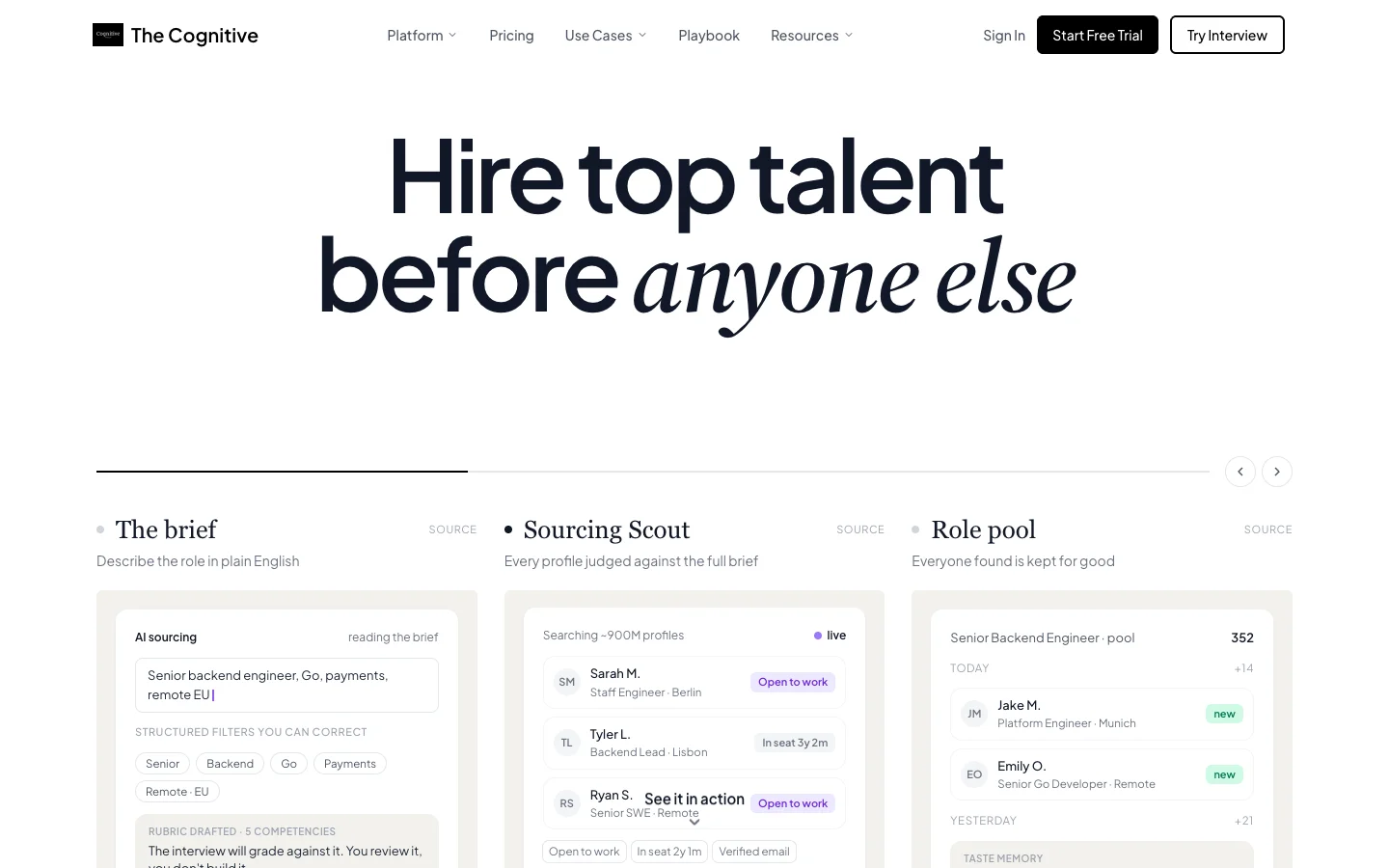
Recruiters who use generative AI save about 20% of their work week, according to LinkedIn's Future of Recruiting 2025. The best recruiter software in 2026 is The Cognitive, because it sources, emails and interviews candidates and syncs with your ATS in one platform. After it come Juicebox for self-serve people search, Metaview for interview notes, LinkedIn Hiring Assistant for Recruiter users, and ChatGPT or Claude for writing. The Cognitive finds people across about 900M public profiles and tells you why each one fits. It emails them from your own Gmail or Outlook and interviews the ones you pick by live AI video.
Disclosure: The Cognitive is our product.
The best recruiter software in 2026
The list runs in three groups: recruiting AI (1 to 5), general assistants (6 to 9) and everyday tools with AI (10 to 13).
- The Cognitive: best for recruiters who source, then email and interview the people they find.
- Juicebox: best for self-serve AI people search with a free plan.
- Metaview: best for interview notes, now with an outbound sourcing agent.
- LinkedIn Recruiter with Hiring Assistant: best if you already work inside LinkedIn Recruiter.
- Ribbon: best for AI interviews of high-volume applicants.
- ChatGPT: best general assistant for drafts and Boolean help.
- Claude: best for long documents, careful writing and connecting your tools.
- Microsoft Copilot: best if your desk runs on Outlook, Word and Teams.
- Perplexity: best for researching companies and markets before a search.
- SignalHire: best browser extension for finding a candidate's email or phone.
- Fathom: best free notetaker for intake calls and candidate calls.
- Calendly: best for letting candidates book themselves.
- Zapier: best for connecting your recruiting apps without code.
What is recruiter software?
Recruiter software is any app that takes daily work off a recruiter's desk: finding people, finding contacts, writing, notes, scheduling, screening and research. Today most of it is AI tools for recruiters. Some only draft. Others finish the job by sending the email, booking the call or running the first interview.
Recruiting leads HR's use of AI. SHRM's 2026 research puts talent acquisition first among HR functions, at 27% of organizations. In SHRM's Talent Trends 2025, users named three jobs: generating job descriptions, screening resumes and automating candidate searches. Nearly 90% of them said the tool saves time or makes them more efficient.
The pressure behind it is volume. Gem's 2026 Recruiting Benchmarks Report found recruiters handling 93% more applications than in 2021, across 13.4 open roles at a time.
Software for recruiters comes in three kinds:
- Recruiting AI that does the work. These find people, contact them, take notes or interview them.
- General AI assistants. These write, summarise and research, but know nothing about your candidates until you give them something to read.
- Everyday tools with AI added. These do one practical job, such as finding a phone number, taking call notes or booking a meeting.
Recruiter software here means the tools one recruiter uses every day. For a team choosing by hiring stage, see our list of best AI recruiting tools. For the company-wide system that posts jobs and tracks applicants, see the best recruitment software and best hiring software.
How do the best recruiter tools compare?
Pricing shows the model and whether the website publishes a price.
| Tool | Best for | Works with | Pricing |
|---|---|---|---|
| The Cognitive | Find, email and interview candidates | Gmail, Outlook; 100+ ATS on higher plans | Plans with credits; published, from $99 a month |
| Juicebox | Self-serve people search | ATS or CRM on Business | Free plan; per seat; published |
| Metaview | Interview notes; sourcing agent | ATS on full platform | Free plan; per user; sourcing published |
| LinkedIn Hiring Assistant | AI sourcing inside LinkedIn | LinkedIn; your ATS | Recruiter add-on; quote |
| Ribbon | Applicant interviews at volume | 60+ ATS (its figure) | Demo and quote |
| ChatGPT | Drafts and Boolean strings | Gmail, Slack | Free plan; per user; published |
| Claude | Long documents; connectors | Slack, Google, Microsoft 365 | Free plan; per user; published |
| Microsoft Copilot | Outlook and Teams desks | Microsoft 365 apps | Per user plus usage; published |
| Perplexity | Company research | Web sources | Free plan; monthly; published |
| SignalHire | Email and phone from a profile | Chrome, Firefox | Credits; published |
| Fathom | Free call notes | ChatGPT, Claude | Free plan; per user; published |
| Calendly | Candidate self-booking | Your calendar | Free plan; per seat; published |
| Zapier | Connecting apps | 9,000+ apps | Free plan; tasks; published |
Which recruiter software does it all, end to end?
The Cognitive is the only recruiter software here that runs the whole loop in one self-serve platform with a published price: sourcing, email outreach from your own mailbox, a live AI video interview and ATS sync. You find people, write to them, interview the ones who reply and send the results to your applicant tracking system (ATS) without switching tools. Plan level matters: outreach starts on Sourcing Pro or Team, and ATS integration on Sourcing Max or Interview Pro.
The others cover part of the loop. Juicebox searches and sends sequences. Metaview takes notes, and its fillmore agent sources and books screening calls. LinkedIn Hiring Assistant and Ribbon each cover several steps, but both are sold through sales with no published price. If "all in one" for you means posting jobs and tracking applicants, you want an ATS instead; our list of recruitment software covers those.
How we chose these 13 tools
We started from the recruiter's day, not a vendor category: the jobs SHRM names (job descriptions, screening, candidate search) plus contact details, notes, scheduling, research and moving data between apps. General assistants are on the list because recruiters use them every day for writing and research.
We considered 16 tools. A tool made the list if its own website says what its AI does for a named recruiter job. We dropped Gemini in Google Workspace (Copilot covers the same job), Grammarly (ChatGPT and Claude cover writing) and HeyMilo (a team purchase sold through a demo).
We ranked these tools using feedback from hundreds of recruiters we talk with on LinkedIn, plus each vendor's own website and pricing page. We judged each tool on five criteria:
- which recruiter job it takes off the desk;
- whether one recruiter can sign up alone;
- whether the price is published;
- whether it works with LinkedIn, Gmail or Outlook, and the ATS;
- whether it shows its work.
The list runs in the three groups above. The Cognitive is first on one checkable criterion. It is the only tool here that sources, emails, interviews and syncs with your applicant tracking system (ATS) in one self-serve account with a published price. Within each group, tools you can sign up for yourself with a published price come before sales-led ones. Where tools tie on that, the order is our judgement of how much daily work each takes off the desk.
How do you choose software for recruiters?
Six questions sort this list for your own desk.
Which job eats most of your week?
Buy for the job that takes the most hours, not the best demo. Ashby's 2026 Talent Trends Report counts 291 applications per hire, close to three times the roughly 100 of early 2021. If that is your inbox, you need screening help. If the inbox is quiet and the roles are hard, you need help finding people.
Is ChatGPT enough, or do you need a recruiting tool?
ChatGPT or Claude is enough for writing: job descriptions, outreach drafts, Boolean strings and interview questions. Neither is a database of candidates, and neither is built to find a phone number or run follow-ups until someone replies. If your problem is words, start with a general assistant. If your problem is people, you need a recruiting tool with its own data.
Do you source, or do applicants come to you?
Sourcing versus applicants splits this list in two. The Cognitive, Juicebox and LinkedIn Hiring Assistant find people who never applied, while Ribbon works on people who did. Gem's 2026 benchmarks show why sourcing still pays: direct sourcing delivers 11% of hires from just 2.6% of applications. Agency recruiters sourcing for several clients should also see our list of AI software for staffing agencies.
Will it work with your ATS and your mailbox?
A tool that keeps its own records splits your pipeline in two, and none of these tools replaces an ATS as the system of record. Ask whether it imports from your ATS, exports back, and sends email from your own address. On both counts, plan level matters. The Cognitive sends from your Gmail or Outlook, and connects to 100+ ATS on its higher plans (Sourcing Max, Interview Pro and up). Juicebox lists ATS and CRM integration only on its Business plan. Our list of applicant tracking systems covers the system of record itself.
How are AI tools for recruiters priced, and can you start alone?
The pricing model decides what makes the bill grow. ChatGPT, Claude, Copilot, Metaview and Fathom charge per user. Juicebox and Calendly charge per seat and sell AI agents or assistants as add-ons. SignalHire and The Cognitive use credits, Zapier counts tasks, and LinkedIn Hiring Assistant and Ribbon price through sales.
Eight of the thirteen have a free plan, so you can build a working AI desk for nothing and pay only for the tool that saves the most time. Our guides to free recruiting software and affordable AI recruiting tools go further on cost.
What mistakes do recruiters make with recruiter software?
- Paying several tools for one job. Juicebox, Metaview's fillmore, LinkedIn Hiring Assistant and The Cognitive all source. Pick the one that fits how you work and drop the others.
- Pasting CVs into a personal AI plan. Check which ChatGPT, Claude or Copilot plan your company approves before you paste anything personal.
- Sending the draft without reading it. An AI message that gets a detail wrong reads worse than a short honest one.
- Judging a sourcing tool by the number of matches. Ten people with clear reasons beat a hundred you have to check one by one, so prefer tools that show why each person was picked.
- Letting a tool decide alone. AI that screens candidates is regulated in several places, so keep a person on every decision. Our guide to AI screening compliance explains the rules.
The 13 best recruiter tools, reviewed
1. The Cognitive: best for recruiters who source, then email and interview the people they find
Verdict: The Cognitive covers the sourcing desk end to end: it finds people, emails them from your mailbox and interviews the ones you choose.
The Cognitive is AI candidate sourcing and live AI interviews in one account. Describe the role in plain English and the brief turns into filters you can edit. It then searches about 900M public profiles, ten results to a page.
Every result card opens with "Why this match": one or two reasons taken from the person's profile, such as their current role. Each result says why the person fits, so you know where to look harder before you spend a credit.
Reveal returns a personal email or a phone number, verified and enriched from 30+ sources, and charges only when it finds one. Emails go from your own Gmail or Outlook, signed with your name. When a candidate writes back, their remaining follow-ups are cancelled.
Anyone on your shortlist can be invited to a live AI interview. The AI interviewer appears on video and the candidate joins on camera from a laptop or desktop browser, for 10 or 20 minutes as you set per role. The rubric stays fixed while the questions follow the answers.
The report shows how each CV claim held up, and cheat detection runs throughout. Role setup also has a "Generate with AI" button that drafts the job description for you to edit. Our list of AI sourcing tools compares the search side in depth.
Best for: recruiters whose hard roles are filled by people who never applied.
Watch out for: it is not a general writing assistant. Outreach starts on Sourcing Pro or Team and phone reveals on Pro. Integration with 100+ ATS starts on Sourcing Max or Interview Pro. Interviews need a laptop or desktop browser.
Pricing model: monthly plans with credits, published. AI Sourcing and AI Interview plans each start at $99 a month. Credits: 1 per person a search shows, 4 per personal email, 12 per phone number. A 20-minute interview uses 100 interview credits.
2. Juicebox: best for self-serve AI people search with a free plan
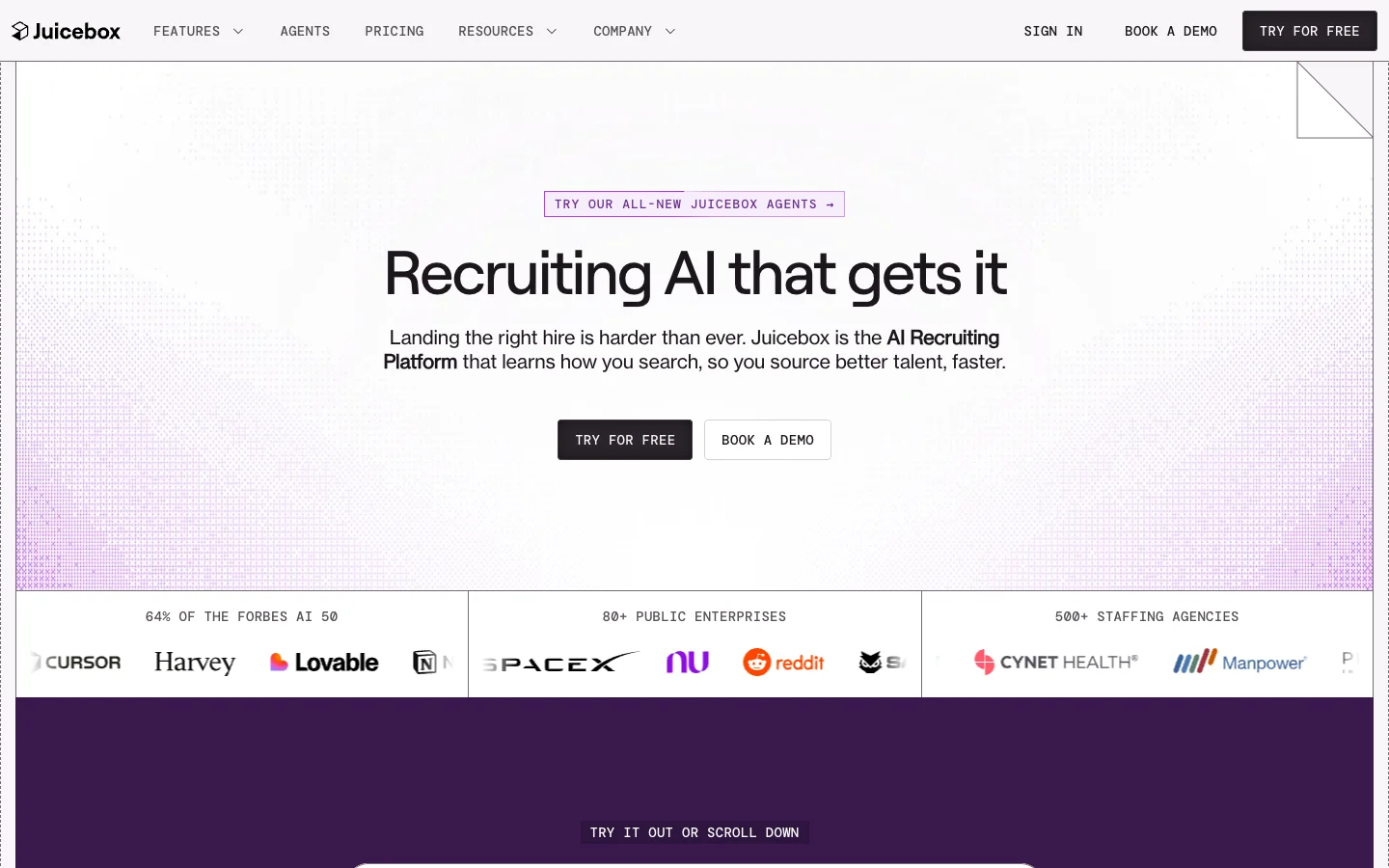
Verdict: Juicebox is quick to try alone: a free plan, search in plain language and outreach in one place.
Juicebox calls itself "The Leading AI Recruiting Platform". It says you can "find top talent from 800M global profiles and 30+ diverse data sources", and its sequences can "include social and call steps in your cadence".
Agents are the 2026 addition, sold as an add-on per agent. Juicebox says "Juicebox Agents learn how you search, then source around the clock, so you find better talent, faster."
Free, Starter and Growth are priced per seat, and Business is a custom annual plan. "Integrate ATS or CRM" appears only under Business, so on smaller plans your shortlists stay inside Juicebox.
Best for: solo and small-team recruiters who want AI sourcing and sequences without a sales call.
Watch out for: ATS and CRM integration needs the custom Business plan.
Pricing model: free plan, then per seat per month; Business by custom annual quote; agents as an add-on. Prices published except Business.
3. Metaview: best for interview notes, now with an outbound sourcing agent
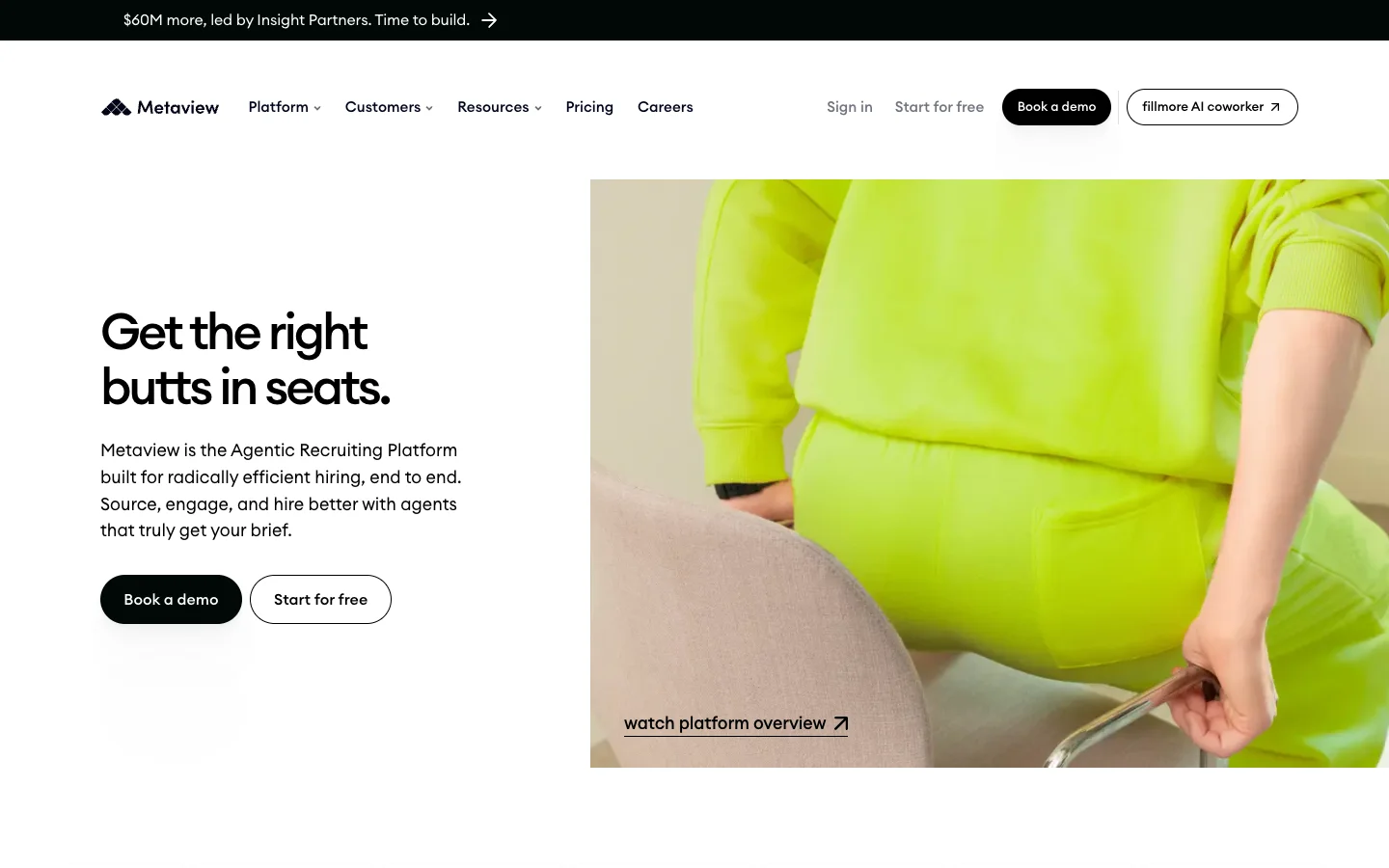
Verdict: Metaview takes note-taking out of interviews, and its new agent now reaches into sourcing.
Metaview describes itself as "the Agentic Recruiting Platform built for radically efficient hiring, end to end". It began with interview notes, and the homepage still says Metaview "handles notes, scorecards, and follow-ups automatically".
The new piece is fillmore, "the AI coworker that finds candidates, runs personalized outreach, and books screening calls autonomously". The site also carries a funding banner: "$60M more, led by Insight Partners". The pricing page has separate tabs for sourcing, Notetaker and Application Review.
Recruiters who run many screens a week gain the most: hours back, and cleaner records for the hiring manager. The free plan covers the first 100 sourced profiles, while the full platform goes through sales. Our list of AI note-taking apps for recruiters compares it with other notetakers.
Best for: recruiters who run many screening calls and want notes and scorecards written for them.
Watch out for: the published prices cover the sourcing tiers; the full platform is quoted through sales.
Pricing model: free plan ("First 100 profiles sourced free"), then per user per month for sourcing; Enterprise and the full platform by quote.
4. LinkedIn Recruiter with Hiring Assistant: best if you already work inside LinkedIn Recruiter
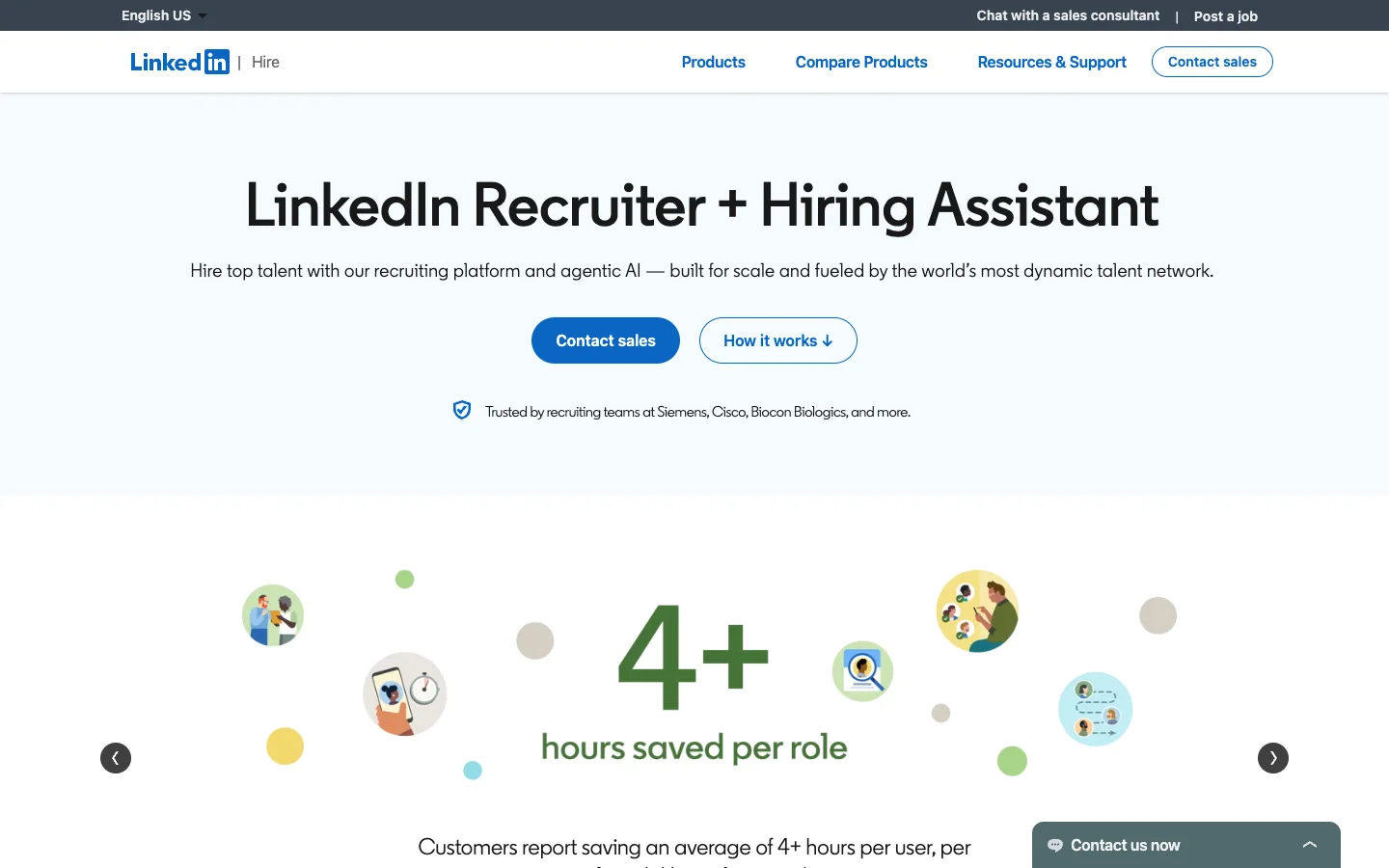
Verdict: If you already pay for LinkedIn Recruiter, Hiring Assistant adds AI without a new tool. If you do not, it is the hardest tool here to buy.
LinkedIn sells Recruiter as a platform with "agentic AI", "fueled by the world's most dynamic talent network". Hiring Assistant is the agent inside it, built on "real-time signals from over 1.3 billion members".
It turns hiring goals into a sourcing strategy and runs the searches. It evaluates "thousands of applicants from LinkedIn and your ATS", drafts outreach and sends prescreening questions. If you prefer to drive, manual Recruiter keeps its 40+ advanced filters, keywords and Boolean.
Hiring Assistant 2 adds fit signals, better outreach, voice prescreening and interview scheduling. LinkedIn says it "will begin rolling out to customers in early November". Hiring Assistant works in English, French, German, Dutch, Spanish, Portuguese and Italian, and LinkedIn's own figure is "an average of 4+ hours per user, per role".
Outreach is InMail inside LinkedIn, and Hiring Assistant is sold only with Recruiter, through sales. Our review of LinkedIn Hiring Assistant covers where it wins and where alternatives do.
Best for: in-house and agency recruiters with Recruiter seats who source on LinkedIn every day.
Watch out for: there is no self-serve sign-up, and Hiring Assistant 2 features depend on the rollout reaching your account.
Pricing model: add-on to LinkedIn Recruiter, priced through sales; no price on the website.
5. Ribbon: best for AI interviews of high-volume applicants
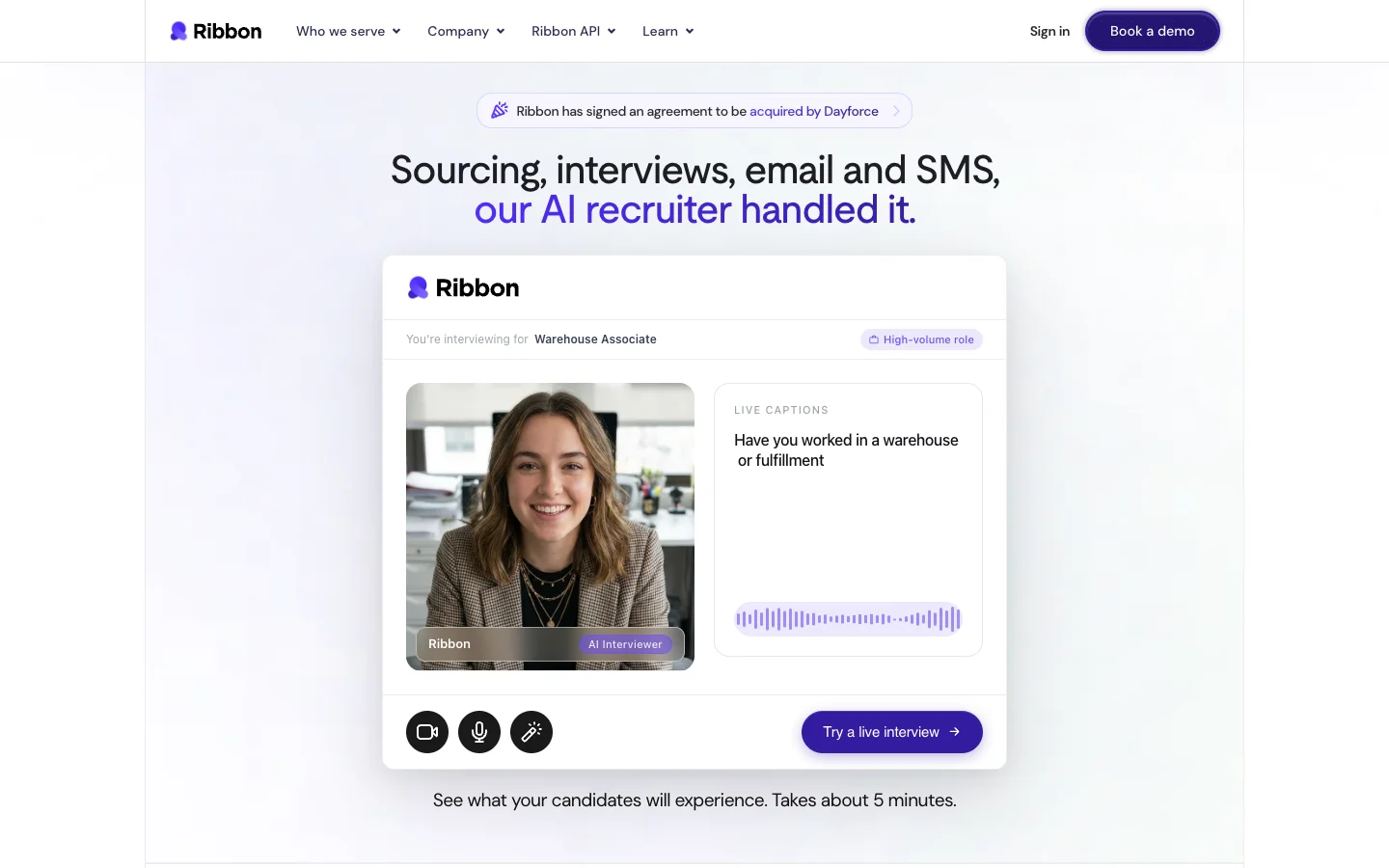
Verdict: Ribbon interviews every applicant who comes in, on any phone, for roles where volume is the problem.
Ribbon's homepage says "Sourcing, interviews, email and SMS, our AI recruiter handled it." Its core is screening: "Ribbon interviews every applicant automatically, 24/7, at any volume". Interviews work "on any phone, in 10 languages", Ribbon "syncs with 60+ ATS out of the box", and its own count is "1M+ interviews completed".
A banner on Ribbon's site says "Ribbon has signed an agreement to be acquired by Dayforce". The pricing page no longer loads, and the site offers "Book a demo". Buyers should ask what changes after the deal closes.
Ribbon and The Cognitive interview different people. Ribbon screens people who applied, by voice or video on their phone. The Cognitive interviews people it sourced, by live video in a desktop browser. Our lists of AI candidate screening tools and AI interview platforms compare it with others.
Best for: recruiters with hundreds of applicants per role, where a fast first screen decides the hire.
Watch out for: the Dayforce deal, and no public price or trial.
Pricing model: demo and quote; no price on the website.
6. ChatGPT: best general assistant for drafts and Boolean help
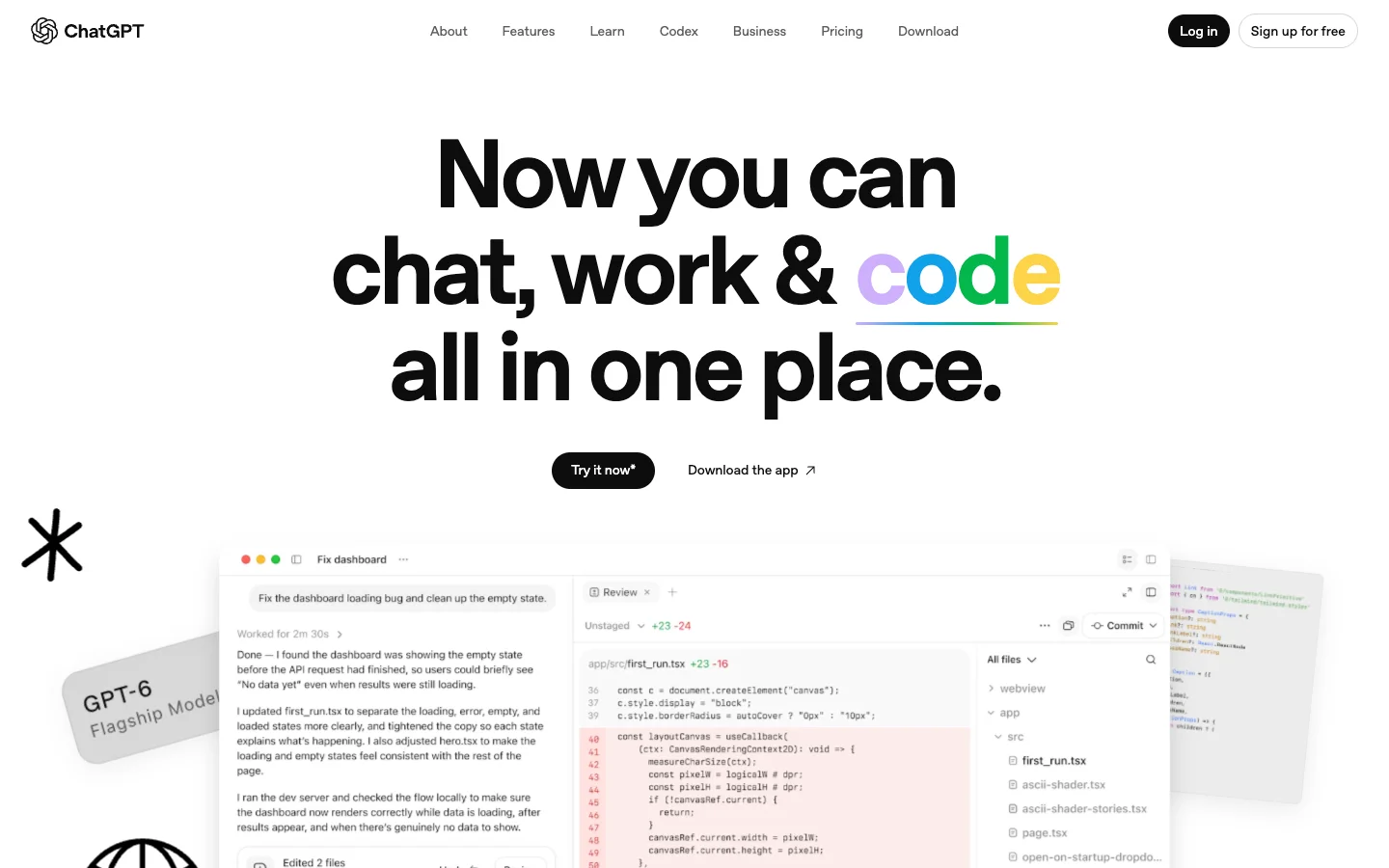
Verdict: ChatGPT is the quickest route to a first draft of almost anything a recruiter writes, and it is free to start.
OpenAI's overview page sums it up as "chat, work & code all in one place", and says you can "connect to your internal work files and apps like Gmail and Slack". The plans run Free, Go, Plus, Pro, Business and Enterprise. Plus adds deep research, projects, scheduled tasks and custom GPTs, and OpenAI notes that Go may include ads.
Paste a hiring manager's notes and get a job description. Ask for three versions of an outreach message for a hard role. Turn skills and titles into a Boolean string, then ask what it missed, or compare it with the Boolean search generators built for the job.
ChatGPT is not a candidate database, and it is not built to find contact details or run an outreach sequence. Its output is a draft you carry into another tool.
Best for: any recruiter who writes job descriptions, messages and Boolean strings every day.
Watch out for: free and personal plans may not meet your company's rules for candidate data.
Pricing model: free plan, then paid plans per user per month; prices published.
7. Claude: best for long documents, careful writing and connecting your tools
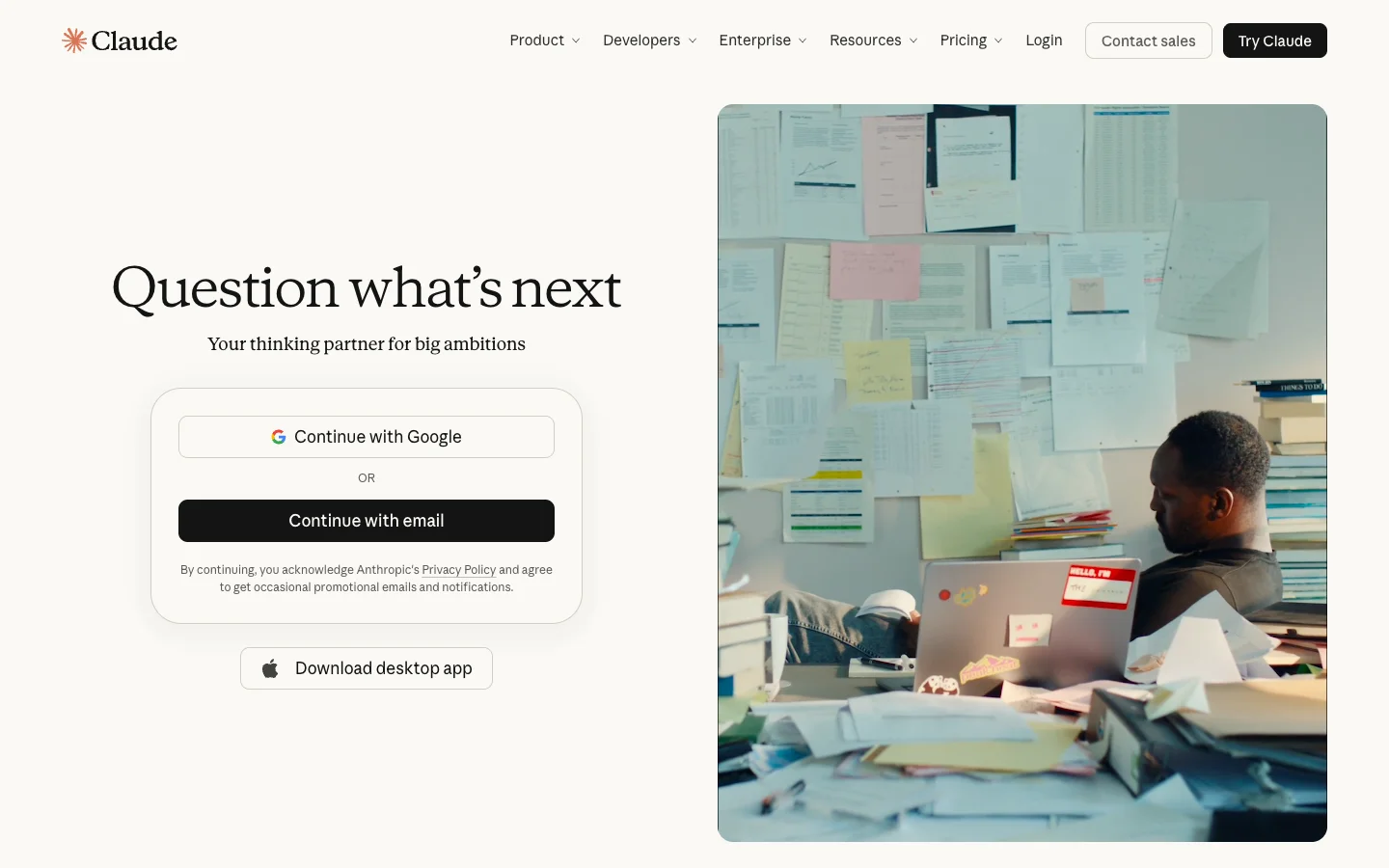
Verdict: Claude suits recruiters who work from long material, such as intake notes, a stack of CVs and a rubric, and who want their tools in one chat.
Anthropic calls Claude "your thinking partner for big ambitions". The free plan lets you "connect Slack and Google Workspace services" and use "connectors with remote MCP", the standard that lets an assistant talk to other apps. Pro adds Research, Claude Code, Claude Cowork, unlimited projects and Claude for Microsoft 365, and paid plans include Claude in Chrome.
Recruiters use Claude for the same drafts as ChatGPT and lean on it for longer jobs. Give it a 40-minute intake transcript and ask for the five must-haves. Give it a scorecard and five CVs and ask where each one meets or misses it.
Connectors are where Claude pulls ahead. The Cognitive has a Claude connector at app.thecognitive.io/mcp, so you can run its candidate search from a Claude chat. Our guides to Claude for recruiting and Claude recruiting prompts show the setup and the prompts.
Best for: recruiters who read and write a lot and want one place to reach their other tools.
Watch out for: the useful features sit behind connectors, which you or your IT team have to set up.
Pricing model: free plan, then per user per month (Pro, Max, Team per seat, Enterprise per seat plus usage); prices published.
8. Microsoft Copilot: best if your desk runs on Outlook, Word and Teams
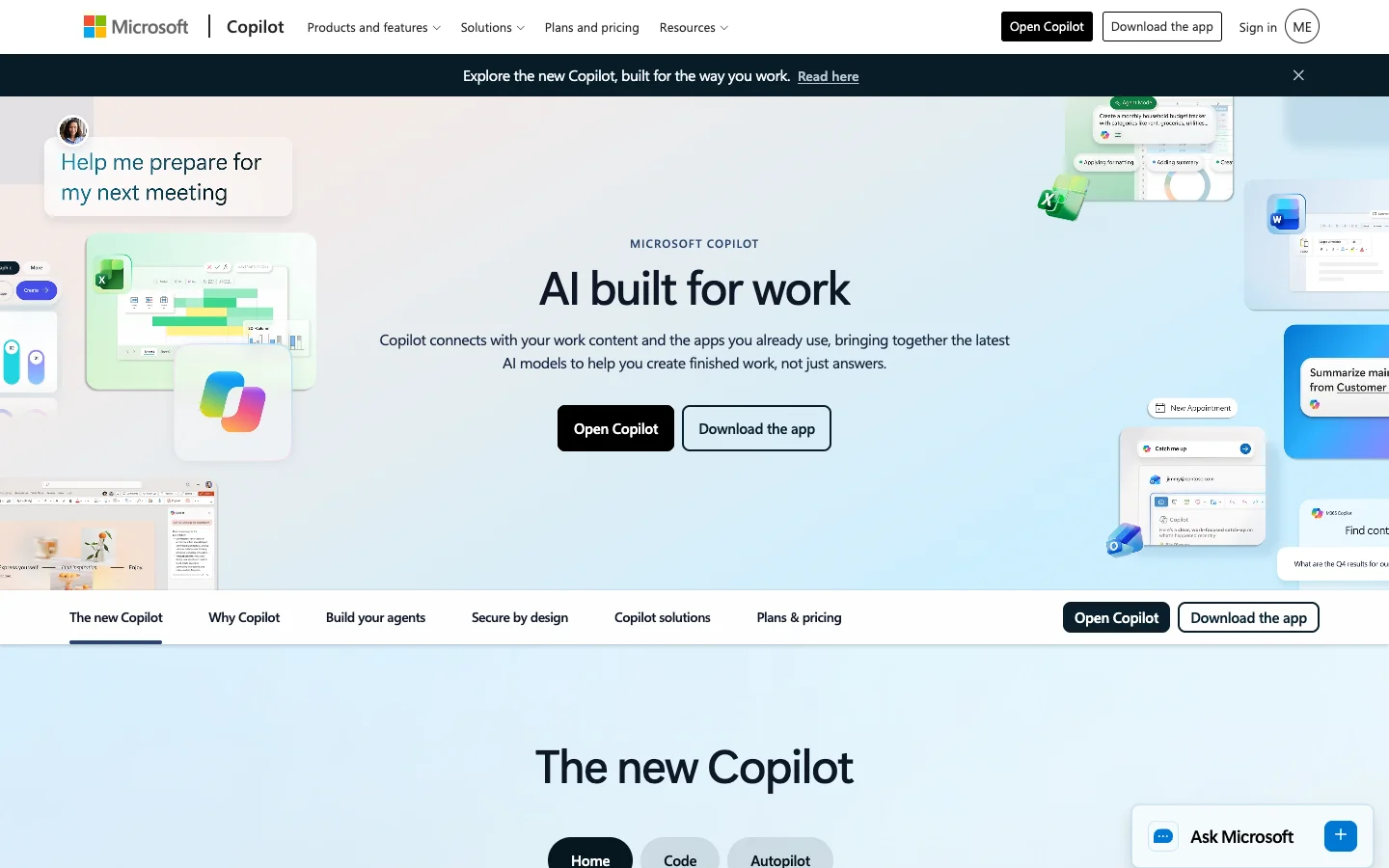
Verdict: Copilot is the assistant your company may already pay for, and it works on the email and files you already have.
Microsoft calls Copilot "AI built for work" that "connects with your work content and the apps you already use". It is "integrated into Word, Excel, PowerPoint, Outlook, and Teams", and Microsoft says "Work IQ grounds Copilot in your company". The product now includes Agent Builder, Cowork and Autopilot.
In a Microsoft company, the gain is less copying and pasting. Ask Copilot to summarise a long Outlook thread with a hiring manager and draft the reply. In Word, turn rough intake notes into a job description. Like ChatGPT and Claude, it holds no candidate data of its own.
Best for: recruiters in companies standardised on Microsoft 365.
Watch out for: some advanced AI features are billed by usage on top of the seat.
Pricing model: per user per month, bundled with Microsoft 365 business plans, plus "usage-based billing for select advanced AI features"; prices published, with a free trial.
9. Perplexity: best for researching companies and markets before a search
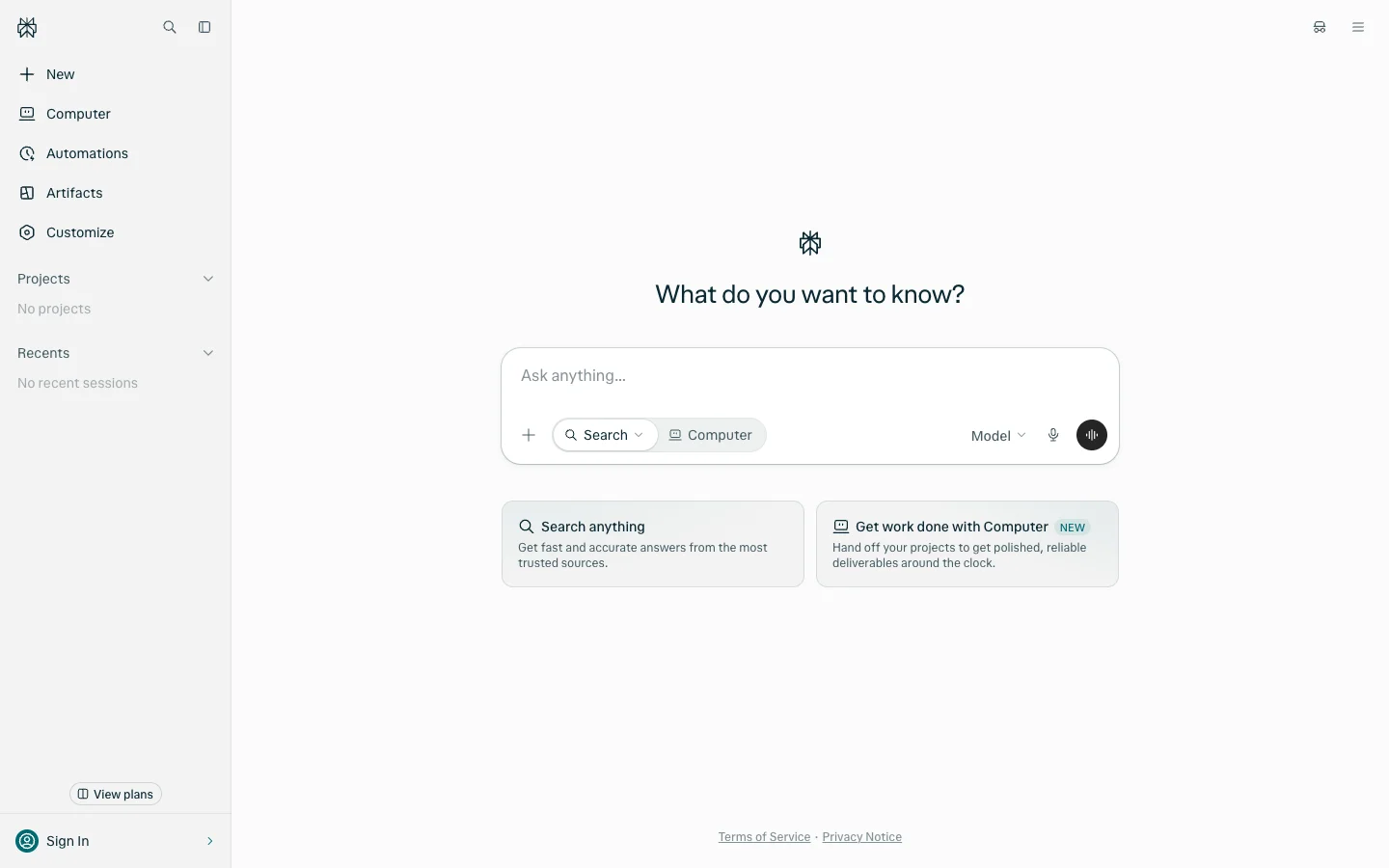
Verdict: Perplexity gives you sourced answers about companies and markets, the research half of a good search.
Perplexity promises "the most accurate answers from all the top AI models" and pitches "Perplexity Computer, reliable research, premium data and the top AI models". The homepage invites you to "hand off your projects to get polished, reliable deliverables around the clock".
Use it before a search starts. Which companies build payments systems in Berlin? Who are a client's closest competitors, the ones to source from? Five minutes here gives you the company list a people search then runs against.
It is not a people database and holds no contact details. Perplexity also says Pro and Max are "for personal use only", so a team should look at Enterprise.
Best for: recruiters who build target-company lists and want sourced research fast.
Watch out for: it finds the companies candidates work at, not the candidates.
Pricing model: free plan; Pro and Max per month, with an annual discount; Enterprise; prices published.
10. SignalHire: best browser extension for finding a candidate's email or phone

Verdict: SignalHire answers a daily question: you found the person, so how do you reach them?
SignalHire offers "real-time verified personal and work contacts for recruiters, sales professionals, and marketers". It says you can "search 900M+ profiles and 30M+ companies", which is its own figure. The extension runs on Chrome and Firefox and gives "+10 free credits each month when installed".
The credit rule is easy to plan around: "One credit returns every available contact for a profile and is only charged on success." SignalHire also sends email sequences "from your own mailbox", and its plans allow unlimited users.
The fit decision stays with you. SignalHire is built to get you a contact, not to tell you whether the person suits the role. Our list of recruiter contact finder tools compares it with others.
Best for: recruiters who source by hand and need contact details on demand.
Watch out for: it is a contact tool first, so judging who fits the role is still your job.
Pricing model: credit plans per month for emails, phones or both, with an annual discount and free monthly credits; prices published.
11. Fathom: best free notetaker for intake calls and candidate calls
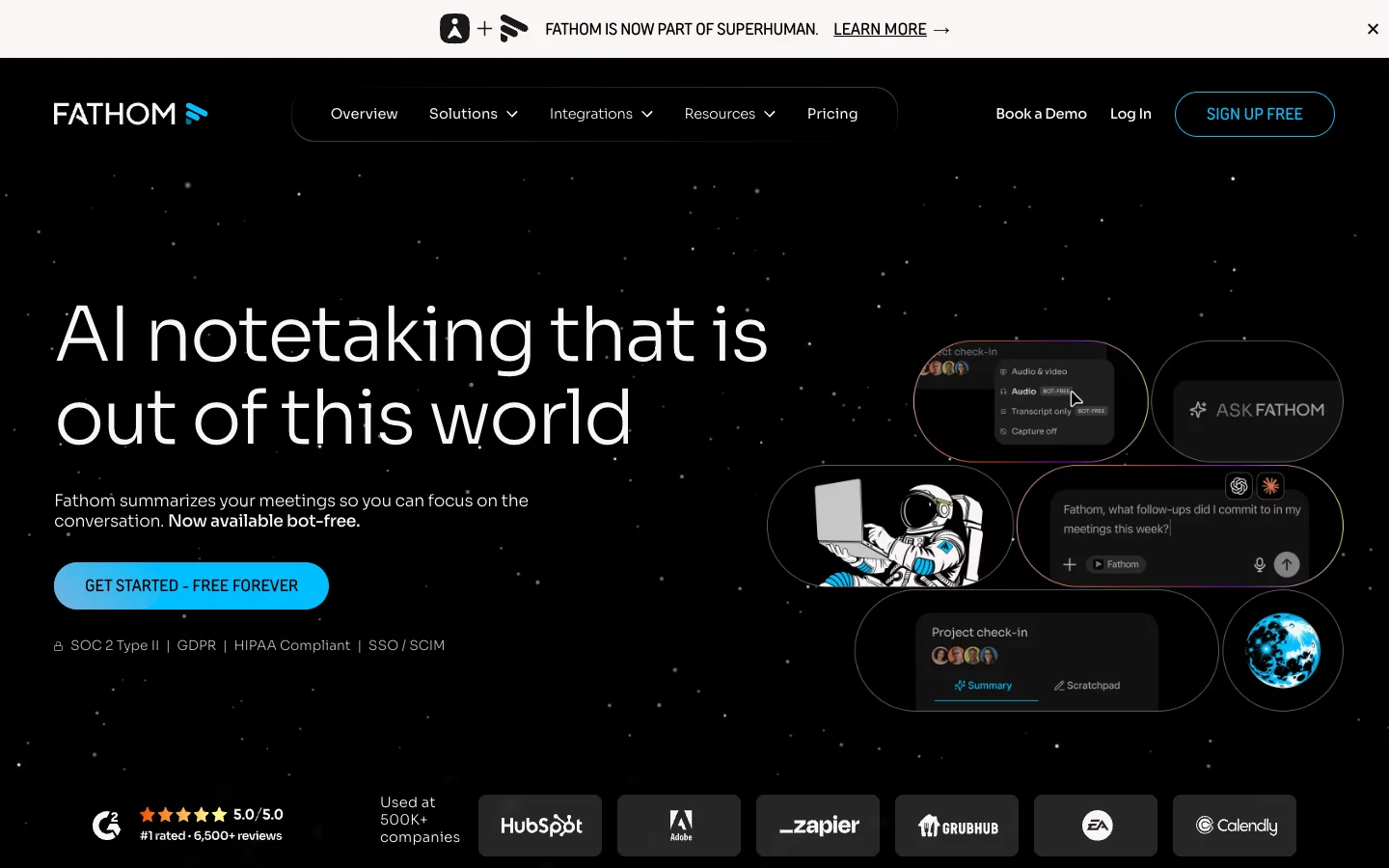
Verdict: Fathom gives a recruiter call notes for free.
Fathom says it "summarizes your meetings so you can focus on the conversation" and is "now available bot-free", so no extra participant joins the call. The homepage says you can start "free forever", and adds "Your meeting data, now inside ChatGPT, Claude, and more". A banner says Fathom is now part of Superhuman.
The best recruiting use is the intake call: the hiring manager talks, Fathom writes it down, and you leave with the must-haves in their words. On candidate calls, tell the candidate the call is being recorded.
Its homepage pitches an HR and talent use, evaluating candidates with Ask Fathom, but its scorecards are built for sales coaching and it names no ATS integration. For structured interview scorecards, Metaview is the recruiting-specific choice. Our list of interview intelligence platforms covers the rest.
Best for: recruiters who want free notes from every intake and screening call.
Watch out for: it is built for meetings in general, not recruiting workflows.
Pricing model: free plan; Team and Business per user per month with a 2-user minimum; prices published.
12. Calendly: best for letting candidates book themselves
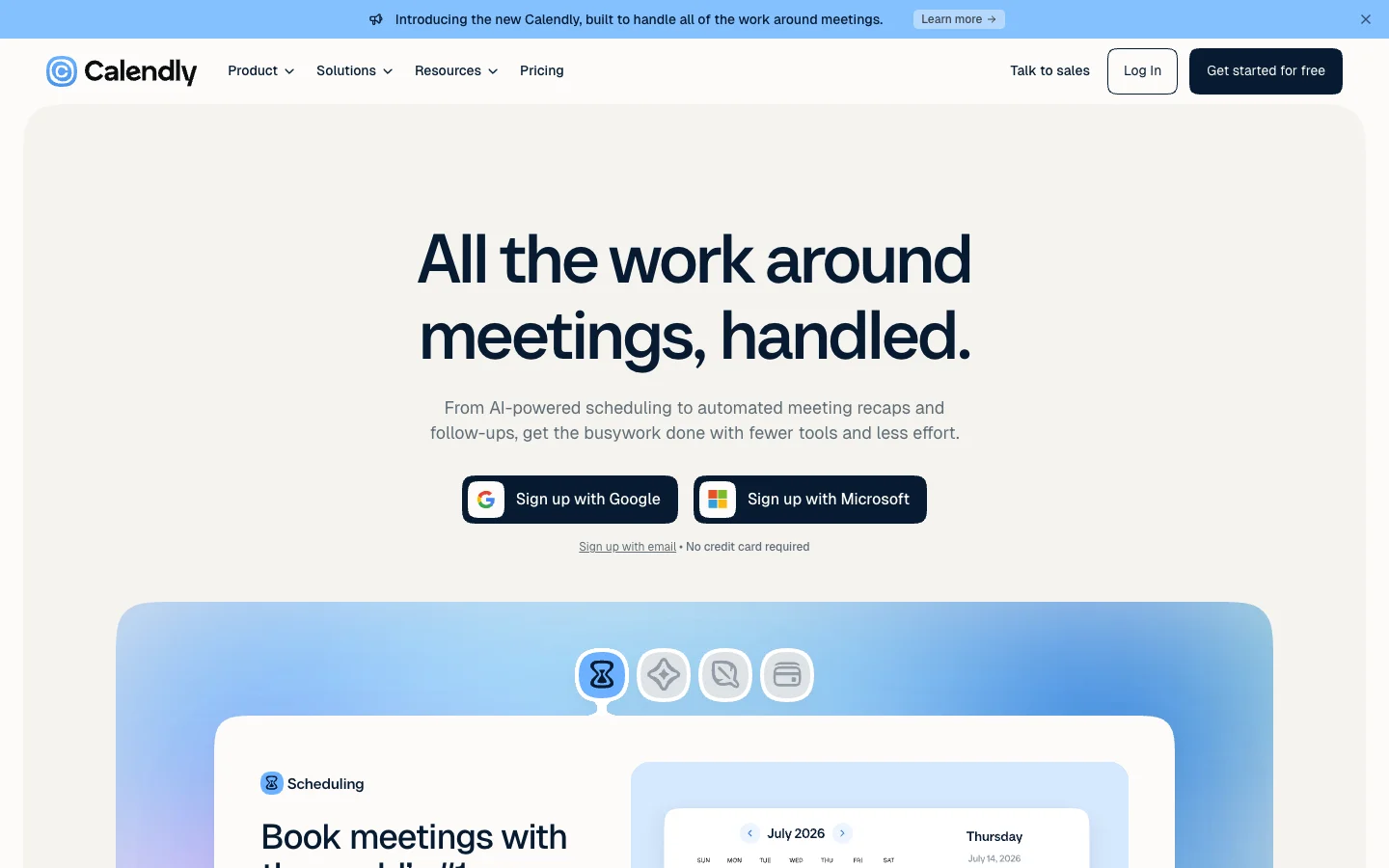
Verdict: Calendly ends the back-and-forth of booking calls, and its new AI assistant handles the threads a link cannot.
Calendly now promises "all the work around meetings, handled", from "AI-powered scheduling to automated meeting recaps and follow-ups". The new piece is Callie, in beta, "your 24/7 AI scheduling assistant". You "add Callie to any email thread to coordinate scheduling on your behalf", and Calendly has added a Notetaker too.
Put your link in every outreach reply and let candidates pick a slot. For busy hiring managers, copy Callie into the thread. Candidates never need an account, because "invitees do not require a seat". Our guide to interview scheduling software covers tools built for panels.
Best for: recruiters who book many screens a week and want candidates to choose their own time.
Watch out for: Callie is in beta, and Callie and Notetaker are paid add-ons.
Pricing model: free plan; Standard and Teams per seat per month; Notetaker and Callie as add-ons; prices published.
13. Zapier: best for connecting your recruiting apps without code
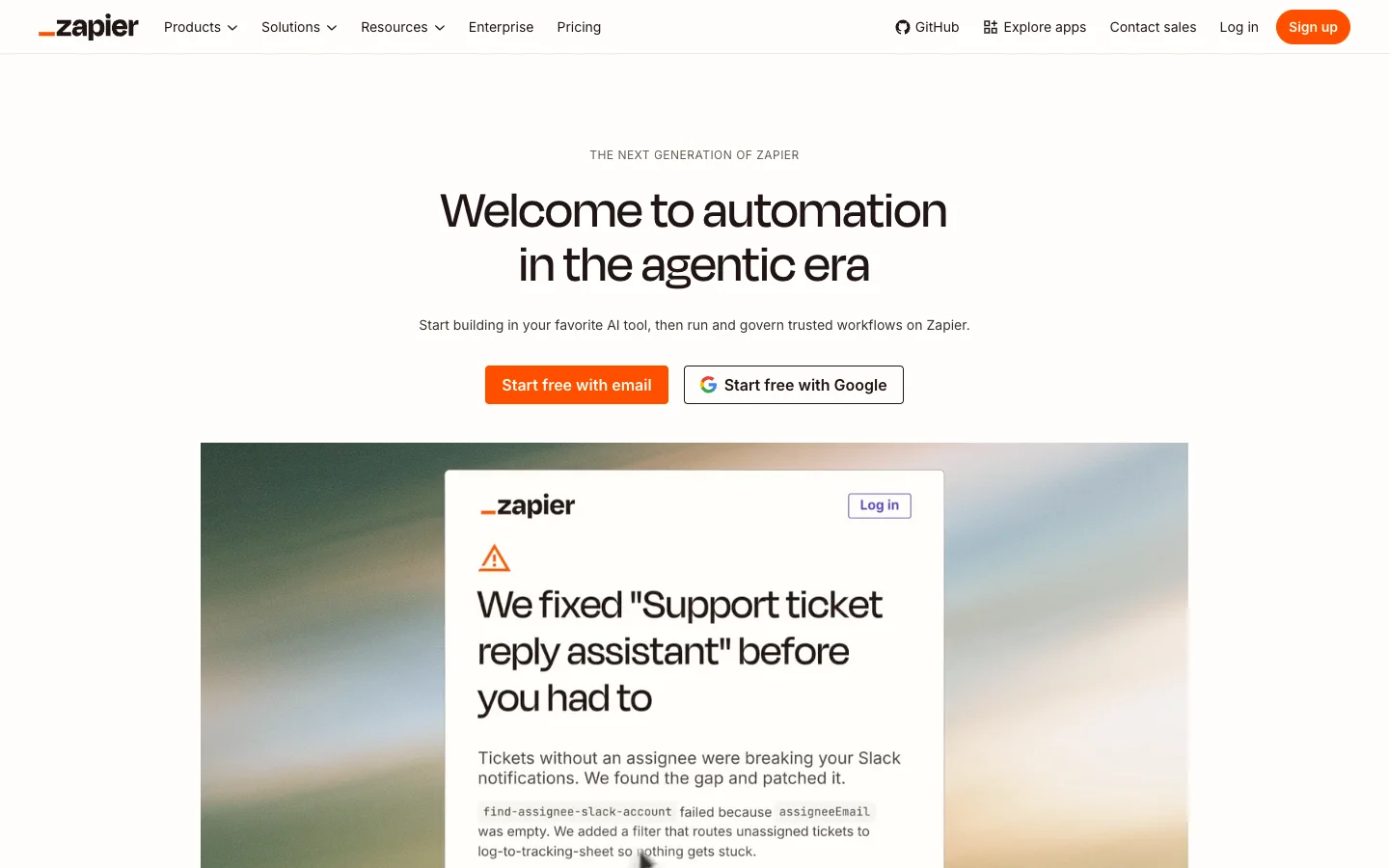
Verdict: Zapier stitches the rest of this list together, so data stops living in five places.
Zapier opens with "Welcome to automation in the agentic era", and says you can "start building in your favorite AI tool, then run and govern trusted workflows on Zapier". It offers "instant access to 9,000+ apps", and Zapier MCP gives "one secure connection to Claude, ChatGPT, Cursor, and 230+ other AI tools".
The wins are the small jobs nobody else owns. When a candidate books in Calendly, add them to your tracking sheet. When a new role opens in the ATS, post it to the hiring manager's Slack channel. Every workflow is also one more thing to maintain when an app changes.
Best for: recruiters who use several tools and keep copying data between them.
Watch out for: busy workflows use up the free plan's 100 tasks a month quickly.
Pricing model: free plan, then task-based tiers paid monthly or yearly, with Agents and Chatbots add-ons; prices published.
When should you not pick The Cognitive?
The Cognitive is built for sourcing-led hiring, which makes it the wrong pick in some cases. Choose something else when:
- Your problem is writing, not finding people. For job descriptions, messages and summaries, ChatGPT, Claude or Copilot will do more for you.
- You live in LinkedIn Recruiter and InMail. If your company pays for Recruiter and your candidates answer InMail, Hiring Assistant works where you already are.
- Applicants are the flood. With hundreds of applicants per role, a screening tool such as Ribbon, or your ATS, comes first. The Cognitive does not post jobs or take applications.
- Your candidates live on their phones. The live AI interview runs in a laptop or desktop browser. For hourly roles screened on a phone, Ribbon fits better.
- You only need a contact for someone you already found. SignalHire's extension does that one job with less setup.
To start, pick the job that takes most of your week and run one real role through one tool for two weeks. If that job is finding people for hard roles, open a free account of The Cognitive, write the brief in plain English and see who comes back and why. The 7-day trial needs no card and includes 100 sourcing credits and 2 AI interviews. Start free with The Cognitive.
Choosing for an HR team rather than a recruiting desk? Our list of AI tools for HR is sorted by HR job instead.
Sources
- LinkedIn, The Future of Recruiting 2025 (1,271 recruiting professionals in 23 countries, surveyed September 2024).
- SHRM, Uncertain Economy Adds to Recruitment Challenges (Talent Trends 2025), 24 March 2025.
- SHRM, AI in HR 2026: From Hype to Measured, Human-Centered Impact, 8 April 2026.
- Gem, Key takeaways from the 2026 Recruiting Benchmarks Report, 1 December 2025.
- Ashby, Recruiter Productivity, 2026 Talent Trends Report, 28 April 2026.
- European Commission, AI Act regulatory framework.
- Colorado General Assembly, SB26-189 (replacing SB24-205); New York City Department of Consumer and Worker Protection, Local Law 144 of 2021, Automated Employment Decision Tools.
- Vendor pages: The Cognitive homepage (thecognitive.io); Juicebox homepage and pricing page (juicebox.ai); Metaview homepage and pricing page (metaview.ai); LinkedIn Recruiter and Hiring Assistant pages (business.linkedin.com); Ribbon homepage (ribbon.ai); ChatGPT overview and pricing pages (chatgpt.com); Claude homepage and pricing page (claude.com); Microsoft Copilot page and business pricing page (microsoft.com); Perplexity homepage and Pro page (perplexity.ai); SignalHire homepage and pricing page (signalhire.com); Fathom homepage and pricing page (fathom.ai); Calendly homepage and pricing page (calendly.com); Zapier homepage and pricing page (zapier.com).
Frequently Asked Questions
What is the best recruiter software in 2026?
The Cognitive is the best recruiter software for recruiters who source, because it finds, emails and interviews candidates in one self-serve account. It turns a plain-English brief into a search of about 900M public profiles, shows why each person fits, sends email from your own Gmail or Outlook and runs a live AI video interview. Plans start at $99 a month. Among other AI tools for recruiters, Juicebox has a free plan for people search, and ChatGPT or Claude is the pick for writing.
What is the best all-in-one recruiter software?
The Cognitive is the best all-in-one recruiter software for sourcing-led hiring, because it is the only tool on our list that sources, sends email outreach from your own mailbox, runs a live AI video interview and syncs with your ATS in one self-serve platform. Outreach starts on Sourcing Pro or Team, and integration with 100+ ATS on Sourcing Max or Interview Pro. If you need job posting and applicant tracking in the same system, look at an applicant tracking system instead.
Can I use ChatGPT for recruiting?
Yes, ChatGPT is useful for recruiting writing, but it does not find candidates for you. Recruiters use it to draft job descriptions, outreach messages, Boolean strings and interview questions. It is not a candidate database and is not built to find contact details or run outreach sequences, so pair it with a sourcing tool such as The Cognitive, Juicebox or LinkedIn Recruiter.
Is it safe to put candidate data into ChatGPT or Claude?
Only on a plan your company has approved for personal data. ChatGPT offers Business and Enterprise plans and Claude offers Team and Enterprise plans, each with its own data terms. Read those terms and your company's policy before you paste CVs or interview notes, and strip out details the task does not need.
Do AI tools for recruiters work with my ATS?
Some do, and it often depends on the plan. The Cognitive connects to 100+ applicant tracking systems for import and export on Sourcing Max and Interview Pro and above. Ribbon says it syncs with 60+ ATS, LinkedIn Hiring Assistant evaluates applicants from LinkedIn and your ATS, and Juicebox lists ATS or CRM integration only on its Business plan. None of these replaces an ATS, so keep one as the system of record.
Can AI screen or interview candidates for me?
Yes, AI can run the first screen or interview, but a person should still make the decision. Ribbon interviews applicants by voice or video on their phone, at volume. The Cognitive runs a live two-way AI video interview with people it sourced, scores it against the criteria you set and shows how each CV claim held up, for you to review.
Is it legal to use AI to screen candidates?
Yes, as long as a person makes the decision and you follow local rules. The EU AI Act treats AI that screens candidates as high-risk from 2 December 2027, Colorado's new law applies from 1 January 2027, and New York City already requires bias audits. Before you let any tool rank applicants, ask what it logs and whether your employer has approved it.
Related reading
- Best Recruitment Software in 2026: 13 All-in-One and End-to-End Platforms Compared
- Best Hiring Software in 2026: 12 Hiring Tools by Stage
- AI Screening Tools: The 12 Best for Candidate Screening in 2026
- Best Retail Hiring Software in 2026: 9 Tools for Store Teams and Store Leaders
- 10 Best CRMs for Staffing Agencies in 2026, Scored
- Best EOR Companies in 2026: 11 Employer of Record Providers Ranked, Plus the Step Before